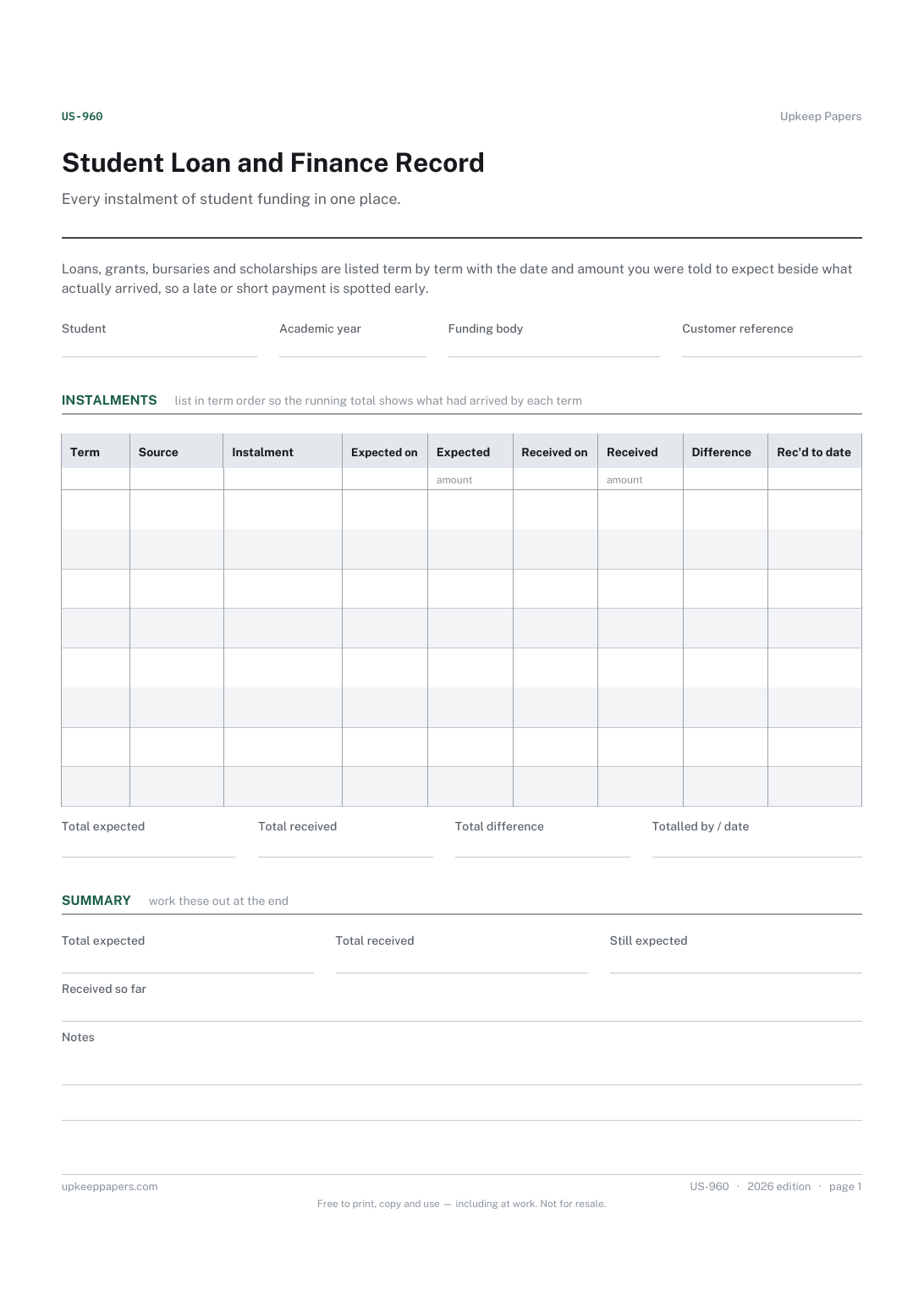
Student Loan and Finance Record
Each instalment expected from each funding source, by term.
US-960 Record PDF Excel Online
Everything here is free. Making it takes time and money. Everything here is free.
 Buy us a coffee
 Students and Shared Living · US-968 · Planner
Graduation planner template for the final term: ceremony tasks, next-step goals and the leaving-university checklist. Printable PDF and browser version.
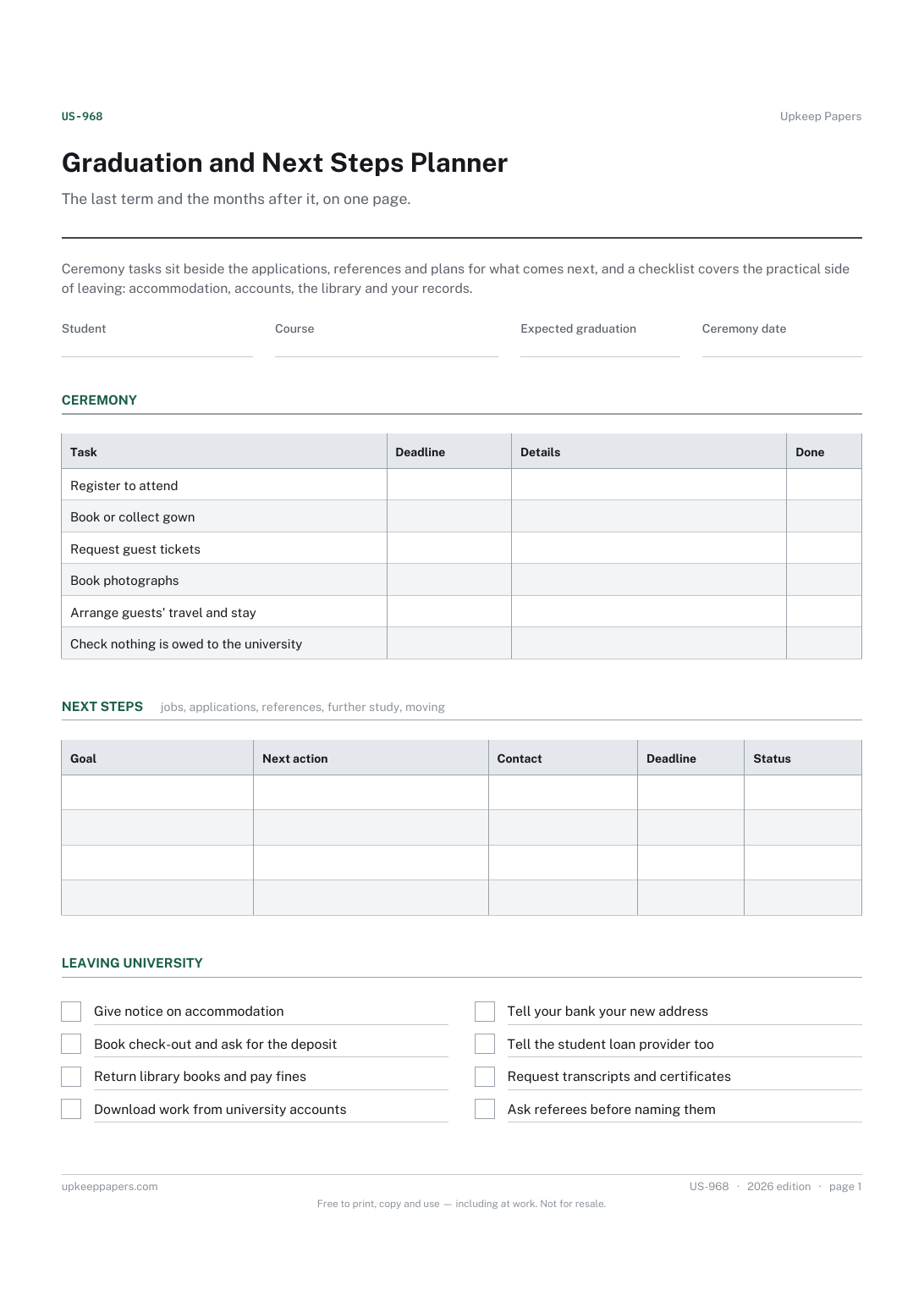
One page. The A4 and US Letter files are laid out identically, so neither is shrunk to fit.
Print it and write on it
Fillable PDF type and save
Or no download needed
Fill it in onlineThe fillable versions have real form fields — open them in any PDF reader, type into them and save. Printing help.
The same sheet, on screen. Tick, type, add or remove rows, then print it or download the completed version as a PDF. Everything stays in your browser — your entries are kept in this browser's own storage on this device, nothing is uploaded, and there is no account.
The last term and the months after it, on one page. Ceremony tasks sit beside the applications, references and plans for what comes next, and a checklist covers the practical side of leaving: accommodation, accounts, the library and your records.
Final-year students planning the ceremony, the move out and the first steps into a job, further study or time out, and anyone helping them keep track.
The printable is laid out inside a box that fits both A4 and US Letter, so the two files are identical and neither one is scaled. The fillable PDF has real form fields. The online version keeps what you enter in your own browser and builds the completed PDF on your device.
Download the A4 or US Letter file to match the paper in your printer, open it in a PDF reader and print at 100% — not "fit to page", which shrinks the writing space. Both files leave a 14 mm margin, which clears the unprintable edge on home printers. To print the online version with your entries in it, use the Print this sheet button, which prints only the sheet and none of the page around it. More on printing.
From your university's graduation information, which sets its own dates for registering, tickets and gown hire. The planner supplies no dates; copy them in from what you are sent and add any tasks it mentions that are not listed.
Anything you are working towards after the course: a job or graduate scheme, further study, a visa or work permit, a move, a gap year. Break each into the next single action so the status column shows what is actually stuck.
Because loose ends are easy to miss once you have gone: a library fine blocking your transcript, a deposit not returned, post going to an old address. Ticking them off before you leave saves chasing them from somewhere else.
No. It records your own tasks. What the university issues, when and at what cost is set by the university; check its guidance and the rules where you are.
Each instalment expected from each funding source, by term.
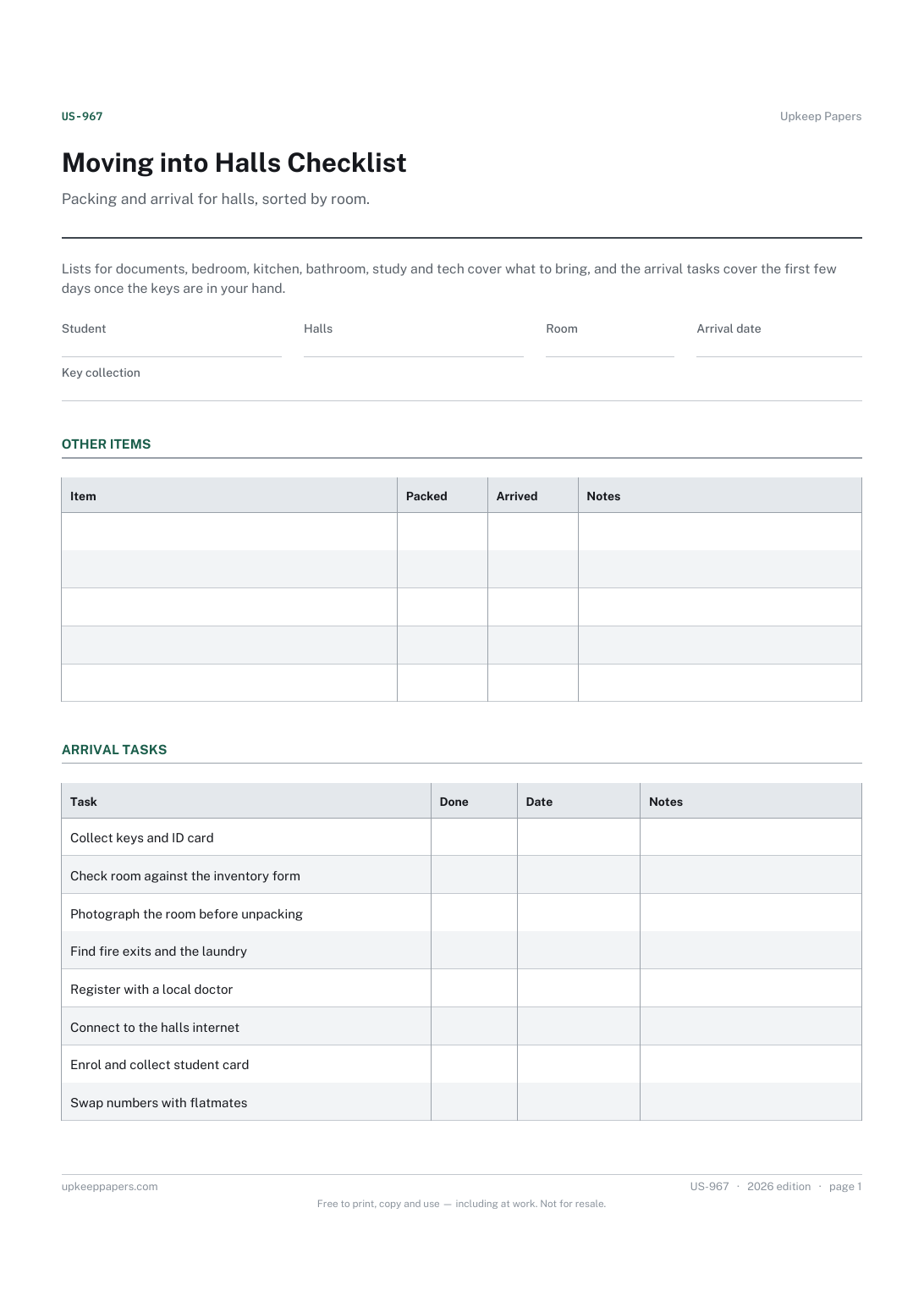
Documents and ID to have with you, not in a box.
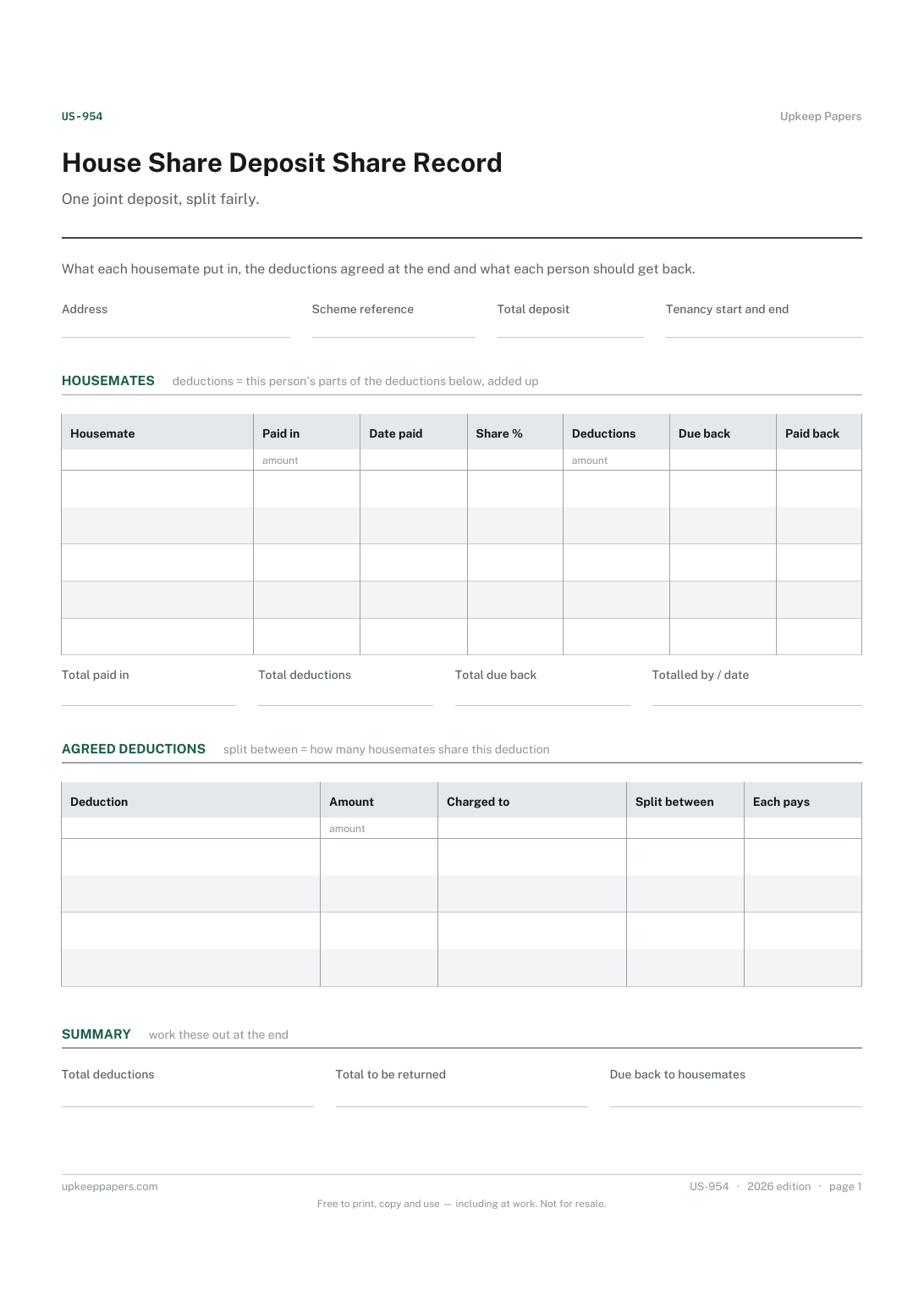
What each housemate paid towards the deposit, and when.
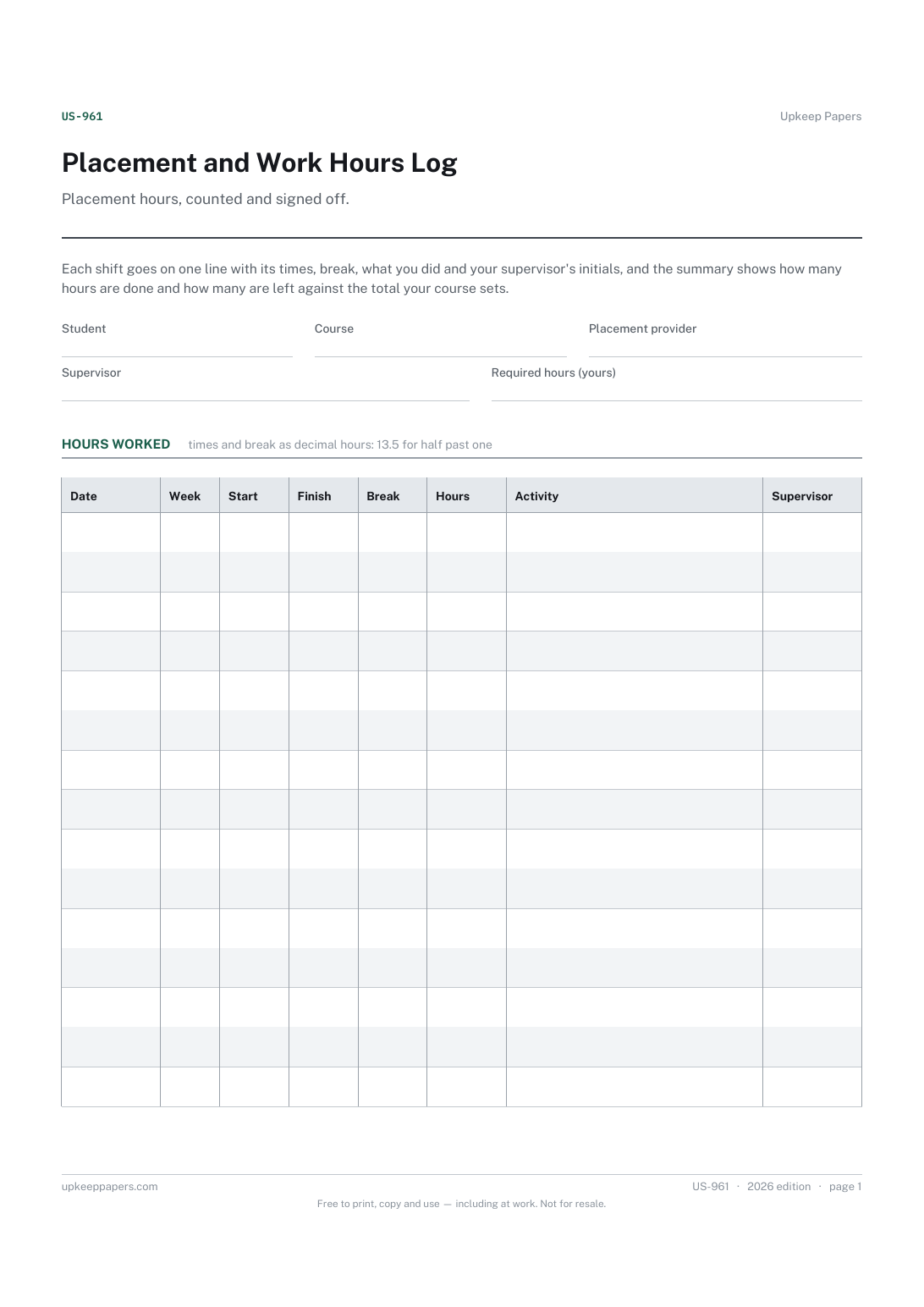
Every shift worked, with times, break and hours.
Printable sheets, workbooks and tools on the same subject.
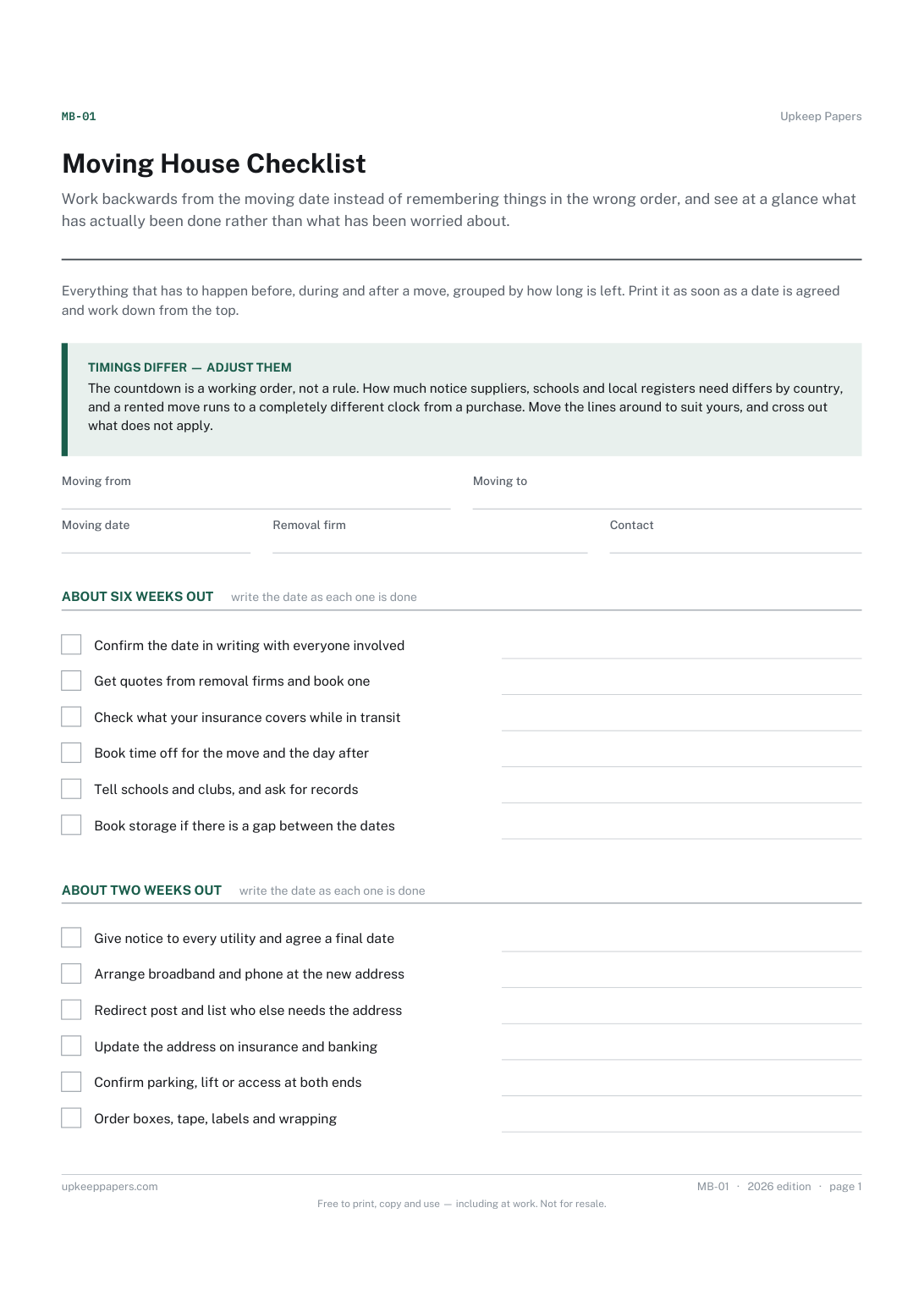
Work backwards from the moving date instead of remembering things in the wrong order, and see at a glance what has actually been done rather than what has been worried about.
An index of where the important papers actually are — the file somebody else would need if they had to find everything without you.

Every sheet, binder, game and puzzle on Upkeep Papers is free to download, with no email and no account. Making them is not free: each one takes days of research, design and checking, and the site costs money to run. If something here saved you time, you can buy us a coffee. It is entirely optional: nothing is locked, and nothing changes if you don’t.
Buy us a coffee Opens PayPal in a new tab. Any amount, and nothing changes if you would rather not.