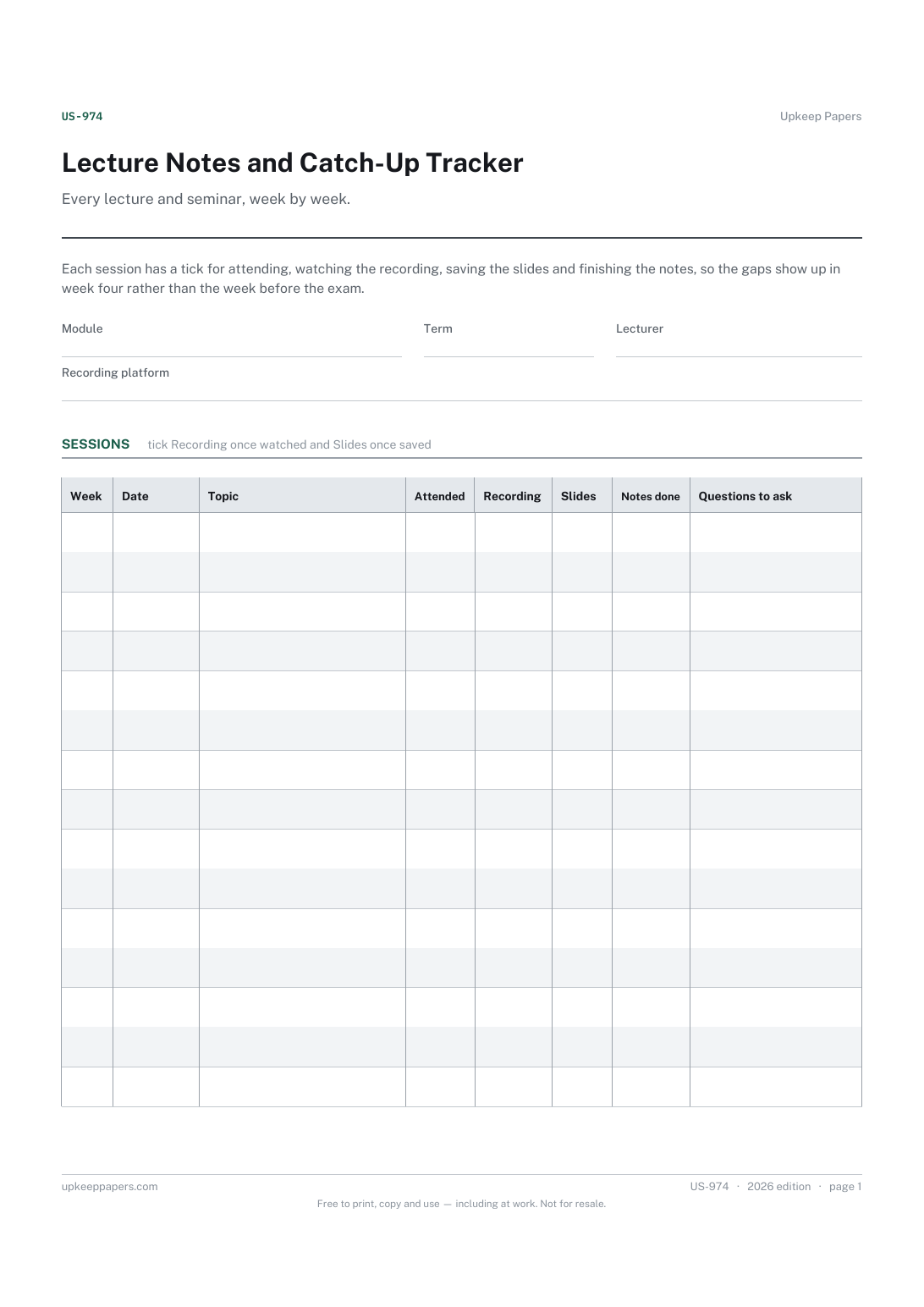
Lecture Notes and Catch-Up Tracker
Which sessions were attended and which were missed.
US-974 Tracker PDF Online
Everything here is free. Making it takes time and money. Everything here is free.
 Buy us a coffee
 Students and Shared Living · US-957 · Tracker
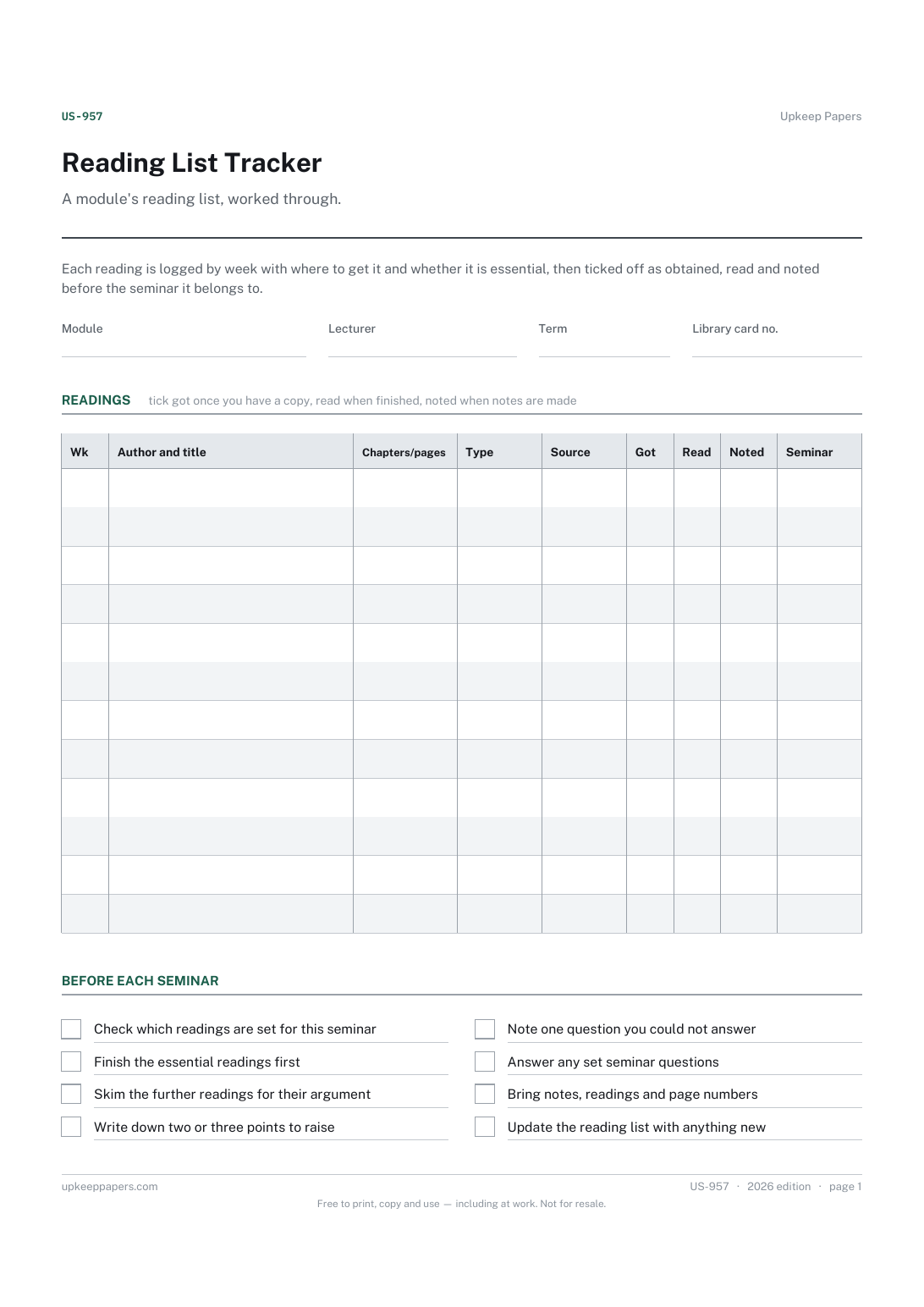
Free reading list tracker for university modules: each set reading from obtained to read to noted, with seminar dates. PDF and browser.
2 pages. The A4 and US Letter files are laid out identically, so neither is shrunk to fit.
Print it and write on it
Fillable PDF type and save
Or no download needed
Fill it in onlineThe fillable versions have real form fields — open them in any PDF reader, type into them and save. Printing help.
The same sheet, on screen. Tick, type, add or remove rows, then print it or download the completed version as a PDF. Everything stays in your browser — your entries are kept in this browser's own storage on this device, nothing is uploaded, and there is no account.
A module's reading list, worked through. Each reading is logged by week with where to get it and whether it is essential, then ticked off as obtained, read and noted before the seminar it belongs to.
Students facing long module reading lists who want to see at a glance what is still to find, what is half-read and what is ready for the next seminar.
The printable is laid out inside a box that fits both A4 and US Letter, so the two files are identical and neither one is scaled. The fillable PDF has real form fields. The online version keeps what you enter in your own browser and builds the completed PDF on your device.
Download the A4 or US Letter file to match the paper in your printer, open it in a PDF reader and print at 100% — not "fit to page", which shrinks the writing space. Both files leave a 14 mm margin, which clears the unprintable edge on home printers. To print the online version with your entries in it, use the Print this sheet button, which prints only the sheet and none of the page around it. More on printing.
Your lecturer decides what is essential. Marking each item essential or further lets you put the essential ones first and see how much further reading you have managed around them.
Library copies run out and links break. Getting hold of a reading early is a separate job from reading it, and ticking it off shows which ones need chasing.
Write the author and title fully in the reading column, and use the notes column for where your notes are kept. That makes the reference list quicker to build later.
Use one sheet per module. The browser version saves in your own browser, so you can keep one open for each module you take.
Which sessions were attended and which were missed.
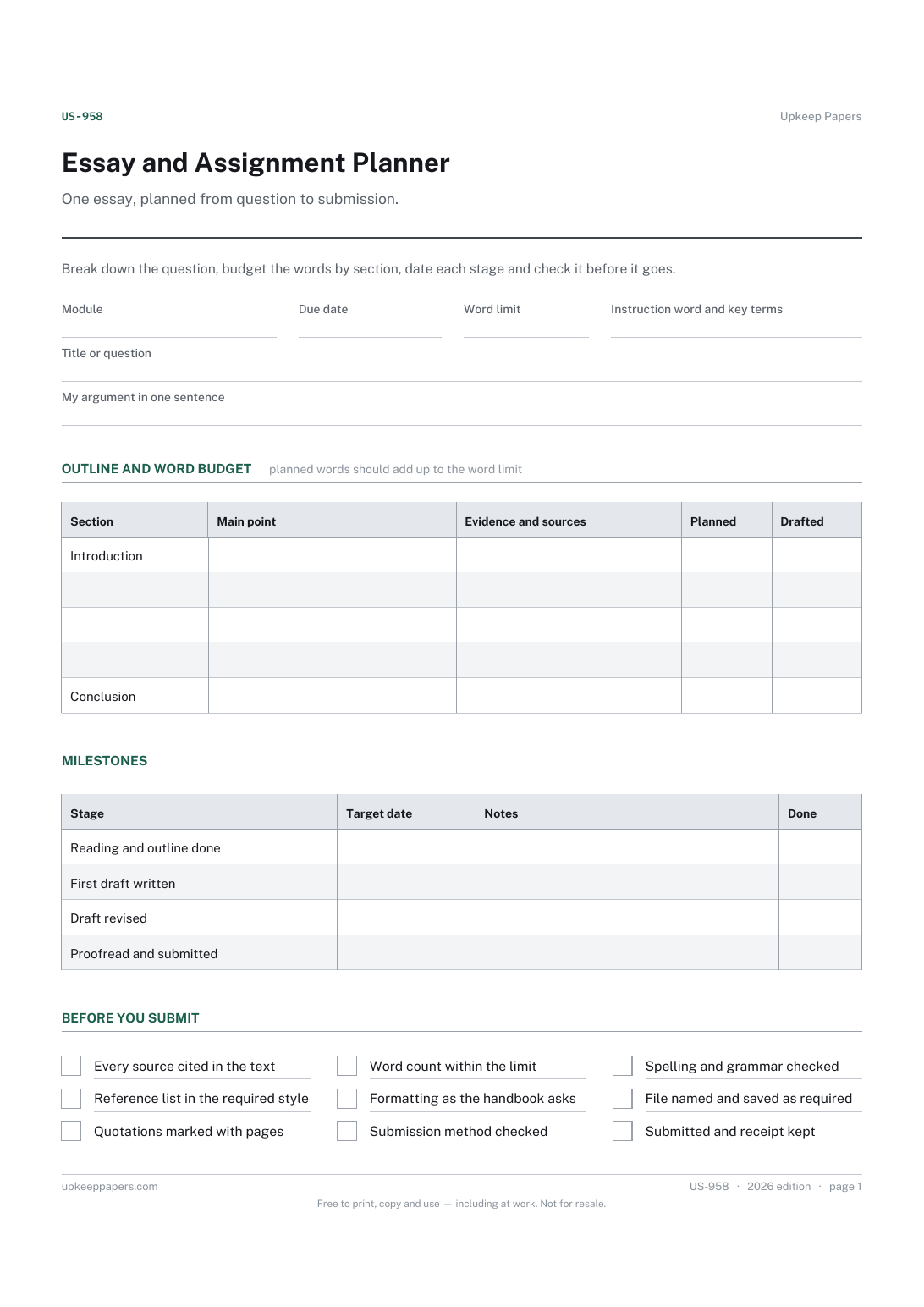
What the question is actually asking, and the key terms in it.
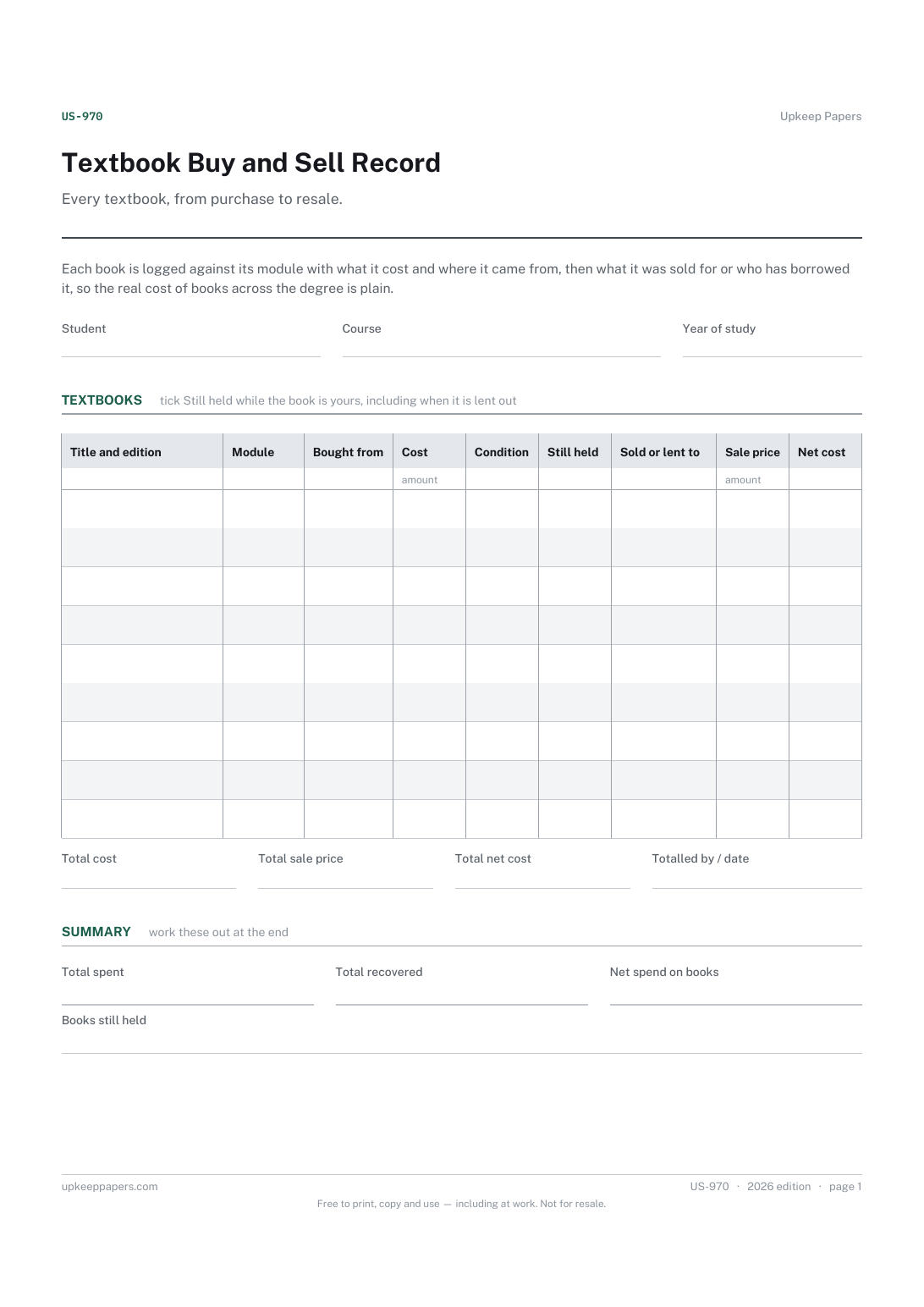
What each book cost and where it was bought.
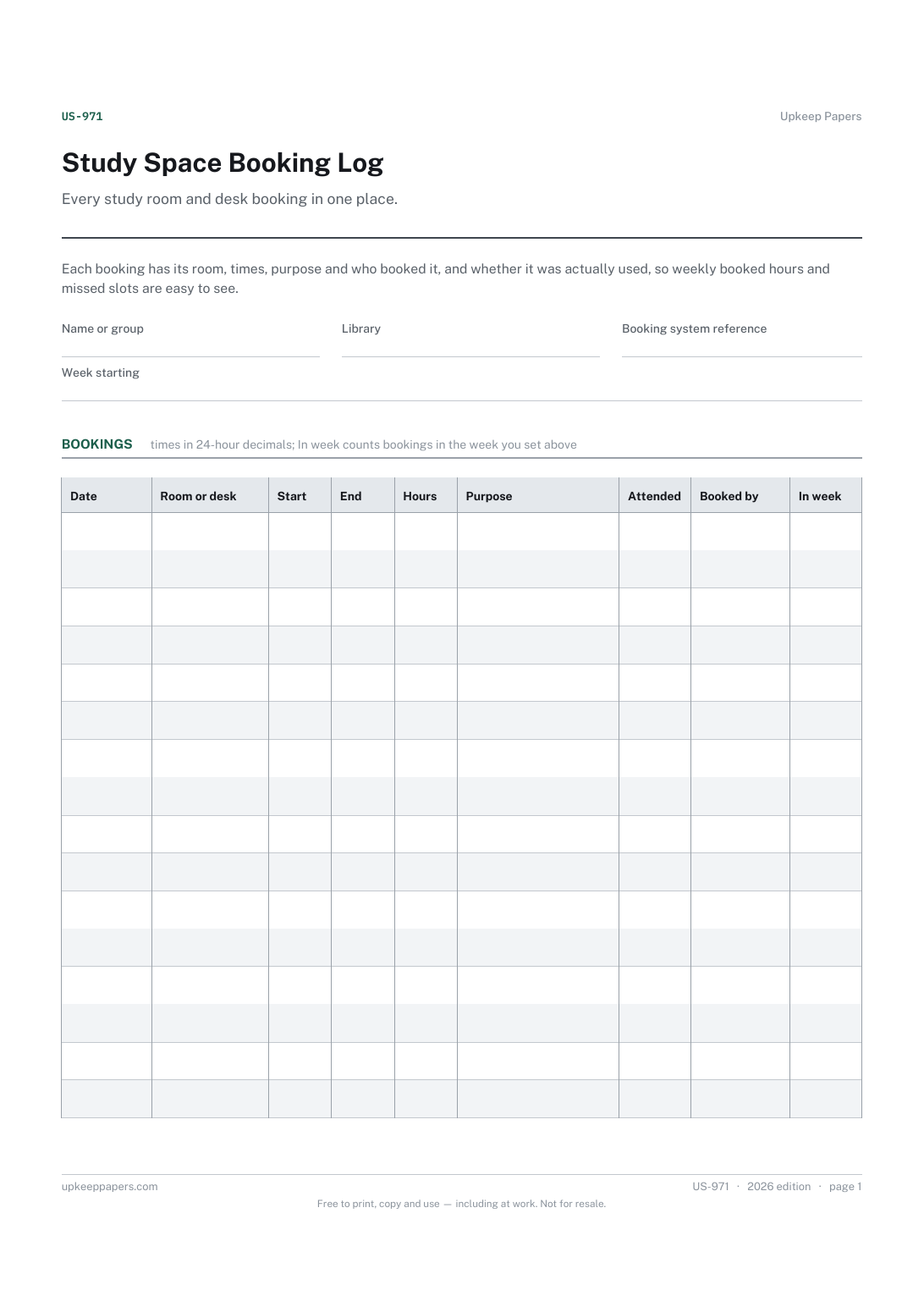
Which room or desk was booked, when and by whom.

Every sheet, binder, game and puzzle on Upkeep Papers is free to download, with no email and no account. Making them is not free: each one takes days of research, design and checking, and the site costs money to run. If something here saved you time, you can buy us a coffee. It is entirely optional: nothing is locked, and nothing changes if you don’t.
Buy us a coffee Opens PayPal in a new tab. Any amount, and nothing changes if you would rather not.