
School and study · SS-259 · Record
Homeschool Subject and Progress Record
Free homeschool record — date, subject, topic covered, hours, resources used and the evidence kept, with the hours totalled. No targets of ours. PDF and Excel.
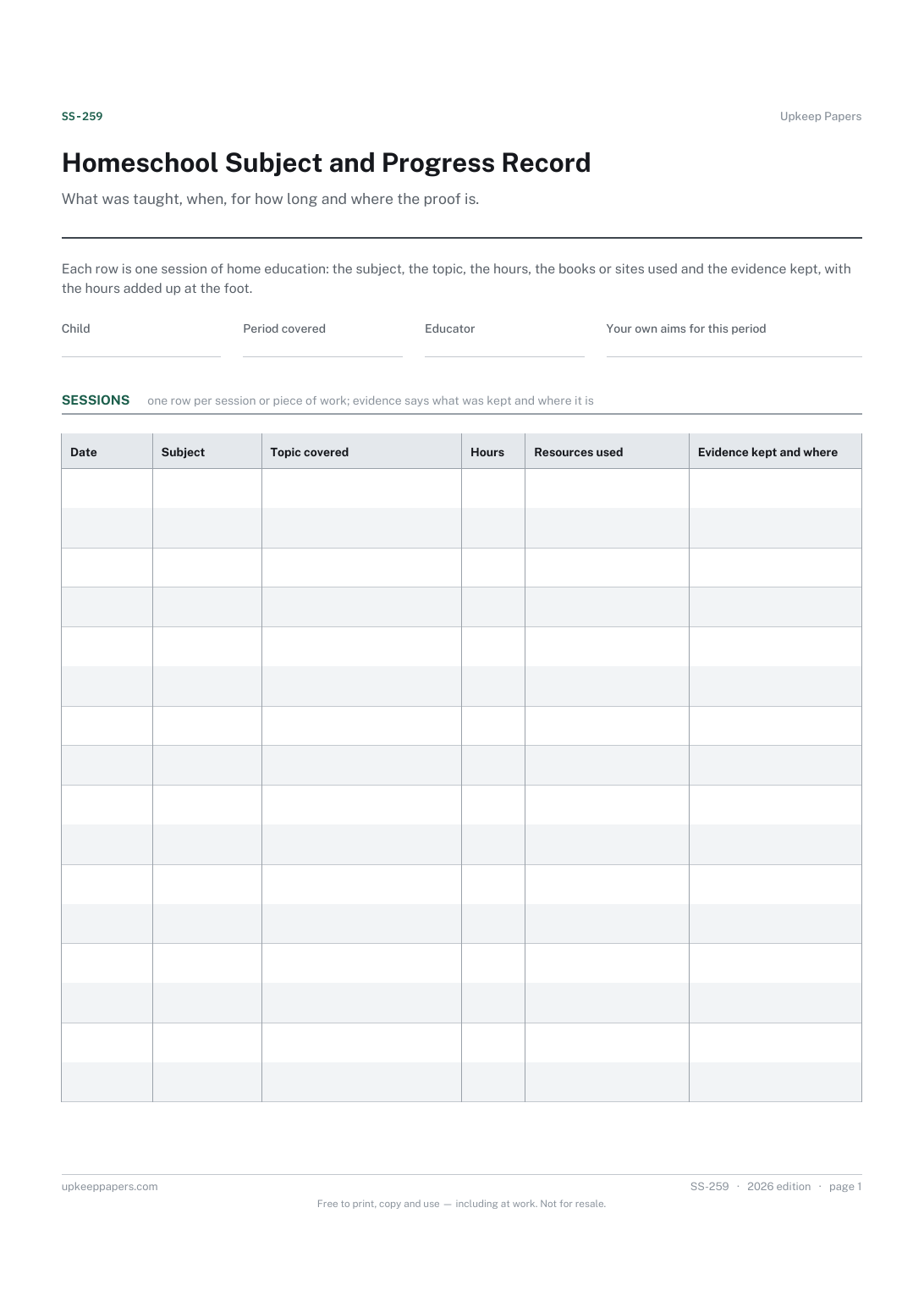
2 pages. The A4 and US Letter files are laid out identically, so neither is shrunk to fit.
Print it and write on it
Fillable PDF type and save
Spreadsheet formulas included
The fillable versions have real form fields — open them in any PDF reader, type into them and save. Printing help.
Fill it in online
The same sheet, on screen. Totals and figures are worked out as you type, rows can be added or removed, and you can print it or download the completed version as a PDF. Everything stays in your browser — your entries are kept in this browser's own storage on this device, nothing is uploaded, and there is no account.
Who this is for
What was taught, when, for how long and where the proof is. Each row is one session of home education: the subject, the topic, the hours, the books or sites used and the evidence kept, with the hours added up at the foot.
Home-educating parents and carers who want a plain record of what has been covered — for their own planning, for a portfolio, or for whoever they choose to show it to.
What this helps you track
- Every subject and topic covered, with the date
- How long was spent, and the total hours for the period
- Which resources were used — books, websites, kits, visits — so they can be found again
- What evidence was kept and where: a workbook page, a photo, a model, a recording
- Your own aims for the period, and how far the sessions have moved towards them
How to use it
- Write the child, the period the sheet covers and, if you have any, your own aims for it at the top.
- Add a row for each session or piece of work: the date, the subject, the topic covered.
- Enter the hours spent. The total is worked out in the browser version and the workbook; on paper, add the column at the foot.
- Note the resources used well enough to find them again — a title and page, a site, a kit, a place visited.
- Write what evidence was kept and where it is, so a portfolio can be assembled from the sheet rather than from a search.
- Look back over the sheet at the end of the period: the subjects with few rows are the planning for the next one.
Formats
- Printable PDF (A4 and US Letter)
- Fillable PDF with form fields
- Fill in online, saved in your browser
- Excel / Google Sheets workbook
The printable is laid out inside a box that fits both A4 and US Letter, so the two files are identical and neither one is scaled. The fillable PDF has real form fields. The workbook uses plain formulas only — SUM, IF, COUNTIF and the like — so it opens in Excel, LibreOffice and Google Sheets without anything breaking, and every calculated cell is grey so you can see which figures it worked out.
How to print
Download the A4 or US Letter file to match the paper in your printer, open it in a PDF reader and print at 100% — not "fit to page", which shrinks the writing space. Both files leave a 14 mm margin, which clears the unprintable edge on home printers. To print the online version with your entries in it, use the Print this sheet button, which prints only the sheet and none of the page around it. More on printing.
Questions
Does it set out what I have to teach or how many hours?
No. What home education must cover and what records must be kept differ by country and region, and in many places are not fixed at all. Check the rules where you are; the sheet records what you did, against aims you wrote yourself.
What counts as evidence?
Whatever shows the work happened: a page from a workbook, a photograph of a model or an experiment, a piece of writing, a recording, a ticket from a museum. Write what it is and where it is kept.
Can I use it for several children?
One sheet per child keeps the hours and the subjects clear. The browser version saves in your own browser, so each child can have a tab of their own.
How is this different from the study session log?
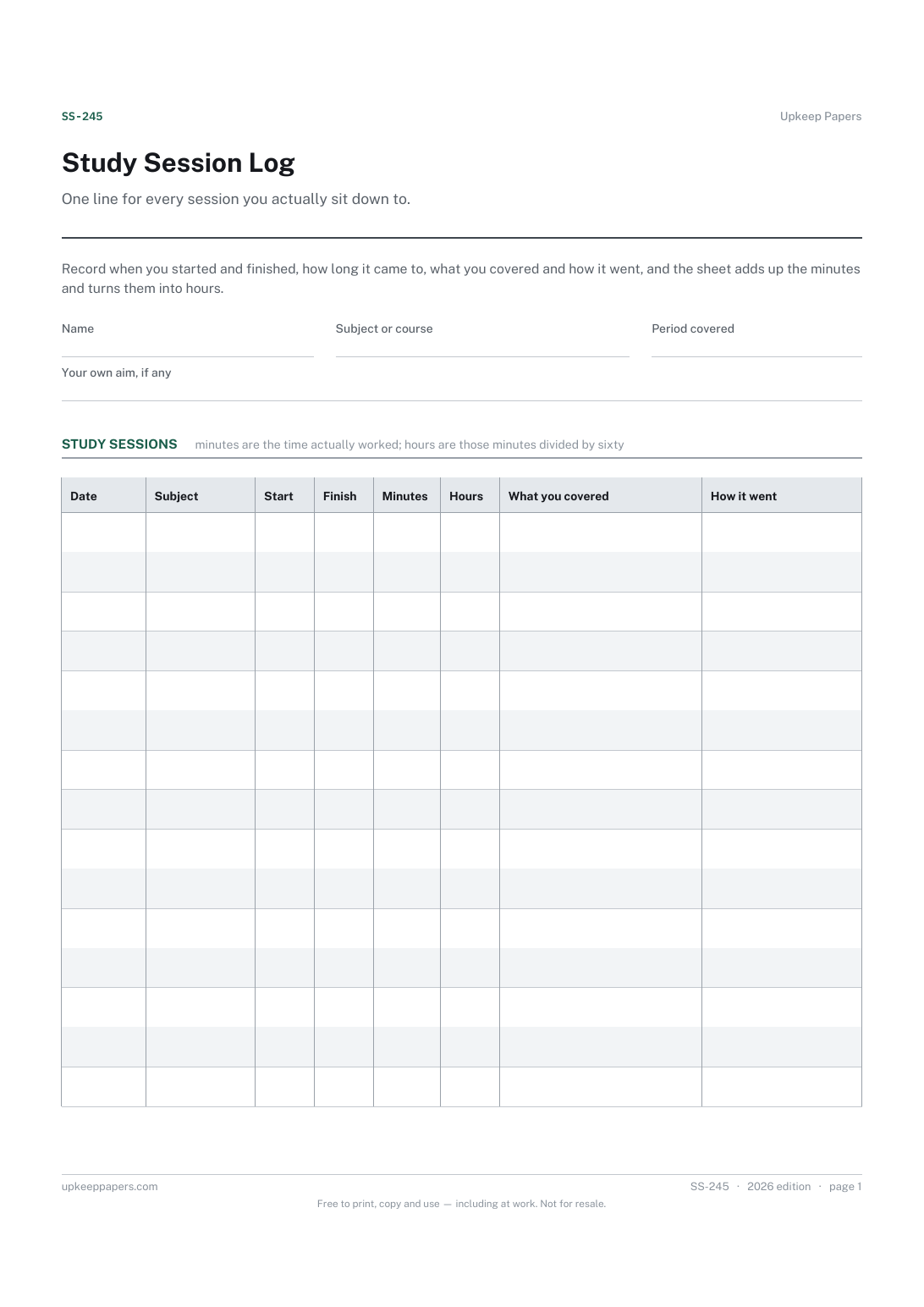
The study log is written by the student about their own work. This record is written by the parent or educator about what was taught and what evidence exists, and it adds resources and evidence columns for that reason.
Related resources
Homework and Assignment Planner
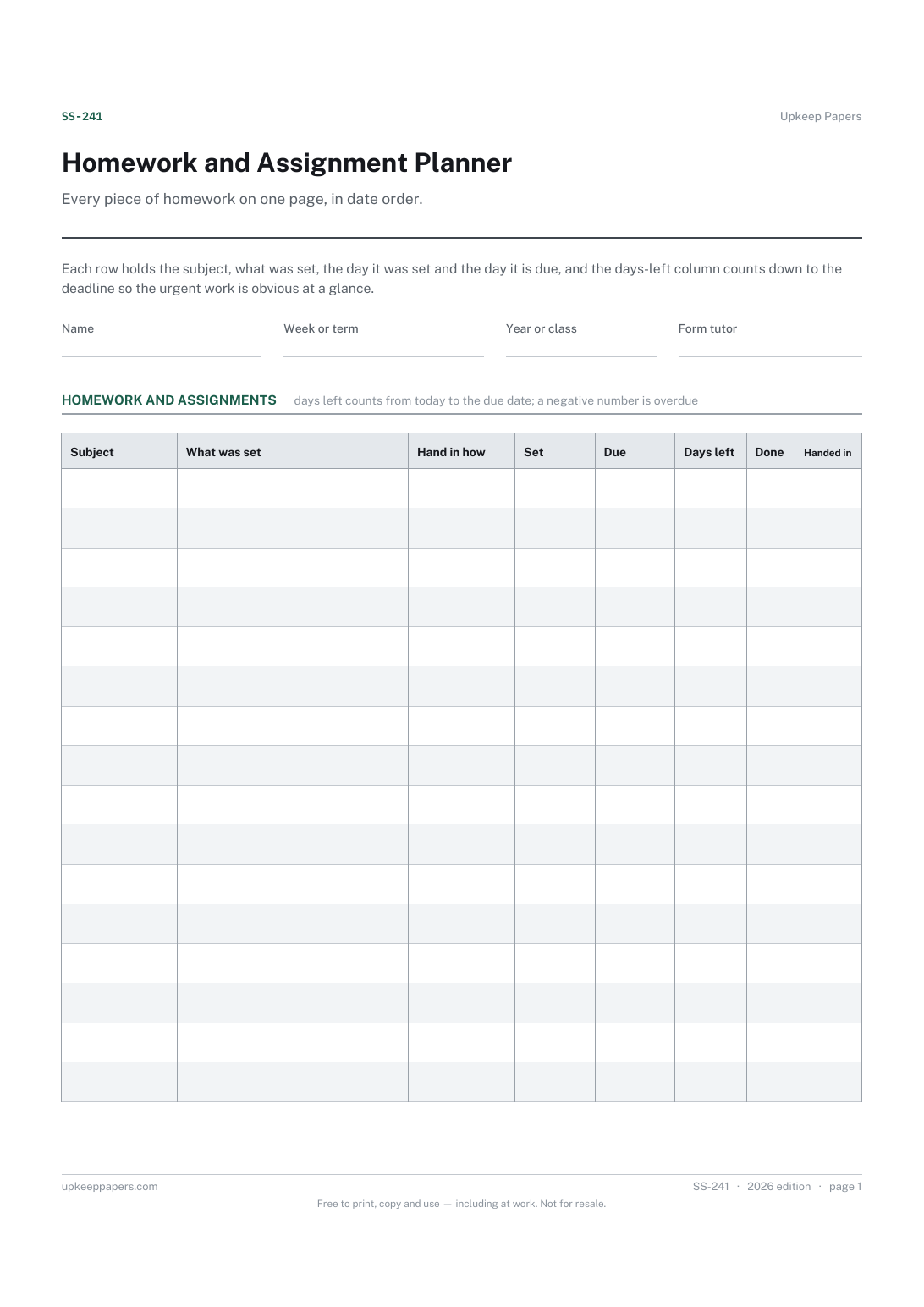
What has been set, by which subject or teacher.
Grade and Results Tracker
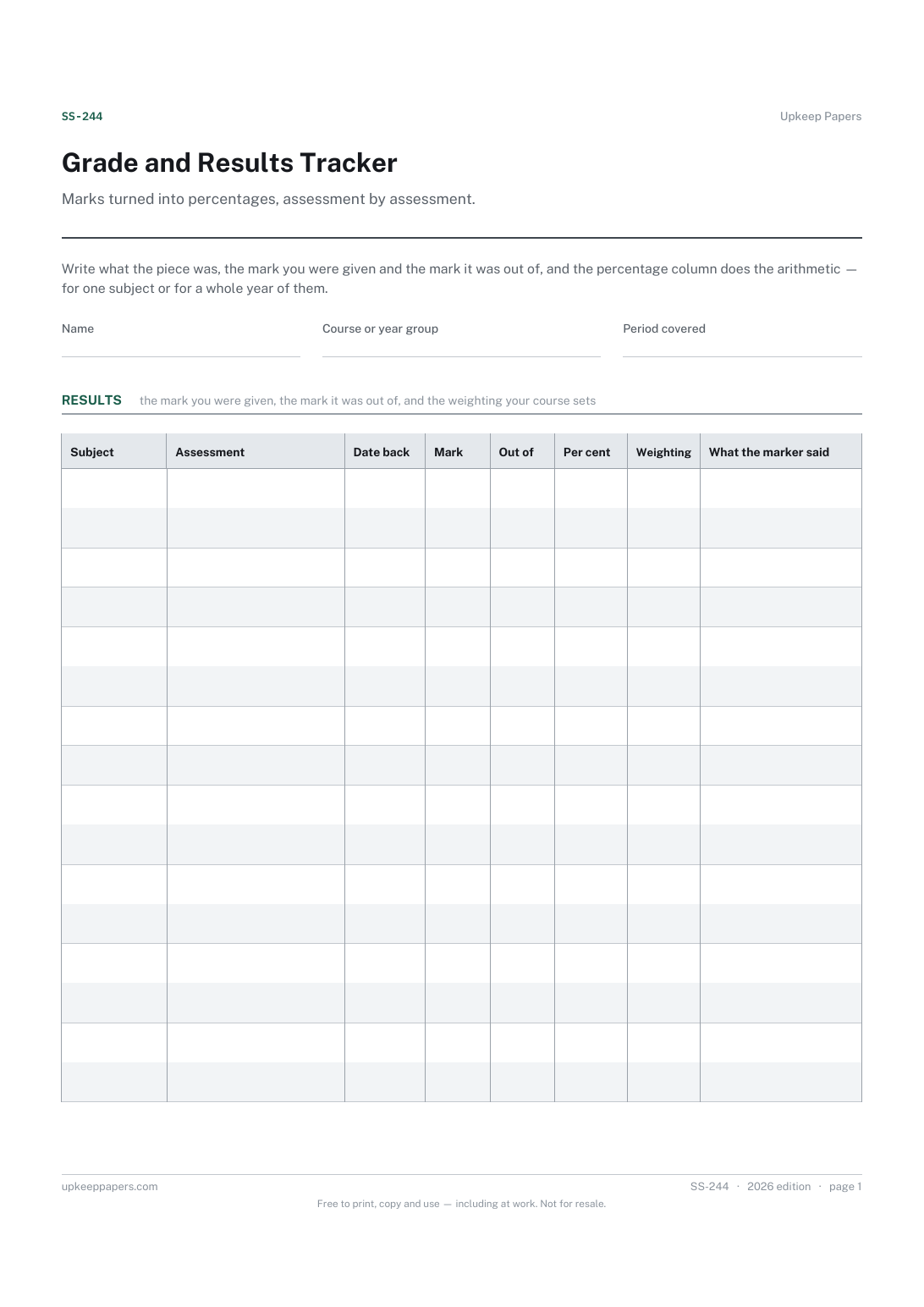
Every assessment, test, essay and exam with the date it was returned.
Also in the library
Printable sheets, workbooks and tools on the same subject.

Homeschool Hours Log
Keep a running record of hours taught, in a form that can be handed over if anybody ever asks for it.

Lesson Plan Sheet
Plan one lesson on one page, with space for the two things people skip: the checking, and the plan for the students who have not got it.

Reading Record Sheet
Keep a running record of what a child has read and how it went, without attaching a level or an age to any of it.
