
Renovation and DIY Projects · RD-787 · Log
Before and After Photo Log
Before and after photo log for renovations: each photo by room, stage, date and file name, so hidden pipes and cables can be found later. PDF and browser.
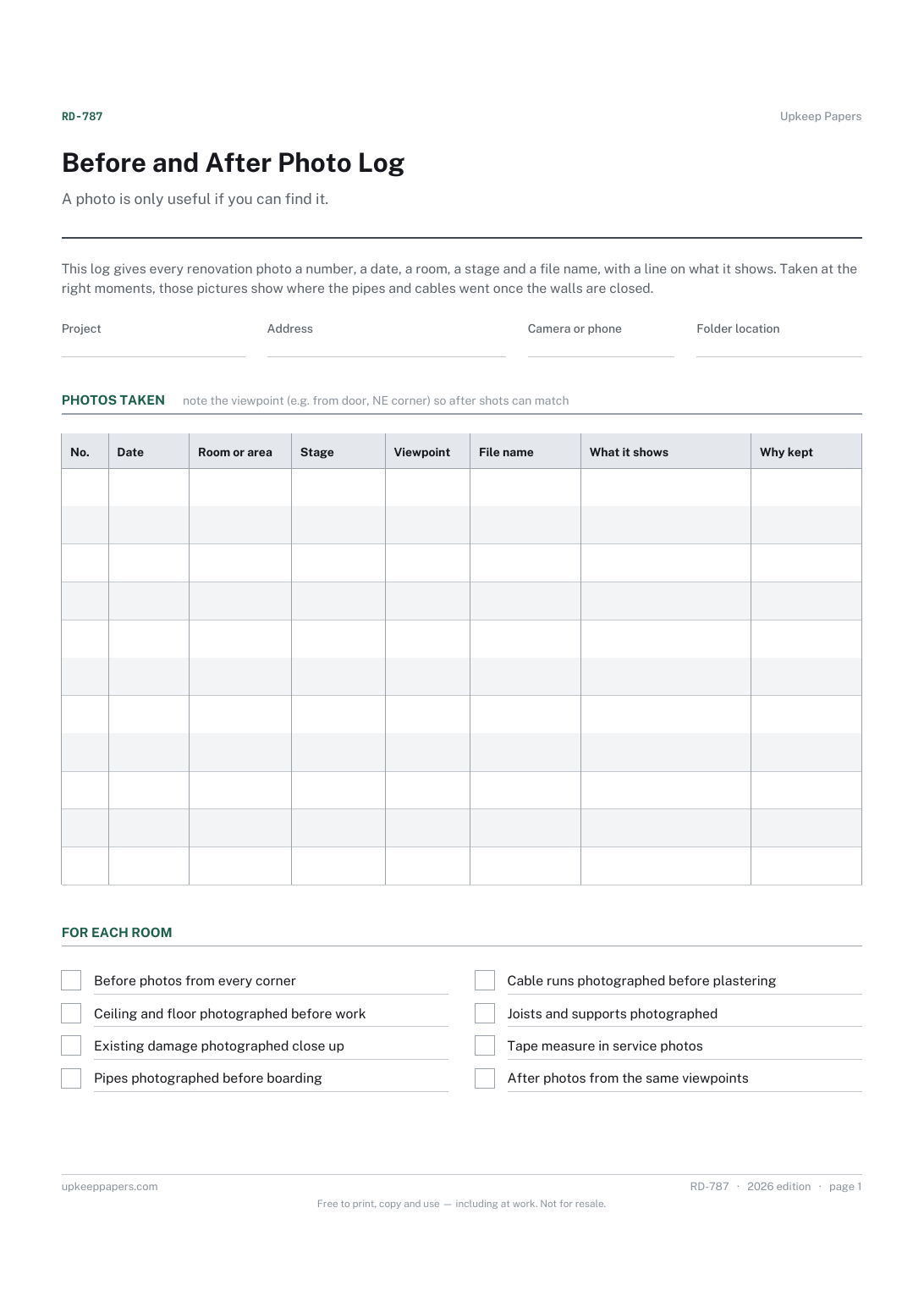
2 pages. The A4 and US Letter files are laid out identically, so neither is shrunk to fit.
Print it and write on it
Fillable PDF type and save
Or no download needed
Fill it in onlineThe fillable versions have real form fields — open them in any PDF reader, type into them and save. Printing help.
Fill it in online
The same sheet, on screen. Tick, type, add or remove rows, then print it or download the completed version as a PDF. Everything stays in your browser — your entries are kept in this browser's own storage on this device, nothing is uploaded, and there is no account.
Who this is for
A photo is only useful if you can find it. This log gives every renovation photo a number, a date, a room, a stage and a file name, with a line on what it shows. Taken at the right moments, those pictures show where the pipes and cables went once the walls are closed.
Homeowners who want a record of the work from strip-out to finish, whether to show the change, settle a question with a builder or know where to drill in ten years' time.
What this helps you track
- Which photo shows which room, at which stage, from which side
- The file name and folder, so the picture can be found again
- Pipes, cables and joists photographed before they were covered
- Evidence of the condition before and after each trade
- Why each photo was worth keeping
How to use it
- Write the project, the address, the camera or phone and the folder the photos are saved in at the top.
- Take the before photos of each room from fixed viewpoints, such as each corner, and note the viewpoint so the after shots can match.
- Give each photo a number and write the file name next to it, or rename the file to match the number.
- At each open-wall stage, photograph pipes and cables with a tape measure in shot, and note what the photo shows.
- Tick the room checklist as the before, services and after photos are taken.
- Back the folder up somewhere other than the phone, and keep the printed log with the house papers.
Formats
- Printable PDF (A4 and US Letter)
- Fillable PDF with form fields
- Fill in online, saved in your browser
The printable is laid out inside a box that fits both A4 and US Letter, so the two files are identical and neither one is scaled. The fillable PDF has real form fields. The online version keeps what you enter in your own browser and builds the completed PDF on your device.
How to print
Download the A4 or US Letter file to match the paper in your printer, open it in a PDF reader and print at 100% — not "fit to page", which shrinks the writing space. Both files leave a 14 mm margin, which clears the unprintable edge on home printers. To print the online version with your entries in it, use the Print this sheet button, which prints only the sheet and none of the page around it. More on printing.
Questions
Which stages should I photograph?
At least the room before anything is touched, the bare structure after strip-out, the services before they are covered at first fix, the walls once plastered and the finished room. The stage column lists these so the gaps are obvious.
Why put a tape measure in the shot?
So you can measure from the photo later. A picture of a cable run is far more useful when it also shows how far the cable is from the corner or the floor, which is what you need to know before drilling.
Can the photos help if there is a dispute?
They can show the state of a room on a date, which is often what a disagreement turns on. Keep the original files unedited, and note the date each one was taken as well as the date it was filed.
How is this different from a home contents photo inventory?
A contents inventory photographs belongings for insurance. This log follows the building work itself, stage by stage and room by room, with an eye on what will be hidden once the job is done.
Related resources
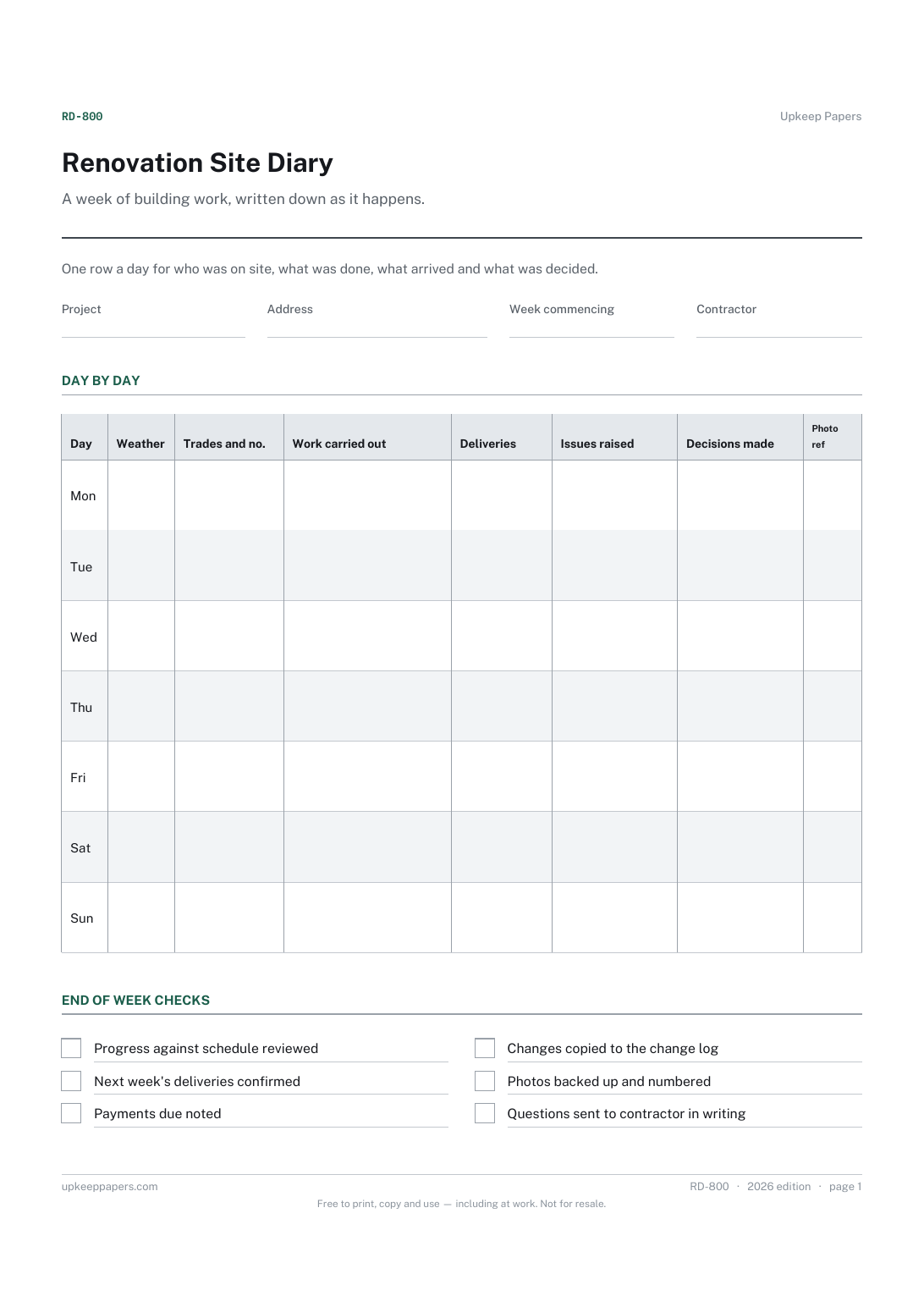
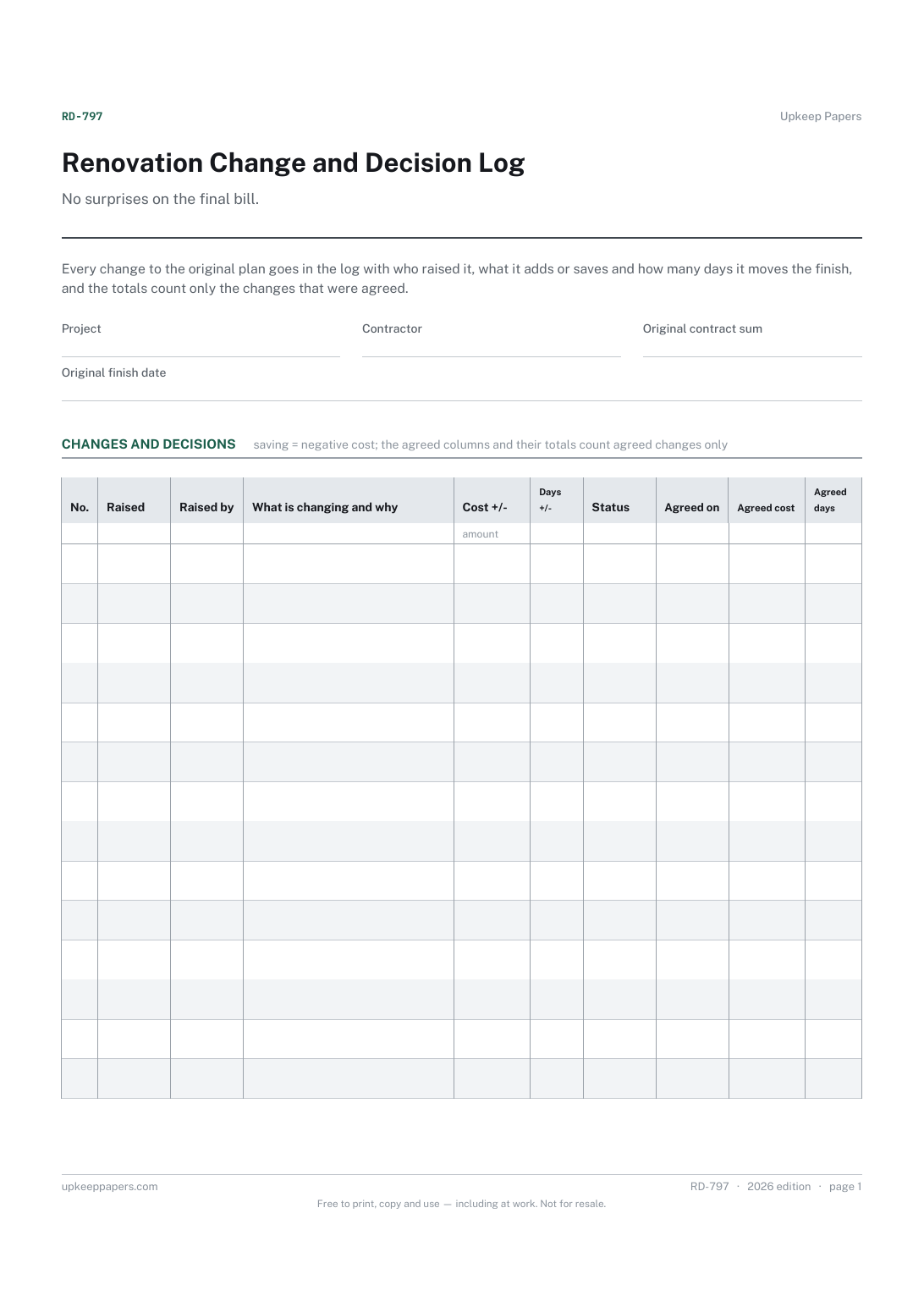
Renovation Change and Decision Log
Every change raised, when and by whom.
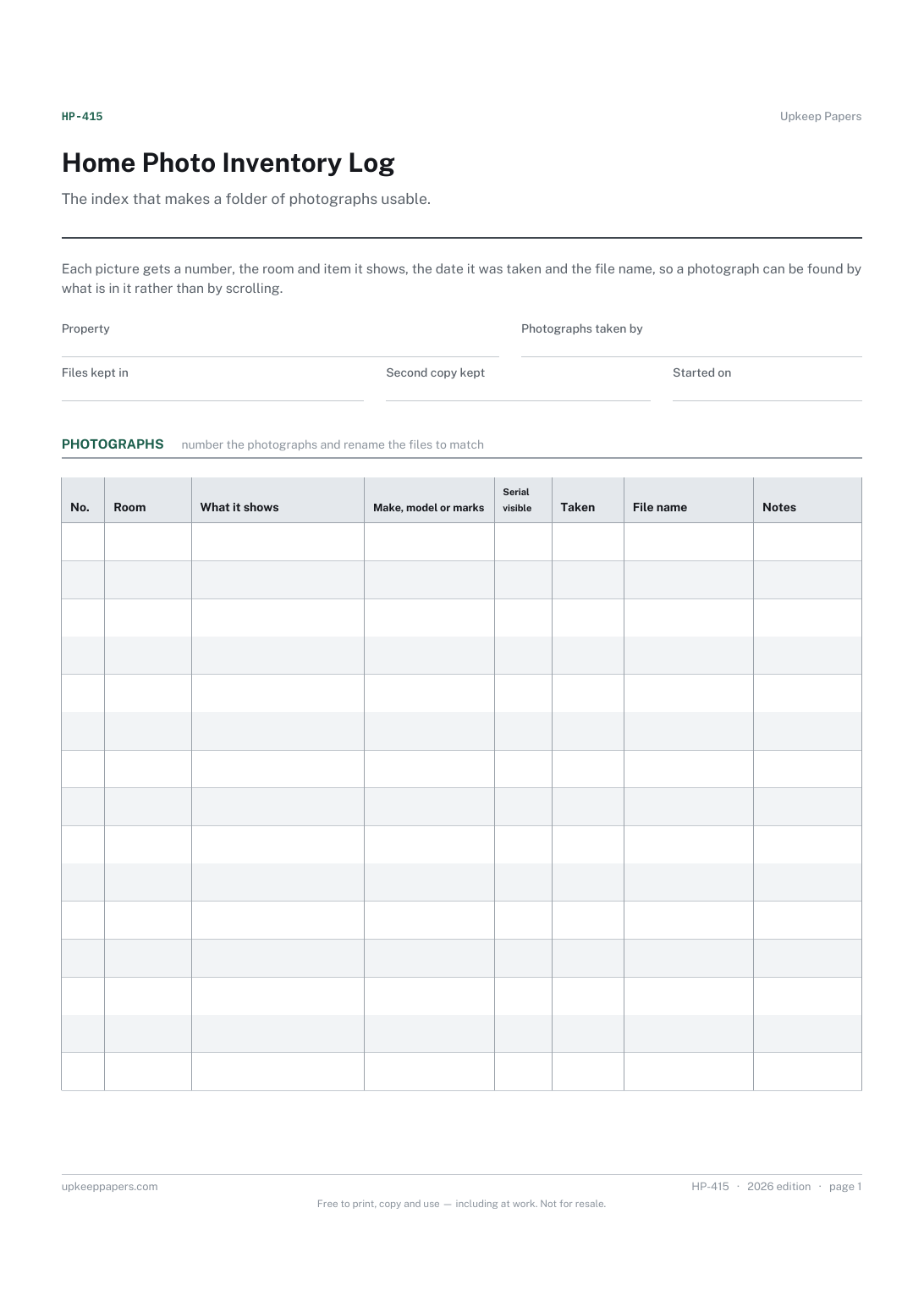
Home Photo Inventory Log
Which photographs exist and what each one shows.
Also in the library
Printable sheets, workbooks and tools on the same subject.
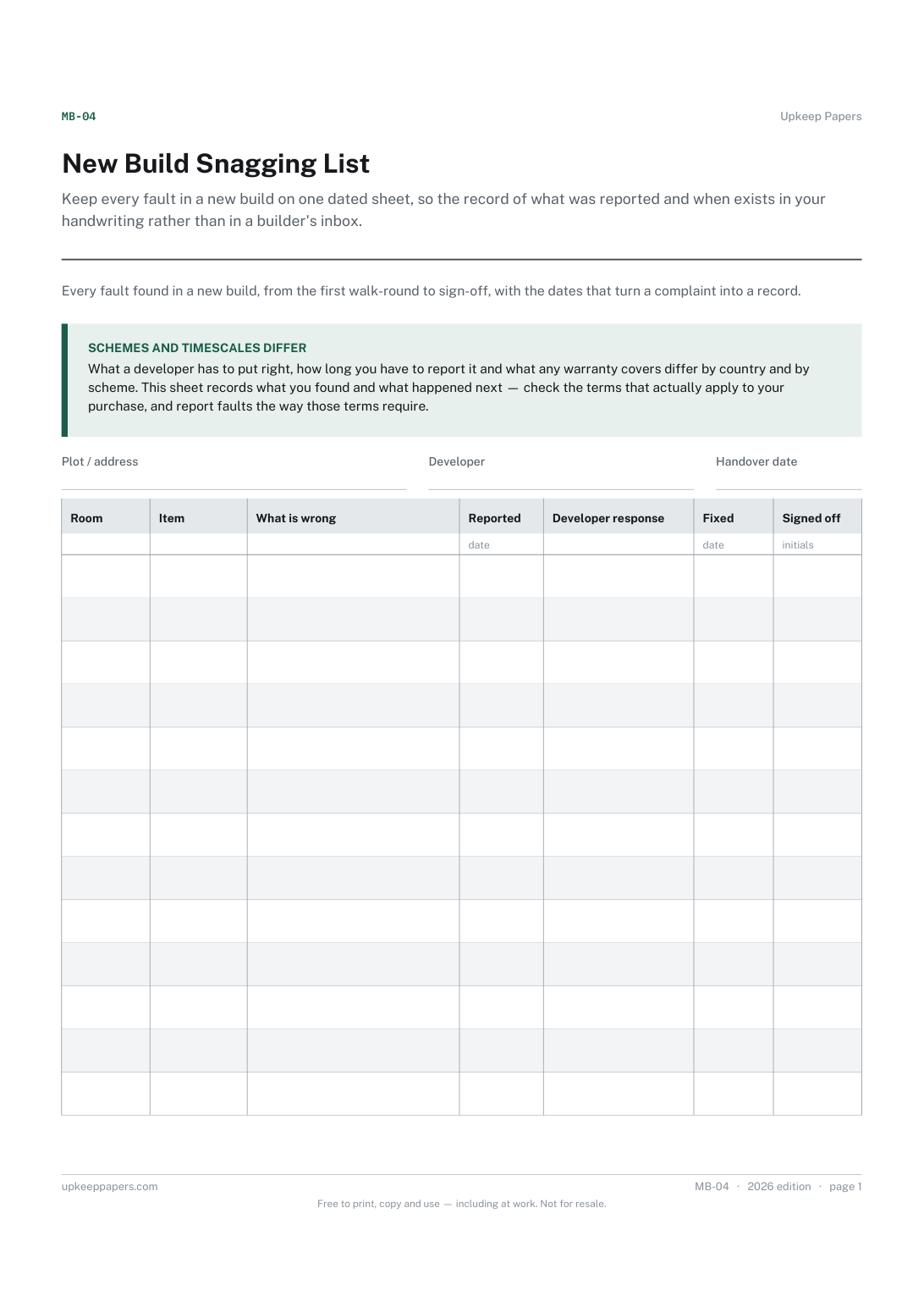
New Build Snagging List
Keep every fault in a new build on one dated sheet, so the record of what was reported and when exists in your handwriting rather than in a builder's inbox.
