
Finance, budgeting and money · FB-25 · Tracker
Debt Payoff Tracker
Free debt payoff tracker — every debt with its balance, the payment made this period and the new balance worked out, plus totals owed and paid. PDF and Excel.
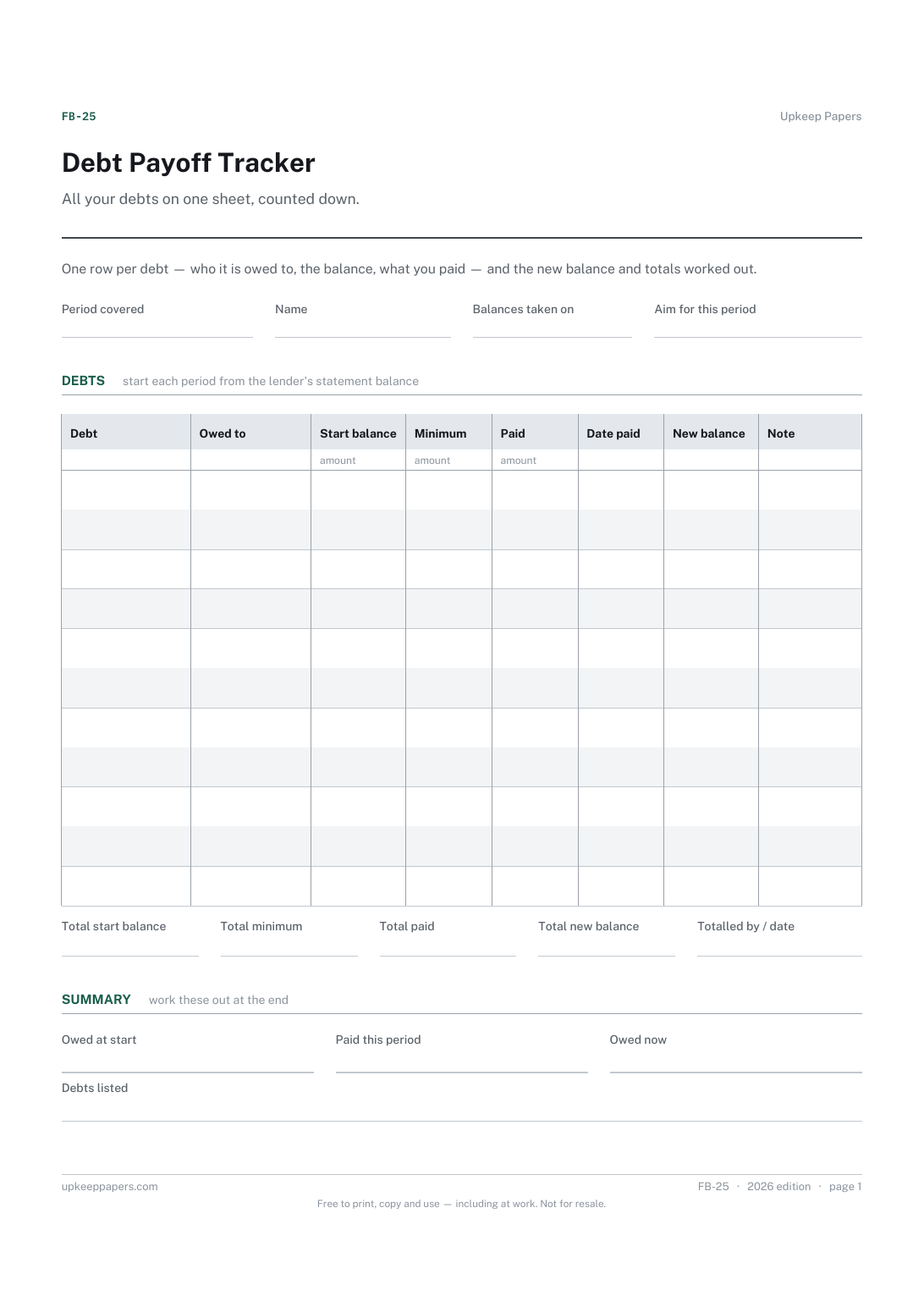
One page. The A4 and US Letter files are laid out identically, so neither is shrunk to fit.
Print it and write on it
Fillable PDF type and save
Spreadsheet formulas included
The fillable versions have real form fields — open them in any PDF reader, type into them and save. Printing help.
Fill it in online
The same sheet, on screen. Totals and figures are worked out as you type, rows can be added or removed, and you can print it or download the completed version as a PDF. Everything stays in your browser — your entries are kept in this browser's own storage on this device, nothing is uploaded, and there is no account.
Who this is for
All your debts on one sheet, counted down. One row per debt — who it is owed to, the balance, what you paid — and the new balance and totals worked out.
Anyone with more than one debt — cards, loans, overdrafts, money owed to family — who wants a single honest figure for the total and a record of it falling.
What this helps you track
- The total owed across every debt, in one figure
- What was paid this period and what each balance is now
- Which debts are shrinking and which are standing still
- A dated record of payments if a lender's statement ever disagrees
How to use it
- Write the period this sheet covers — a month is usual — and list every debt with the lender and the balance from the latest statement.
- Enter the minimum payment for each so the sheet shows what the month must cover before anything extra.
- When you pay, write the amount and the date. The new balance column takes the payment off the starting balance.
- The totals and the summary figures are calculated in the browser and spreadsheet versions; on paper, subtract across and add down.
- Check the new balances against the next statements — interest and fees will have been added by the lender, so carry the statement figure, not the sheet's, into next period's starting balance.
- Keep the finished sheets. A run of them, one per month, is the record of the total falling.
Formats
- Printable PDF (A4 and US Letter)
- Fillable PDF with form fields
- Fill in online, saved in your browser
- Excel / Google Sheets workbook
The printable is laid out inside a box that fits both A4 and US Letter, so the two files are identical and neither one is scaled. The fillable PDF has real form fields. The workbook uses plain formulas only — SUM, IF, COUNTIF and the like — so it opens in Excel, LibreOffice and Google Sheets without anything breaking, and every calculated cell is grey so you can see which figures it worked out.
How to print
Download the A4 or US Letter file to match the paper in your printer, open it in a PDF reader and print at 100% — not "fit to page", which shrinks the writing space. Both files leave a 14 mm margin, which clears the unprintable edge on home printers. To print the online version with your entries in it, use the Print this sheet button, which prints only the sheet and none of the page around it. More on printing.
Questions
Does the new balance include interest?
No. It is the starting balance less the payment, nothing more. Interest and charges vary by lender and are only known when the statement arrives, so the sheet leaves them out and asks you to start each period from the statement.
Which debt should I pay off first?
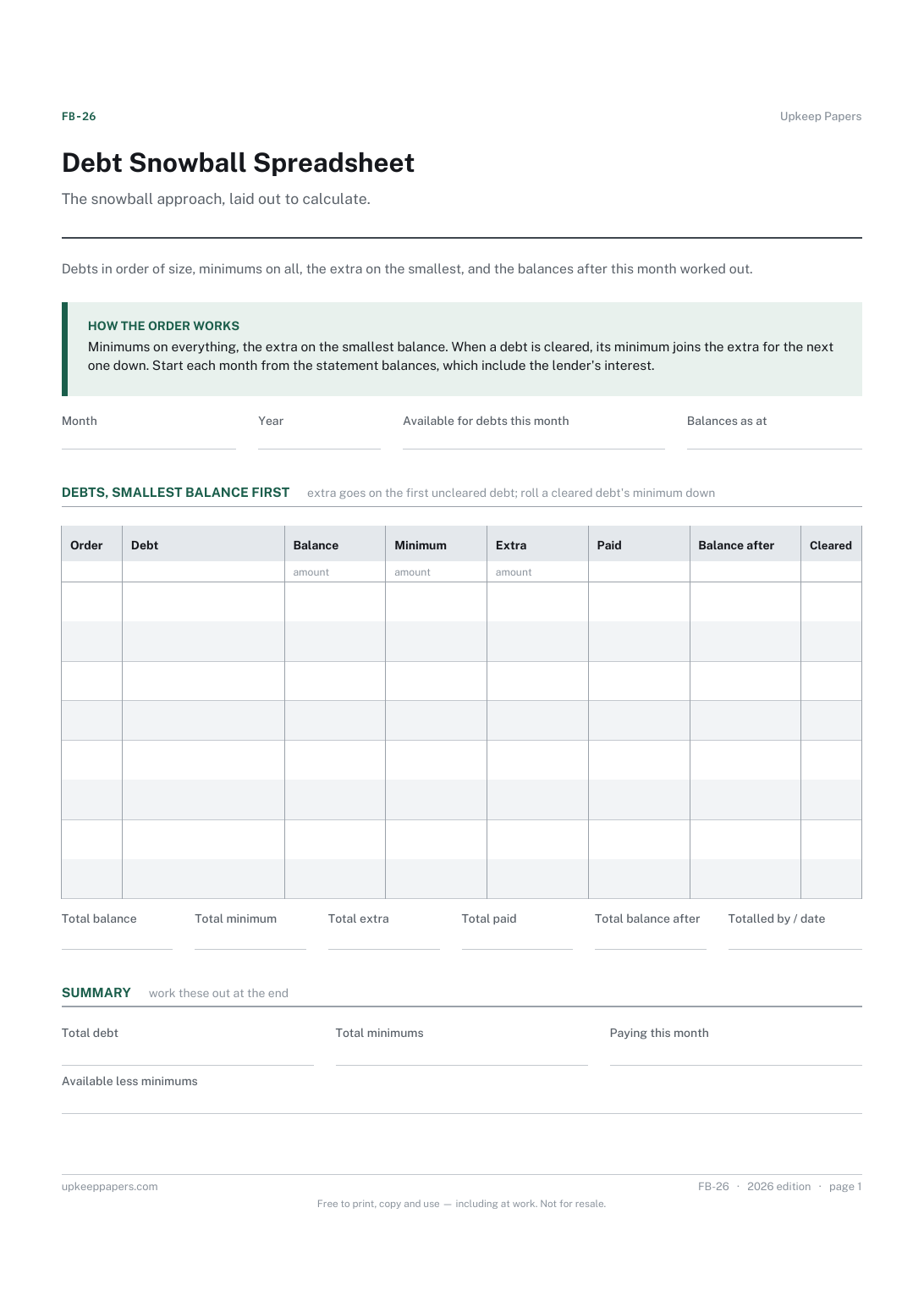
That is a choice, not a rule: some people clear the smallest first, some the most expensive. This tracker records whatever you decide. The debt snowball spreadsheet lays out the smallest-first approach specifically.
Should I include the mortgage?
If you want the total to be complete, yes. Many people keep the mortgage off this sheet because it dwarfs the rest and is not what they are trying to clear. Either is fine; be consistent from month to month.
What if I make more than one payment to a debt in the period?
Enter the total paid and the date of the last payment, and note the others in the note column. The new balance only needs the total.
Related resources
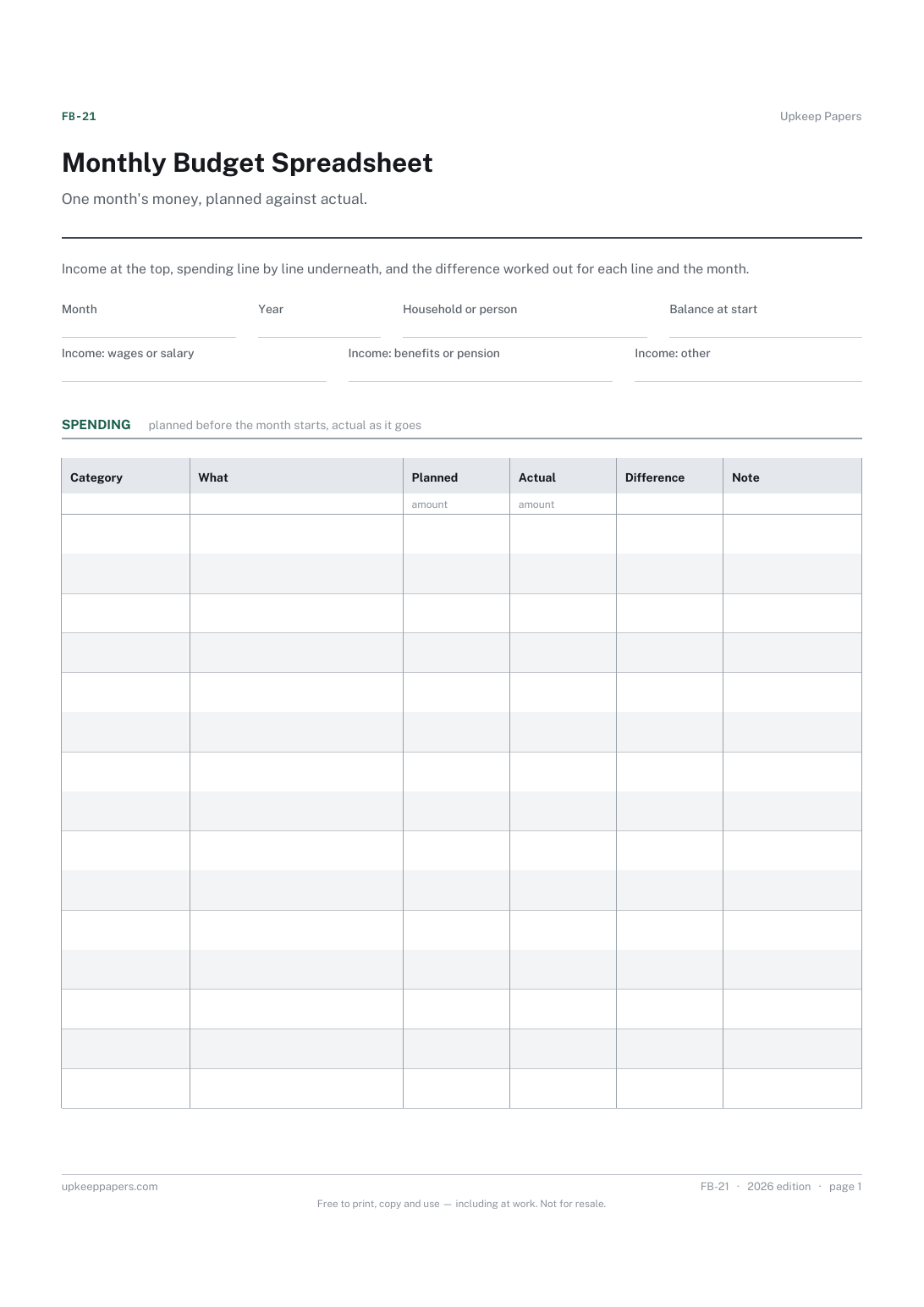
Monthly Budget Spreadsheet
What came in this month, from wages, benefits and anything else.
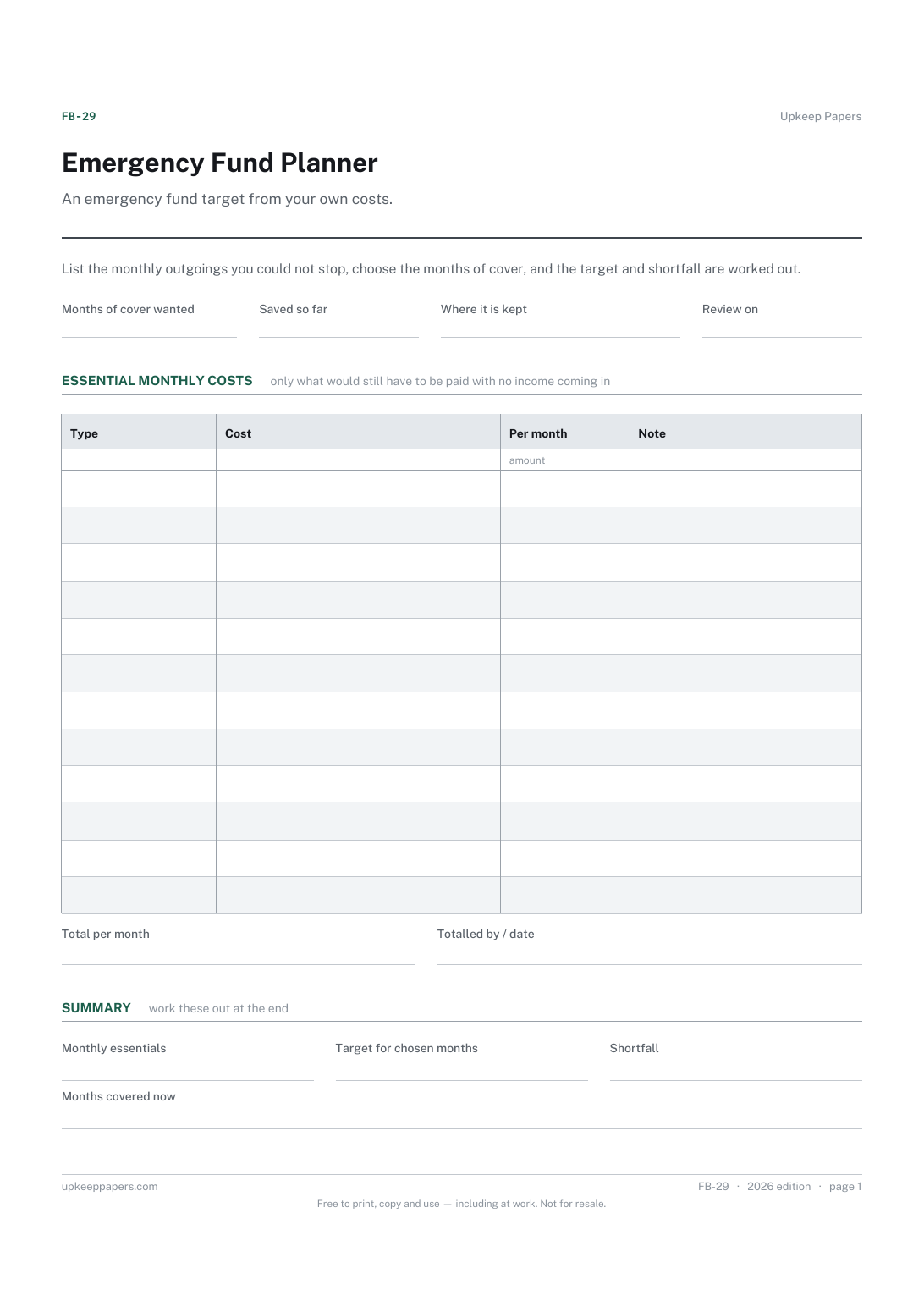
Emergency Fund Planner
Which costs are essential — the ones that continue whatever happens.
Also in the library
Printable sheets, workbooks and tools on the same subject.

Debt Repayment Record
Get every debt onto one page with the real figures from the statements, and keep a record of what has actually been paid off.

Debt Payoff Tracker Spreadsheet
Every debt with its balance, rate and payment, working out how many months each takes to clear and roughly what that costs in interest — plus both payoff orders.
