Job Loss Money Action Plan
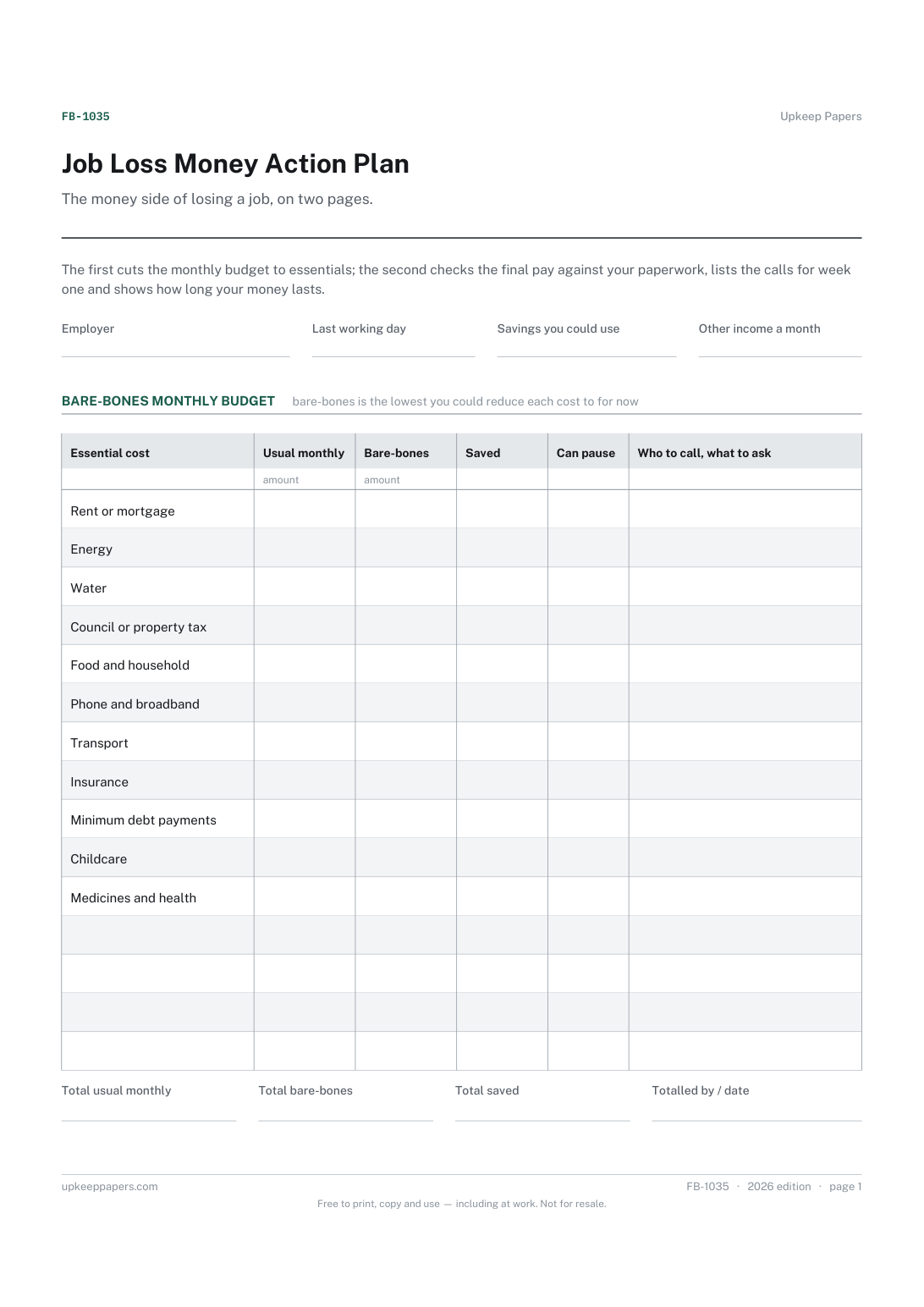
Essential monthly costs cut back, against what you usually pay.
FB-1035 Planner PDF Excel Online
Everything here is free. Making it takes time and money. Everything here is free.
 Buy us a coffee
 Finance, budgeting and money · FB-1036 · Tracker
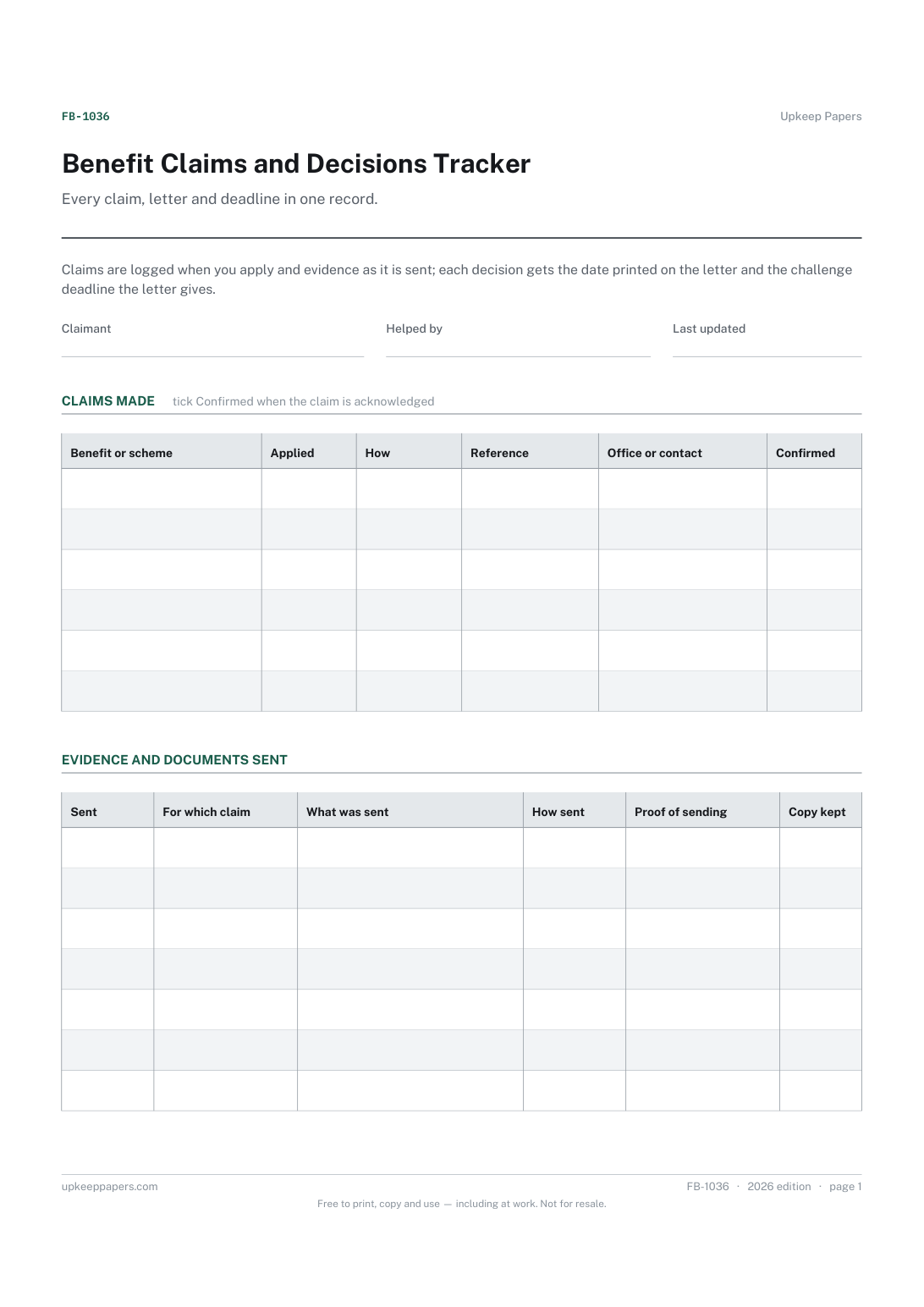
Benefit claims tracker: each claim from application to decision, the evidence sent, the date on each letter and the deadline to challenge. PDF and browser.
2 pages. The A4 and US Letter files are laid out identically, so neither is shrunk to fit.
Print it and write on it
Fillable PDF type and save
Or no download needed
Fill it in onlineThe fillable versions have real form fields — open them in any PDF reader, type into them and save. Printing help.
The same sheet, on screen. Tick, type, add or remove rows, then print it or download the completed version as a PDF. Everything stays in your browser — your entries are kept in this browser's own storage on this device, nothing is uploaded, and there is no account.
Every claim, letter and deadline in one record. Claims are logged when you apply and evidence as it is sent; each decision gets the date printed on the letter and the challenge deadline the letter gives.
People claiming benefits, credits, grants or other state support, and the family members, carers and advisers who help them keep track of the paperwork.
The printable is laid out inside a box that fits both A4 and US Letter, so the two files are identical and neither one is scaled. The fillable PDF has real form fields. The online version keeps what you enter in your own browser and builds the completed PDF on your device.
Download the A4 or US Letter file to match the paper in your printer, open it in a PDF reader and print at 100% — not "fit to page", which shrinks the writing space. Both files leave a 14 mm margin, which clears the unprintable edge on home printers. To print the online version with your entries in it, use the Print this sheet button, which prints only the sheet and none of the page around it. More on printing.
It depends on the benefit and the country, and the decision letter normally says. Copy the deadline from the letter into the challenge-by column; if the letter is unclear, ask the office that sent it or an advice service.
Time limits are often counted from the date of the decision rather than the day you open the envelope, so the printed date is the one to keep. If a letter arrived very late, note that in the result column.
Anything that shows what you sent and when: a post office receipt, an upload or email confirmation, a reference given over the phone, or a stamped copy. Write it in the proof column and keep the original.
The browser version saves only in your own browser on the device you use. Nothing is sent anywhere and there is no account, so use a device you trust.
Essential monthly costs cut back, against what you usually pay.
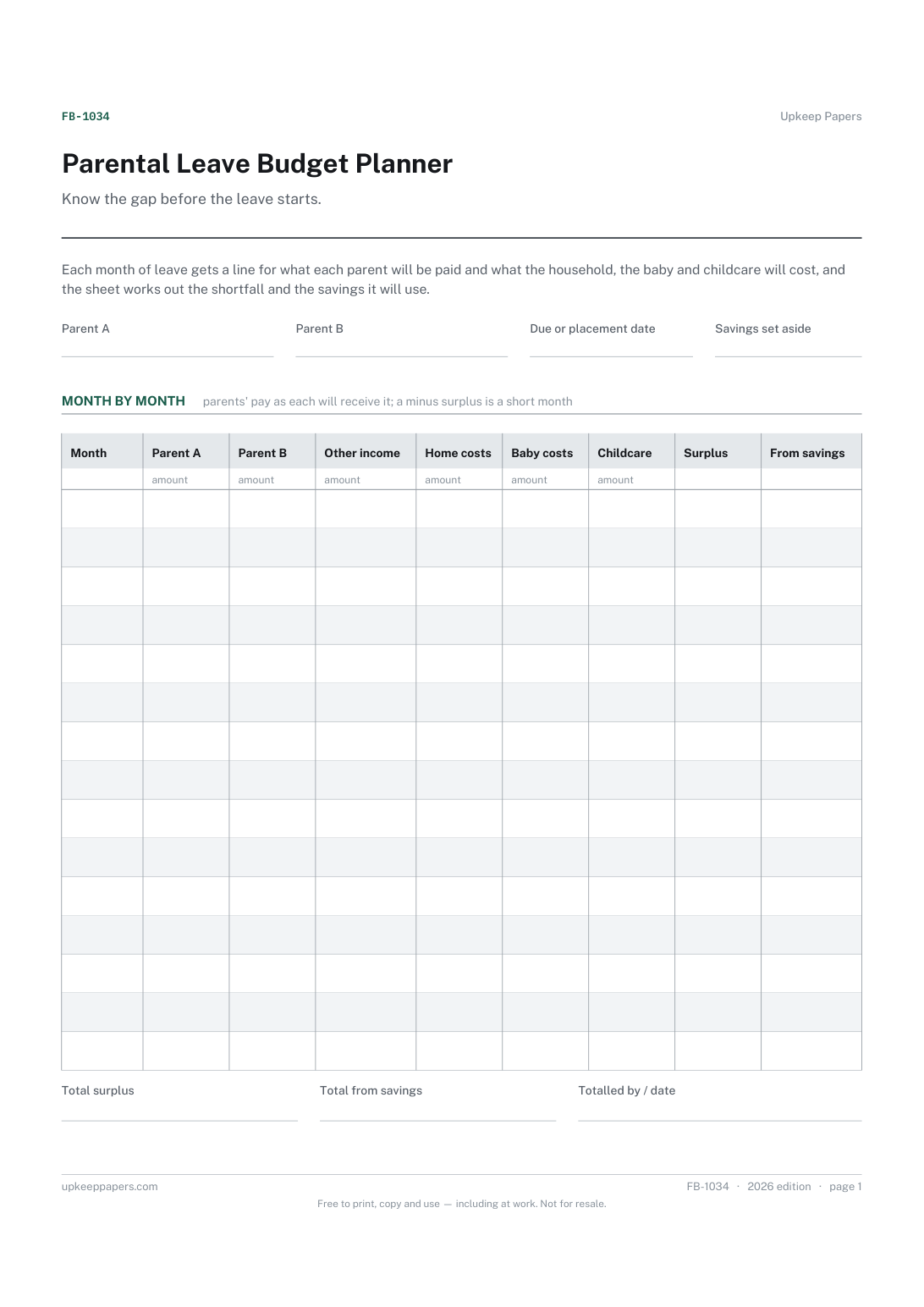
Each parent's leave in stages, from full pay to unpaid, with dates.
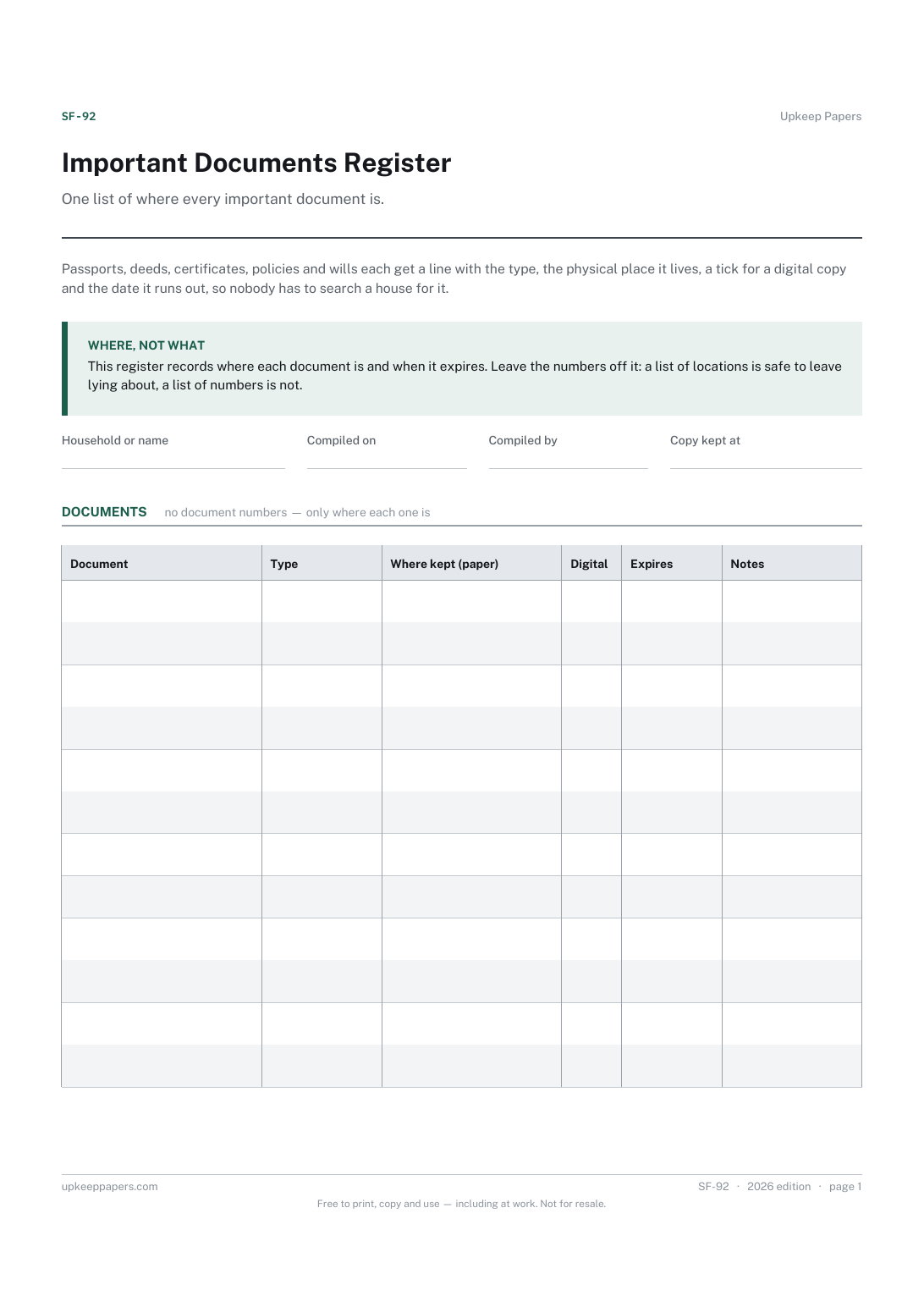
Where the original of each document physically is.
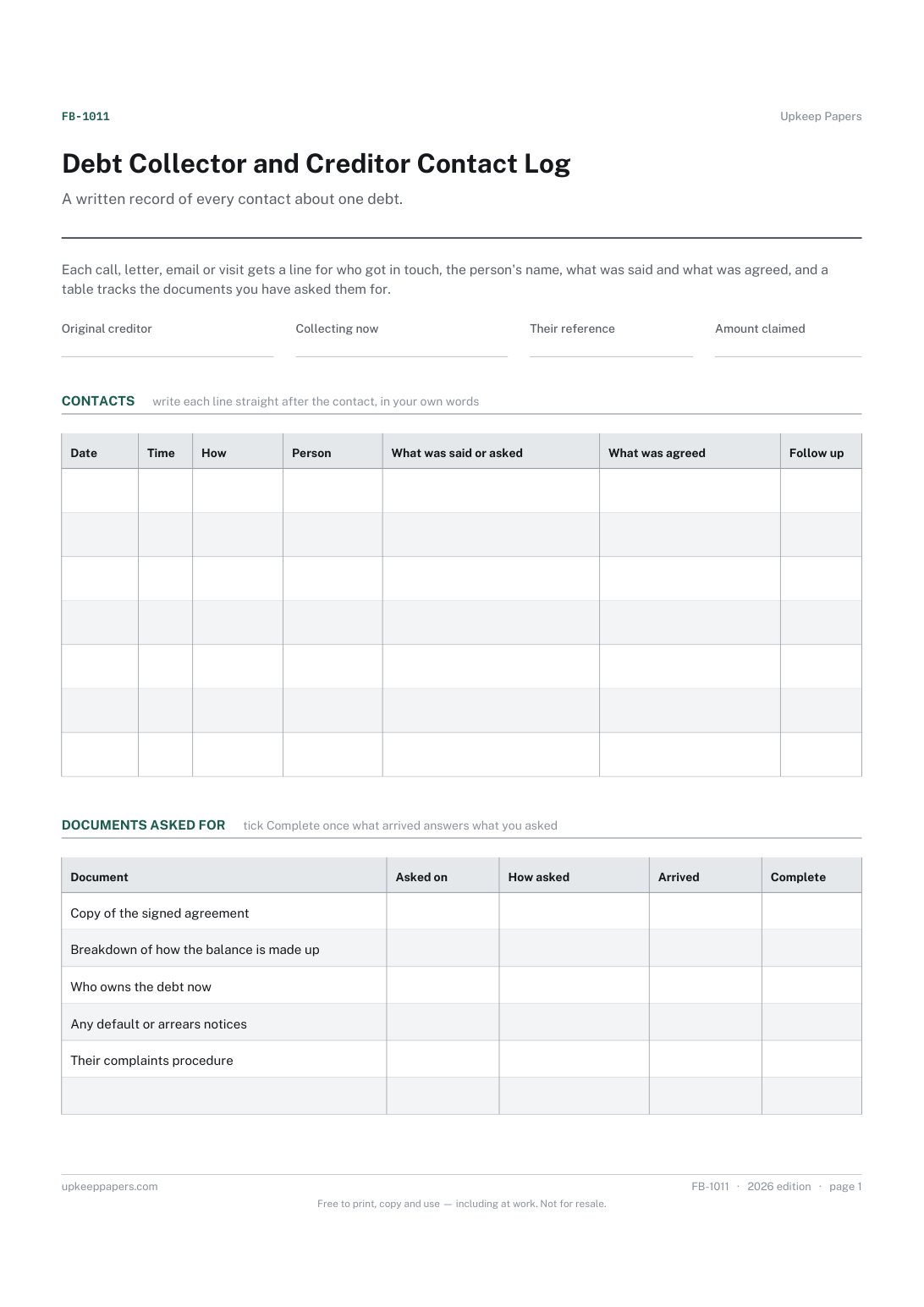
Who holds the debt now, their reference and the amount they claim.
Printable sheets, workbooks and tools on the same subject.
An index of where the important papers actually are — the file somebody else would need if they had to find everything without you.
Insurance, licences, tests, memberships, passports and everything else that quietly expires — counted down from today and sorted by what lapses first.

Every sheet, binder, game and puzzle on Upkeep Papers is free to download, with no email and no account. Making them is not free: each one takes days of research, design and checking, and the site costs money to run. If something here saved you time, you can buy us a coffee. It is entirely optional: nothing is locked, and nothing changes if you don’t.
Buy us a coffee Opens PayPal in a new tab. Any amount, and nothing changes if you would rather not.