
Family history and genealogy · FH-389 · Log
Source and Citation Log
Free printable source and citation log — numbered sources with type, title, repository, reference, date seen, what each proves and a copy-kept tick. PDF.
2 pages. The A4 and US Letter files are laid out identically, so neither is shrunk to fit.
Print it and write on it
Fillable PDF type and save
Or no download needed
Fill it in onlineThe fillable versions have real form fields — open them in any PDF reader, type into them and save. Printing help.
Fill it in online
The same sheet, on screen. Tick, type, add or remove rows, then print it or download the completed version as a PDF. Everything stays in your browser — your entries are kept in this browser's own storage on this device, nothing is uploaded, and there is no account.
Who this is for
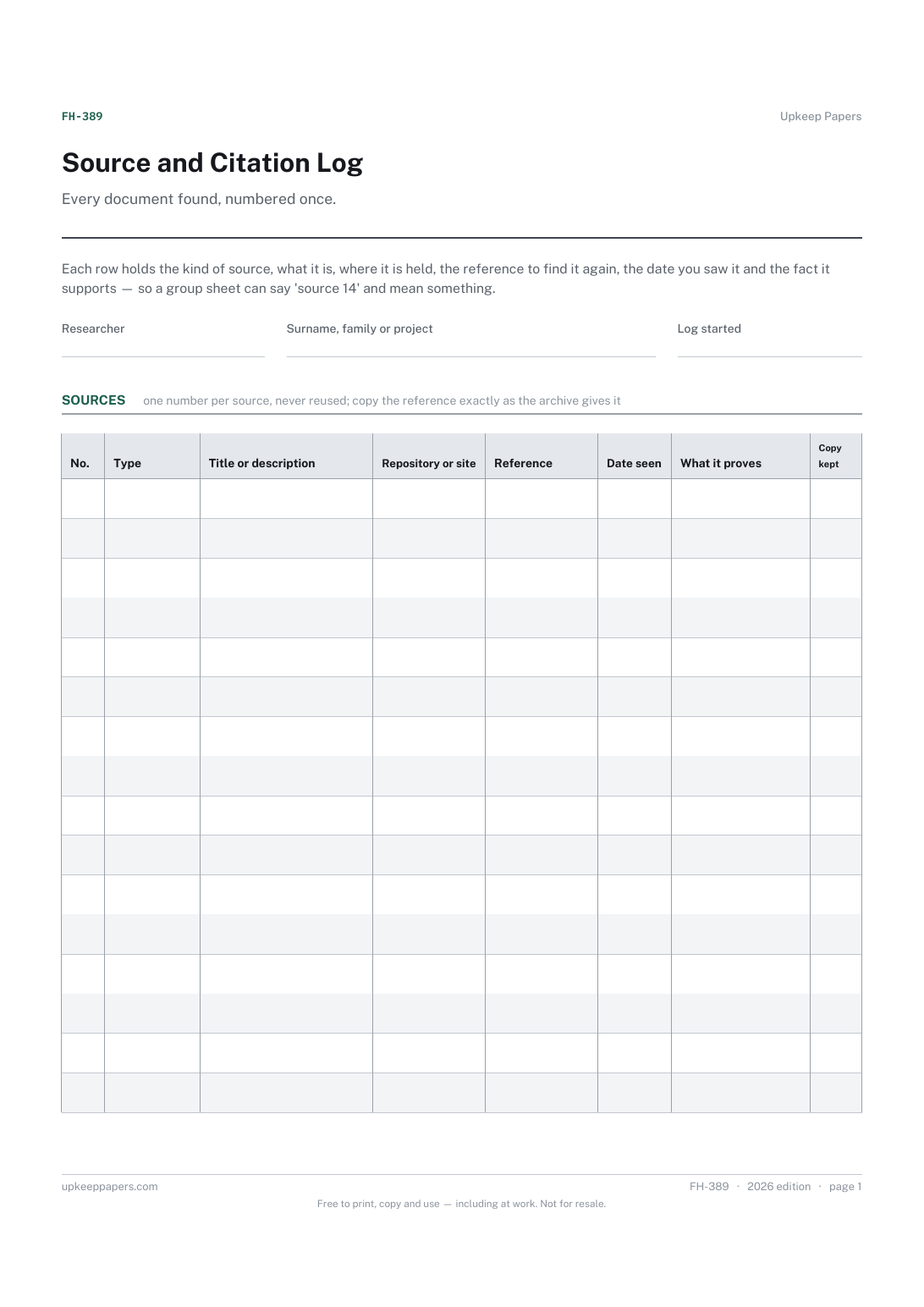
Every document found, numbered once. Each row holds the kind of source, what it is, where it is held, the reference to find it again, the date you saw it and the fact it supports — so a group sheet can say 'source 14' and mean something.
Family historians who want their conclusions to rest on records they can point to, and who would rather write the citation down once than hunt for it every time a cousin asks how they know.
What this helps you track
- A number for every source, to quote on group sheets and profiles
- What kind of record it is and what it is called
- Where it is held and the reference that finds it again
- The date you consulted it, which matters for websites and for your own memory
- What the source proves, in your words, and whether you kept a copy
How to use it
- Write your name and the surname, family or project the log belongs to at the top.
- Give each new source the next number and never reuse one, even if a source turns out to be useless — the number is what other sheets refer to.
- Choose the type, then write the title or description as the record itself gives it, and the repository or website where it is held.
- Copy the reference exactly: the archive's catalogue number, the register and entry, the page and line, the web address. A reference you cannot repeat is not a citation.
- Say what the source proves — 'birth date and mother's maiden name', 'residence in this year' — and tick copy kept only when you hold an image or a transcript.
- Quote the source number on the group sheet, profile or research log the fact belongs to. The browser version keeps adding rows and saves in your own browser.
Formats
- Printable PDF (A4 and US Letter)
- Fillable PDF with form fields
- Fill in online, saved in your browser
The printable is laid out inside a box that fits both A4 and US Letter, so the two files are identical and neither one is scaled. The fillable PDF has real form fields. The online version keeps what you enter in your own browser and builds the completed PDF on your device.
How to print
Download the A4 or US Letter file to match the paper in your printer, open it in a PDF reader and print at 100% — not "fit to page", which shrinks the writing space. Both files leave a 14 mm margin, which clears the unprintable edge on home printers. To print the online version with your entries in it, use the Print this sheet button, which prints only the sheet and none of the page around it. More on printing.
Questions
Does the log follow a particular citation style?
No. It holds the elements every style needs — type, title, repository, reference, date consulted — and you arrange them into whichever style you write in. Styles differ between countries and societies, so none is imposed here.
What if a source proves several facts?
Keep one row for the source and list the facts it supports in the proves column, or quote its number on each of the sheets where it is used. One source, one number.
Why record the date I consulted a source?
Websites change and indexes get corrected, and a transcript you made years ago may not match the record now. The date says which version you saw.
What counts as a copy kept?
A photograph, scan, download or full transcript in your own files. An index entry or a memory of having seen the page does not; leave the tick blank and note it.
Related resources
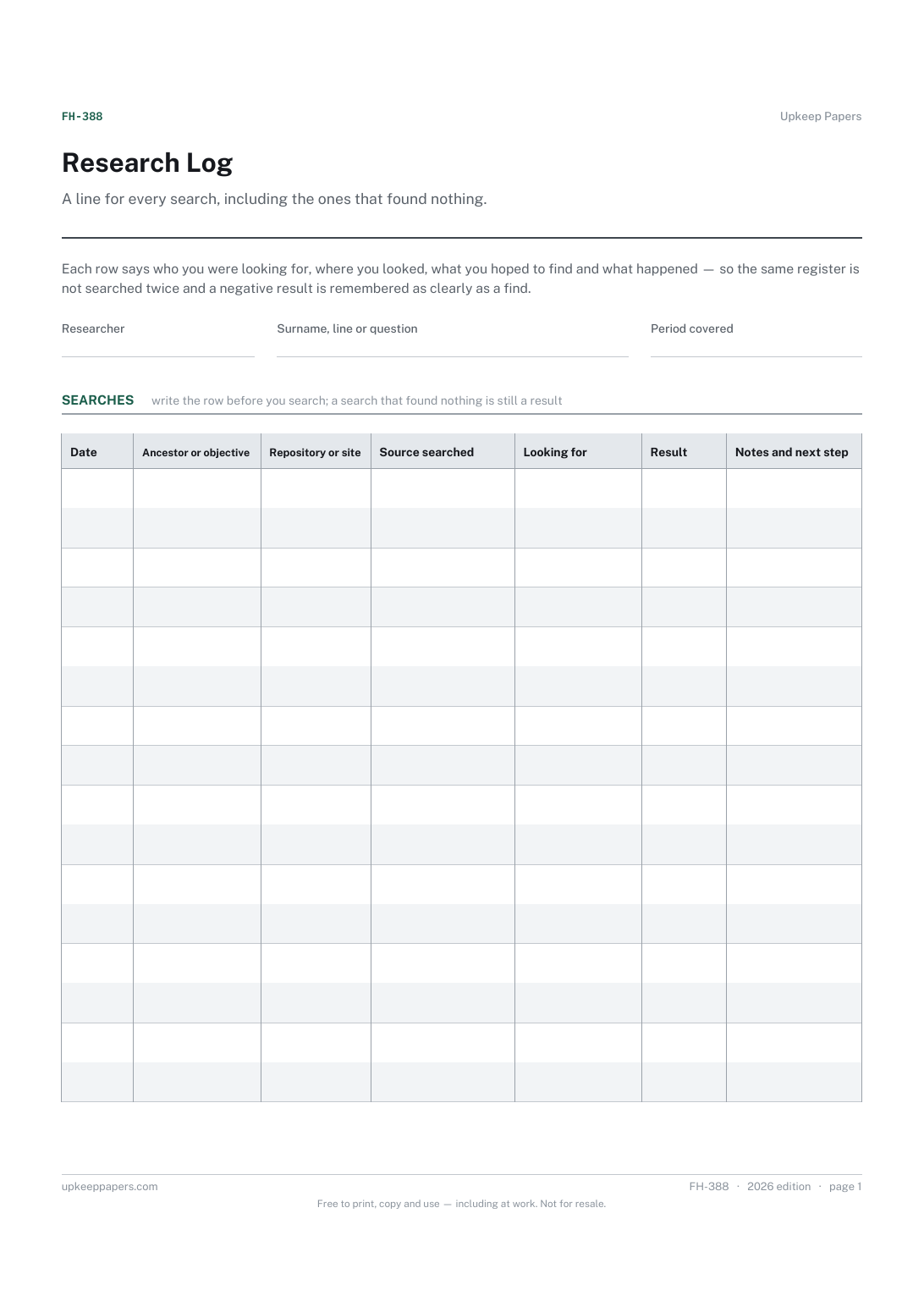
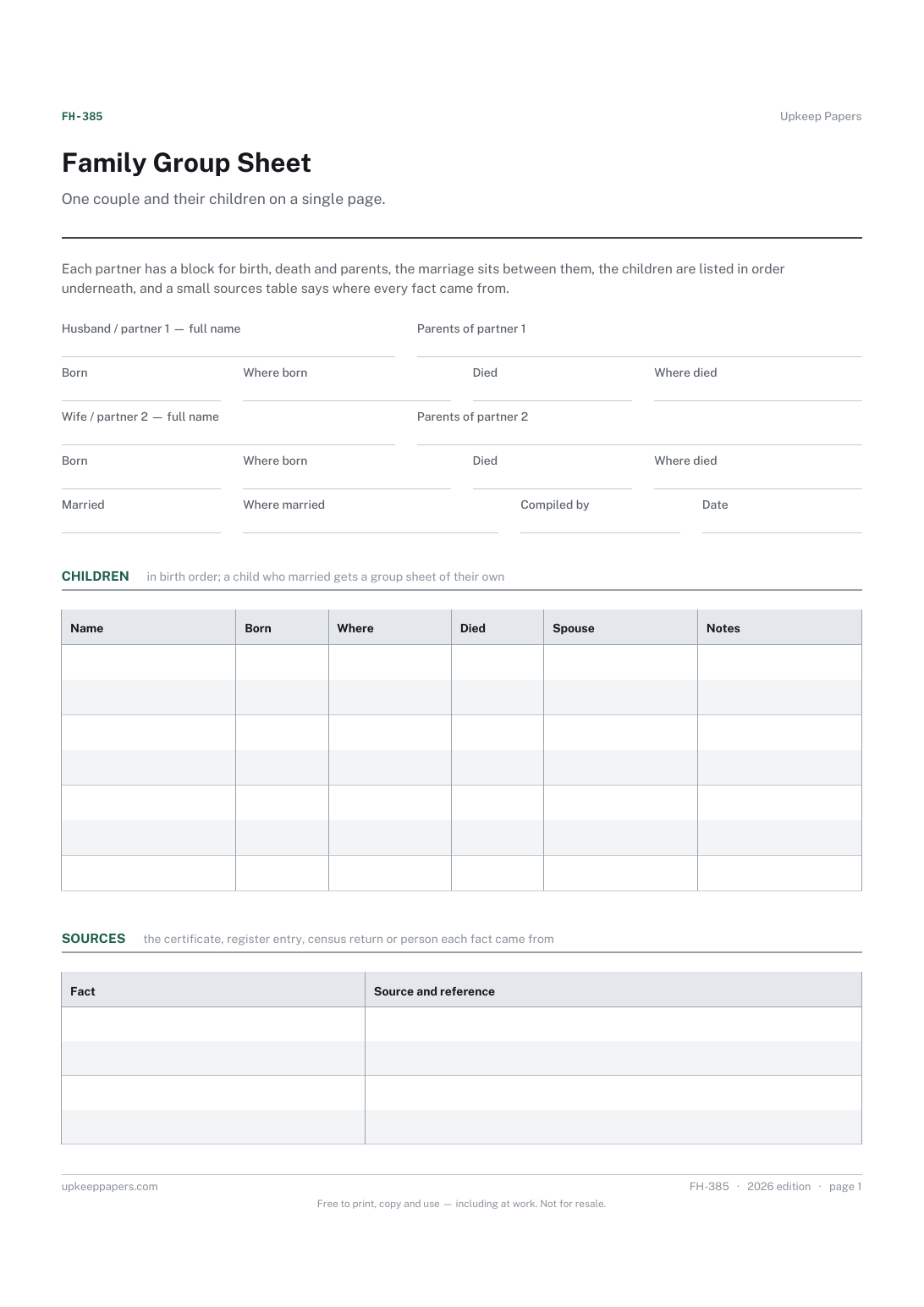
Family Group Sheet
Each partner's name, birth, death and parents, in one block apiece.
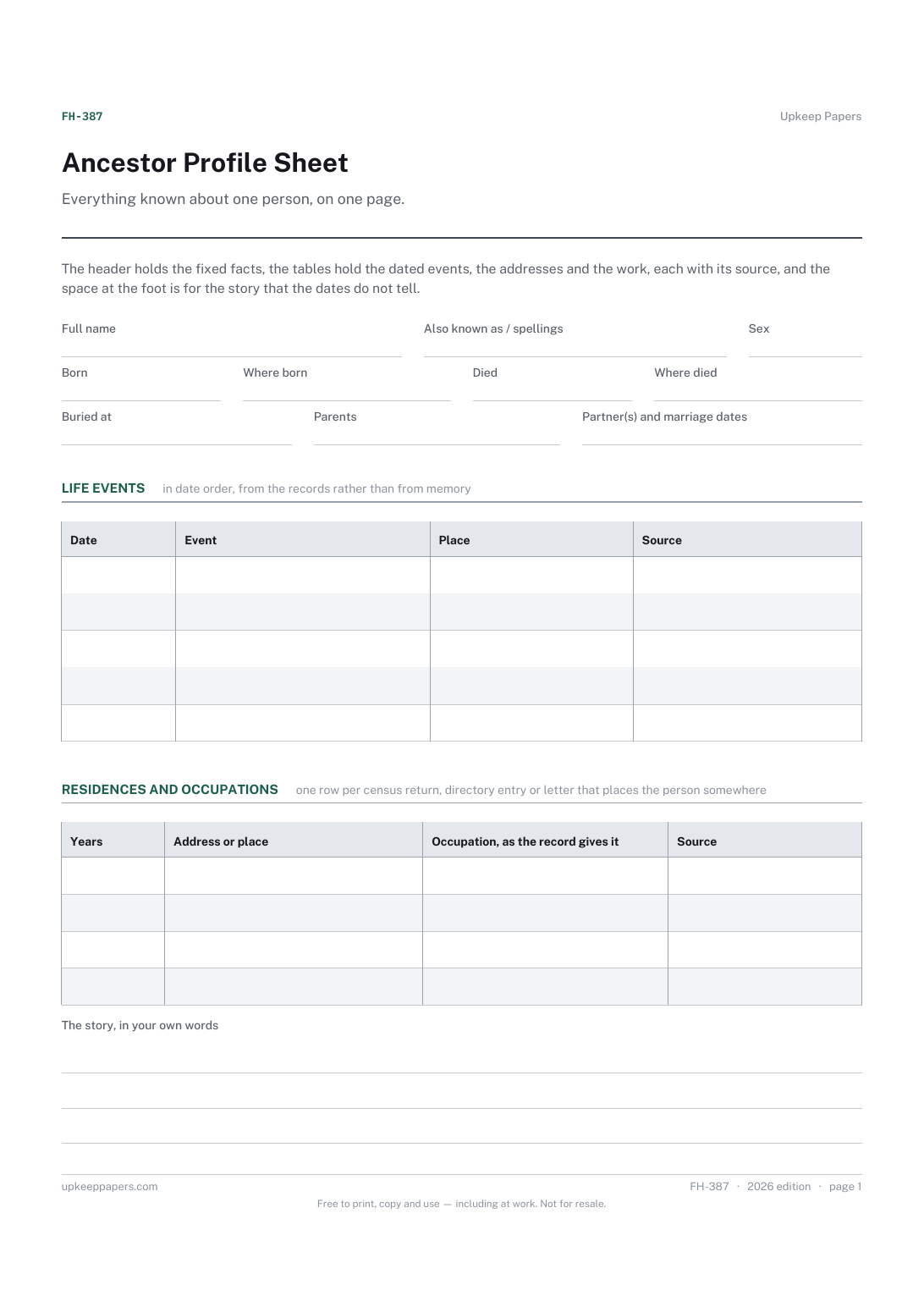
Ancestor Profile Sheet
Names, including the spellings and nicknames the records use.
Also in the library
Printable sheets, workbooks and tools on the same subject.

Blank Log Sheet
Give you the log you actually needed, by leaving the column headings to the one person who knows what they should say.

Blank Record Sheet
Turn a note into a record, by giving it a title, a date, ruled space and somewhere to sign.
