Source and Citation Log
A number for every source, to quote on group sheets and profiles.
FH-389 Log PDF Online
Everything here is free. Making it takes time and money. Everything here is free.
 Buy us a coffee
 Family history and genealogy · FH-390 · Form
Free printable census extraction sheet — year, place, reference and address at the top, then one row per household member as the return gives them. PDF.
One page. The A4 and US Letter files are laid out identically, so neither is shrunk to fit.
Print it and write on it
Fillable PDF type and save
Or no download needed
Fill it in onlineThe fillable versions have real form fields — open them in any PDF reader, type into them and save. Printing help.
The same sheet, on screen. Tick, type, add or remove rows, then print it or download the completed version as a PDF. Everything stays in your browser — your entries are kept in this browser's own storage on this device, nothing is uploaded, and there is no account.
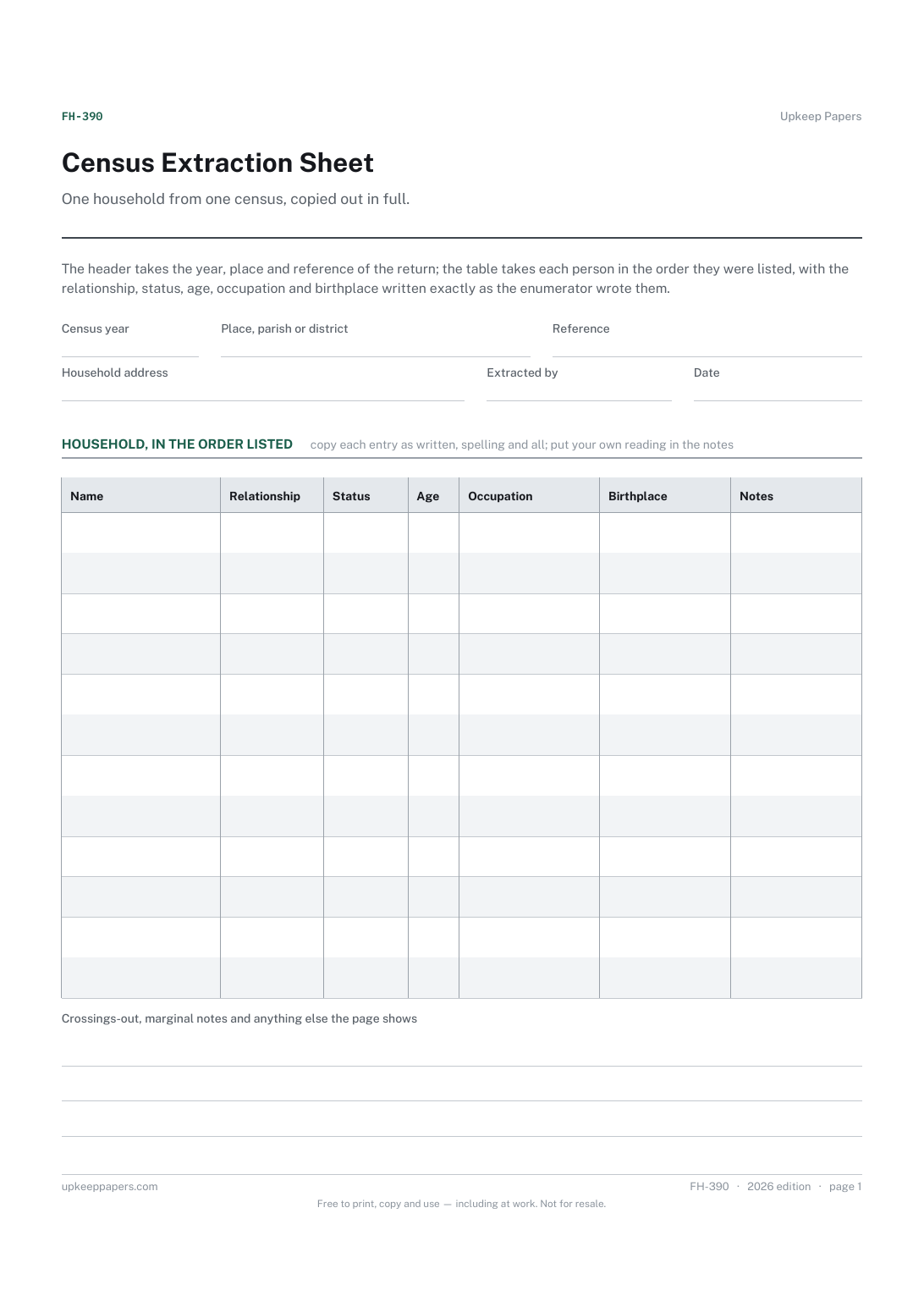
One household from one census, copied out in full. The header takes the year, place and reference of the return; the table takes each person in the order they were listed, with the relationship, status, age, occupation and birthplace written exactly as the enumerator wrote them.
Anyone working from census returns, whichever country's, who has learned that a hurried note of 'found them' is not the same as a copy of what the page says.
The printable is laid out inside a box that fits both A4 and US Letter, so the two files are identical and neither one is scaled. The fillable PDF has real form fields. The online version keeps what you enter in your own browser and builds the completed PDF on your device.
Download the A4 or US Letter file to match the paper in your printer, open it in a PDF reader and print at 100% — not "fit to page", which shrinks the writing space. Both files leave a 14 mm margin, which clears the unprintable edge on home printers. To print the online version with your entries in it, use the Print this sheet button, which prints only the sheet and none of the page around it. More on printing.
Because extracting makes you read every word, and it is at that point that the lodger with the mother's maiden name is noticed. The sheet is also readable at a glance in a way a photograph of a faded page is not.
They are deliberately general — name, relationship, status, age, occupation, birthplace — because returns differ by country and by year. Put anything the return asks that is not covered here in the notes column, labelled.
No. Copy what is written, then say in the notes what you think it should be and why. The return is the source; your correction is an interpretation.
Whatever the return records about each person beyond their relationship — marital condition, whether they were a visitor or a servant, or anything similar that your census asks. Leave it blank where the return has nothing.
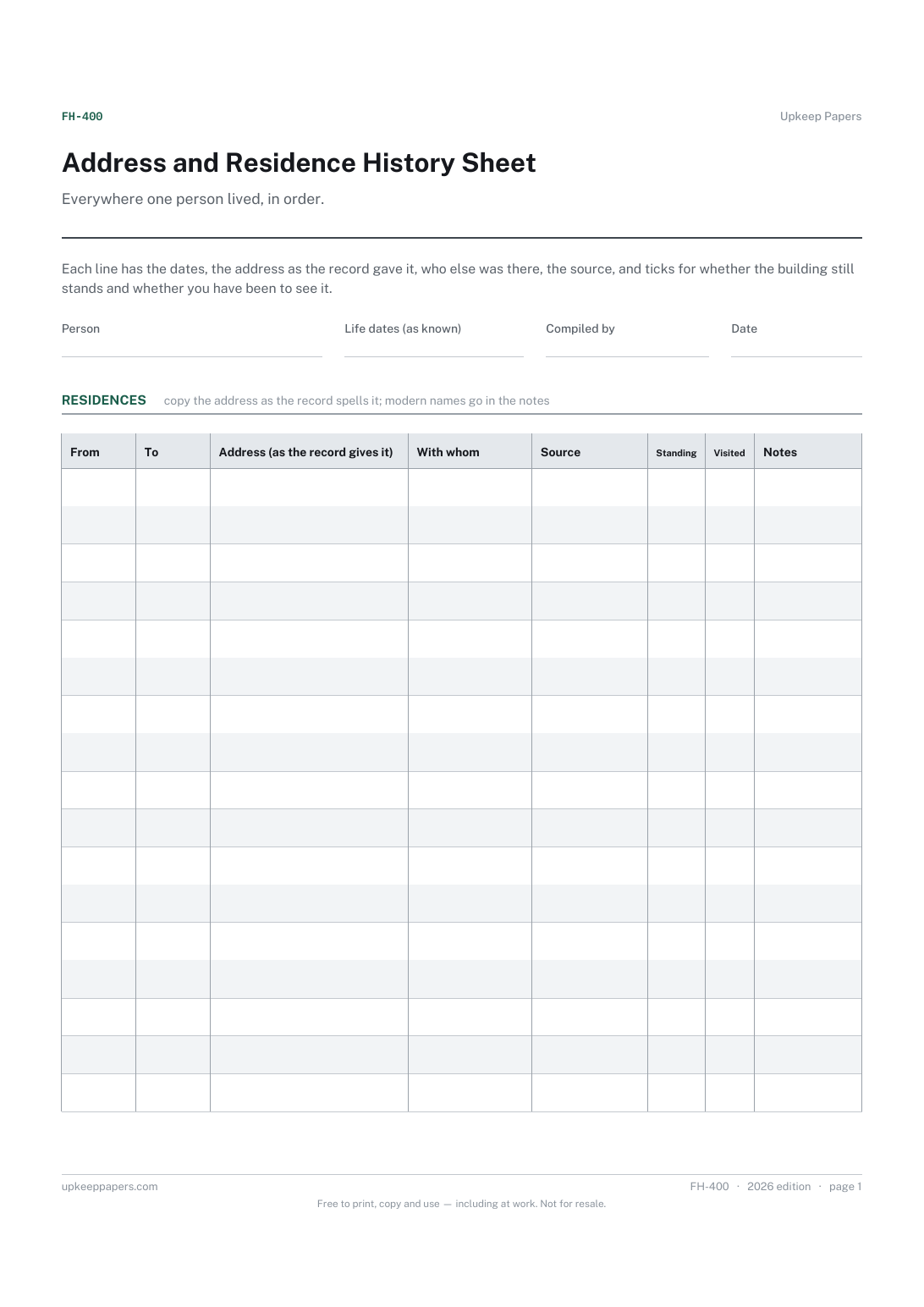
A number for every source, to quote on group sheets and profiles.
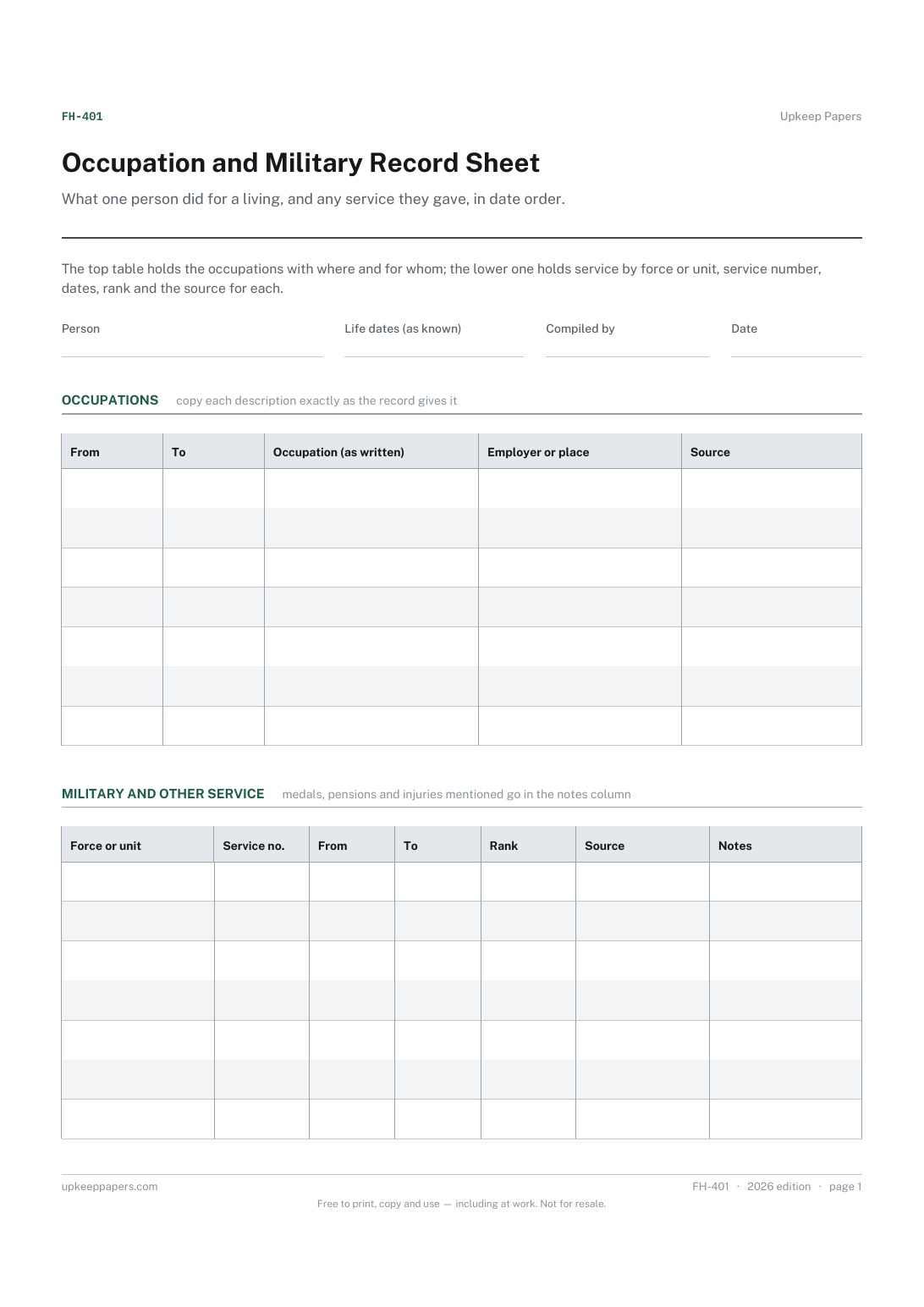
Each address the person lived at, with the earliest and latest date you have for it.
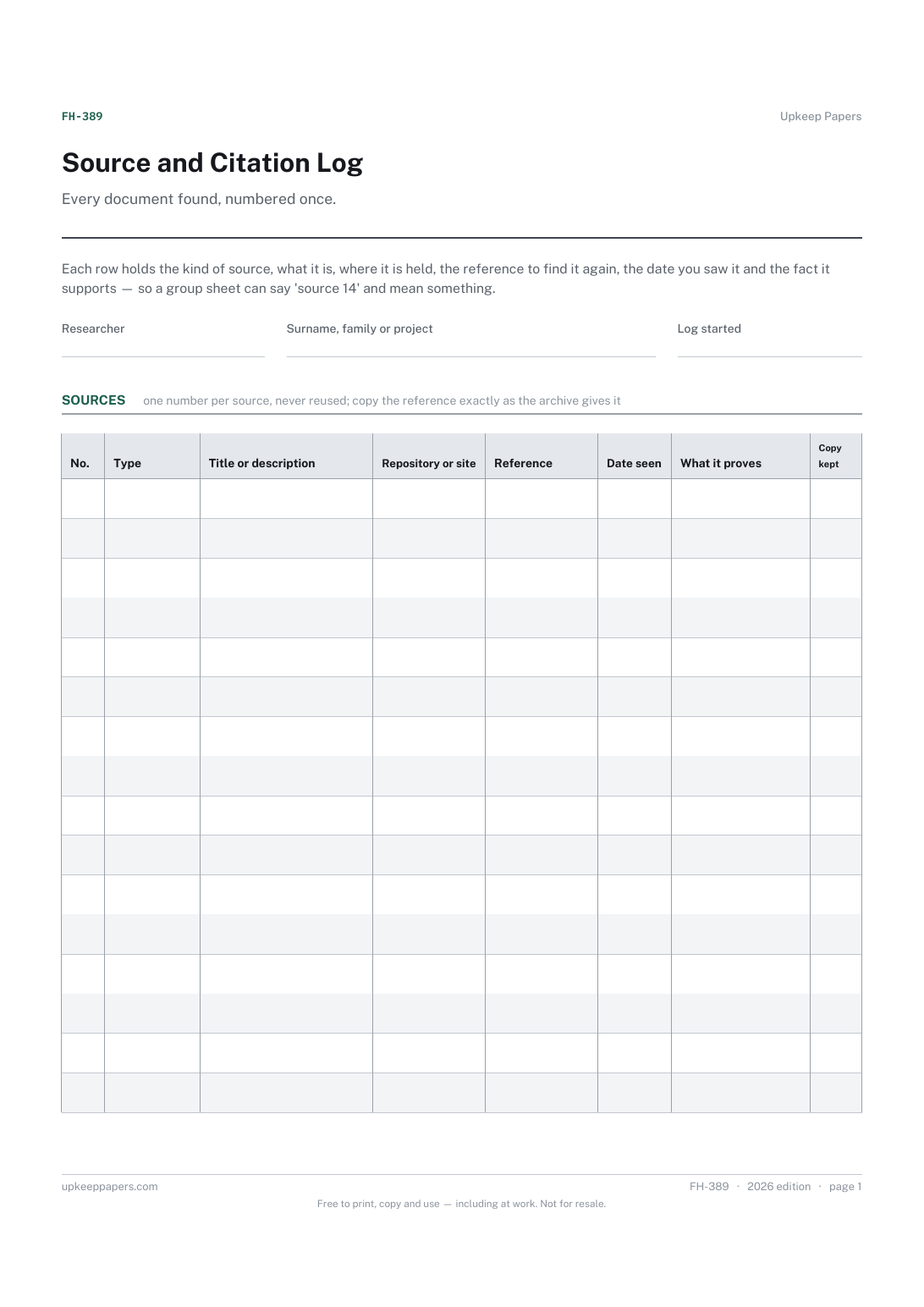
Every occupation recorded for the person, with the date and the record that says so.
Printable sheets, workbooks and tools on the same subject.
Turn a note into a record, by giving it a title, a date, ruled space and somewhere to sign.

Every sheet, binder, game and puzzle on Upkeep Papers is free to download, with no email and no account. Making them is not free: each one takes days of research, design and checking, and the site costs money to run. If something here saved you time, you can buy us a coffee. It is entirely optional: nothing is locked, and nothing changes if you don’t.
Buy us a coffee Opens PayPal in a new tab. Any amount, and nothing changes if you would rather not.