
Family history and genealogy · FH-394 · Planner
Archive and Record Office Visit Planner
Free archive visit planner — the archive, hours and booking, a prioritised list of records to look up with references, costs totalled and a take-with-you list.
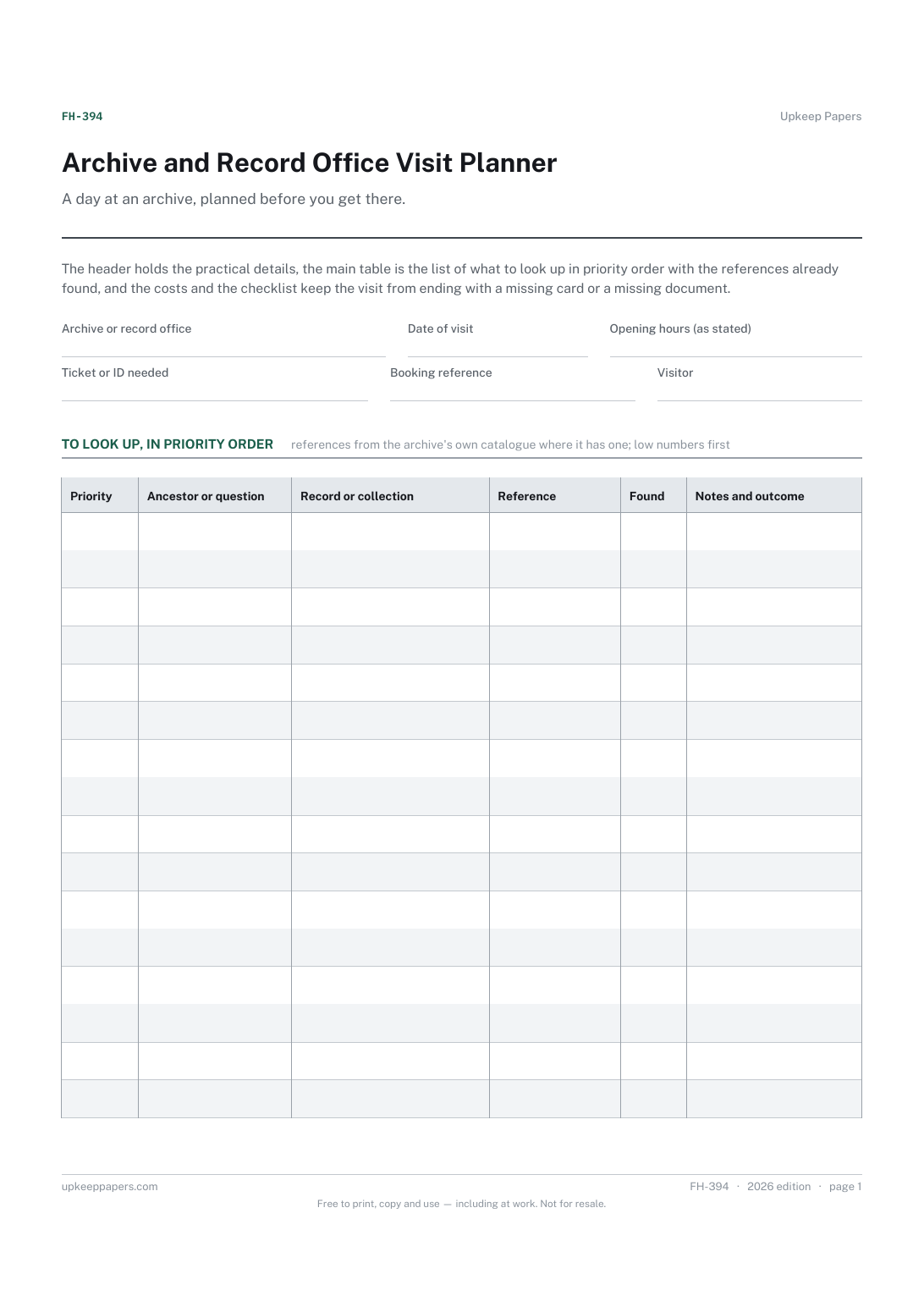
2 pages. The A4 and US Letter files are laid out identically, so neither is shrunk to fit.
Print it and write on it
Fillable PDF type and save
Spreadsheet formulas included
The fillable versions have real form fields — open them in any PDF reader, type into them and save. Printing help.
Fill it in online
The same sheet, on screen. Totals and figures are worked out as you type, rows can be added or removed, and you can print it or download the completed version as a PDF. Everything stays in your browser — your entries are kept in this browser's own storage on this device, nothing is uploaded, and there is no account.
Who this is for
A day at an archive, planned before you get there. The header holds the practical details, the main table is the list of what to look up in priority order with the references already found, and the costs and the checklist keep the visit from ending with a missing card or a missing document.
Family historians visiting a record office, county or national archive, library or church repository — especially one that is a long way from home and will not be visited again soon.
What this helps you track
- The archive, the date, its opening hours and what you need to get in
- What to look up, in the order that matters most, with references ready
- What was found and what was not, marked during the visit
- The costs of the day — travel, copies, fees — totalled
- What to take, so the visit is not lost to a forgotten ticket or dead battery
How to use it
- Fill the header with the archive, the date, the opening hours as the archive states them, what identification or reader's ticket it asks for and any booking reference.
- Before the visit, list the records to look up with the collection and the catalogue reference, found from the archive's own catalogue where it has one. Give each a priority number, low numbers first.
- Check the archive's own rules about bags, pens, cameras and ordering documents in advance, and adjust the take-with-you list to match.
- During the visit, tick found as each item is produced and read, and write the outcome in the notes — including 'not there', which is worth knowing.
- Record the costs of the day as they arise; the total is worked out in the browser version and the workbook.
- Afterwards, move what was found into the source log and what was not into the research log, and keep this sheet as the record of the visit.
Formats
- Printable PDF (A4 and US Letter)
- Fillable PDF with form fields
- Fill in online, saved in your browser
- Excel / Google Sheets workbook
The printable is laid out inside a box that fits both A4 and US Letter, so the two files are identical and neither one is scaled. The fillable PDF has real form fields. The workbook uses plain formulas only — SUM, IF, COUNTIF and the like — so it opens in Excel, LibreOffice and Google Sheets without anything breaking, and every calculated cell is grey so you can see which figures it worked out.
How to print
Download the A4 or US Letter file to match the paper in your printer, open it in a PDF reader and print at 100% — not "fit to page", which shrinks the writing space. Both files leave a 14 mm margin, which clears the unprintable edge on home printers. To print the online version with your entries in it, use the Print this sheet button, which prints only the sheet and none of the page around it. More on printing.
Questions
What should the priority number mean?
Whatever order you would want the items in if the day were cut short. Most people put the item the trip was for at one and the nice-to-haves at the end.
Do I need to book or bring identification?
That is for the archive to say. Many have a reader's ticket, an ID requirement or an advance booking system, and they differ; the header has a field for what yours asks, taken from its own website or a phone call.
What costs go in the table?
Whatever you spend on the visit — travel, parking, copying or photography fees, a day ticket, lunch — so the trip has an honest total. The sheet supplies no prices.
Can I use it for a library or a church?
Yes. Anywhere records are held and visited works the same way: what to look up, the reference, whether it was found, what it cost.
Related resources
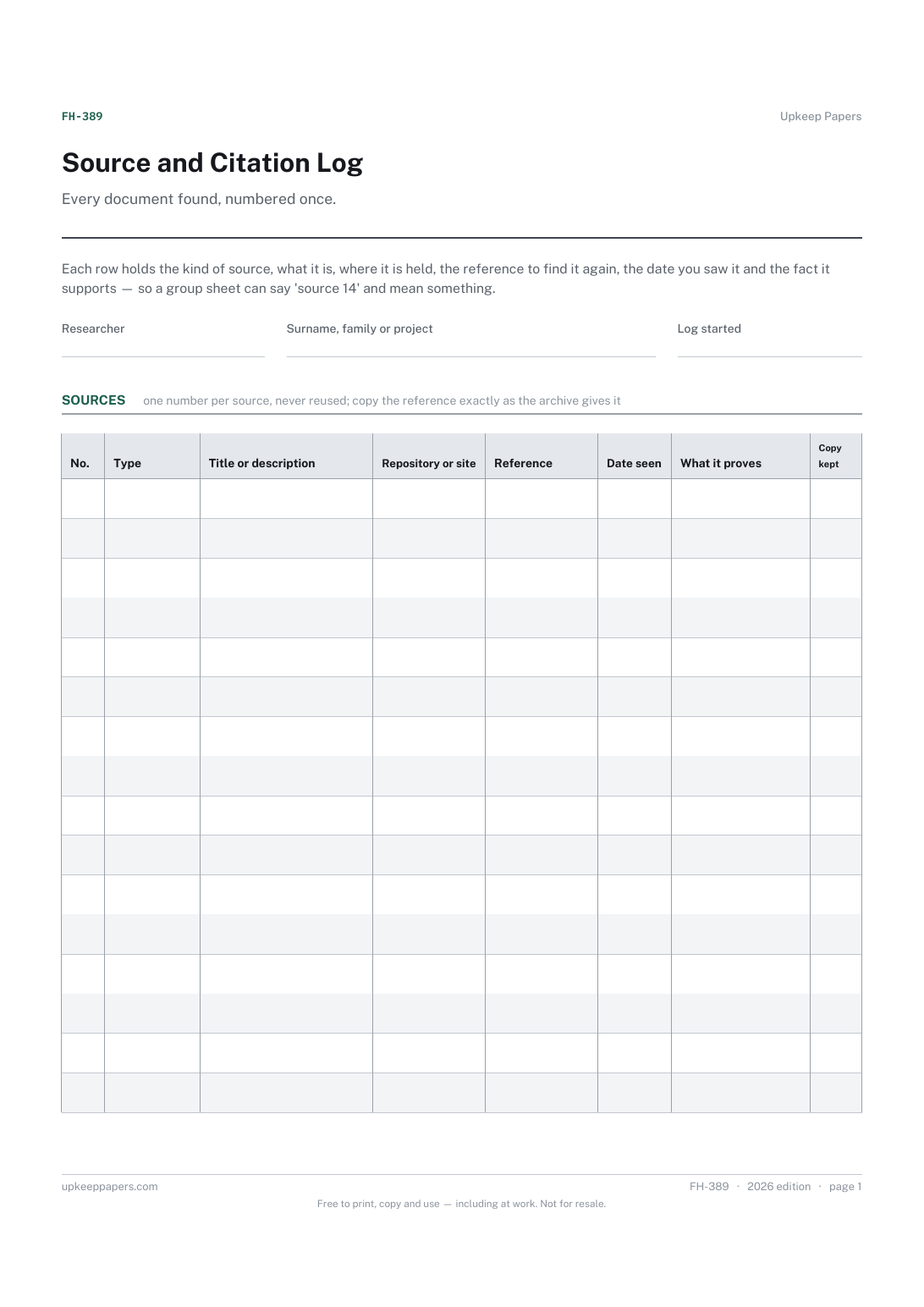
Source and Citation Log
A number for every source, to quote on group sheets and profiles.
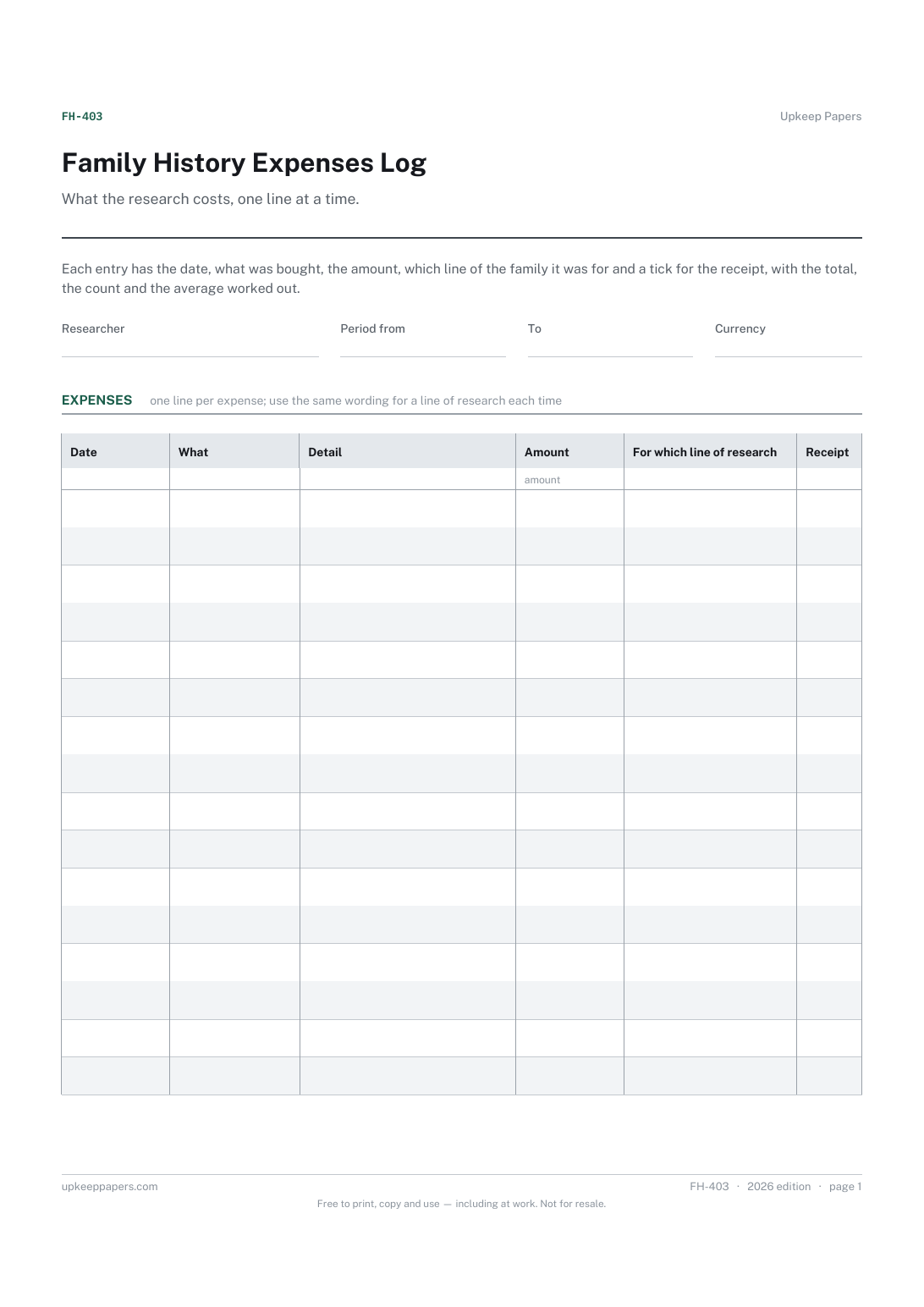
Family History Expenses Log
Every certificate, subscription, journey, archive fee and book, dated.
Also in the library
Printable sheets, workbooks and tools on the same subject.

Blank Checklist Sheet
Write a routine down once so it can be photocopied and repeated, instead of being remembered slightly differently each time.
