Grant Spend and Reporting Tracker
Every grant awarded, with the funder, amount and date received.
CC-678 Tracker PDF Excel Online
Everything here is free. Making it takes time and money. Everything here is free.
 Buy us a coffee
 Clubs, Charities and Community · CC-699 · Tracker
Free restricted funds tracker for small charities and clubs: each fund's money in, out and balance, checked against the bank. PDF, Excel and browser.
2 pages. The A4 and US Letter files are laid out identically, so neither is shrunk to fit.
Print it and write on it
Fillable PDF type and save
Spreadsheet formulas included
The fillable versions have real form fields — open them in any PDF reader, type into them and save. Printing help.
The same sheet, on screen. Totals and figures are worked out as you type, rows can be added or removed, and you can print it or download the completed version as a PDF. Everything stays in your browser — your entries are kept in this browser's own storage on this device, nothing is uploaded, and there is no account.
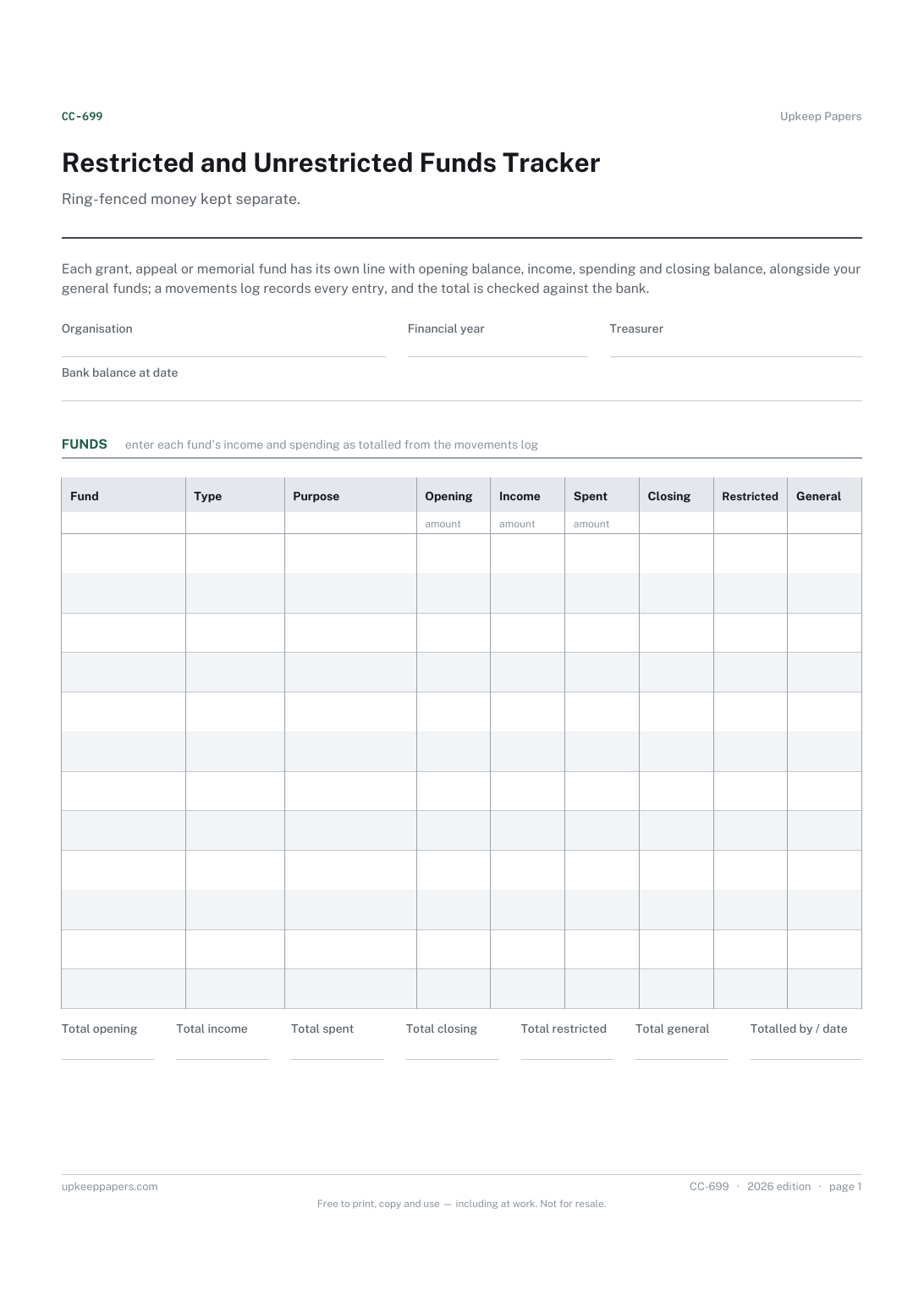
Ring-fenced money kept separate. Each grant, appeal or memorial fund has its own line with opening balance, income, spending and closing balance, alongside your general funds; a movements log records every entry, and the total is checked against the bank.
Treasurers of small charities, clubs and community groups holding money given for a particular purpose as well as money they can spend freely.
The printable is laid out inside a box that fits both A4 and US Letter, so the two files are identical and neither one is scaled. The fillable PDF has real form fields. The workbook uses plain formulas only — SUM, IF, COUNTIF and the like — so it opens in Excel, LibreOffice and Google Sheets without anything breaking, and every calculated cell is grey so you can see which figures it worked out.
Download the A4 or US Letter file to match the paper in your printer, open it in a PDF reader and print at 100% — not "fit to page", which shrinks the writing space. Both files leave a 14 mm margin, which clears the unprintable edge on home printers. To print the online version with your entries in it, use the Print this sheet button, which prints only the sheet and none of the page around it. More on printing.
Broadly, money given for a stated purpose, such as a grant for a project or an appeal for new equipment. The exact rules depend on your organisation and where you are, so check the terms of each gift and any guidance that applies.
The log records every entry as it happens; the funds table holds each fund's totals. Add up the log for each fund and enter the figures. The log totals help check nothing was missed.
Look for uncleared cheques, bank charges, interest or entries not yet logged. Record the reason in the notes, or correct the funds, until it agrees.
The sheet will show a negative closing balance if more is spent than came in. That usually means general funds covered the gap, which your committee should note and decide on.
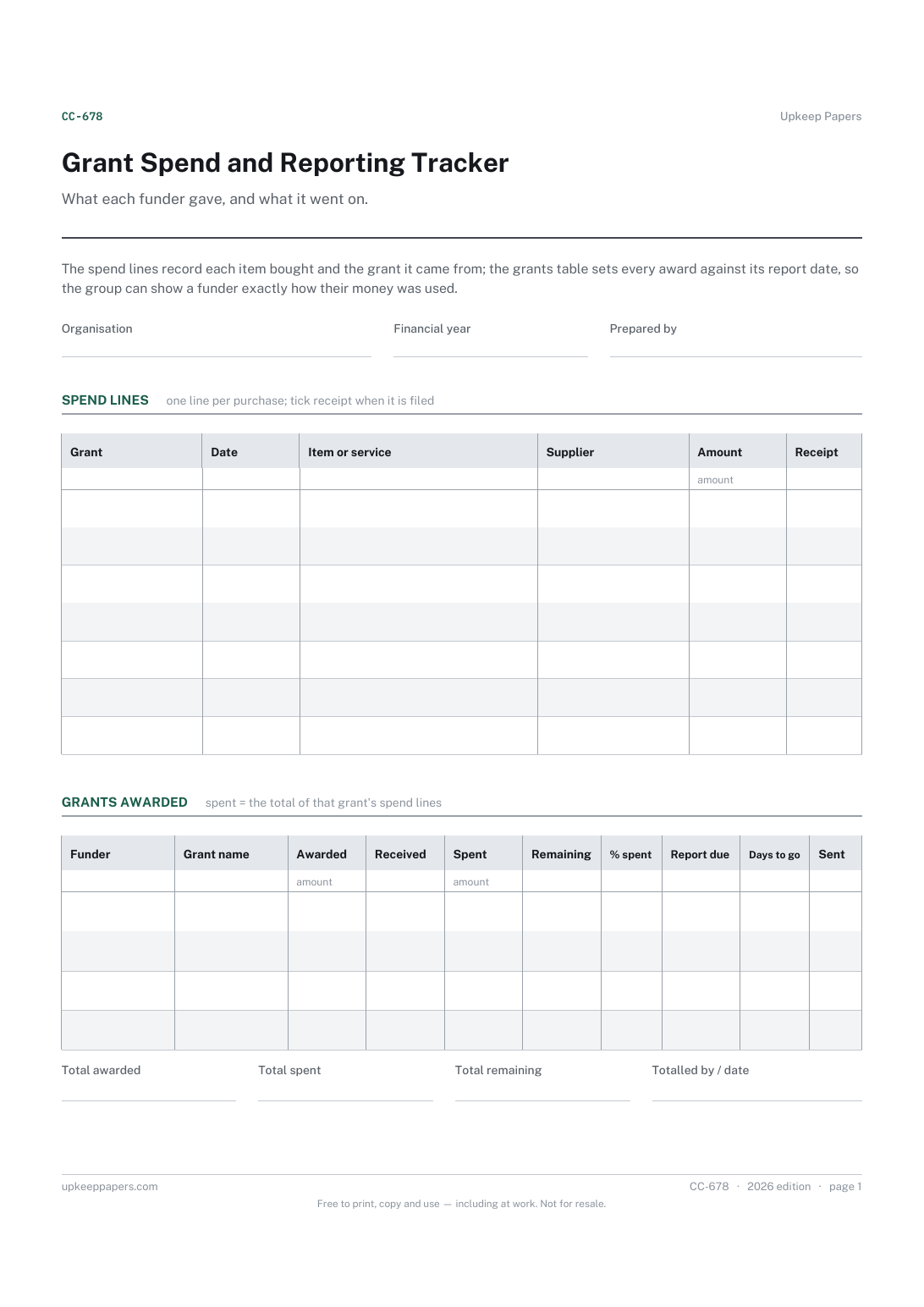
Every grant awarded, with the funder, amount and date received.
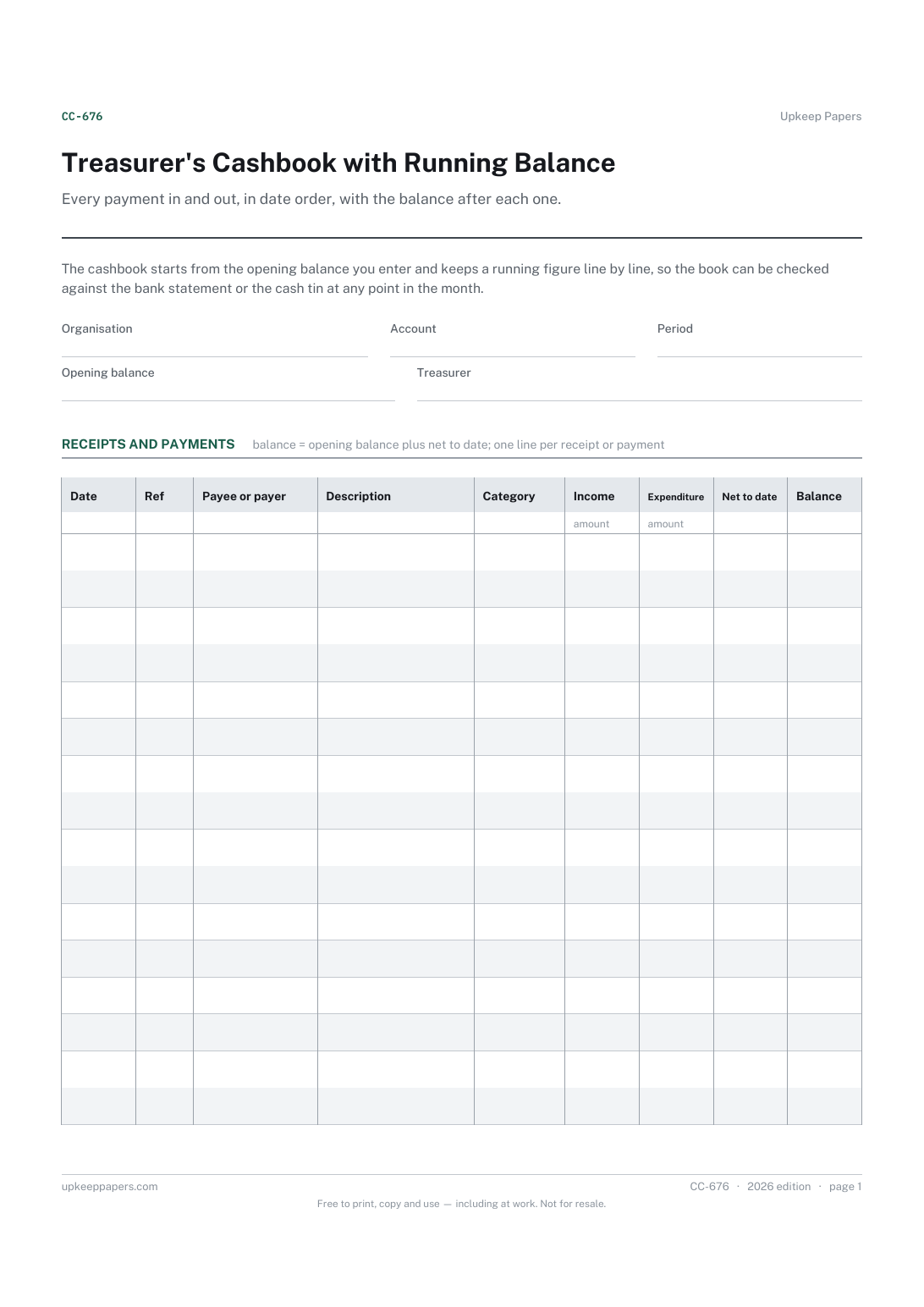
Every receipt and payment, with the date, reference and who it came from or went to.
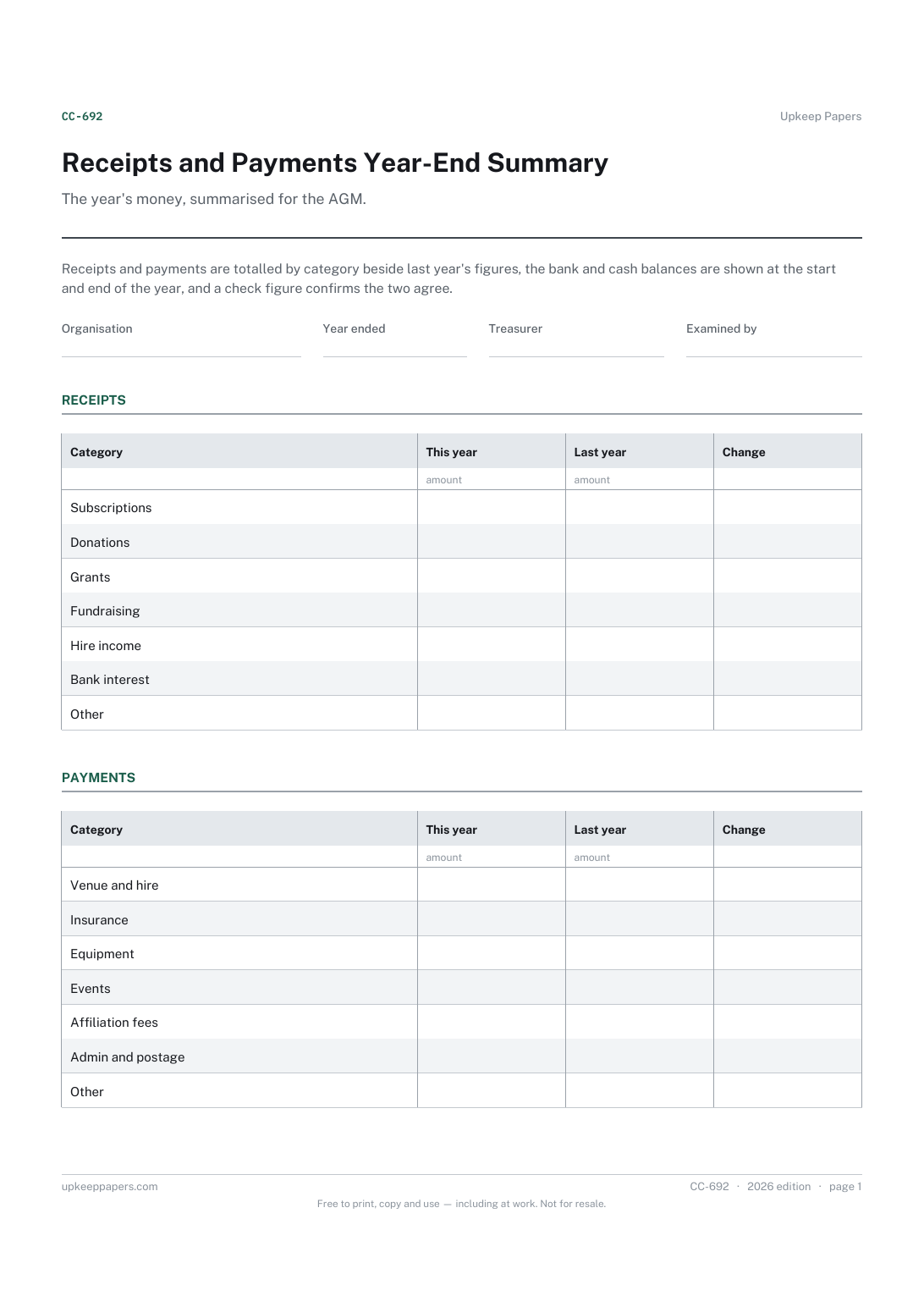
Money received in the year, by category, beside last year.
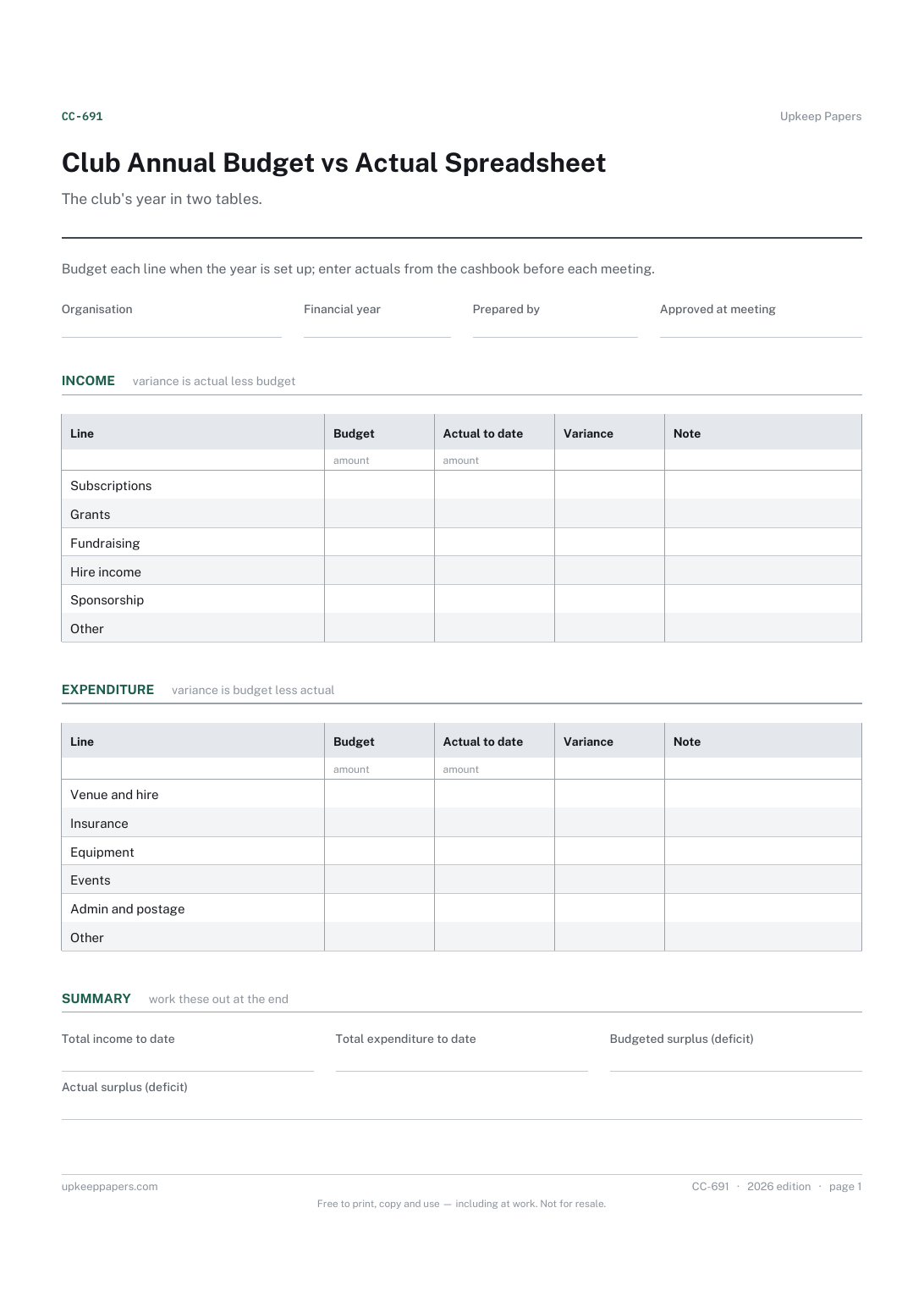
The income the committee expects, by source.
Printable sheets, workbooks and tools on the same subject.
Keep a clean record of what came in or went out, and of whether the thank-you was actually sent.
The big irregular costs — the car service, the insurance renewal, Christmas — broken down into what you need to set aside each month to be ready for them.

Every sheet, binder, game and puzzle on Upkeep Papers is free to download, with no email and no account. Making them is not free: each one takes days of research, design and checking, and the site costs money to run. If something here saved you time, you can buy us a coffee. It is entirely optional: nothing is locked, and nothing changes if you don’t.
Buy us a coffee Opens PayPal in a new tab. Any amount, and nothing changes if you would rather not.