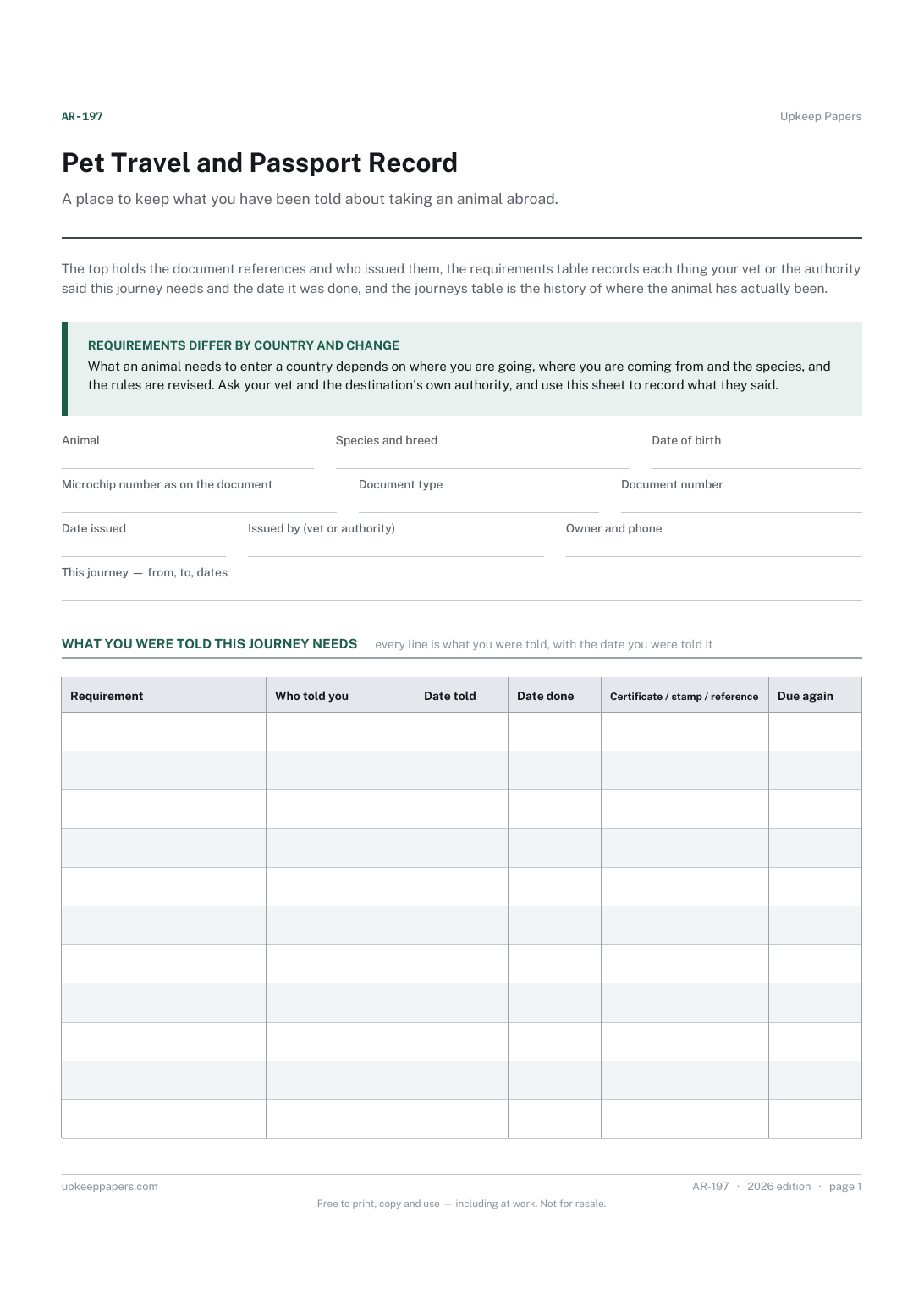
Pet Travel and Passport Record
Document type, number, issue date and who issued it, copied from the document itself.
AR-197 Record PDF Online
Everything here is free. Making it takes time and money. Everything here is free.
 Buy us a coffee
 Animal health records · AR-185 · Record
Free printable pet microchip record — chip number, implant date, database and registration details, plus a log of every detail update. PDF and browser.
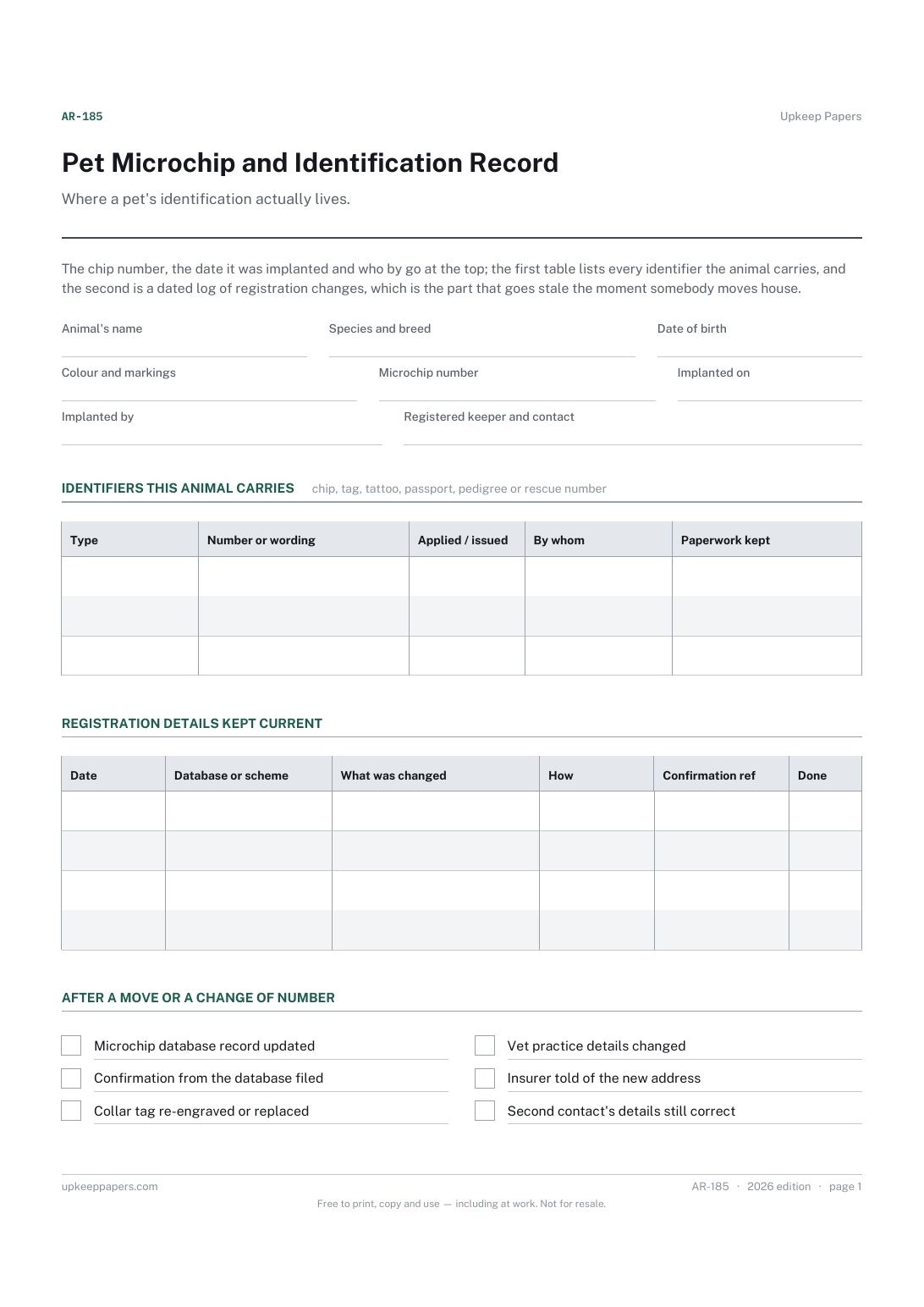
One page. The A4 and US Letter files are laid out identically, so neither is shrunk to fit.
Print it and write on it
Fillable PDF type and save
Or no download needed
Fill it in onlineThe fillable versions have real form fields — open them in any PDF reader, type into them and save. Printing help.
The same sheet, on screen. Tick, type, add or remove rows, then print it or download the completed version as a PDF. Everything stays in your browser — your entries are kept in this browser's own storage on this device, nothing is uploaded, and there is no account.
Where a pet's identification actually lives. The chip number, the date it was implanted and who by go at the top; the first table lists every identifier the animal carries, and the second is a dated log of registration changes, which is the part that goes stale the moment somebody moves house.
Anyone whose pet is chipped, tagged or tattooed, owners who have moved or changed phone number, and new owners taking on an animal who need to know whose name the chip is in.
The printable is laid out inside a box that fits both A4 and US Letter, so the two files are identical and neither one is scaled. The fillable PDF has real form fields. The online version keeps what you enter in your own browser and builds the completed PDF on your device.
Download the A4 or US Letter file to match the paper in your printer, open it in a PDF reader and print at 100% — not "fit to page", which shrinks the writing space. Both files leave a 14 mm margin, which clears the unprintable edge on home printers. To print the online version with your entries in it, use the Print this sheet button, which prints only the sheet and none of the page around it. More on printing.
Requirements differ by country and sometimes by region, so this sheet does not state any. Ask your vet or the implanter which database your chip is on and what the local rules are.
Any vet practice or rescue can scan the animal and read it out. Write it down the same day — a chip that nobody can quote is far less useful when the animal is found.
That is exactly what the update log is for. Record each change with the date and the reference you were given, so the answer is on the sheet instead of in your memory.
Contact the database on the paperwork and ask what they need to transfer the keeper details. Log the request and the outcome so you have a dated trail.
One per animal. The whole point is a single unambiguous number against a single description.
Document type, number, issue date and who issued it, copied from the document itself.
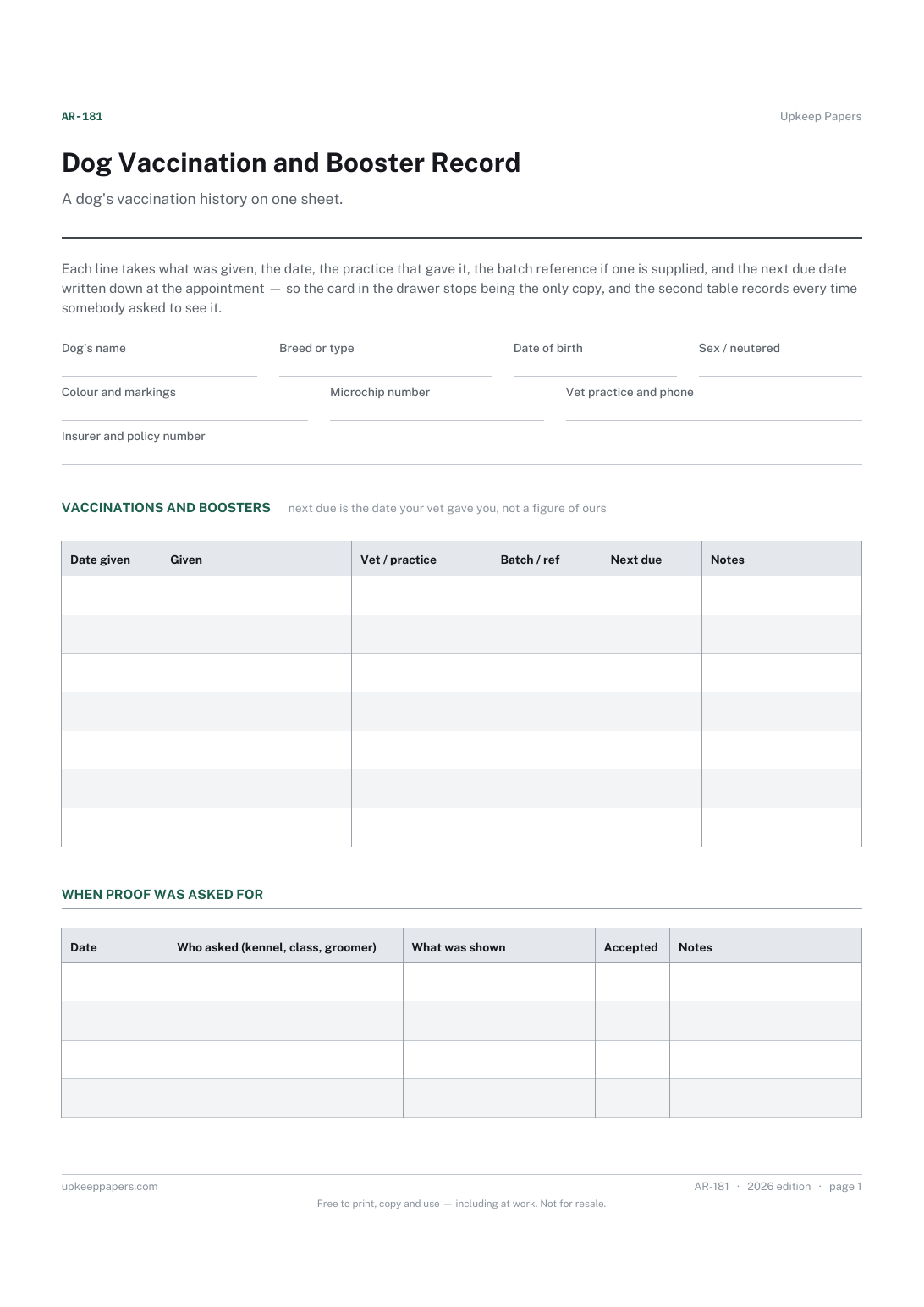
What your dog has been given and on what date, in one list.
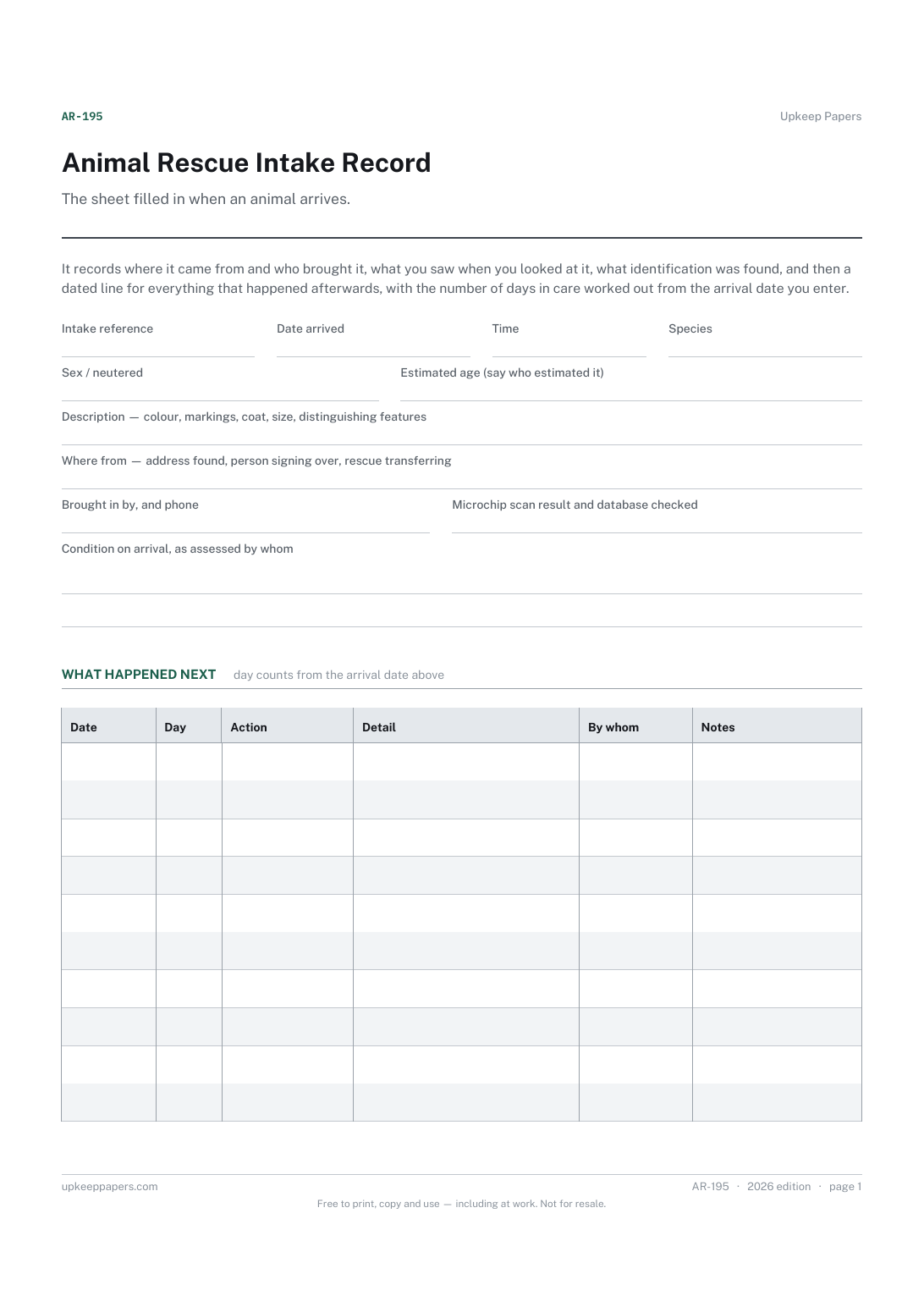
Where the animal came from and who handed it over, with a contact.
Identification: species, breed, colour, markings and microchip number.
Printable sheets, workbooks and tools on the same subject.
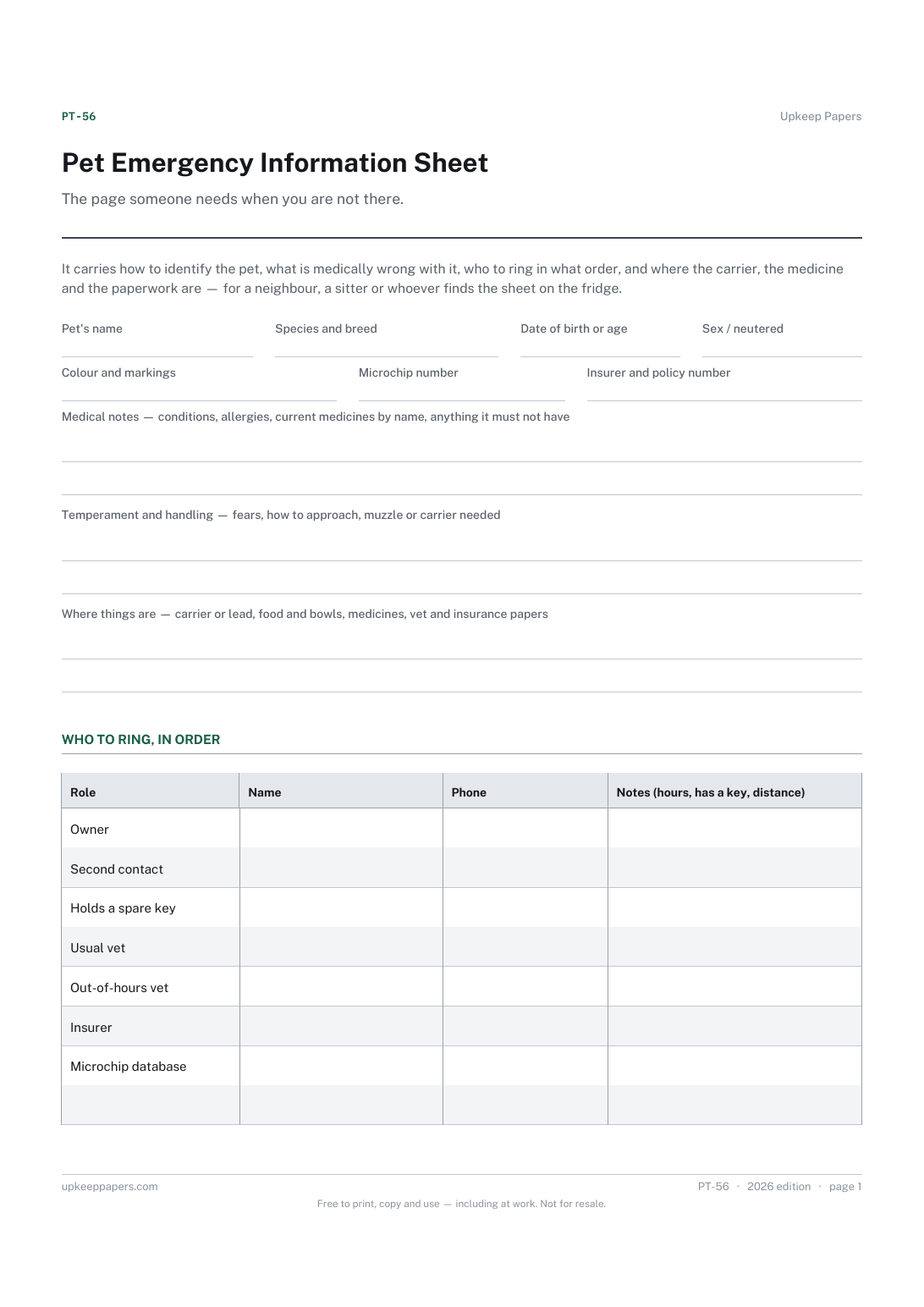
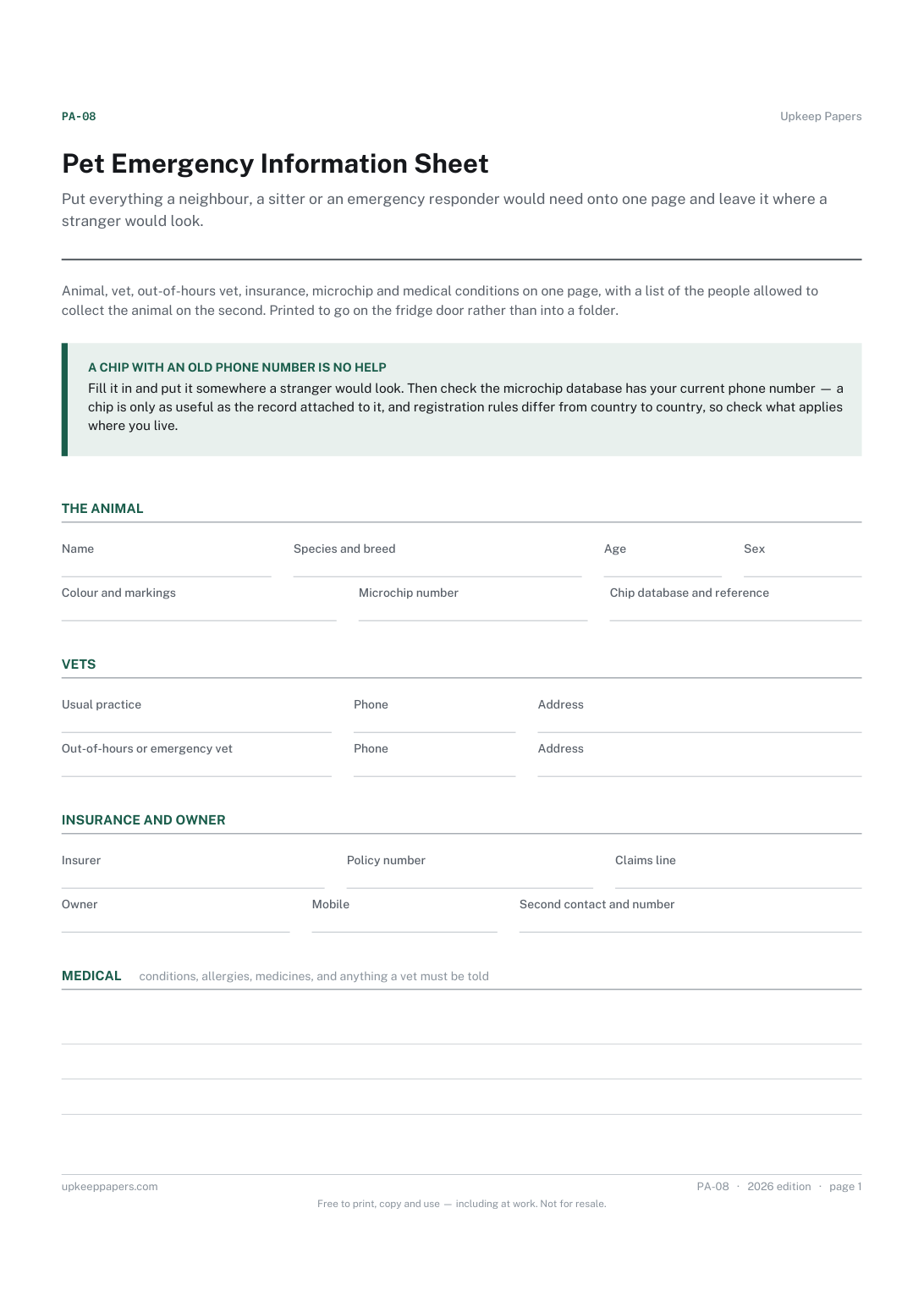
Put everything a neighbour, a sitter or an emergency responder would need onto one page and leave it where a stranger would look. It answers the questions that get asked when you are not there to be asked.
Keep track of which tag is on which animal, including the replacements that otherwise break the chain between an animal and its records.

Every sheet, binder, game and puzzle on Upkeep Papers is free to download, with no email and no account. Making them is not free: each one takes days of research, design and checking, and the site costs money to run. If something here saved you time, you can buy us a coffee. It is entirely optional: nothing is locked, and nothing changes if you don’t.
Buy us a coffee Opens PayPal in a new tab. Any amount, and nothing changes if you would rather not.