House Viewing Questions Sheet
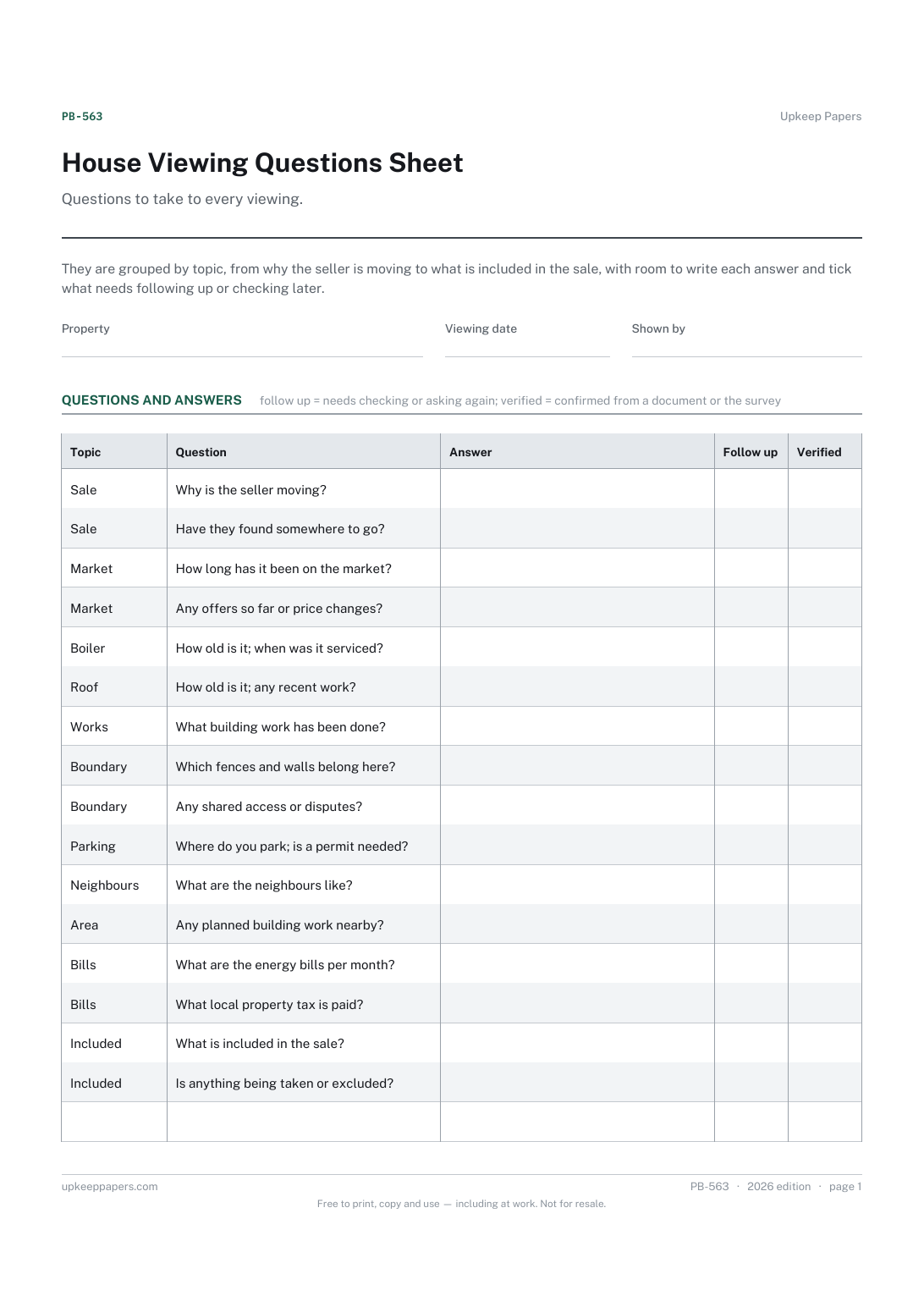
The property, the viewing date and who showed you round.
PB-563 Form PDF Online
Everything here is free. Making it takes time and money. Everything here is free.
 Buy us a coffee
 Property Buying and Selling · PB-564 · Tracker
Free house hunting tracker: every property found, enquired about or viewed, with price, agent, dates and where it stands. Printable PDF and browser.
2 pages. The A4 and US Letter files are laid out identically, so neither is shrunk to fit.
Print it and write on it
Fillable PDF type and save
Or no download needed
Fill it in onlineThe fillable versions have real form fields — open them in any PDF reader, type into them and save. Printing help.
The same sheet, on screen. Tick, type, add or remove rows, then print it or download the completed version as a PDF. Everything stays in your browser — your entries are kept in this browser's own storage on this device, nothing is uploaded, and there is no account.
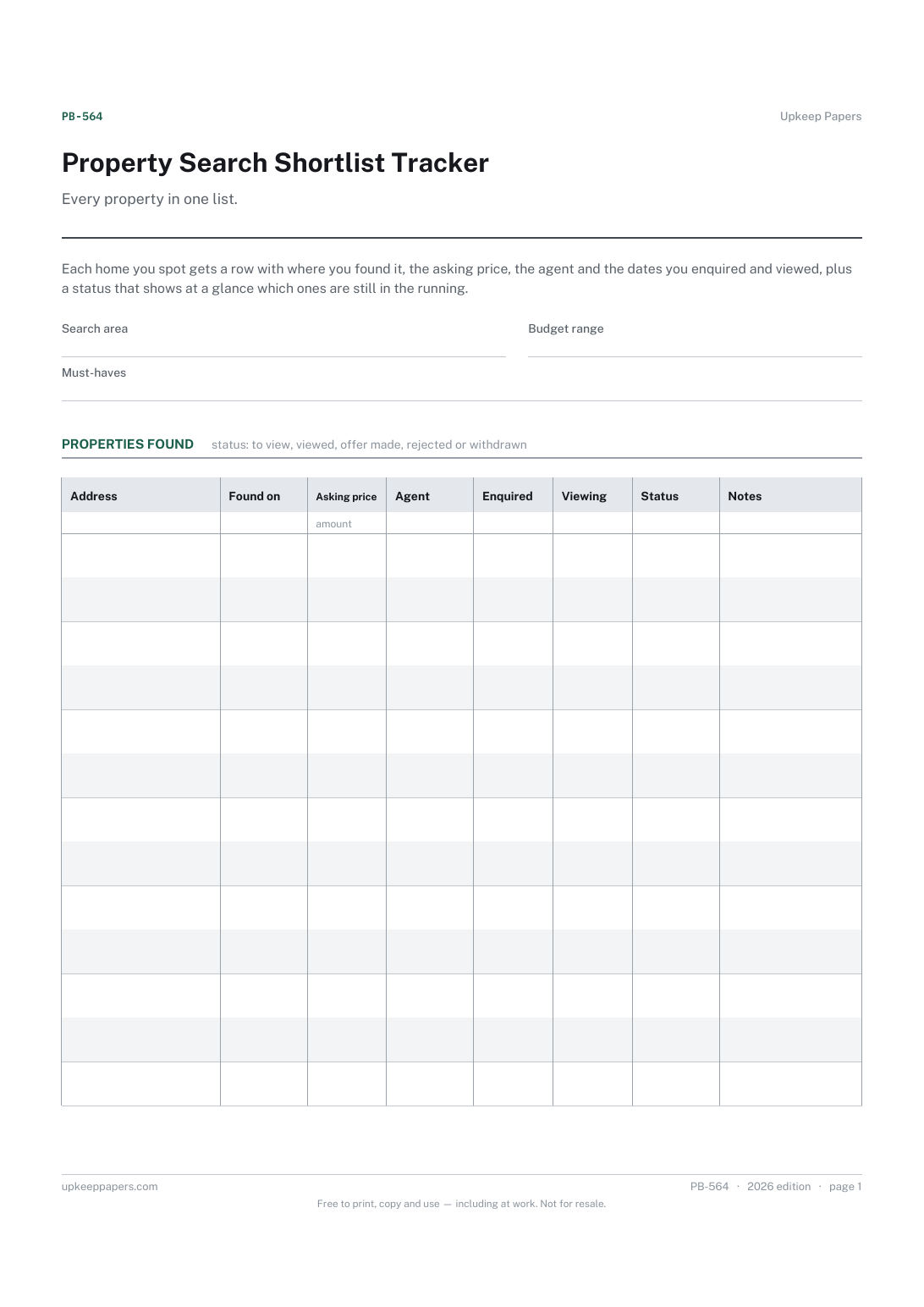
Every property in one list. Each home you spot gets a row with where you found it, the asking price, the agent and the dates you enquired and viewed, plus a status that shows at a glance which ones are still in the running.
Buyers searching across several websites and agents, especially over weeks or months, who lose track of what they have already seen or asked about.
The printable is laid out inside a box that fits both A4 and US Letter, so the two files are identical and neither one is scaled. The fillable PDF has real form fields. The online version keeps what you enter in your own browser and builds the completed PDF on your device.
Download the A4 or US Letter file to match the paper in your printer, open it in a PDF reader and print at 100% — not "fit to page", which shrinks the writing space. Both files leave a 14 mm margin, which clears the unprintable edge on home printers. To print the online version with your entries in it, use the Print this sheet button, which prints only the sheet and none of the page around it. More on printing.
The few things you will not compromise on, such as the number of bedrooms, a garden or a maximum journey time. Keeping them at the top makes it easier to rule properties out quickly.
To view means you are interested but have not seen it; viewed means you have; offer made means you have offered; rejected is your decision or the seller's; withdrawn means it came off the market.
It helps. A short note on why you rejected a home stops you reconsidering it when it reappears with a new photo or a lower price.
This is the long list of everything you find. A comparison sheet looks in detail at the few you have viewed and are seriously considering.
The property, the viewing date and who showed you round.
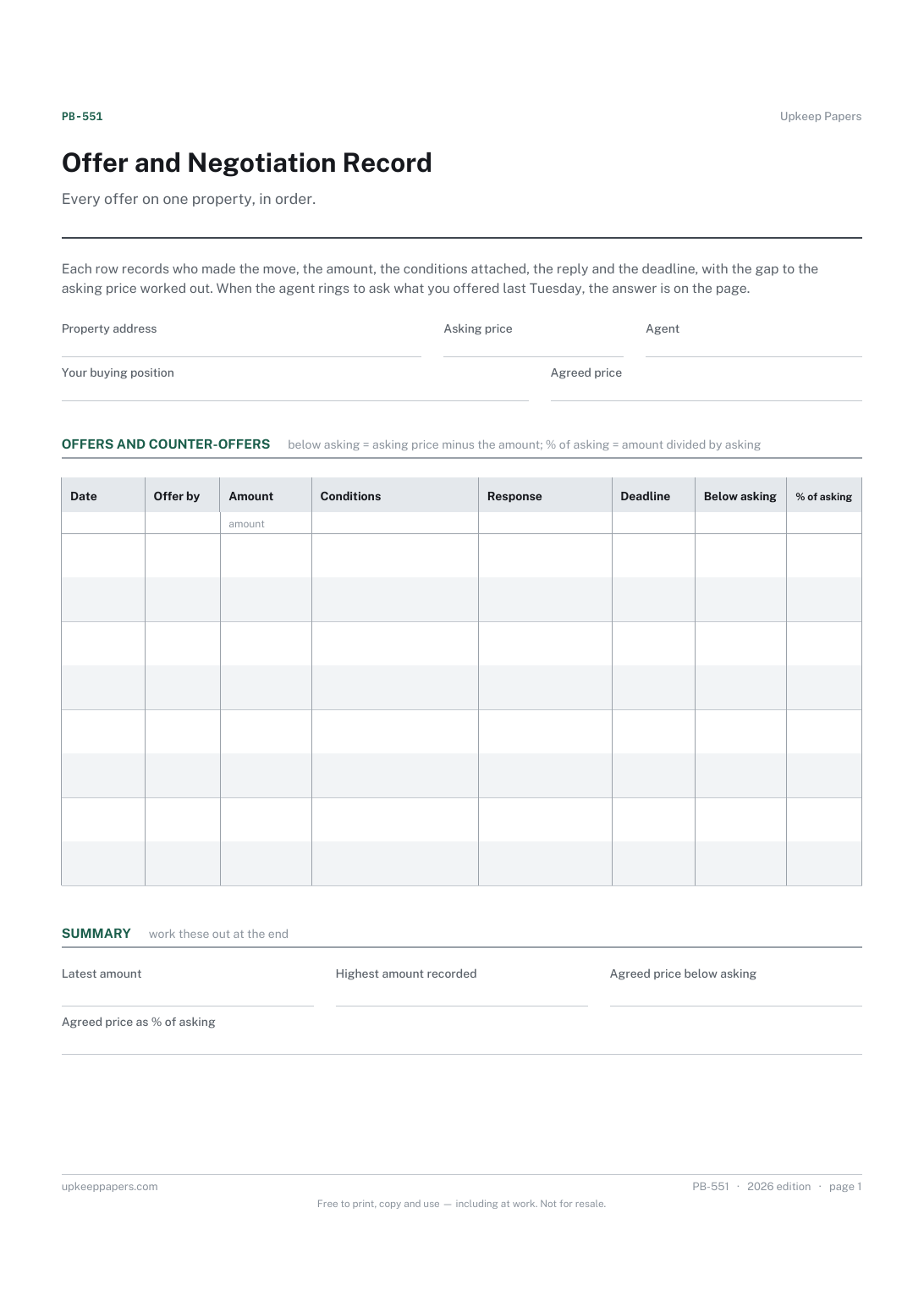
The asking price, the agent and your position as a buyer, kept at the top.
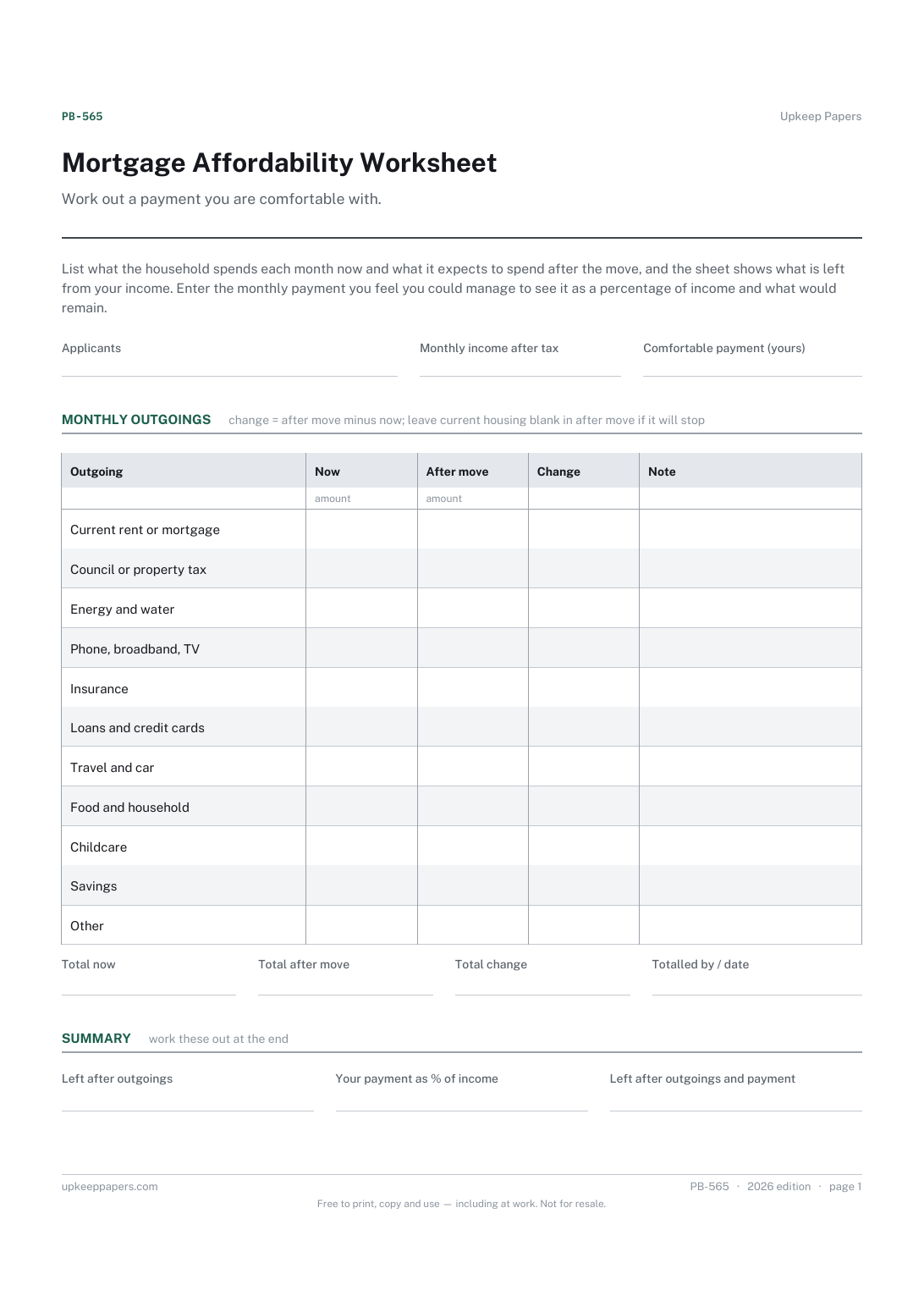
The applicants and the household's monthly income after tax.
Printable sheets, workbooks and tools on the same subject.
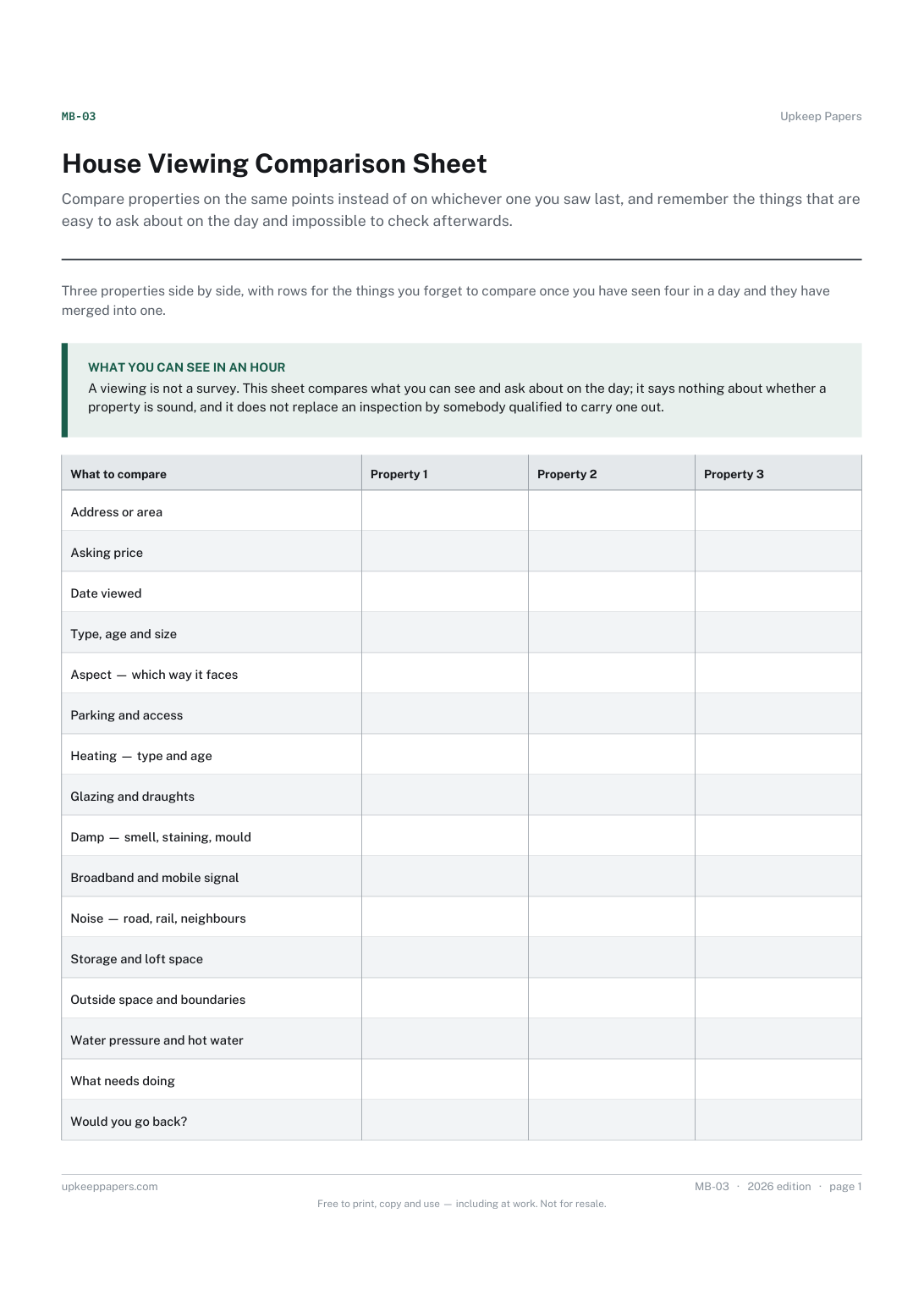
Compare properties on the same points instead of on whichever one you saw last, and remember the things that are easy to ask about on the day and impossible to check afterwards.
Keep every enquiry for a property in one place, so nobody promising gets forgotten and nobody gets chased twice.

Every sheet, binder, game and puzzle on Upkeep Papers is free to download, with no email and no account. Making them is not free: each one takes days of research, design and checking, and the site costs money to run. If something here saved you time, you can buy us a coffee. It is entirely optional: nothing is locked, and nothing changes if you don’t.
Buy us a coffee Opens PayPal in a new tab. Any amount, and nothing changes if you would rather not.