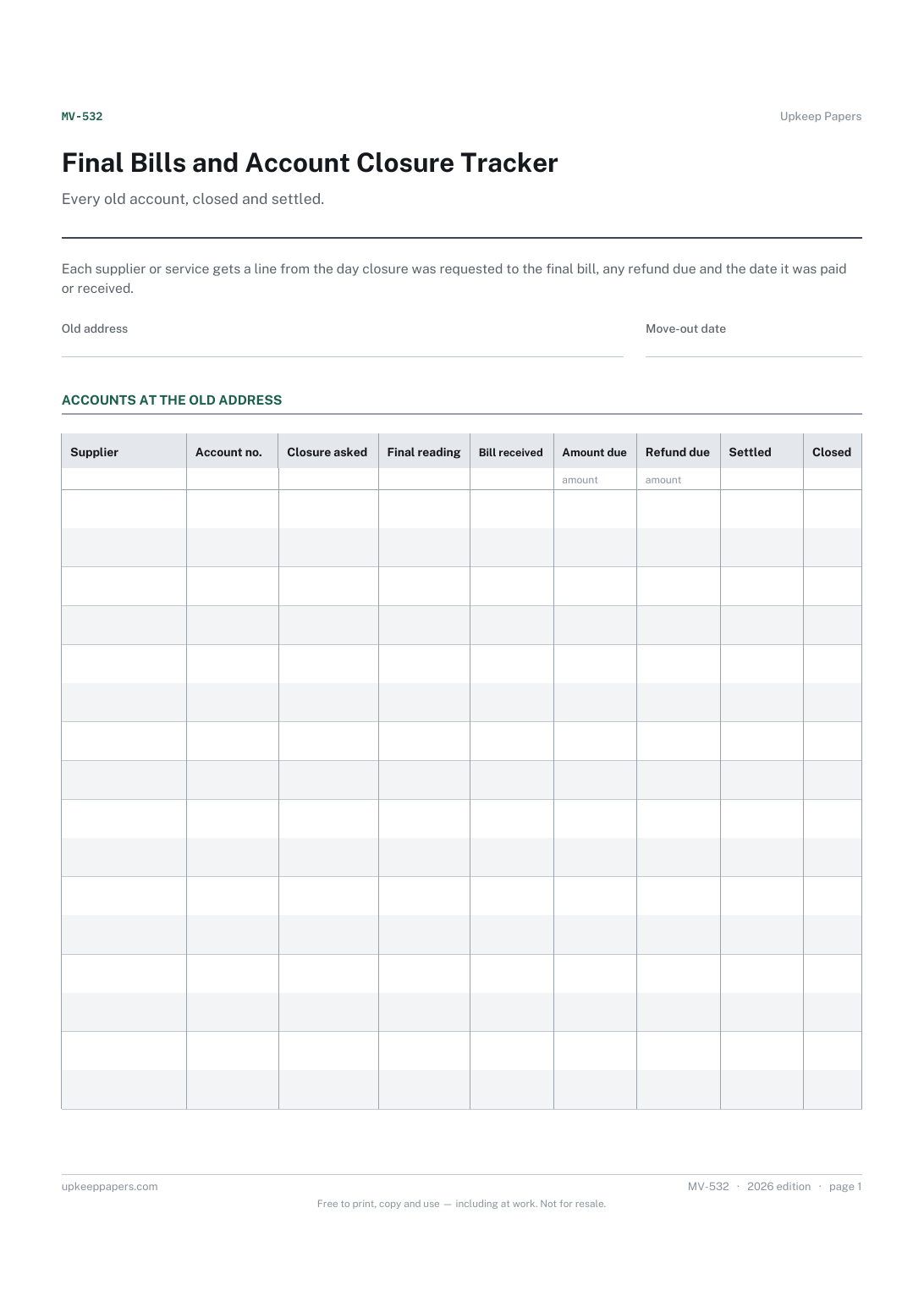
Final Bills and Account Closure Tracker
Each account at the old address and its number.
MV-532 Tracker PDF Excel Online
Everything here is free. Making it takes time and money. Everything here is free.
 Buy us a coffee
 Moving and Relocation · MV-550 · Tracker
Moving deposits and refunds tracker — every deposit, holding fee and credit tied to a move, what came back and what is outstanding. PDF, Excel, browser.
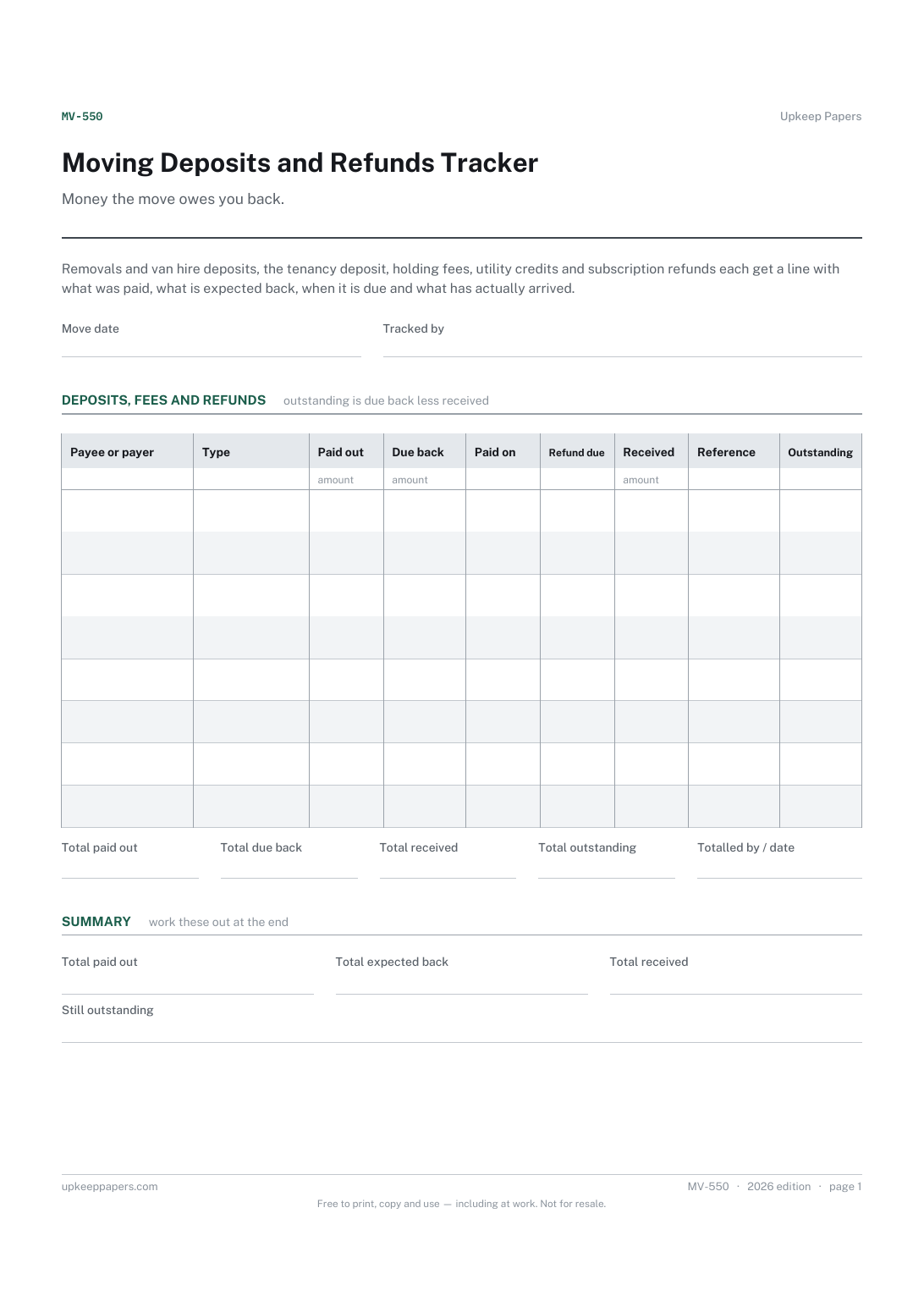
One page. The A4 and US Letter files are laid out identically, so neither is shrunk to fit.
Print it and write on it
Fillable PDF type and save
Spreadsheet formulas included
The fillable versions have real form fields — open them in any PDF reader, type into them and save. Printing help.
The same sheet, on screen. Totals and figures are worked out as you type, rows can be added or removed, and you can print it or download the completed version as a PDF. Everything stays in your browser — your entries are kept in this browser's own storage on this device, nothing is uploaded, and there is no account.
Money the move owes you back. Removals and van hire deposits, the tenancy deposit, holding fees, utility credits and subscription refunds each get a line with what was paid, what is expected back, when it is due and what has actually arrived.
Renters waiting on a deposit, households closing accounts that are in credit, and anyone who has paid money up front to several firms during a move.
The printable is laid out inside a box that fits both A4 and US Letter, so the two files are identical and neither one is scaled. The fillable PDF has real form fields. The workbook uses plain formulas only — SUM, IF, COUNTIF and the like — so it opens in Excel, LibreOffice and Google Sheets without anything breaking, and every calculated cell is grey so you can see which figures it worked out.
Download the A4 or US Letter file to match the paper in your printer, open it in a PDF reader and print at 100% — not "fit to page", which shrinks the writing space. Both files leave a 14 mm margin, which clears the unprintable edge on home printers. To print the online version with your entries in it, use the Print this sheet button, which prints only the sheet and none of the page around it. More on printing.
That depends on each agreement: your tenancy, the hire terms or the supplier's account rules. The refund due column is for the date given in your own paperwork; no timescale is suggested here.
Because some money is never paid by you, such as a utility credit, and some is only partly returned, such as a deposit with agreed deductions. Enter what you actually expect so the outstanding figure is honest.
Enter what was actually received. The outstanding column keeps the difference showing until you either recover it or decide to let it go, in which case lower the expected figure and note why.
No. A tenancy deposit record holds the detail of one deposit and its protection. This tracker puts every sum tied to the move in one place so the total owed back is clear.
Each account at the old address and its number.
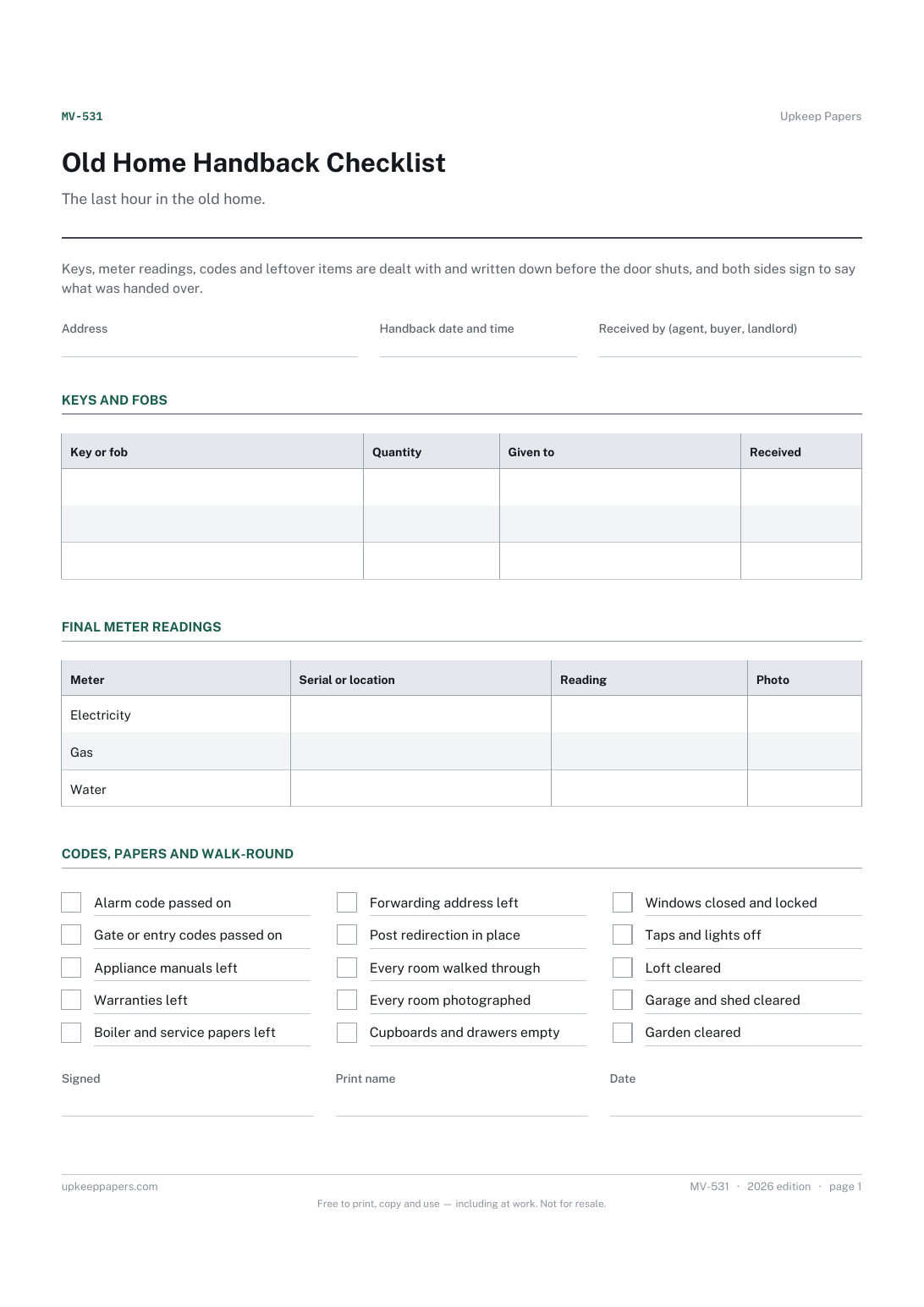
Every key and fob, how many and who received them.
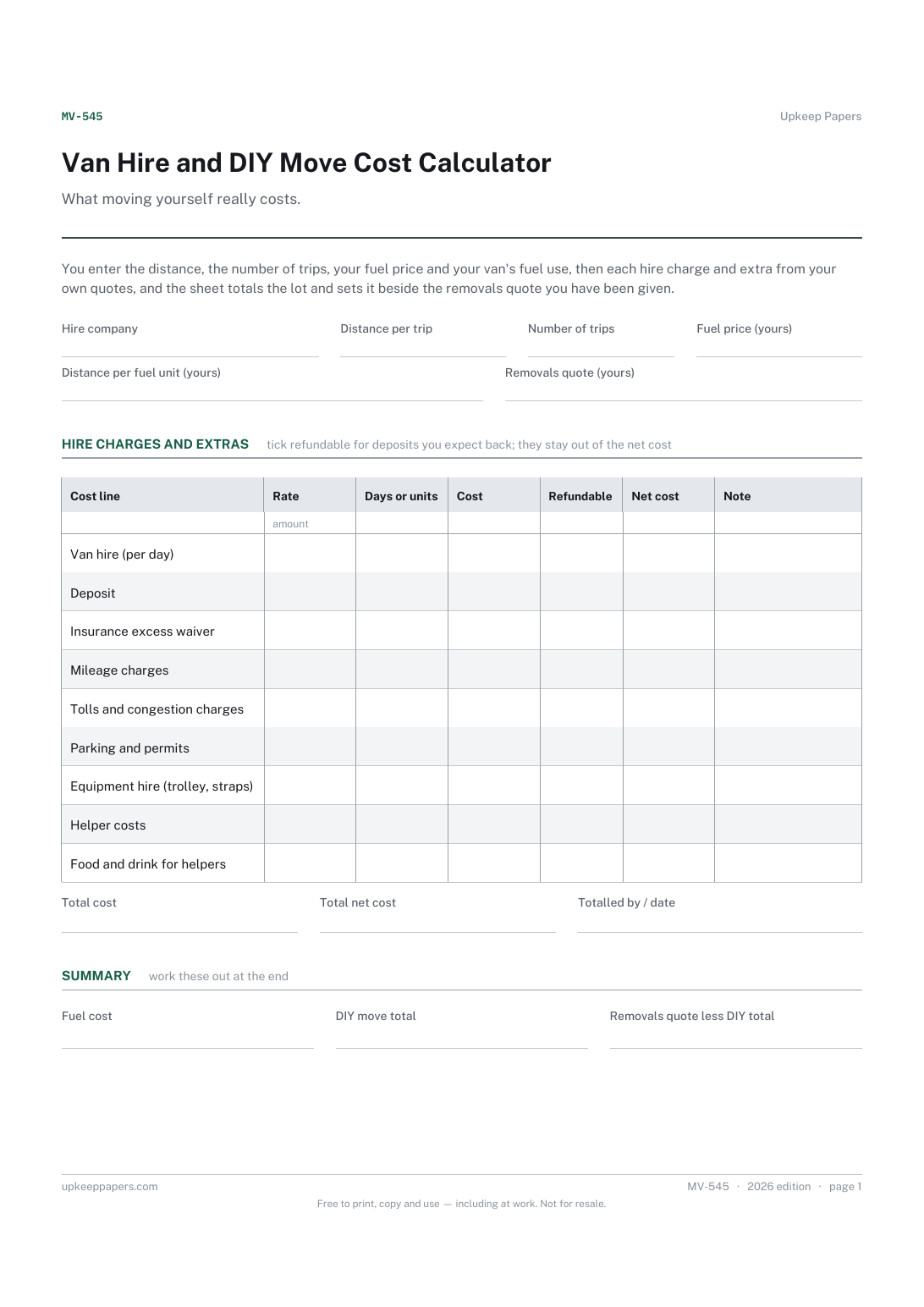
Fuel cost for every trip, from your own price and consumption figures.
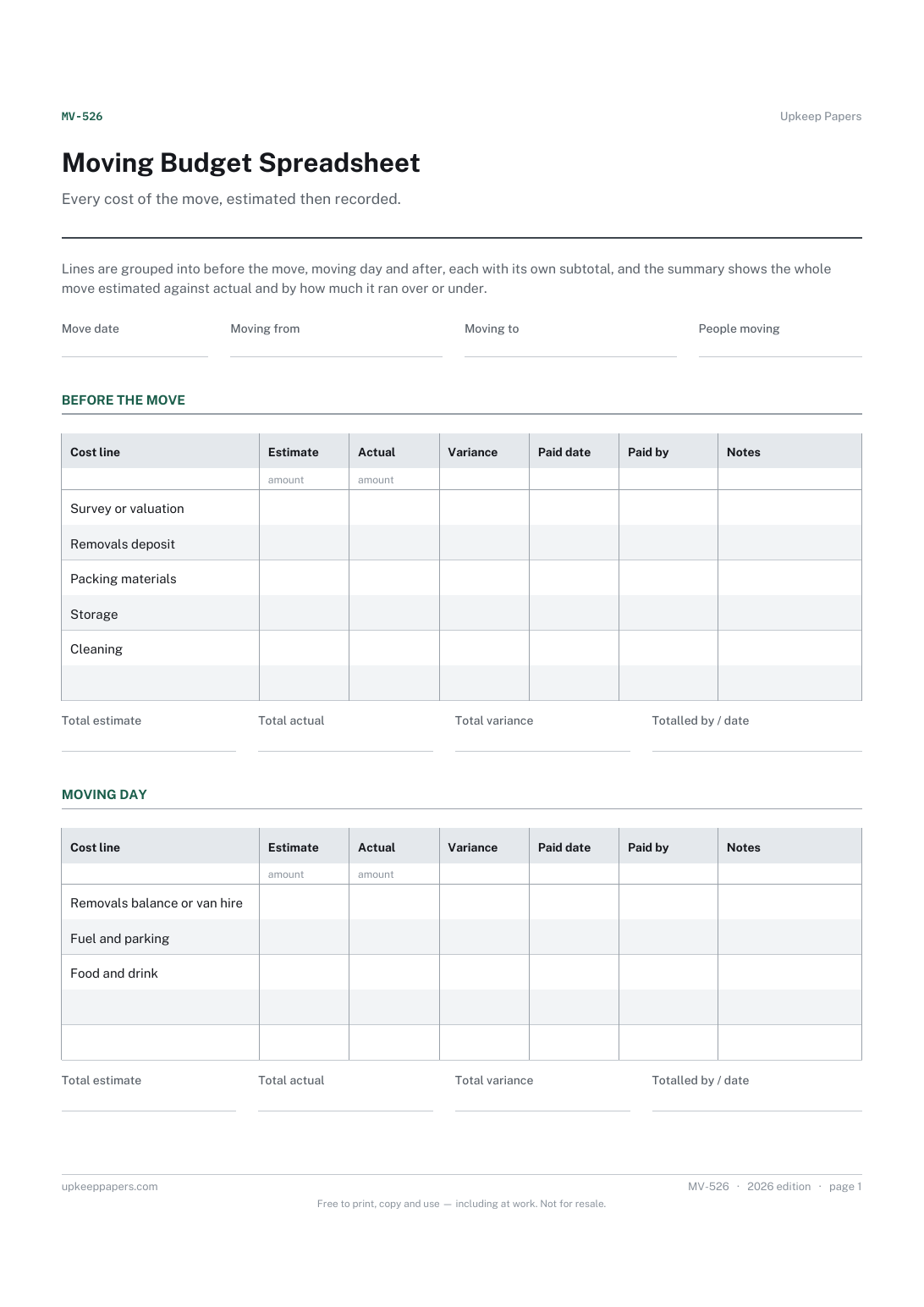
What each part of the move was expected to cost before it started.
Printable sheets, workbooks and tools on the same subject.
Make each deduction defensible by writing down the reason, the amount and where the photograph or invoice is at the time you make it.
Every tenancy with its dates, rent, deposit and where the deposit is held — counting down to the end of each term so renewals never arrive as a surprise.

Every sheet, binder, game and puzzle on Upkeep Papers is free to download, with no email and no account. Making them is not free: each one takes days of research, design and checking, and the site costs money to run. If something here saved you time, you can buy us a coffee. It is entirely optional: nothing is locked, and nothing changes if you don’t.
Buy us a coffee Opens PayPal in a new tab. Any amount, and nothing changes if you would rather not.