
Kitchen and Meal Planning · KF-600 · Budget
Monthly Food Budget Planner
Monthly food budget planner — groceries, takeaways, eating out, work lunches and drinks budgeted against weekly actuals. Excel, printable PDF and browser.
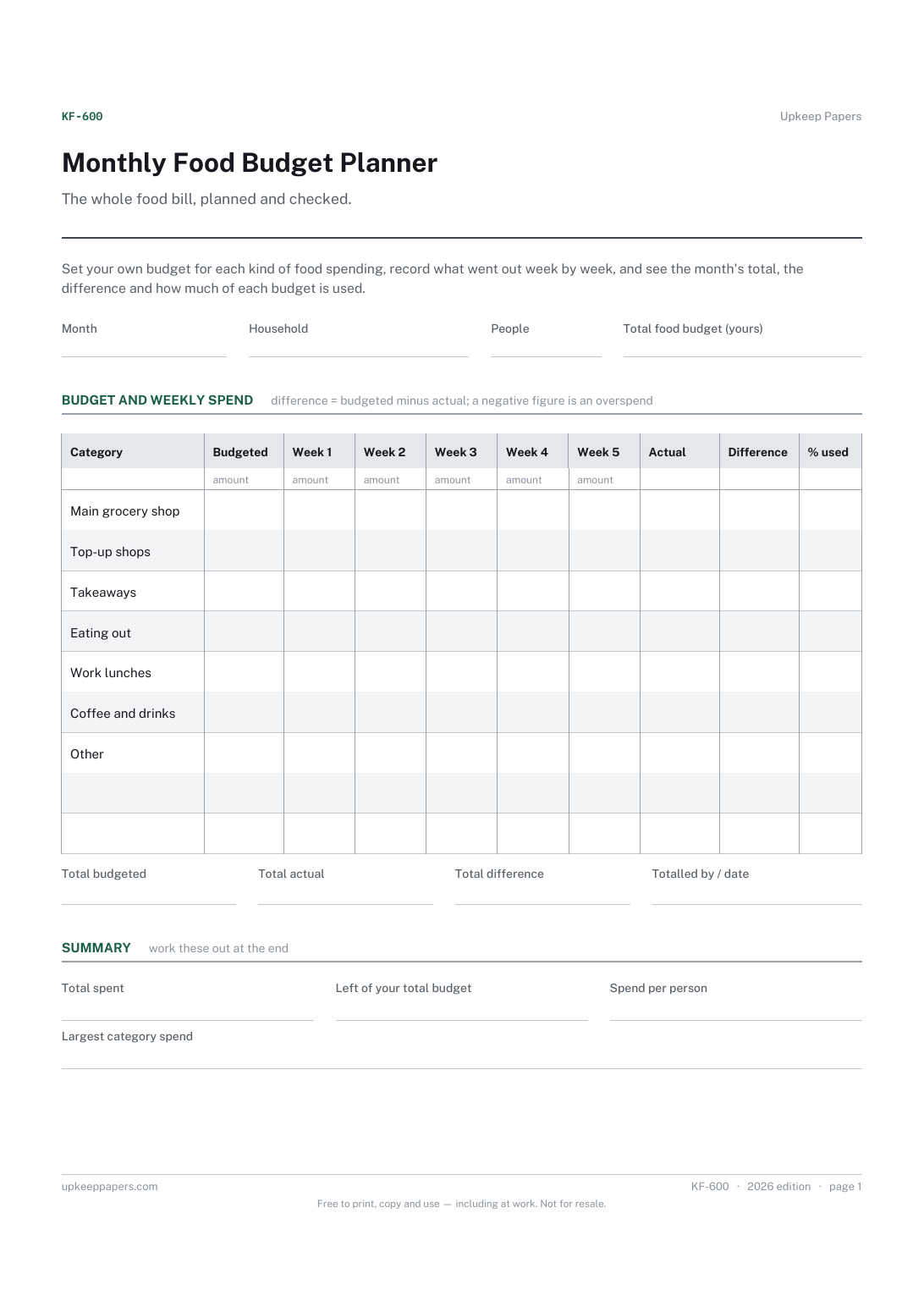
One page. The A4 and US Letter files are laid out identically, so neither is shrunk to fit.
Print it and write on it
Fillable PDF type and save
Spreadsheet formulas included
The fillable versions have real form fields — open them in any PDF reader, type into them and save. Printing help.
Fill it in online
The same sheet, on screen. Totals and figures are worked out as you type, rows can be added or removed, and you can print it or download the completed version as a PDF. Everything stays in your browser — your entries are kept in this browser's own storage on this device, nothing is uploaded, and there is no account.
Who this is for
The whole food bill, planned and checked. Set your own budget for each kind of food spending, record what went out week by week, and see the month's total, the difference and how much of each budget is used.
Households trying to get the food bill under control, including the takeaways, coffees and work lunches that never make it onto the shopping list.
What this helps you track
- A budget for groceries, top-ups, takeaways, eating out, lunches and drinks
- Actual spend in each category, week by week
- The difference and percentage used for each category
- Total spend against your own budget, and spend per person
- The category taking the biggest share
How to use it
- Write the month, the household, the number of people and the total you want to spend on food.
- Split that total across the categories in the budgeted column, adding a line for anything else you buy regularly.
- Each week, add up receipts and bank entries for each category and write them in that week's column.
- Month actual, difference and percentage used are worked out in the browser and the workbook; on paper, add across and subtract.
- Look at the summary at the end of the month and adjust next month's budget lines.
Formats
- Printable PDF (A4 and US Letter)
- Fillable PDF with form fields
- Fill in online, saved in your browser
- Excel / Google Sheets workbook
The printable is laid out inside a box that fits both A4 and US Letter, so the two files are identical and neither one is scaled. The fillable PDF has real form fields. The workbook uses plain formulas only — SUM, IF, COUNTIF and the like — so it opens in Excel, LibreOffice and Google Sheets without anything breaking, and every calculated cell is grey so you can see which figures it worked out.
How to print
Download the A4 or US Letter file to match the paper in your printer, open it in a PDF reader and print at 100% — not "fit to page", which shrinks the writing space. Both files leave a 14 mm margin, which clears the unprintable edge on home printers. To print the online version with your entries in it, use the Print this sheet button, which prints only the sheet and none of the page around it. More on printing.
Questions
What should my food budget be?
The sheet does not suggest one. Start from what you actually spent over a recent month or two, then decide what you want to change. Enter that as your total and split it across the lines.
What counts as a top-up shop?
The smaller shops between the main one, for bread, milk and anything forgotten. They are listed separately because they are easy to overlook and often add up to more than expected.
Why five week columns?
Some months touch five weeks. Use the columns for calendar weeks, or for however you split the month, such as between paydays, and leave the last one empty when it is not needed.
How is the percentage used worked out?
The month's actual spend in a category divided by its budget, times 100. Over 100 means that line has gone over; the difference column shows by how much.
Related resources
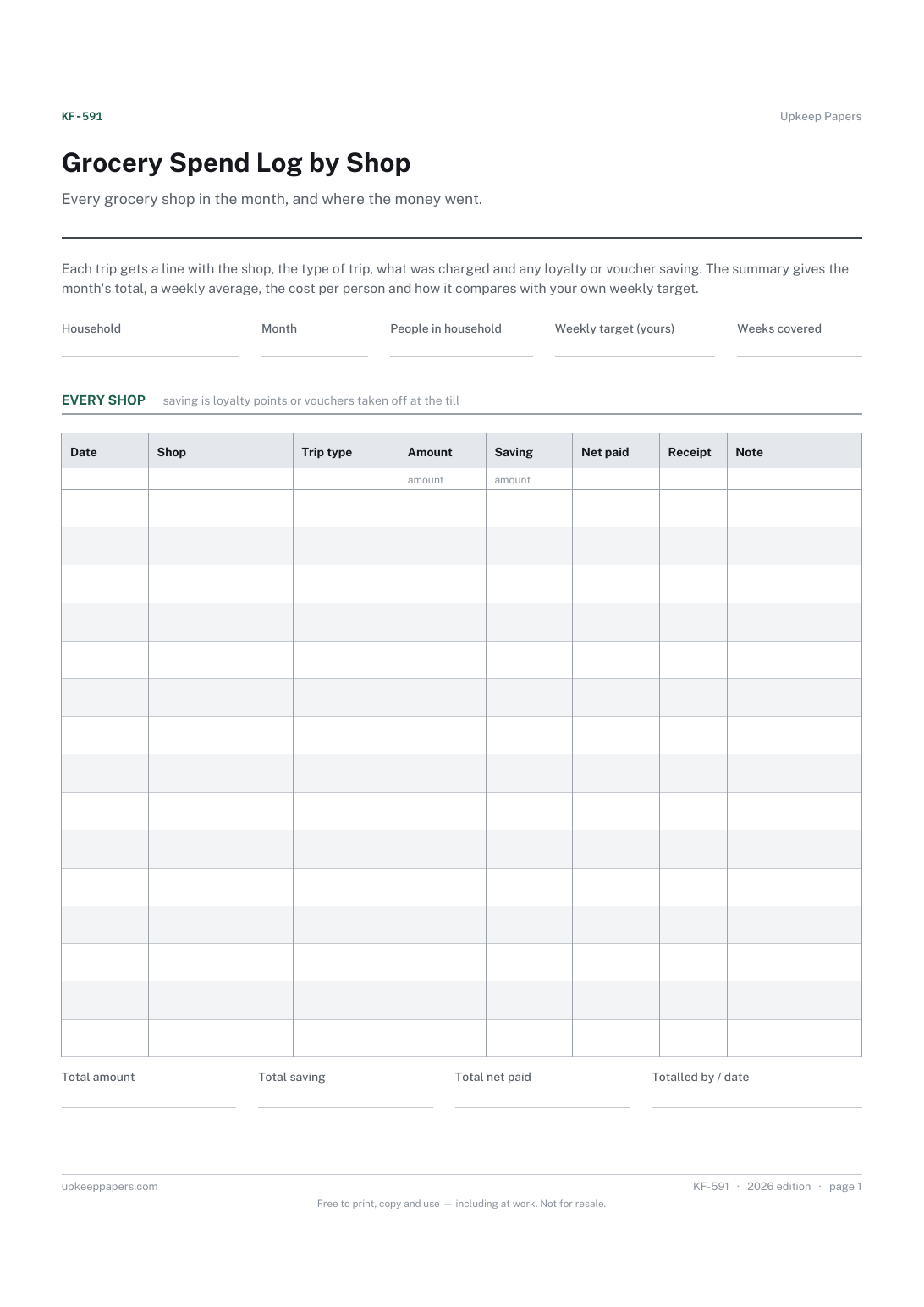
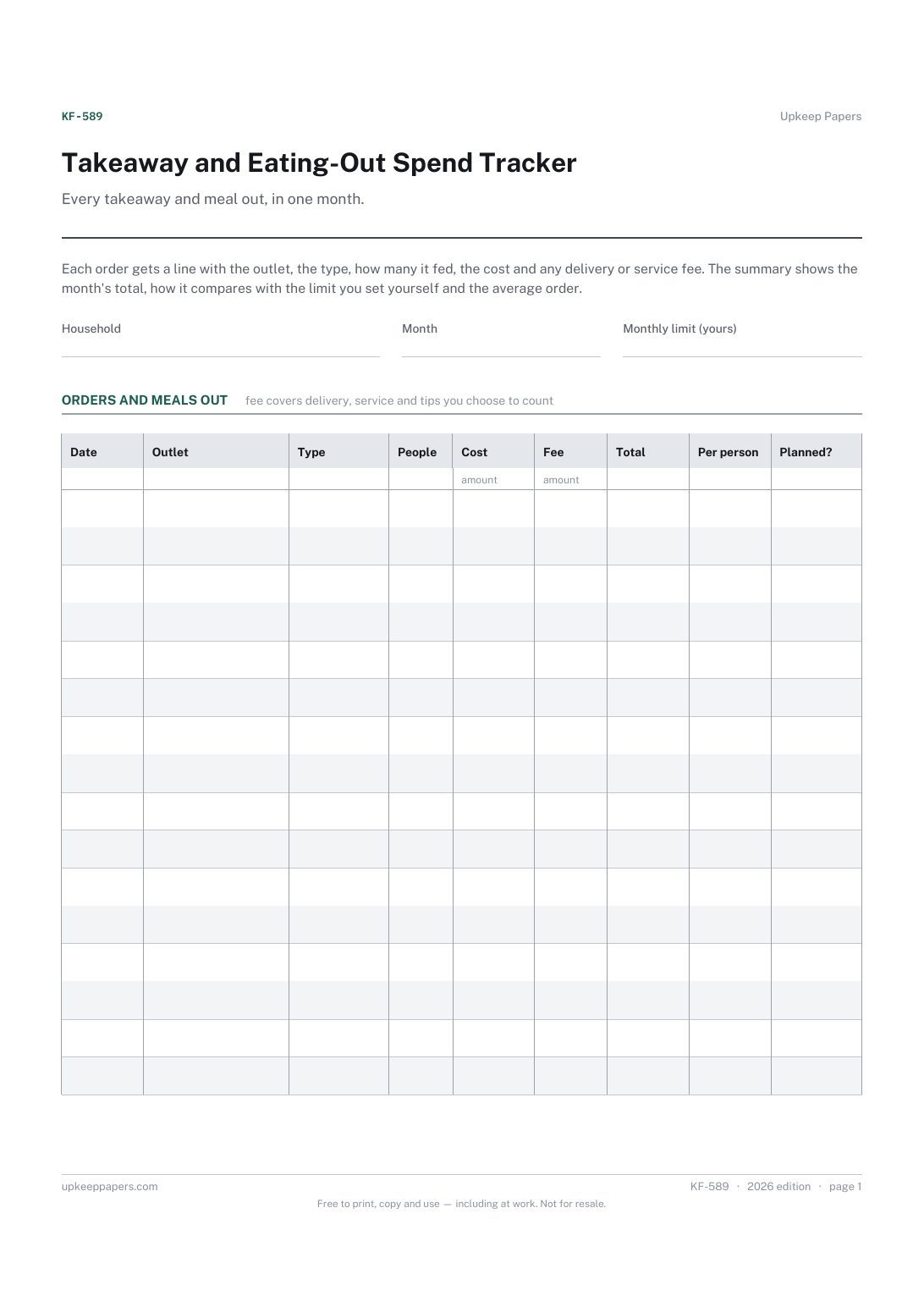
Takeaway and Eating-Out Spend Tracker
Every takeaway, delivery, cafe and restaurant spend in the month.
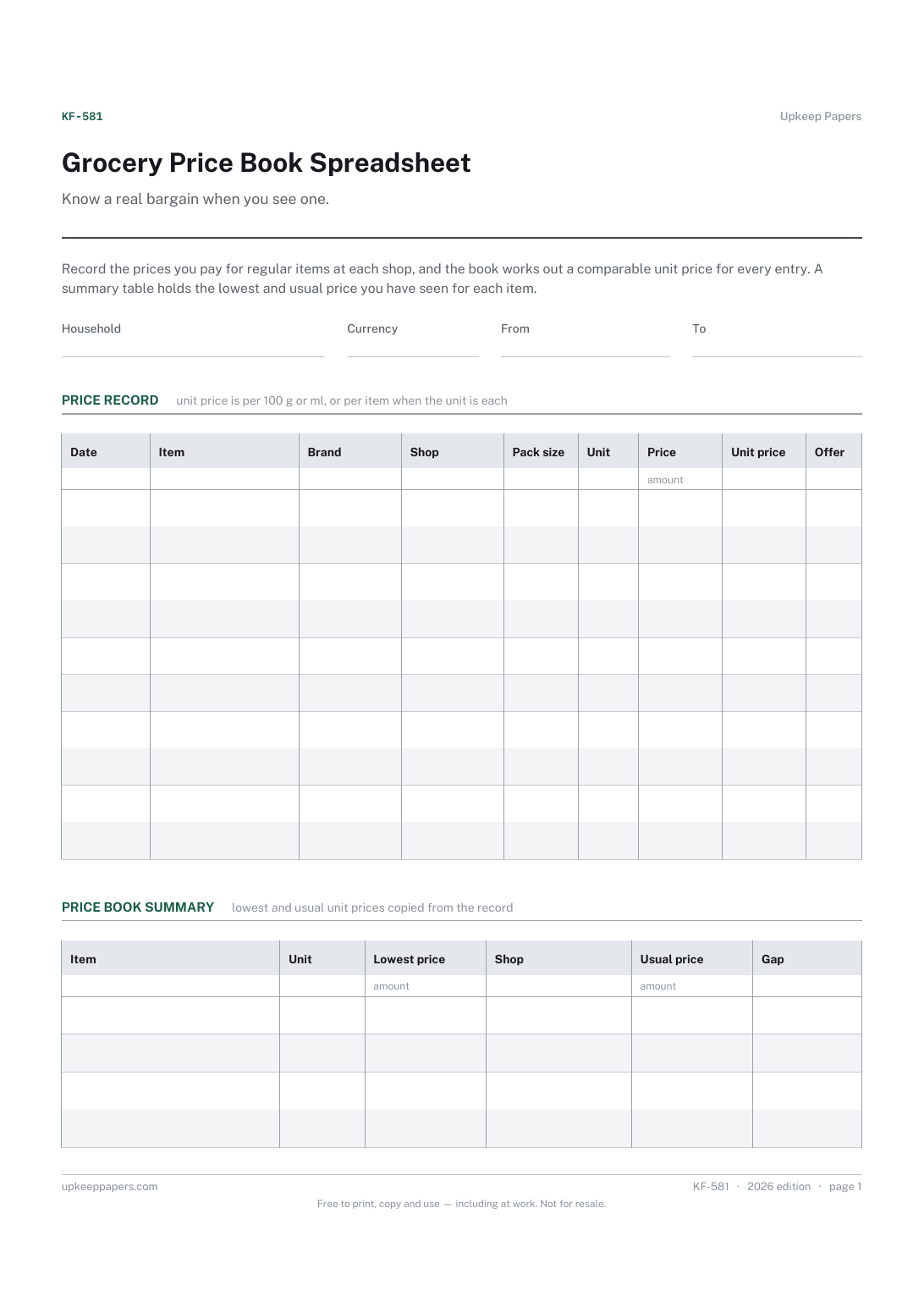
Grocery Price Book Spreadsheet
What you paid for each regular item, where and when.
Also in the library
Printable sheets, workbooks and tools on the same subject.

Budget Tracker Sheet
Set a budget out on paper and record what actually happened next to it, so the gap is visible line by line rather than only at the bottom.

Household Budget Spreadsheet
A monthly budget that adds up planned against actual, keeps income, outgoings and saving apart, and rolls twelve months into a year view.
