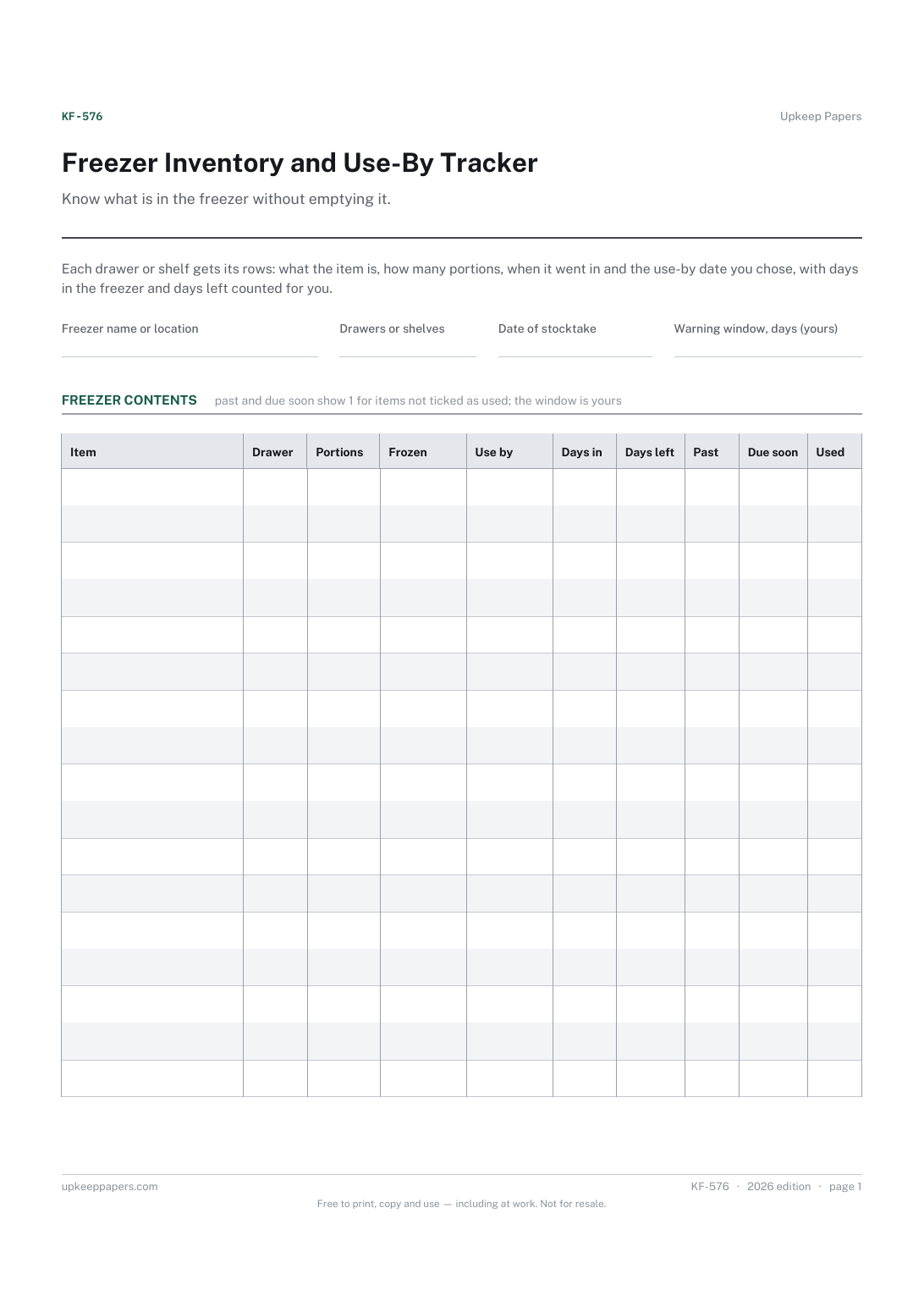
Freezer Inventory and Use-By Tracker
What is in each drawer or shelf, and how many portions of it.
KF-576 Inventory PDF Excel Online
Everything here is free. Making it takes time and money. Everything here is free.
 Buy us a coffee
 Kitchen and Meal Planning · KF-579 · Planner
Free batch cooking planner — recipes, portions and containers for one session, a cook order, freezer labels and a stage checklist. PDF, Excel and browser.
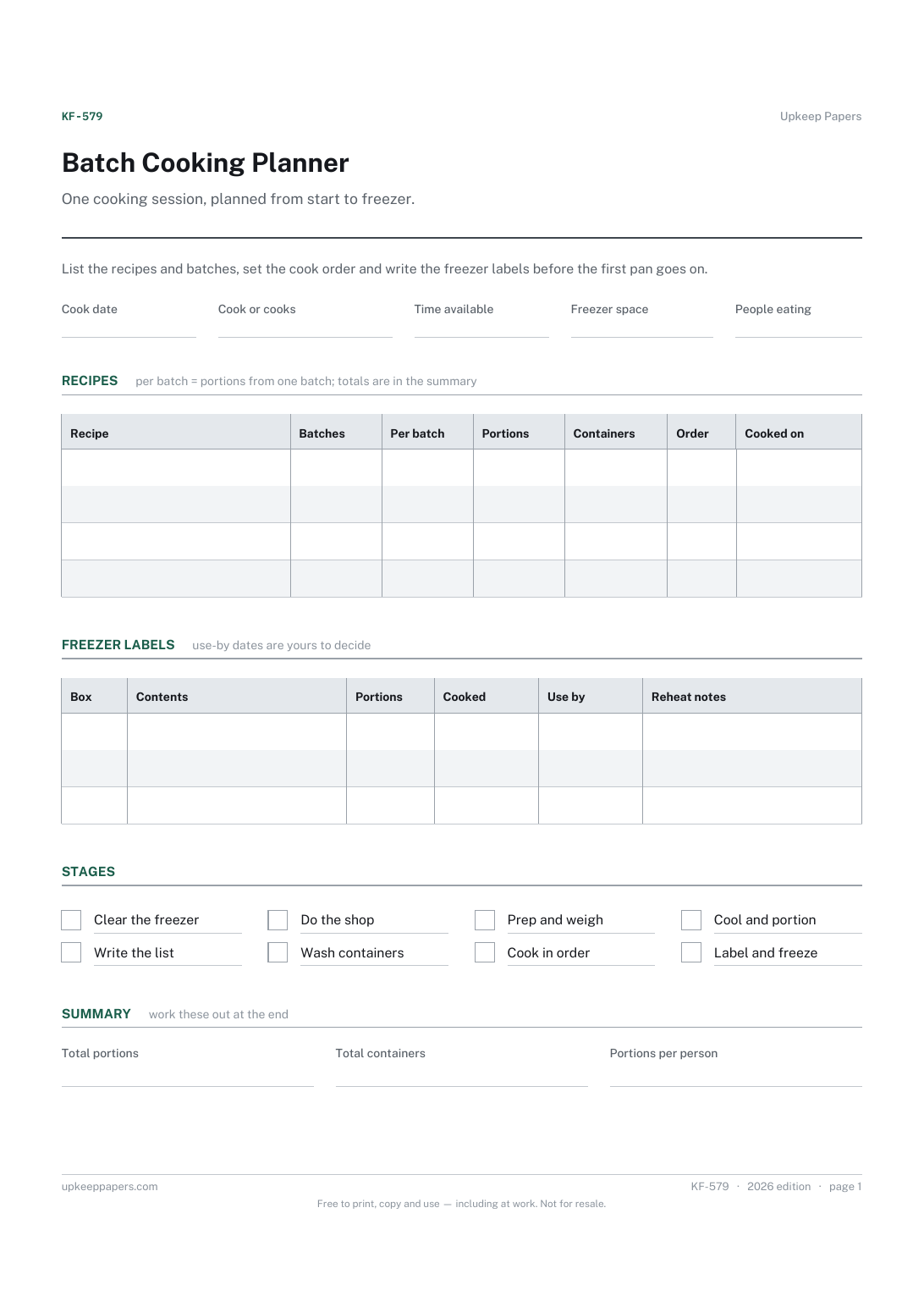
One page. The A4 and US Letter files are laid out identically, so neither is shrunk to fit.
Print it and write on it
Fillable PDF type and save
Spreadsheet formulas included
The fillable versions have real form fields — open them in any PDF reader, type into them and save. Printing help.
The same sheet, on screen. Totals and figures are worked out as you type, rows can be added or removed, and you can print it or download the completed version as a PDF. Everything stays in your browser — your entries are kept in this browser's own storage on this device, nothing is uploaded, and there is no account.
One cooking session, planned from start to freezer. List the recipes and batches, set the cook order and write the freezer labels before the first pan goes on.
Households that cook several meals in one go, people filling the freezer before a busy spell, a new baby or an operation, and friends who batch cook together.
The printable is laid out inside a box that fits both A4 and US Letter, so the two files are identical and neither one is scaled. The fillable PDF has real form fields. The workbook uses plain formulas only — SUM, IF, COUNTIF and the like — so it opens in Excel, LibreOffice and Google Sheets without anything breaking, and every calculated cell is grey so you can see which figures it worked out.
Download the A4 or US Letter file to match the paper in your printer, open it in a PDF reader and print at 100% — not "fit to page", which shrinks the writing space. Both files leave a 14 mm margin, which clears the unprintable edge on home printers. To print the online version with your entries in it, use the Print this sheet button, which prints only the sheet and none of the page around it. More on printing.
Start from how many meals you want to cover and how many people eat each one. The people field turns the session's total into portions per person, so you can see whether it covers the stretch you had in mind.
One you decide on for each dish, from the recipe, the packet or guidance where you are. The planner supplies no storage times; it gives you a place to write the date so it is on the container and not in your head.
Because a session usually runs short of hob rings or oven space before it runs short of time. Numbering the order and noting the appliance for each recipe shows the clash before you are standing at the cooker.
Yes. Put everyone in the cooks field and a name in the recipe column, then split the containers when the label rows are done. The browser version saves in your own browser, so one person keeps the master.
What is in each drawer or shelf, and how many portions of it.
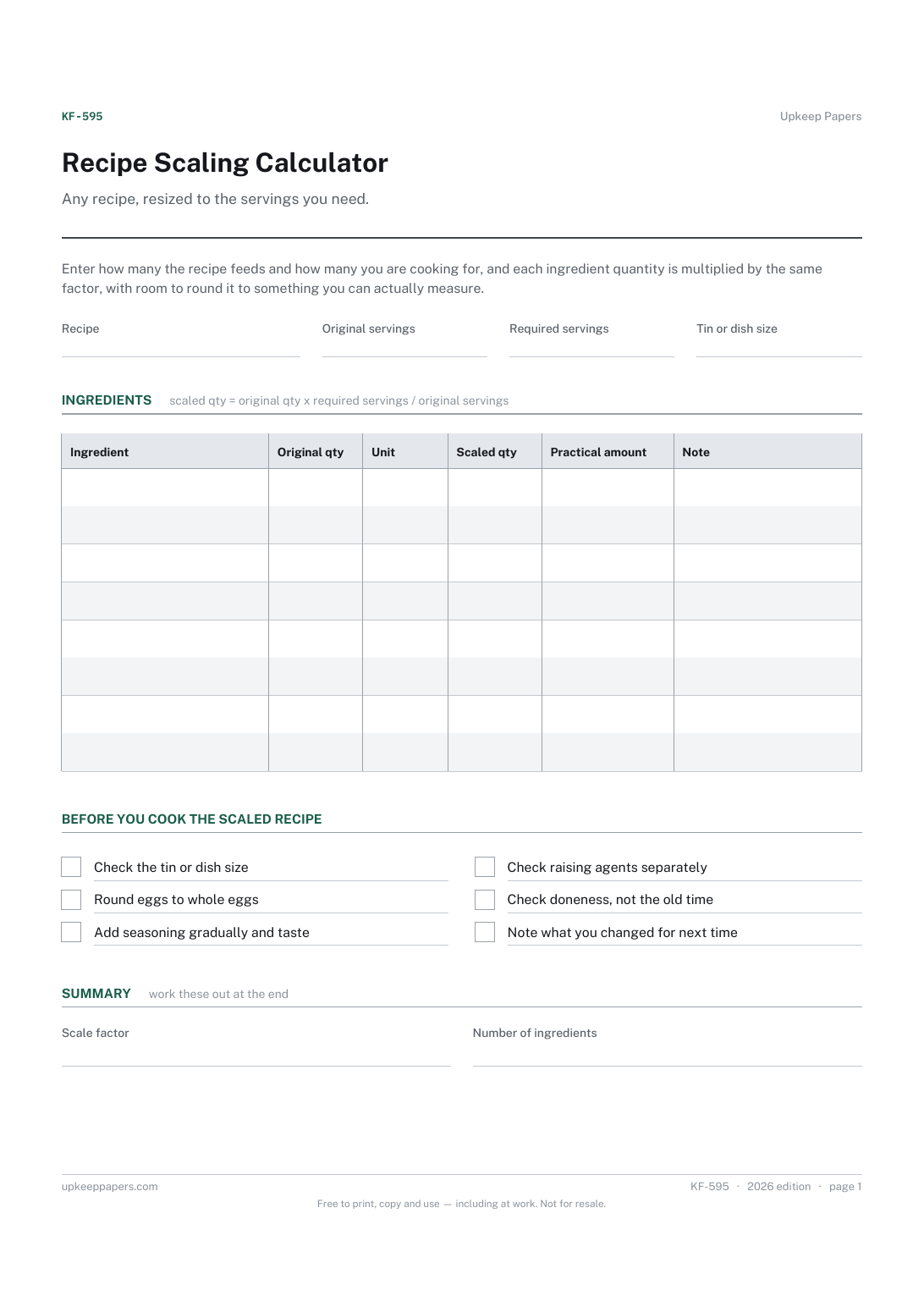
The scale factor between the original and required servings.
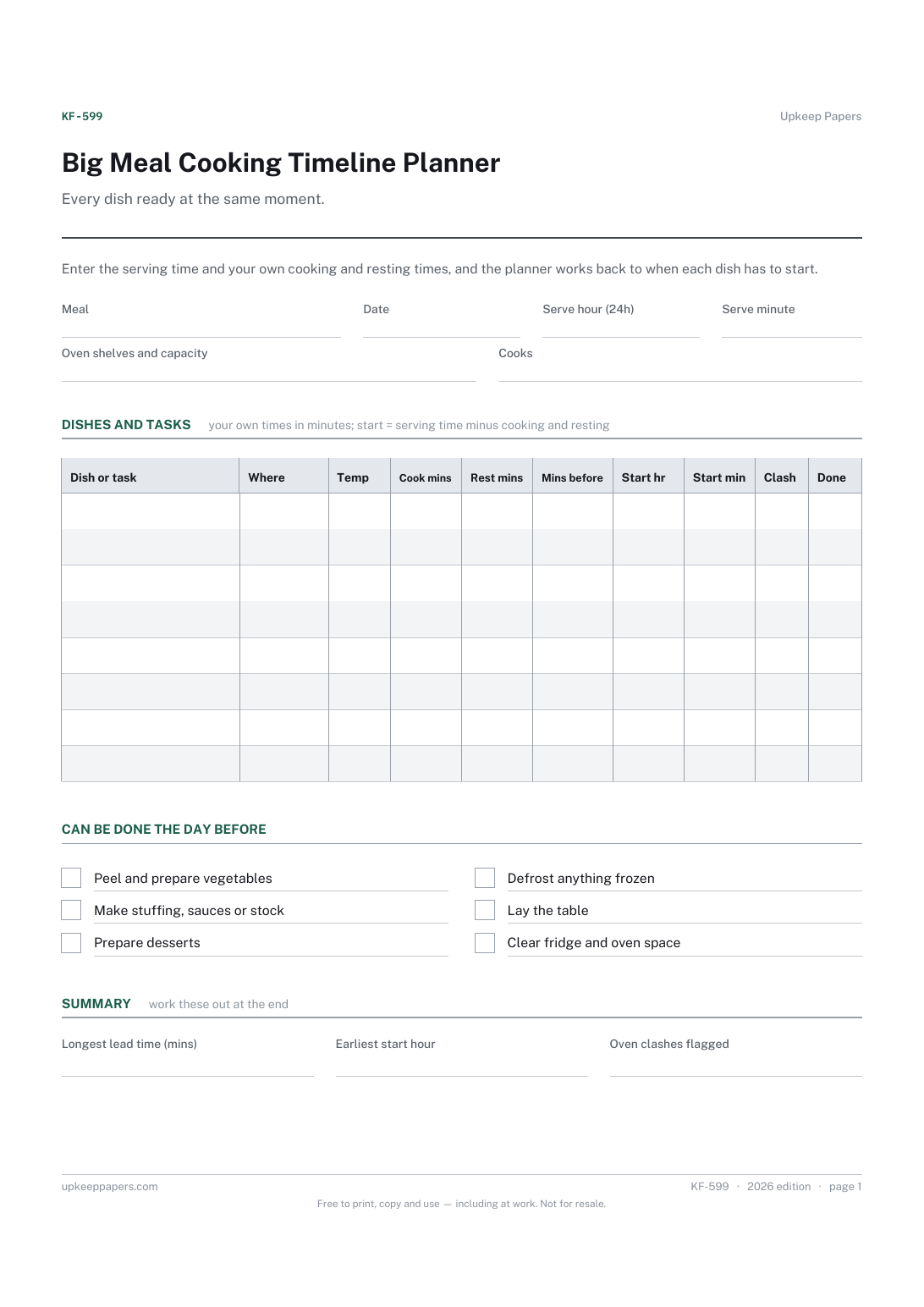
The start time for every dish and task, counted back from serving.
Printable sheets, workbooks and tools on the same subject.
Shop from a list rather than a guess, and stop finding the same jar three times.

Every sheet, binder, game and puzzle on Upkeep Papers is free to download, with no email and no account. Making them is not free: each one takes days of research, design and checking, and the site costs money to run. If something here saved you time, you can buy us a coffee. It is entirely optional: nothing is locked, and nothing changes if you don’t.
Buy us a coffee Opens PayPal in a new tab. Any amount, and nothing changes if you would rather not.