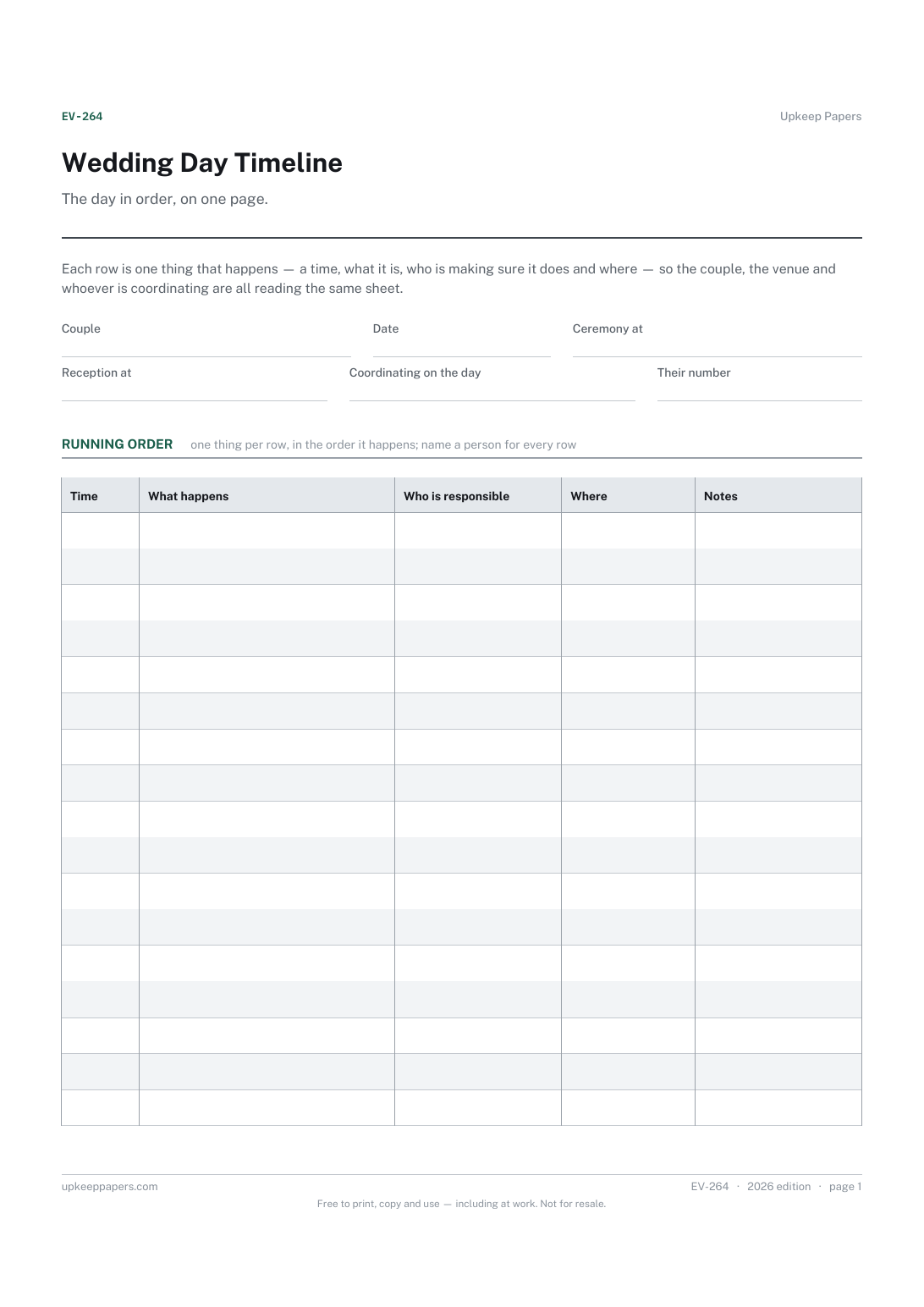
Wedding Day Timeline
What happens, in what order, from set-up to the end of the night.
EV-264 Schedule PDF Online
Everything here is free. Making it takes time and money. Everything here is free.
 Buy us a coffee
 Events and celebrations · EV-1001 · Checklist
Free wedding countdown checklist: planning jobs in stages from first decisions to after the day, with who, due date and a tick. PDF and browser version.
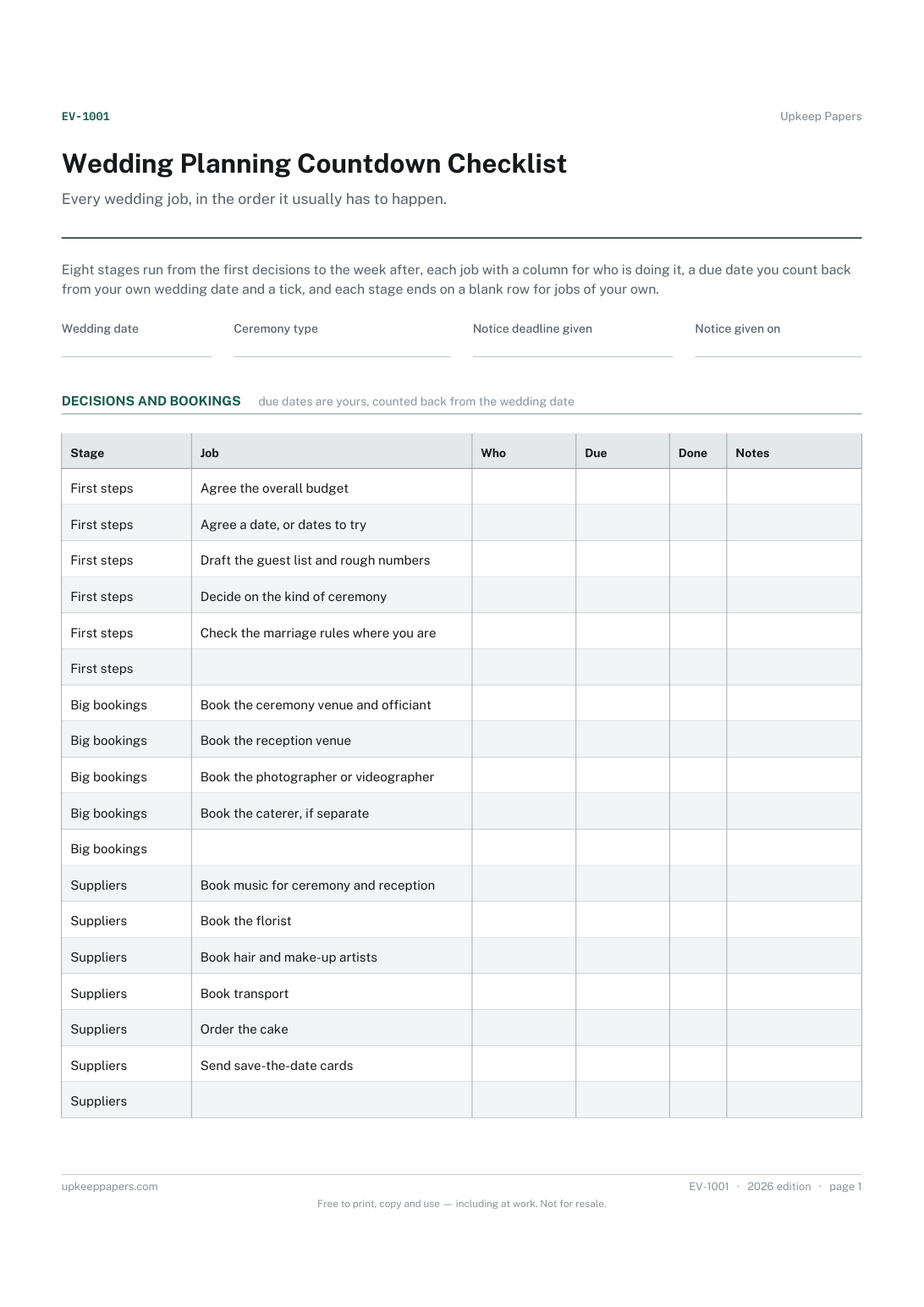
2 pages. The A4 and US Letter files are laid out identically, so neither is shrunk to fit.
Print it and write on it
Fillable PDF type and save
Or no download needed
Fill it in onlineThe fillable versions have real form fields — open them in any PDF reader, type into them and save. Printing help.
The same sheet, on screen. Tick, type, add or remove rows, then print it or download the completed version as a PDF. Everything stays in your browser — your entries are kept in this browser's own storage on this device, nothing is uploaded, and there is no account.
Every wedding job, in the order it usually has to happen. Eight stages run from the first decisions to the week after, each job with a column for who is doing it, a due date you count back from your own wedding date and a tick, and each stage ends on a blank row for jobs of your own.
Couples organising their own wedding, whatever the length of the engagement, and the parent or friend who has offered to keep the list.
The printable is laid out inside a box that fits both A4 and US Letter, so the two files are identical and neither one is scaled. The fillable PDF has real form fields. The online version keeps what you enter in your own browser and builds the completed PDF on your device.
Download the A4 or US Letter file to match the paper in your printer, open it in a PDF reader and print at 100% — not "fit to page", which shrinks the writing space. Both files leave a 14 mm margin, which clears the unprintable edge on home printers. To print the online version with your entries in it, use the Print this sheet button, which prints only the sheet and none of the page around it. More on printing.
Engagements run from a few months to several years, and venues, suppliers and registrars each set their own lead times. The stages give the order; the due column holds your own dates, counted back from the wedding date at the top.
That depends on the rules where you are and on your registrar or officiant, so the sheet does not say. Write the deadline you have been given at the top, and the date you actually gave notice beside it.
This sheet covers the months of planning and the jobs after the day. The wedding day timeline covers the day itself, moment by moment, and is the one to hand to suppliers and whoever is coordinating.
Yes. Every stage ends on a blank row on paper, and the browser version lets you add as many rows as you need. It saves in your own browser, with no account.
What happens, in what order, from set-up to the end of the night.
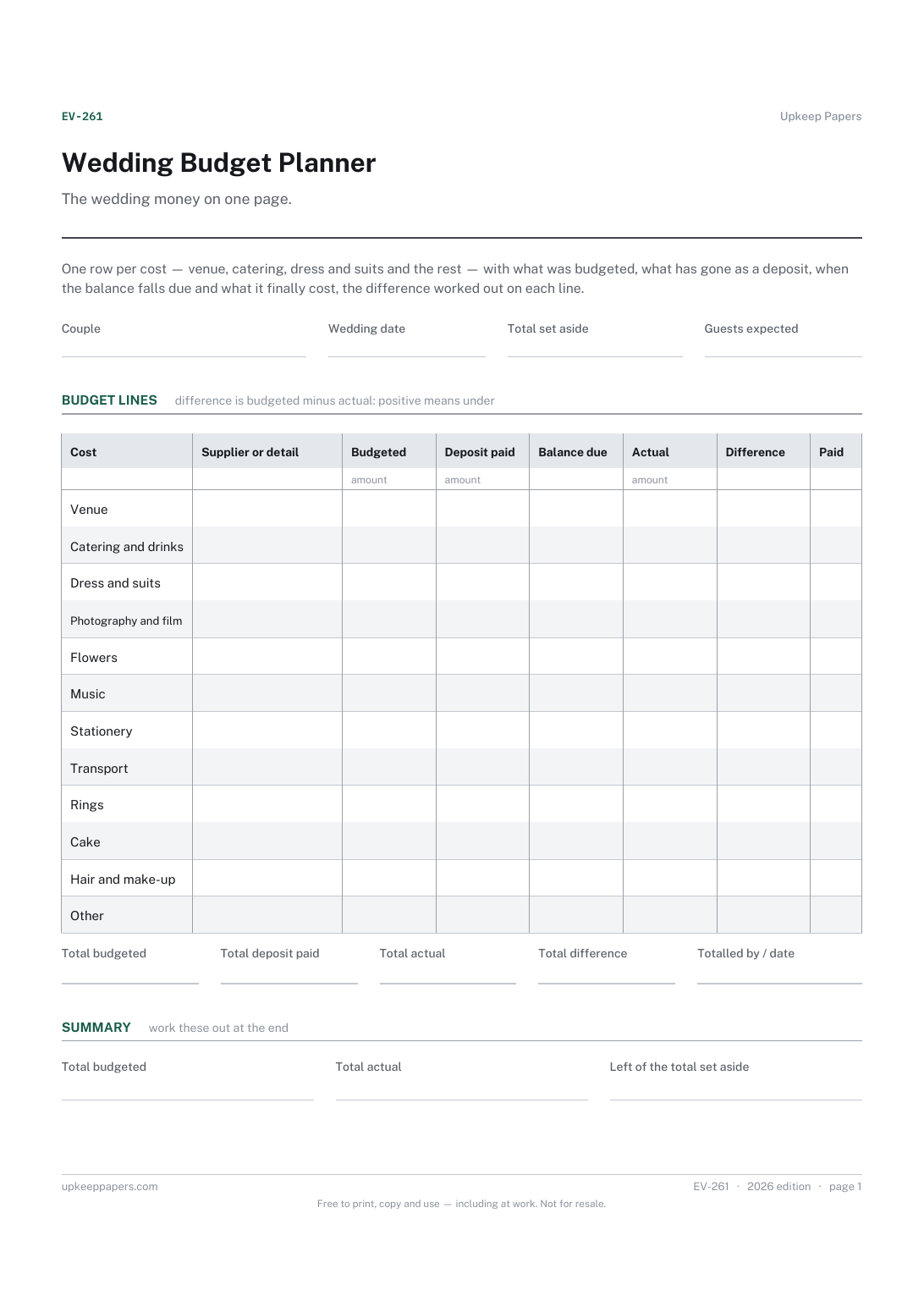
What each part of the wedding was budgeted at and what it actually came to.
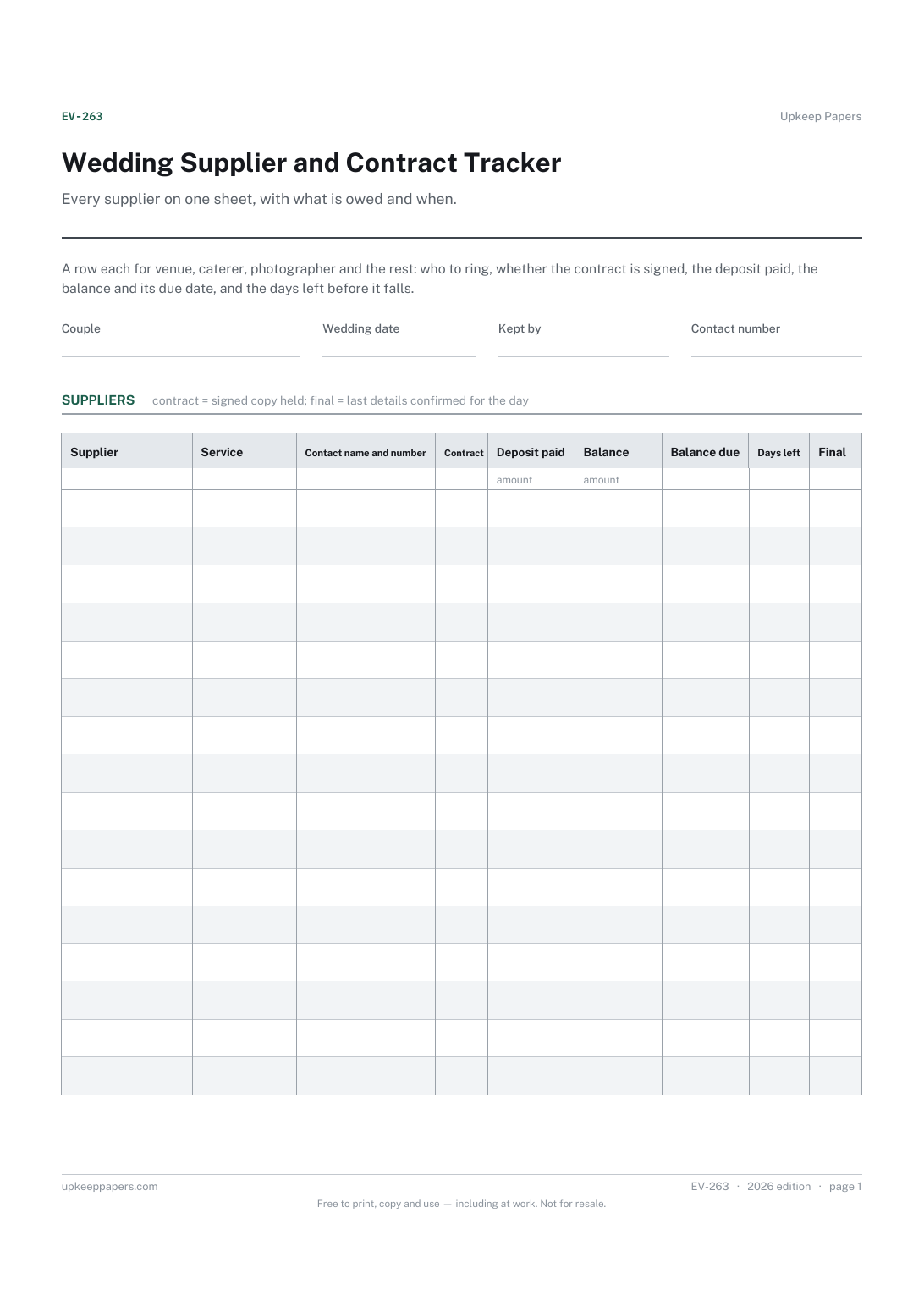
Who each supplier is, what they are providing and how to reach them.
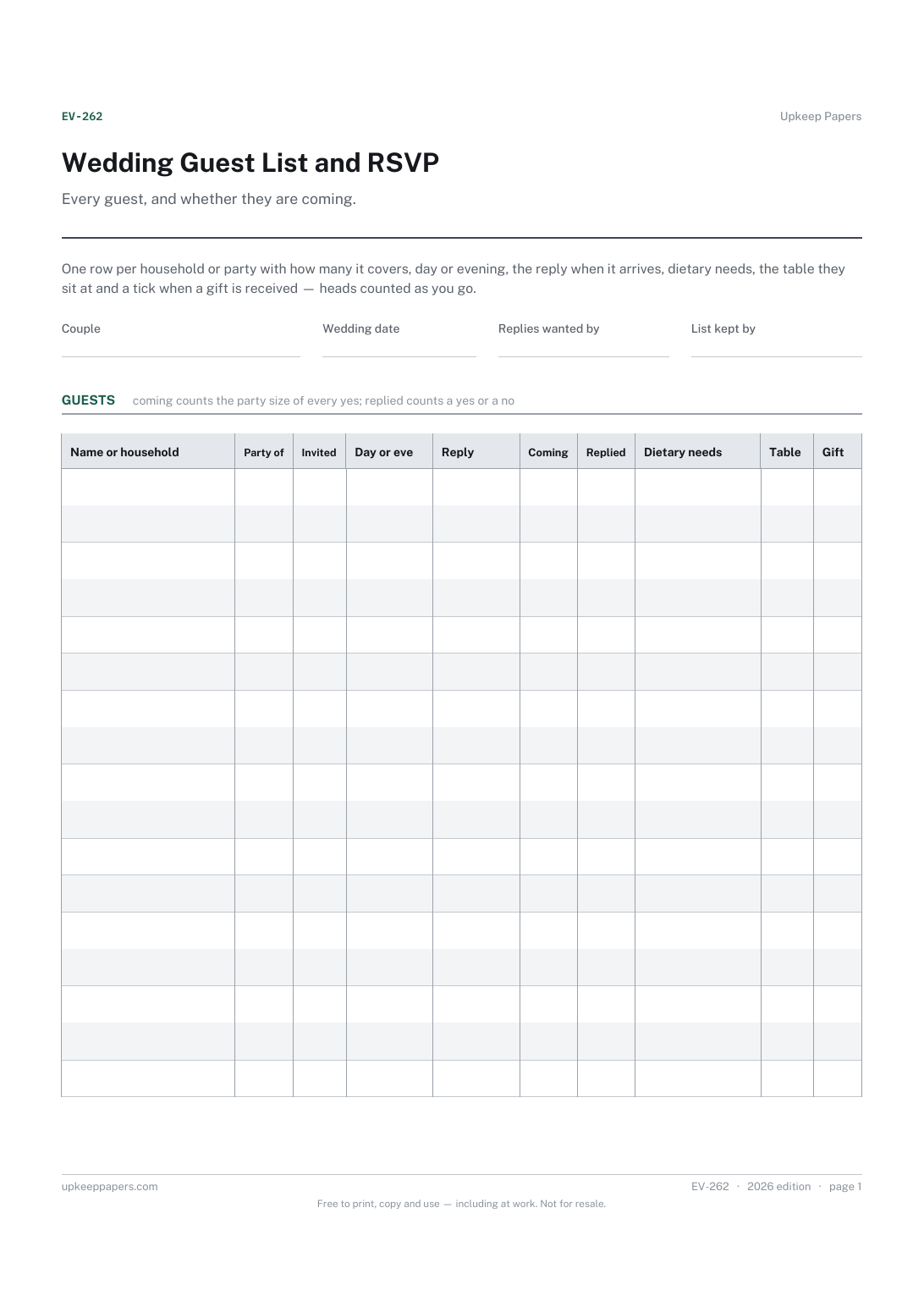
Who has been invited, for the day or the evening, and how many each invitation covers.
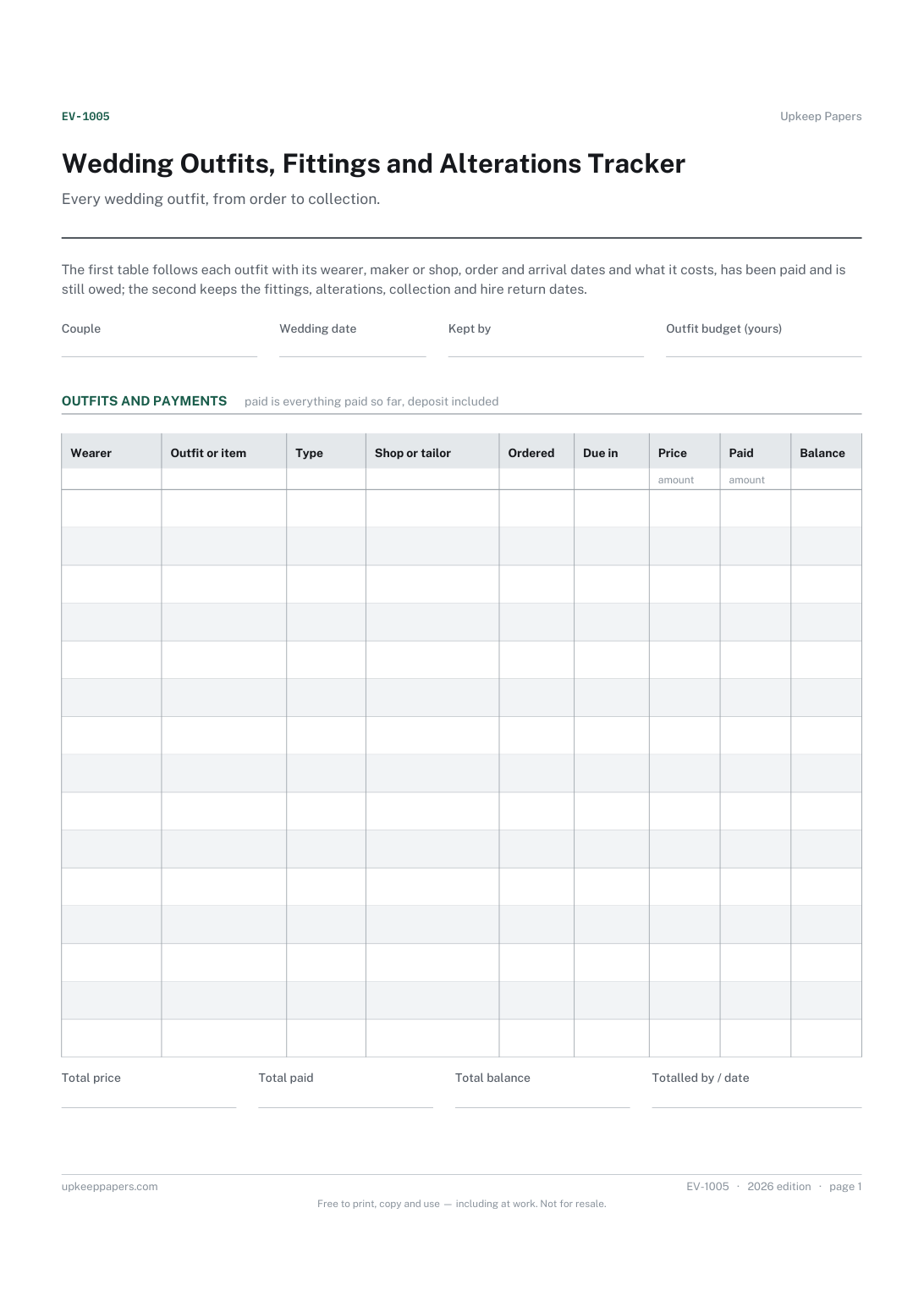
Each outfit, who wears it and whether it is bought, hired, made or altered.
Printable sheets, workbooks and tools on the same subject.
Write your own packing list once, for the way you actually travel, and reuse it for every trip after that.

Every sheet, binder, game and puzzle on Upkeep Papers is free to download, with no email and no account. Making them is not free: each one takes days of research, design and checking, and the site costs money to run. If something here saved you time, you can buy us a coffee. It is entirely optional: nothing is locked, and nothing changes if you don’t.
Buy us a coffee Opens PayPal in a new tab. Any amount, and nothing changes if you would rather not.