Wedding Budget Planner
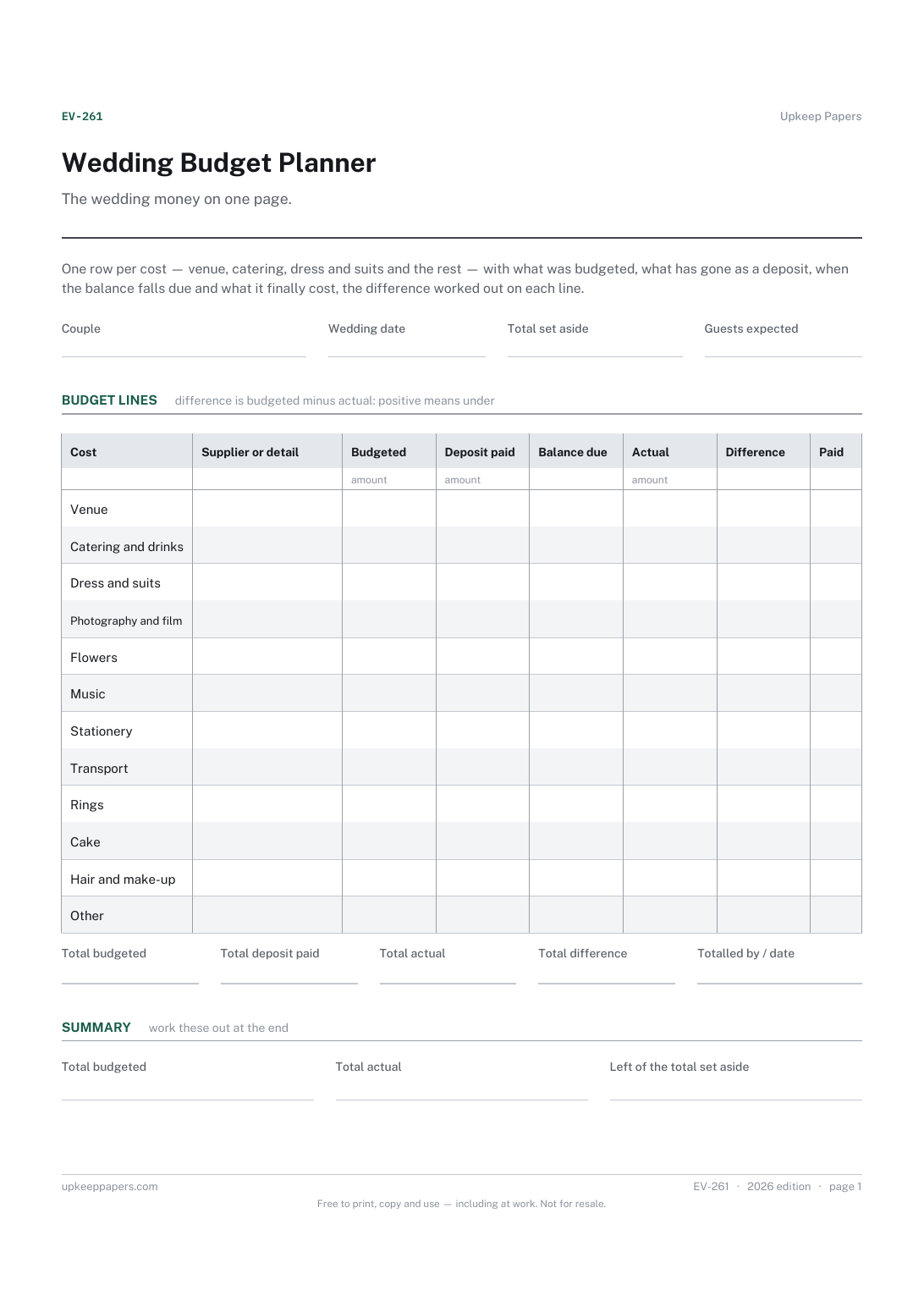
What each part of the wedding was budgeted at and what it actually came to.
EV-261 Budget PDF Excel Online
Everything here is free. Making it takes time and money. Everything here is free.
 Buy us a coffee
 Events and celebrations · EV-1005 · Tracker
Free wedding outfits tracker: every outfit from order to collection, with fittings, alterations, hire returns, price, paid and balance. Excel, PDF and browser.
2 pages. The A4 and US Letter files are laid out identically, so neither is shrunk to fit.
Print it and write on it
Fillable PDF type and save
Spreadsheet formulas included
The fillable versions have real form fields — open them in any PDF reader, type into them and save. Printing help.
The same sheet, on screen. Totals and figures are worked out as you type, rows can be added or removed, and you can print it or download the completed version as a PDF. Everything stays in your browser — your entries are kept in this browser's own storage on this device, nothing is uploaded, and there is no account.
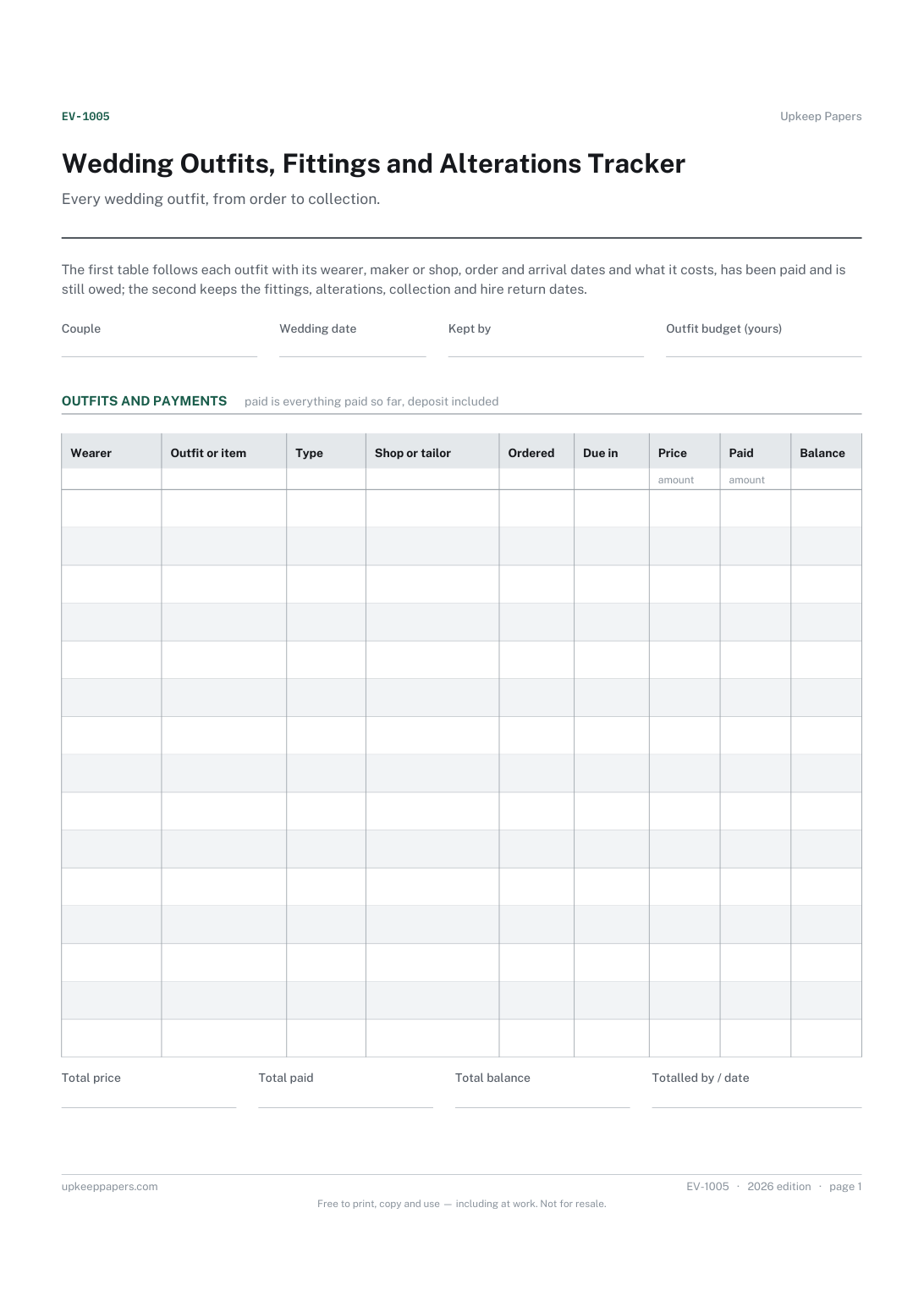
Every wedding outfit, from order to collection. The first table follows each outfit with its wearer, maker or shop, order and arrival dates and what it costs, has been paid and is still owed; the second keeps the fittings, alterations, collection and hire return dates.
Couples, attendants and parents with outfits being bought, made, hired or altered for the wedding, and whoever is keeping the dates and balances for all of them.
The printable is laid out inside a box that fits both A4 and US Letter, so the two files are identical and neither one is scaled. The fillable PDF has real form fields. The workbook uses plain formulas only — SUM, IF, COUNTIF and the like — so it opens in Excel, LibreOffice and Google Sheets without anything breaking, and every calculated cell is grey so you can see which figures it worked out.
Download the A4 or US Letter file to match the paper in your printer, open it in a PDF reader and print at 100% — not "fit to page", which shrinks the writing space. Both files leave a 14 mm margin, which clears the unprintable edge on home printers. To print the online version with your entries in it, use the Print this sheet button, which prints only the sheet and none of the page around it. More on printing.
That depends on the outfit and on the shop or tailor, so the sheet sets no number. There is room for two fittings and a final one; write the dates you are given and leave any you do not need blank.
Whatever the wearer will have on with the outfit on the day, such as the shoes and underwear, so the length and fit are set against the real thing. Ask the shop or tailor what they want brought.
A hired outfit has a return date, and often a deposit that depends on it coming back on time. The type column marks it as hired, and the return date sits in the second table where it will be seen.
The budget planner has one line for outfits across the whole wedding. This tracker breaks that line down by person and item; copy the total across once the prices are known.
What each part of the wedding was budgeted at and what it actually came to.
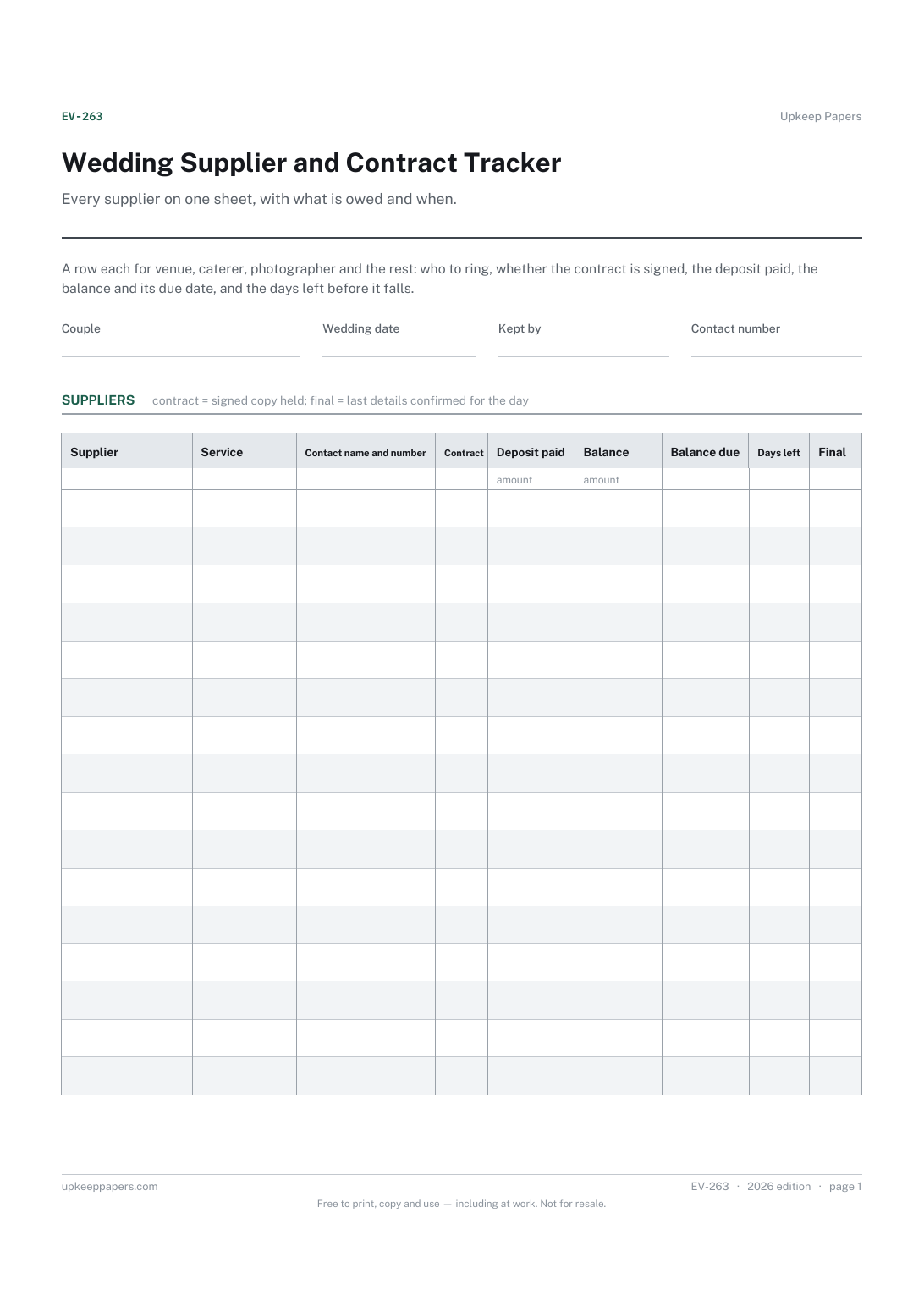
Who each supplier is, what they are providing and how to reach them.
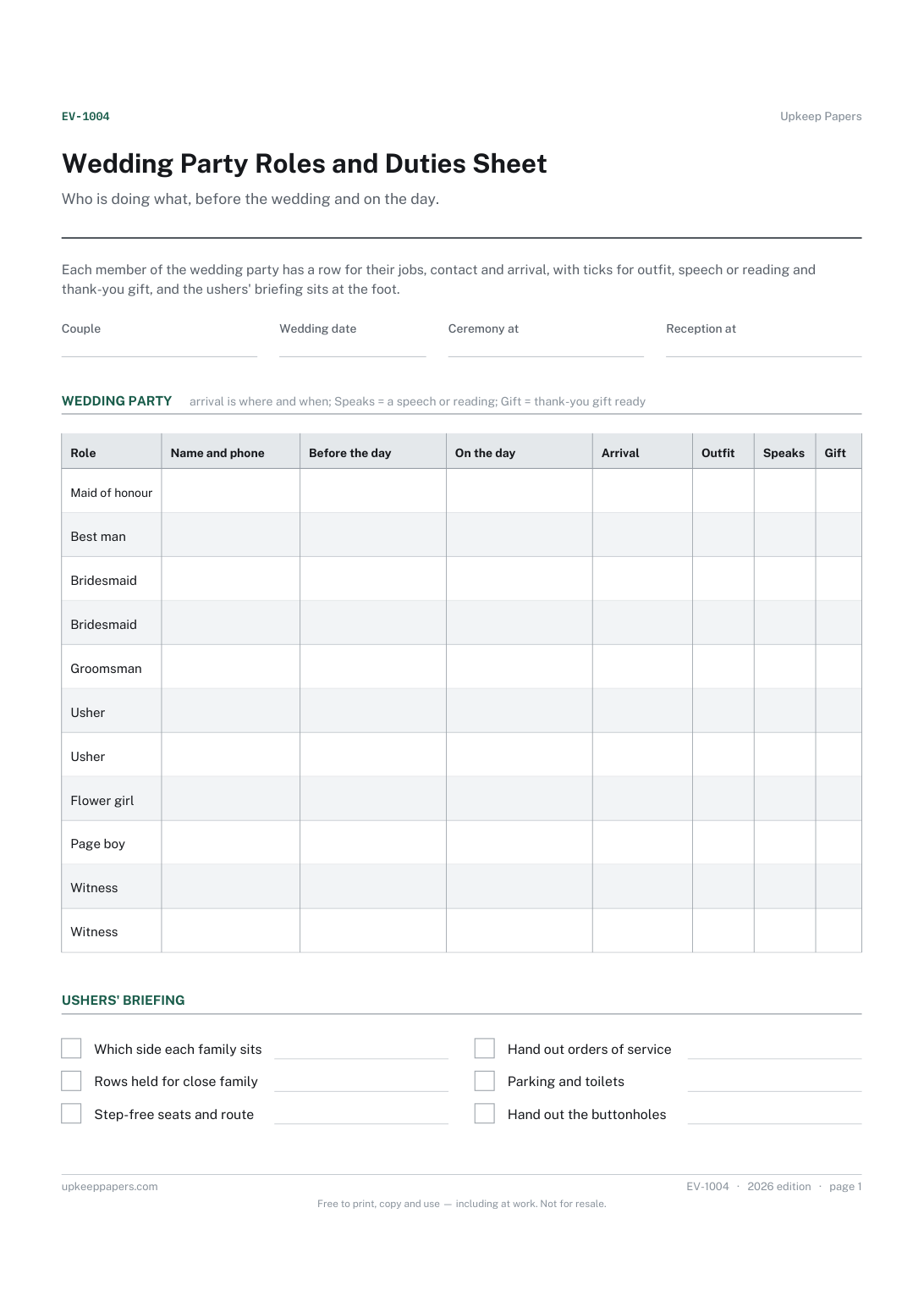
Each person's role and how to reach them.
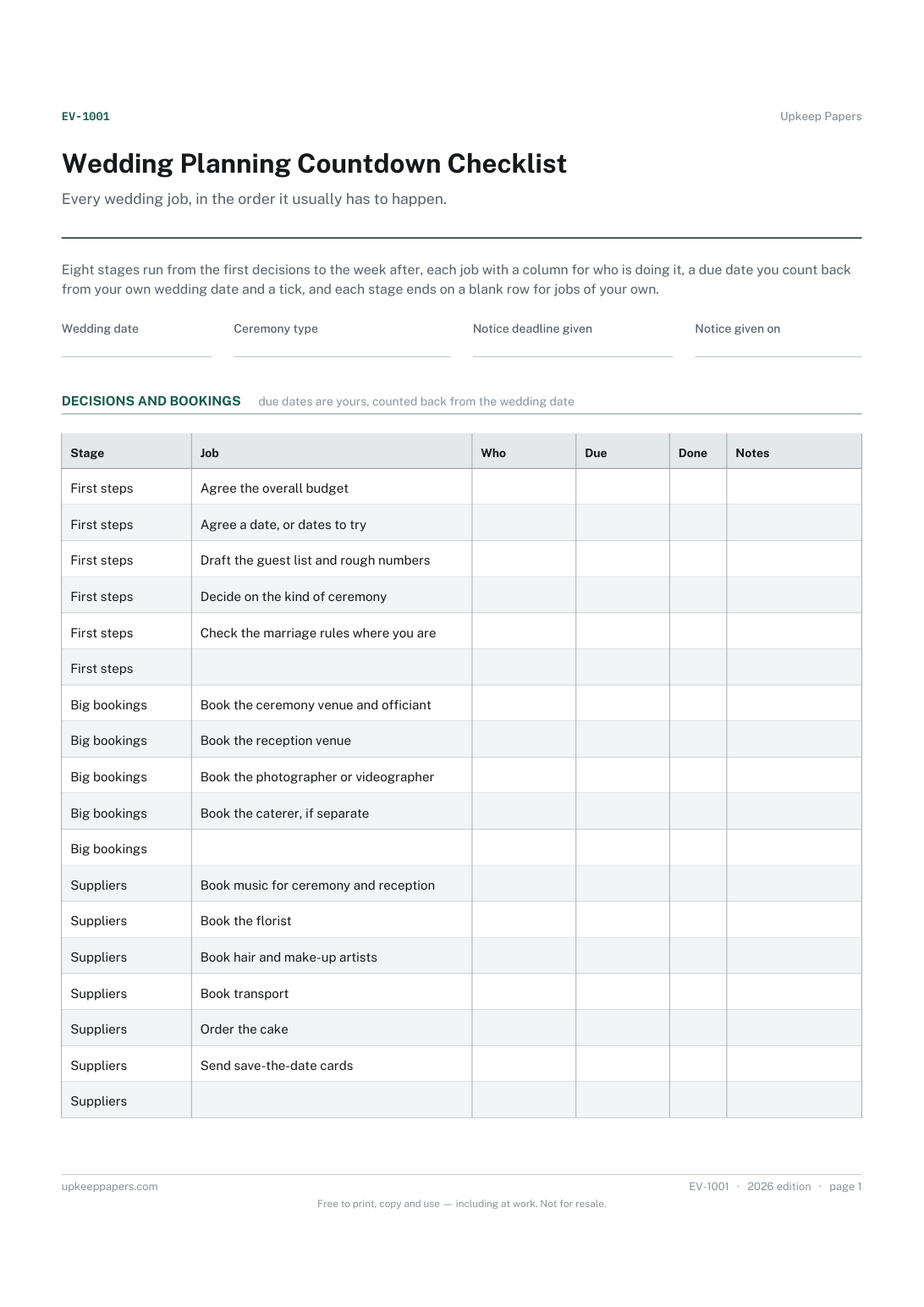
Which jobs come first and which wait until the main bookings are made.
Printable sheets, workbooks and tools on the same subject.
Give a receipt for money taken and keep an identical copy, with the balance still owed written on both halves.

Every sheet, binder, game and puzzle on Upkeep Papers is free to download, with no email and no account. Making them is not free: each one takes days of research, design and checking, and the site costs money to run. If something here saved you time, you can buy us a coffee. It is entirely optional: nothing is locked, and nothing changes if you don’t.
Buy us a coffee Opens PayPal in a new tab. Any amount, and nothing changes if you would rather not.