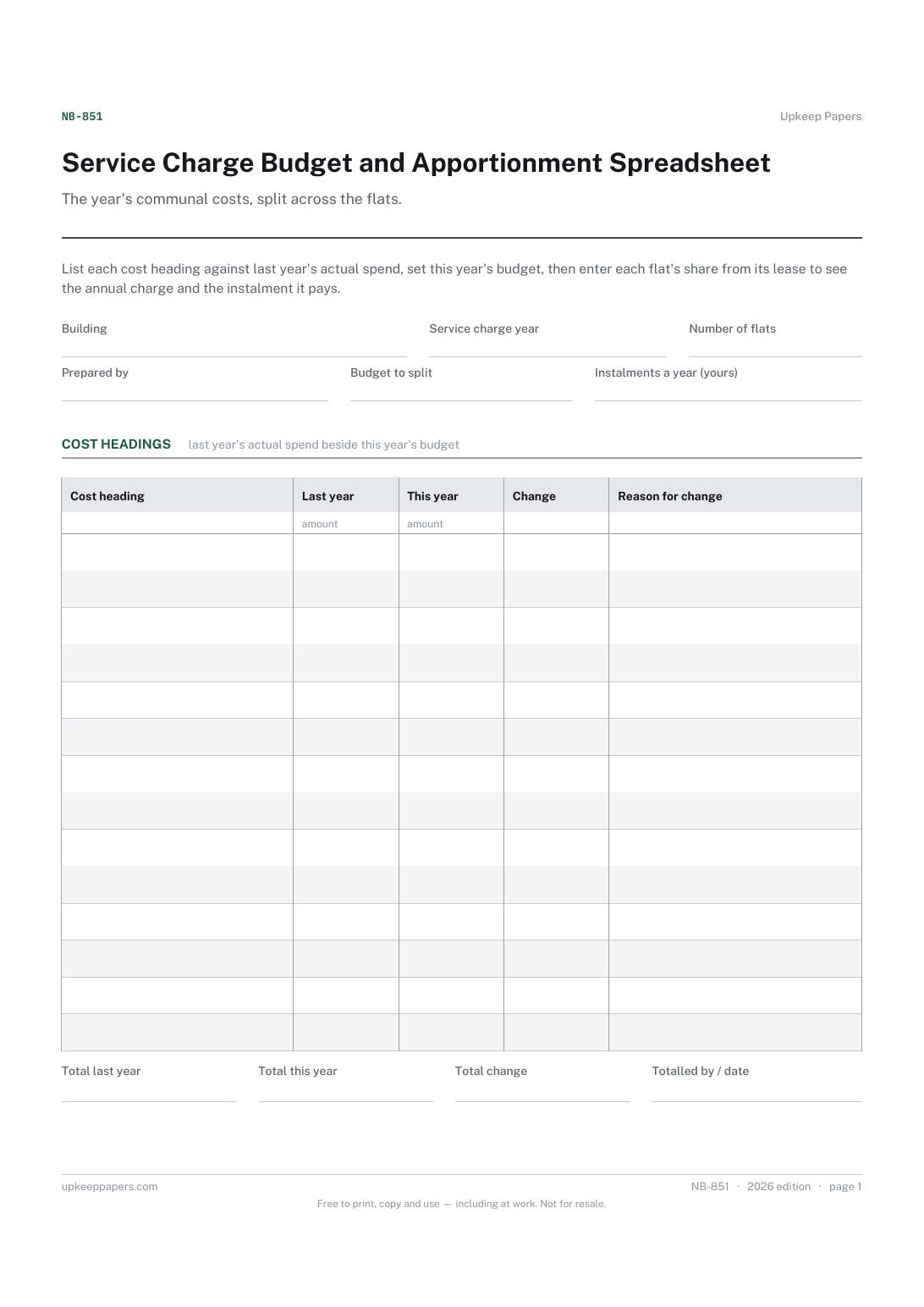
Service Charge Budget and Apportionment Spreadsheet
Each cost heading with last year's actual and this year's budget.
NB-851 Budget PDF Excel Online
Everything here is free. Making it takes time and money. Everything here is free.
 Buy us a coffee
 Shared Buildings and Residents · NB-874 · Record
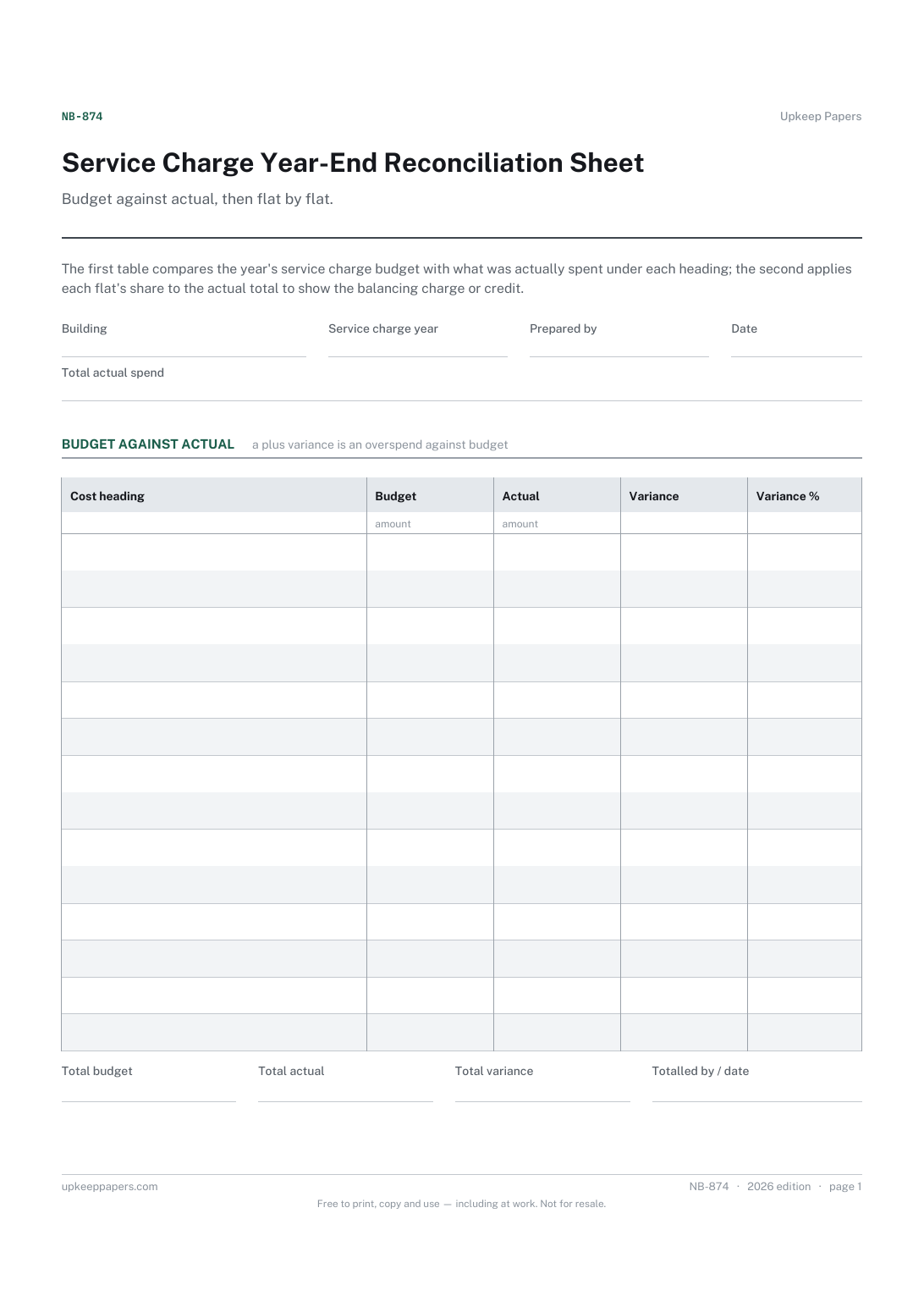
Service charge reconciliation sheet: budget against actual spend by heading and the balancing charge or credit for each flat. PDF, Excel and browser.
2 pages. The A4 and US Letter files are laid out identically, so neither is shrunk to fit.
Print it and write on it
Fillable PDF type and save
Spreadsheet formulas included
The fillable versions have real form fields — open them in any PDF reader, type into them and save. Printing help.
The same sheet, on screen. Totals and figures are worked out as you type, rows can be added or removed, and you can print it or download the completed version as a PDF. Everything stays in your browser — your entries are kept in this browser's own storage on this device, nothing is uploaded, and there is no account.
Budget against actual, then flat by flat. The first table compares the year's service charge budget with what was actually spent under each heading; the second applies each flat's share to the actual total to show the balancing charge or credit.
Directors of residents' management companies, volunteer treasurers and small self-managed blocks closing off a service charge year, and leaseholders checking their own year-end statement.
The printable is laid out inside a box that fits both A4 and US Letter, so the two files are identical and neither one is scaled. The fillable PDF has real form fields. The workbook uses plain formulas only — SUM, IF, COUNTIF and the like — so it opens in Excel, LibreOffice and Google Sheets without anything breaking, and every calculated cell is grey so you can see which figures it worked out.
Download the A4 or US Letter file to match the paper in your printer, open it in a PDF reader and print at 100% — not "fit to page", which shrinks the writing space. Both files leave a 14 mm margin, which clears the unprintable edge on home printers. To print the online version with your entries in it, use the Print this sheet button, which prints only the sheet and none of the page around it. More on printing.
The difference between a flat's share of what was actually spent and what it paid on account. If spending ran over budget each flat owes a little more; if under, each is due a credit.
Usually from each lease, which sets out how costs are split. Copy them exactly. If different costs are split in different ways, use one sheet for each schedule.
Treat reserve contributions as their own heading, or keep them off this sheet entirely, depending on how your accounts show them. Be consistent from year to year.
Your lease will usually say how a surplus is dealt with. Check it, and the rules where you are, before deciding whether to refund, credit or carry it forward.
Each cost heading with last year's actual and this year's budget.
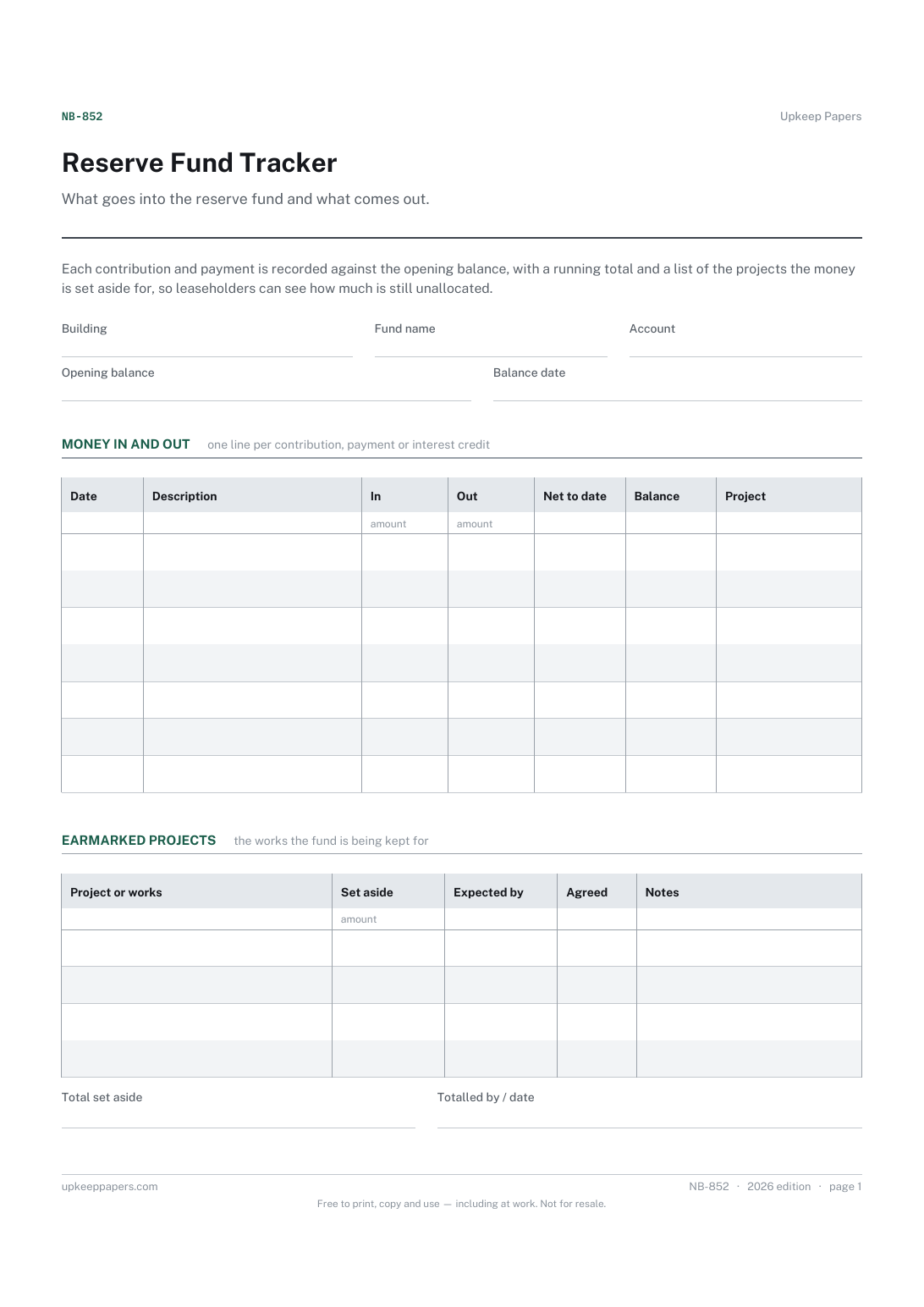
Every contribution into the fund and every payment out of it.
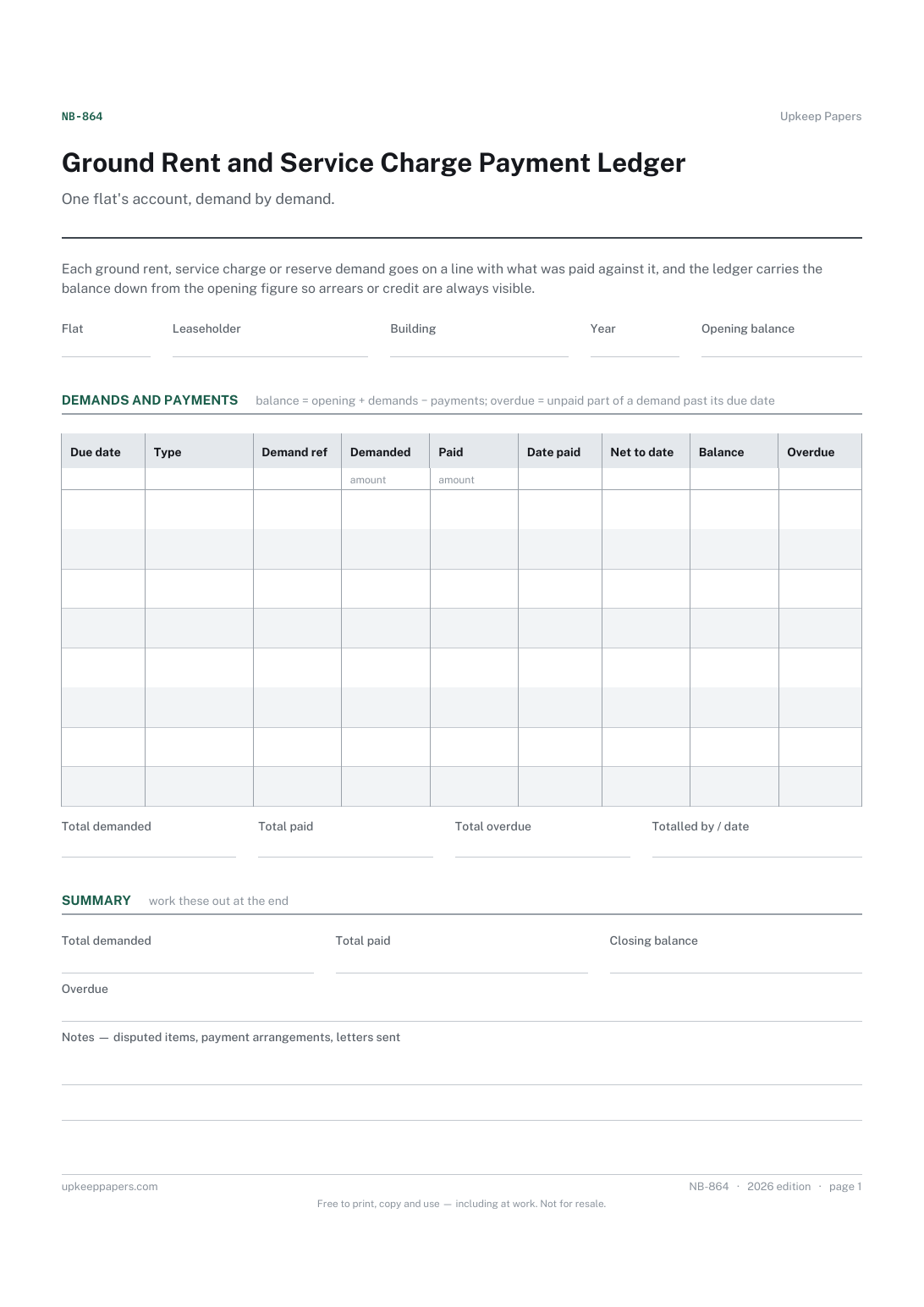
Every demand for ground rent, service charge, reserve and other charges.
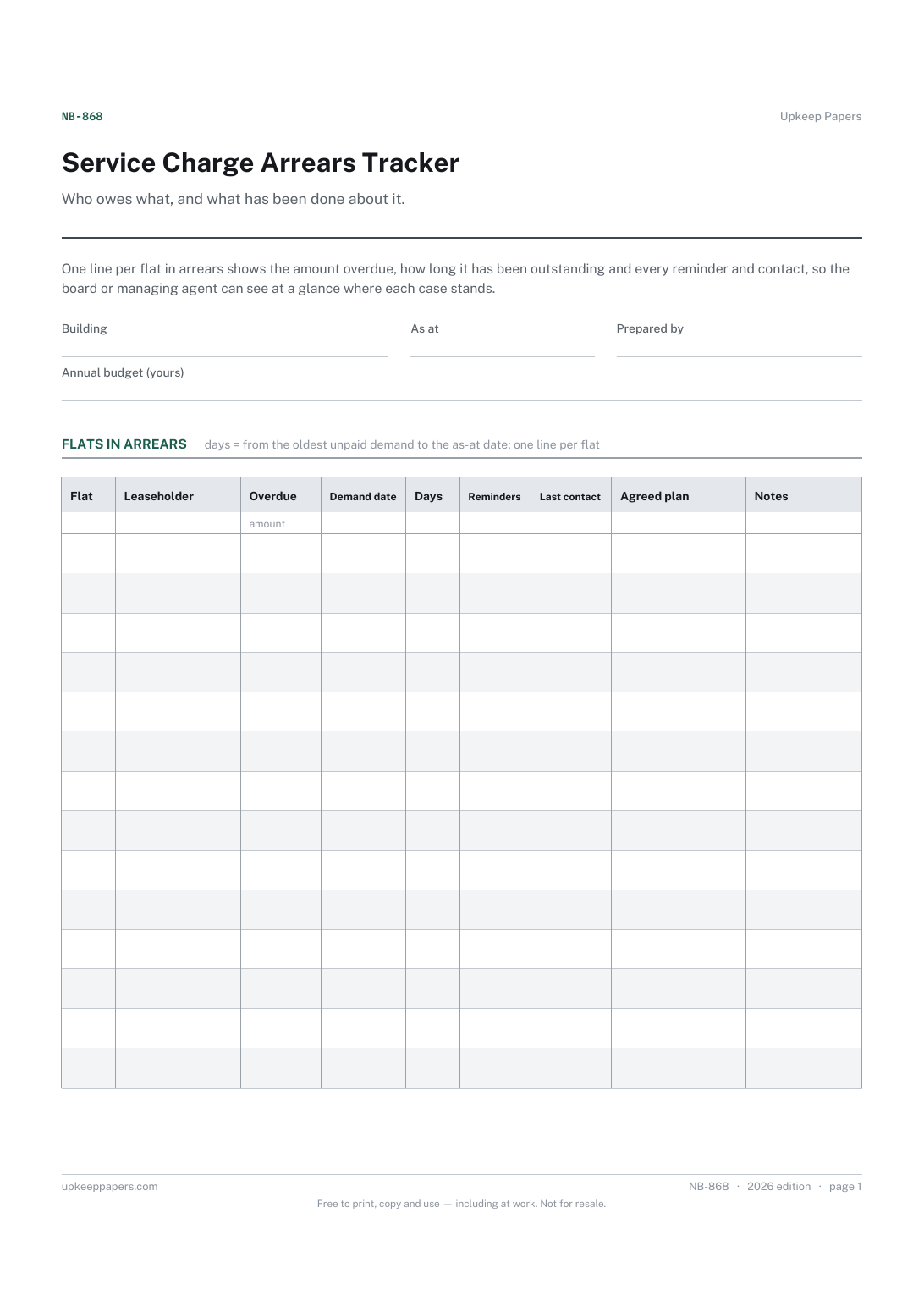
Each flat behind on service charge or ground rent, with the leaseholder's name.

Every sheet, binder, game and puzzle on Upkeep Papers is free to download, with no email and no account. Making them is not free: each one takes days of research, design and checking, and the site costs money to run. If something here saved you time, you can buy us a coffee. It is entirely optional: nothing is locked, and nothing changes if you don’t.
Buy us a coffee Opens PayPal in a new tab. Any amount, and nothing changes if you would rather not.