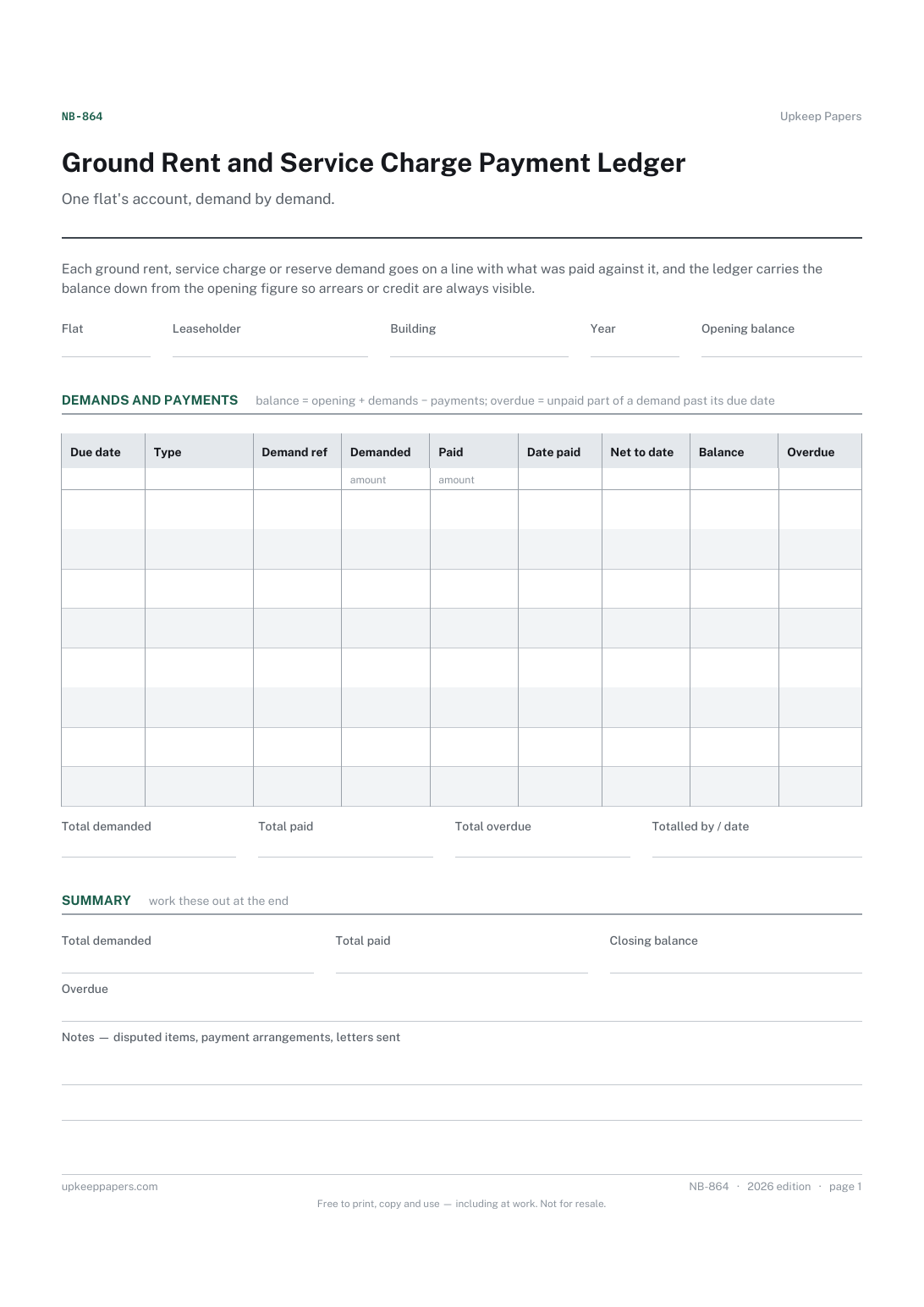
Ground Rent and Service Charge Payment Ledger
Every demand for ground rent, service charge, reserve and other charges.
NB-864 Record PDF Excel Online
Everything here is free. Making it takes time and money. Everything here is free.
 Buy us a coffee
 Shared Buildings and Residents · NB-868 · Tracker
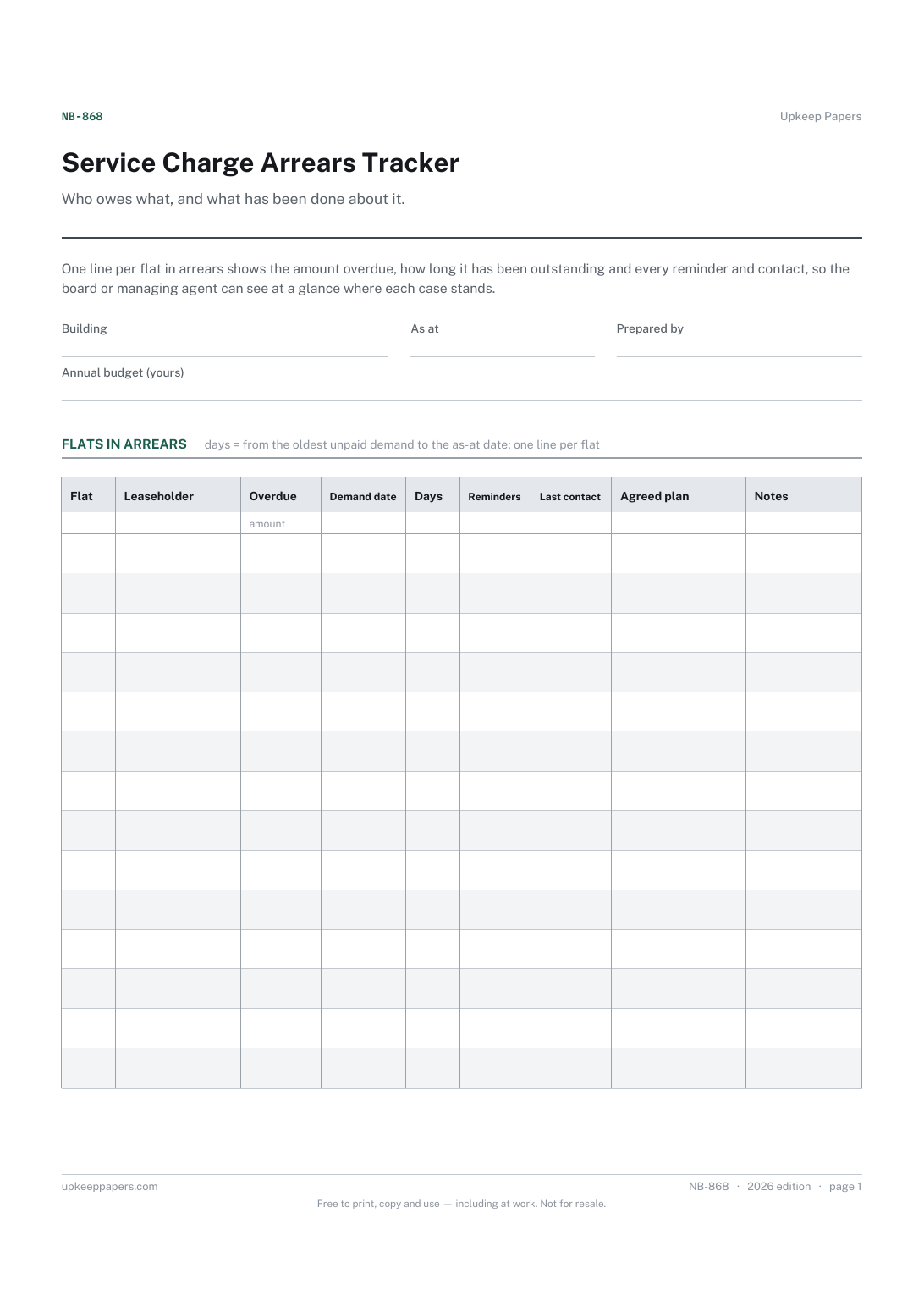
Service charge arrears tracker: every flat behind on payments, what is owed, days overdue and each chasing step, as a PDF, Excel workbook or browser sheet.
2 pages. The A4 and US Letter files are laid out identically, so neither is shrunk to fit.
Print it and write on it
Fillable PDF type and save
Spreadsheet formulas included
The fillable versions have real form fields — open them in any PDF reader, type into them and save. Printing help.
The same sheet, on screen. Totals and figures are worked out as you type, rows can be added or removed, and you can print it or download the completed version as a PDF. Everything stays in your browser — your entries are kept in this browser's own storage on this device, nothing is uploaded, and there is no account.
Who owes what, and what has been done about it. One line per flat in arrears shows the amount overdue, how long it has been outstanding and every reminder and contact, so the board or managing agent can see at a glance where each case stands.
Directors of residents' management and right-to-manage companies, volunteer treasurers and managing agents who need to report arrears to a board meeting.
The printable is laid out inside a box that fits both A4 and US Letter, so the two files are identical and neither one is scaled. The fillable PDF has real form fields. The workbook uses plain formulas only — SUM, IF, COUNTIF and the like — so it opens in Excel, LibreOffice and Google Sheets without anything breaking, and every calculated cell is grey so you can see which figures it worked out.
Download the A4 or US Letter file to match the paper in your printer, open it in a PDF reader and print at 100% — not "fit to page", which shrinks the writing space. Both files leave a 14 mm margin, which clears the unprintable edge on home printers. To print the online version with your entries in it, use the Print this sheet button, which prints only the sheet and none of the page around it. More on printing.
It can, if the same people chase both. Put the combined figure in amount overdue and say which charges it covers in the notes column, or keep a separate sheet for each so the totals stay distinct.
The sheet records the steps taken; it does not tell you what to do next. The options and the rules on recovering arrears differ from place to place, so check your lease and take advice before starting any formal action.
It shows how much of the year's spending is not yet funded, which is what the board needs to know when deciding whether bills can be paid on time. The figure uses the budget you enter.
It contains names and money owed, so keep it to the directors or officers who need it. For wider reports to residents, give the totals and the number of flats rather than names.
Every demand for ground rent, service charge, reserve and other charges.
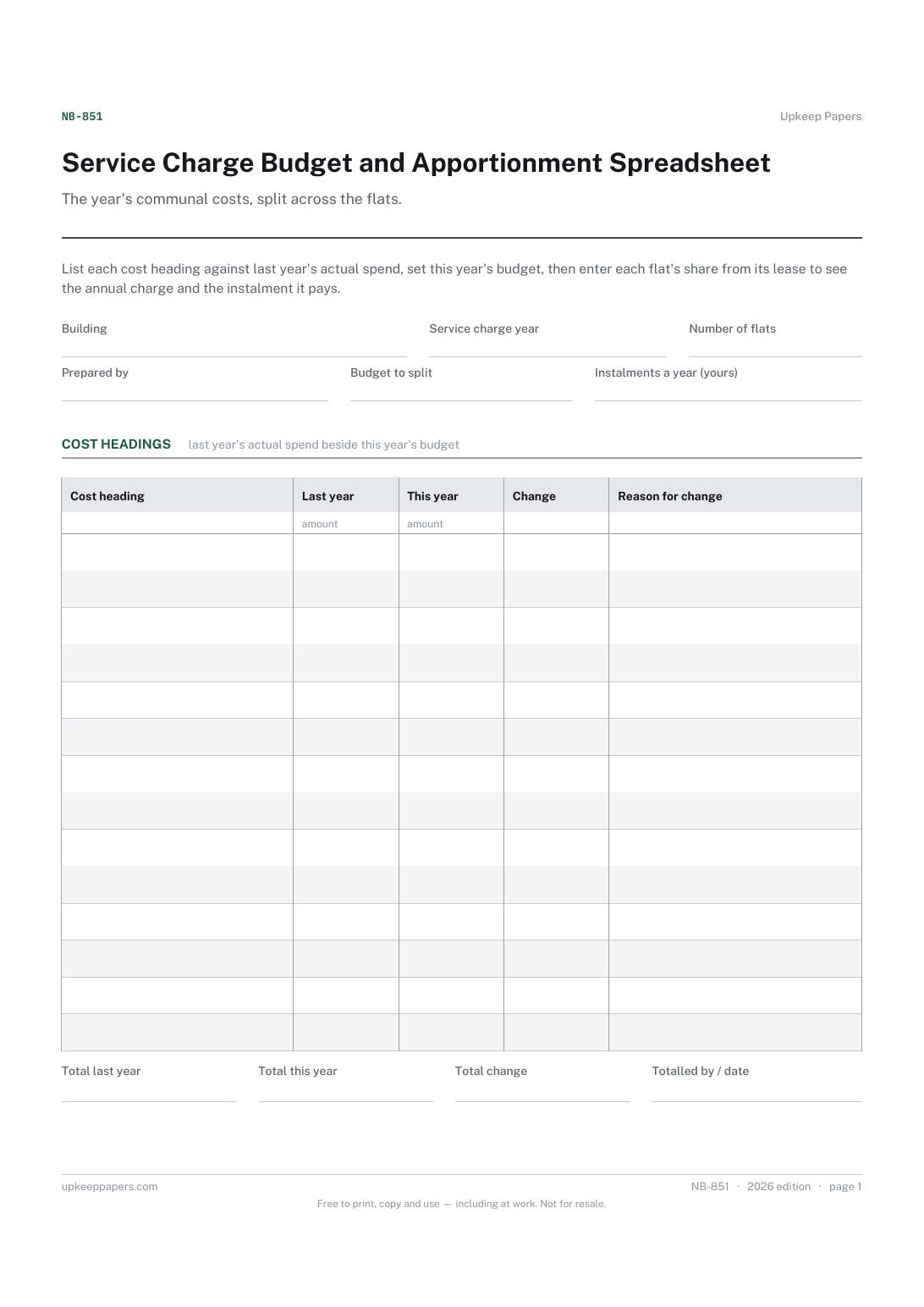
Each cost heading with last year's actual and this year's budget.
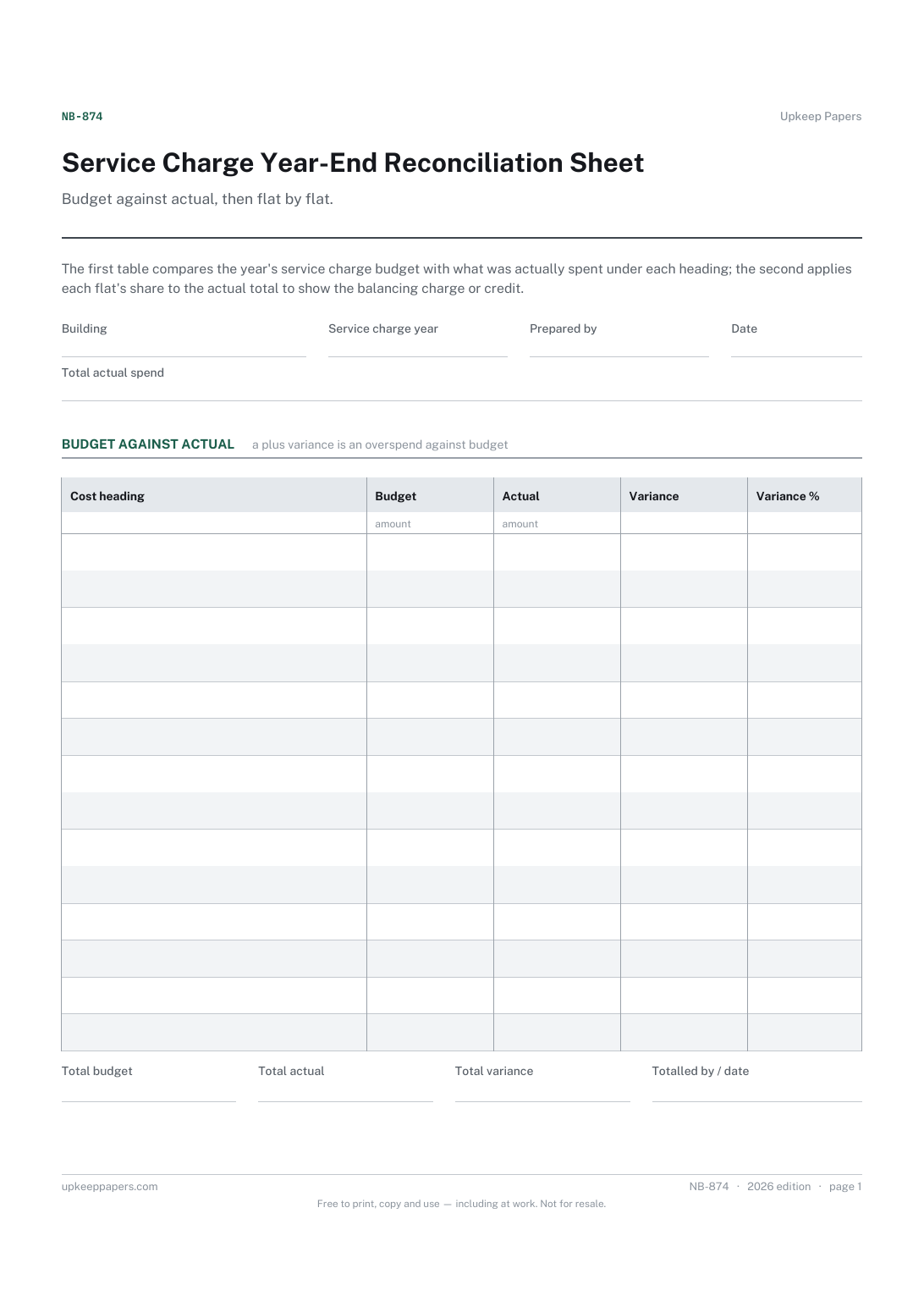
Budget and actual spending under each cost heading.
Printable sheets, workbooks and tools on the same subject.
Every invoice raised, what has been paid against it, and how many days overdue the rest is — with the aged debt split that tells you who to chase first.

Every sheet, binder, game and puzzle on Upkeep Papers is free to download, with no email and no account. Making them is not free: each one takes days of research, design and checking, and the site costs money to run. If something here saved you time, you can buy us a coffee. It is entirely optional: nothing is locked, and nothing changes if you don’t.
Buy us a coffee Opens PayPal in a new tab. Any amount, and nothing changes if you would rather not.