
School and study · SS-257 · Log
Music Practice Log
Free music practice log — date, piece or exercise, minutes with the hours worked out, what went well and what to do next time, totalled. PDF, Excel and browser.
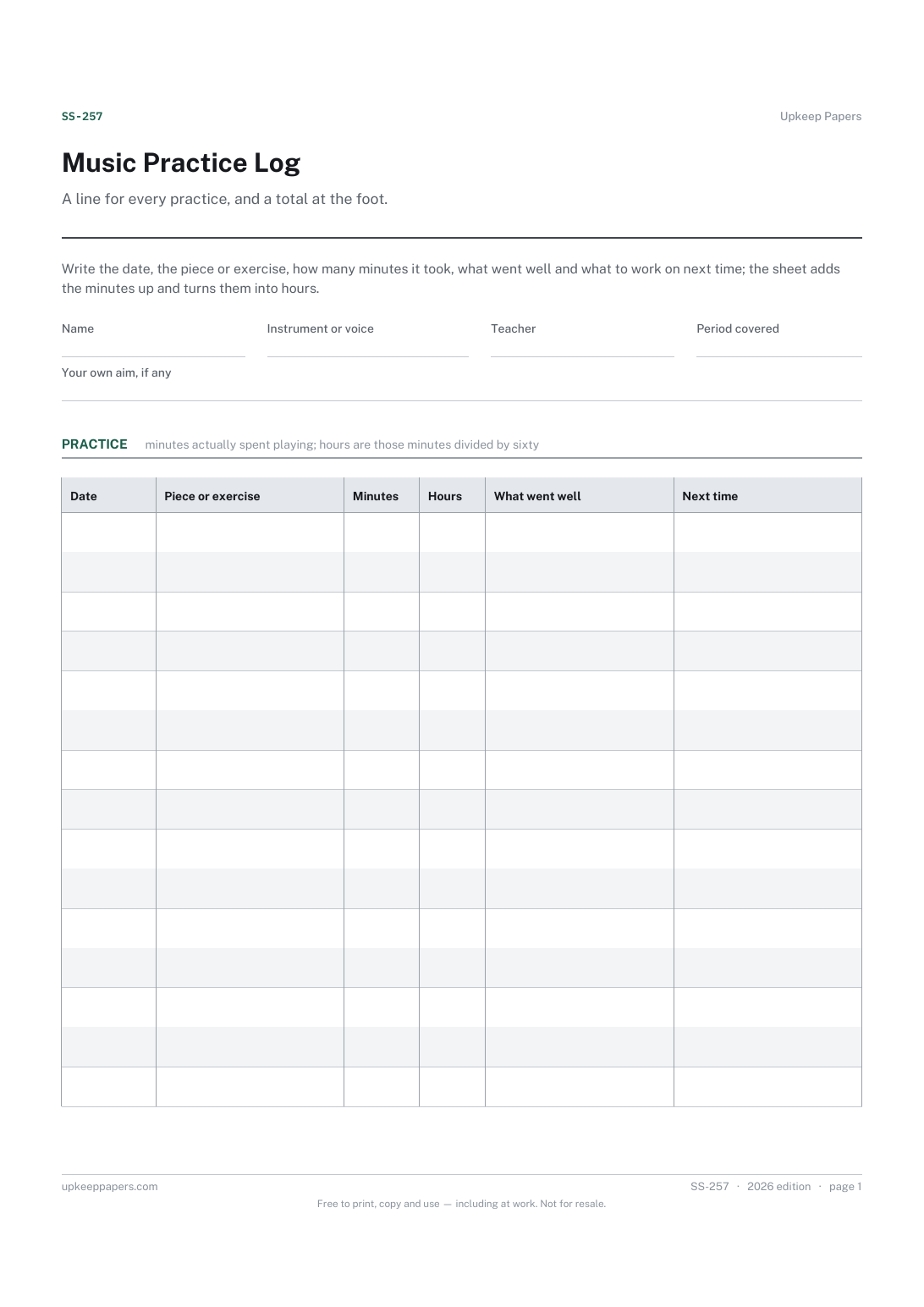
2 pages. The A4 and US Letter files are laid out identically, so neither is shrunk to fit.
Print it and write on it
Fillable PDF type and save
Spreadsheet formulas included
The fillable versions have real form fields — open them in any PDF reader, type into them and save. Printing help.
Fill it in online
The same sheet, on screen. Totals and figures are worked out as you type, rows can be added or removed, and you can print it or download the completed version as a PDF. Everything stays in your browser — your entries are kept in this browser's own storage on this device, nothing is uploaded, and there is no account.
Who this is for
A line for every practice, and a total at the foot. Write the date, the piece or exercise, how many minutes it took, what went well and what to work on next time; the sheet adds the minutes up and turns them into hours.
Learners of any instrument or voice, at any level, and the parents and teachers who ask each week whether the practice happened and what it was spent on.
What this helps you track
- When each practice happened and how long it lasted
- Which pieces, scales, studies or exercises the time went to
- What went well, written while you can still hear it
- What to do next time, so the next practice starts with a purpose
- The total minutes and hours for the week, the term or the run-up to an exam
How to use it
- Write your name, the instrument, your teacher and the period the sheet covers at the top.
- Add a row each time you practise: the date, the piece or exercise, and the minutes actually spent playing.
- The hours column and the totals are worked out in the browser version and the workbook; on paper, add the minutes at the foot.
- Write one thing that went well and one thing to do next time. Two short lines are worth more than a paragraph nobody reads.
- Take the sheet to lessons so your teacher can see what was practised and set next week's rows.
- Start a fresh sheet whenever the old one fills, and keep the old ones — they are the answer to whether the exam practice happened.
Formats
- Printable PDF (A4 and US Letter)
- Fillable PDF with form fields
- Fill in online, saved in your browser
- Excel / Google Sheets workbook
The printable is laid out inside a box that fits both A4 and US Letter, so the two files are identical and neither one is scaled. The fillable PDF has real form fields. The workbook uses plain formulas only — SUM, IF, COUNTIF and the like — so it opens in Excel, LibreOffice and Google Sheets without anything breaking, and every calculated cell is grey so you can see which figures it worked out.
How to print
Download the A4 or US Letter file to match the paper in your printer, open it in a PDF reader and print at 100% — not "fit to page", which shrinks the writing space. Both files leave a 14 mm margin, which clears the unprintable edge on home printers. To print the online version with your entries in it, use the Print this sheet button, which prints only the sheet and none of the page around it. More on printing.
Questions
Does it say how long I should practise?
No. That depends on your instrument, level, teacher and how much time you have. If your teacher sets an amount, write it in the aim field at the top and compare it with the total.
Should I log warm-ups and scales separately?
If you want to see how the time splits, yes — one row for scales, one for the piece. Otherwise a single row for the session with both named in the piece column is fine.
How are the hours worked out?
The minutes divided by sixty, for each row and for the total. Nothing else is assumed.
Can a teacher use it for several pupils?
One sheet per pupil, sent home and brought back each week, is the usual way. The browser version saves in the pupil's own browser, so a printed sheet is easier to share.
Related resources
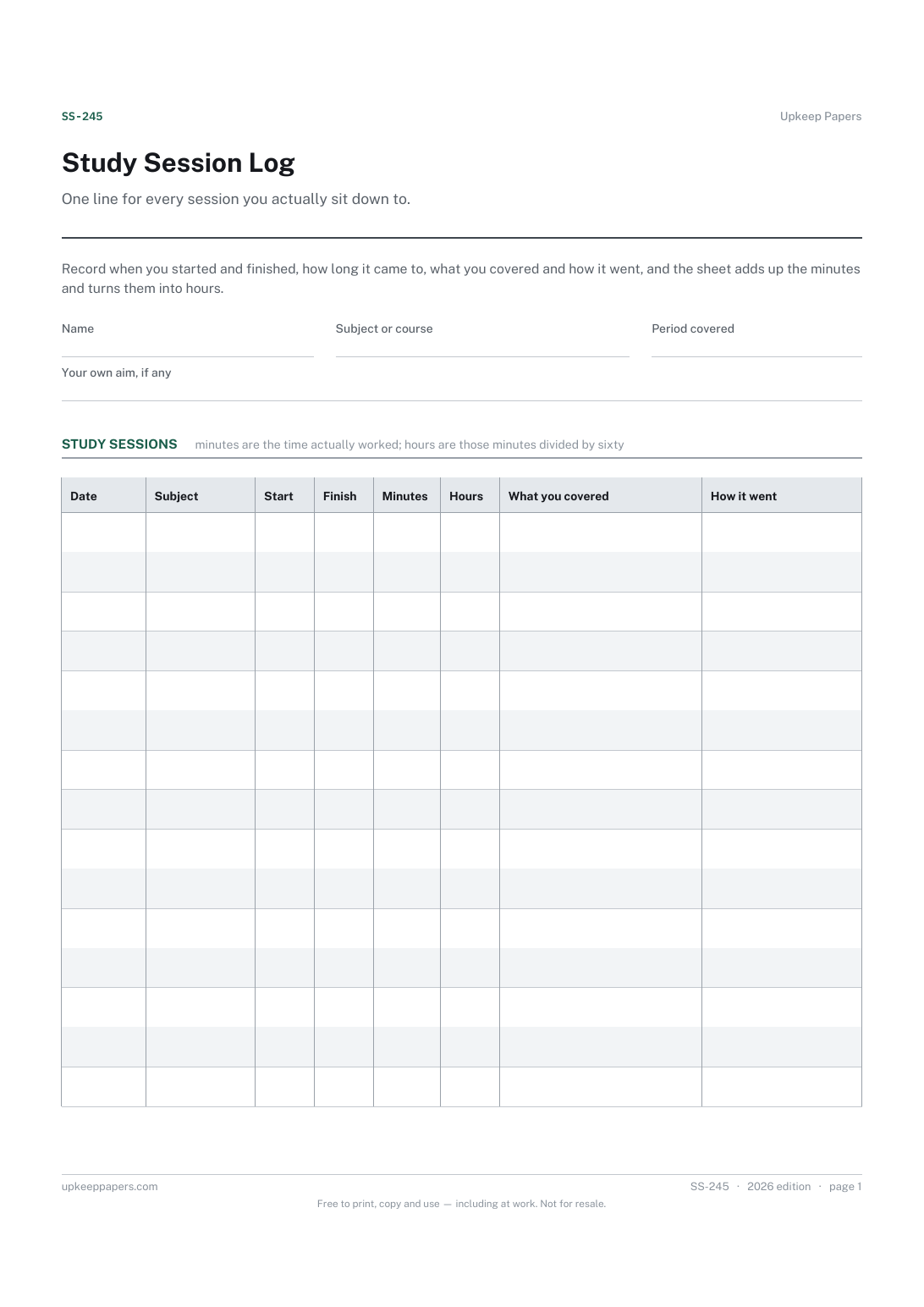
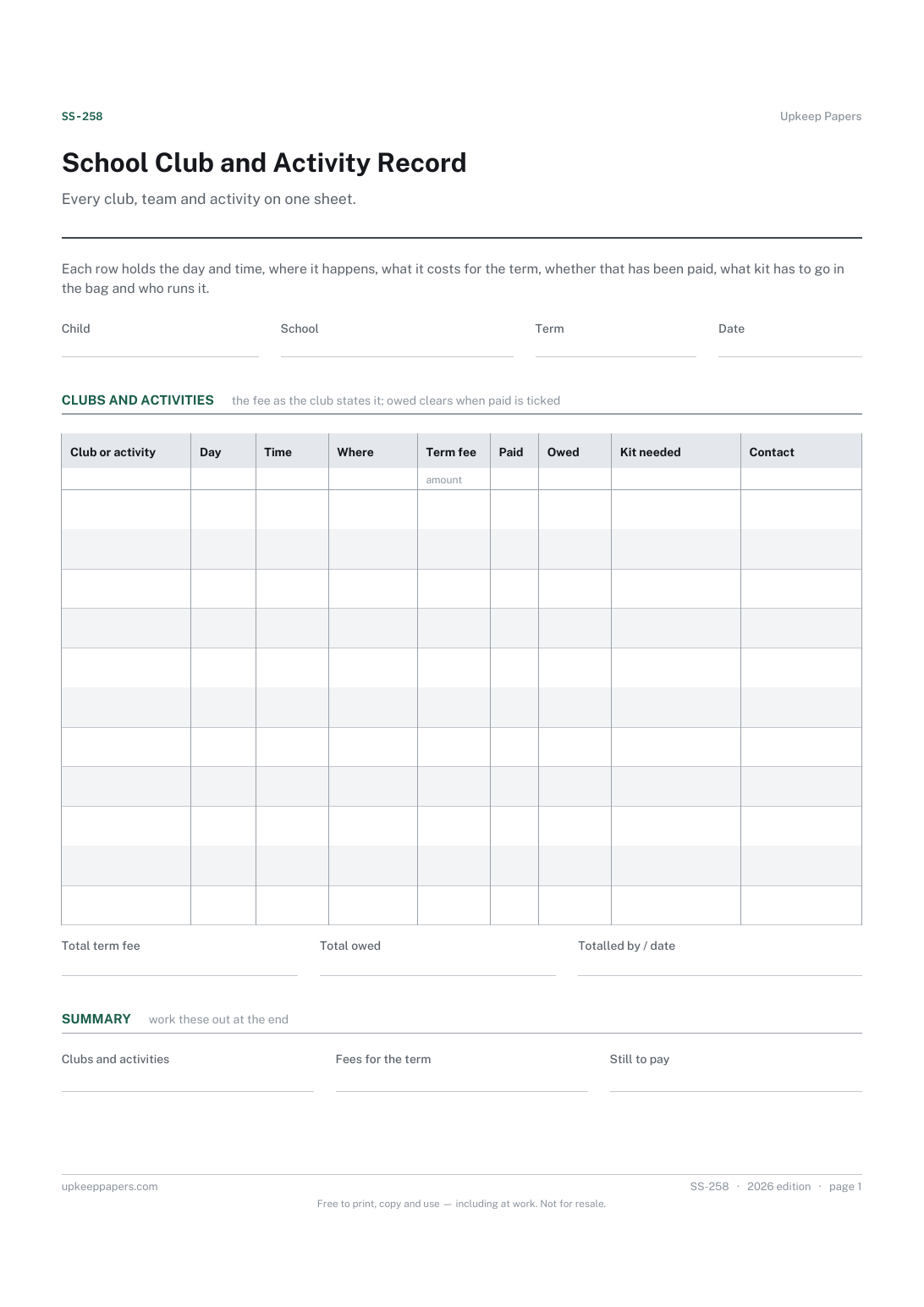
School Club and Activity Record
Which clubs and activities are on, on which day and at what time.
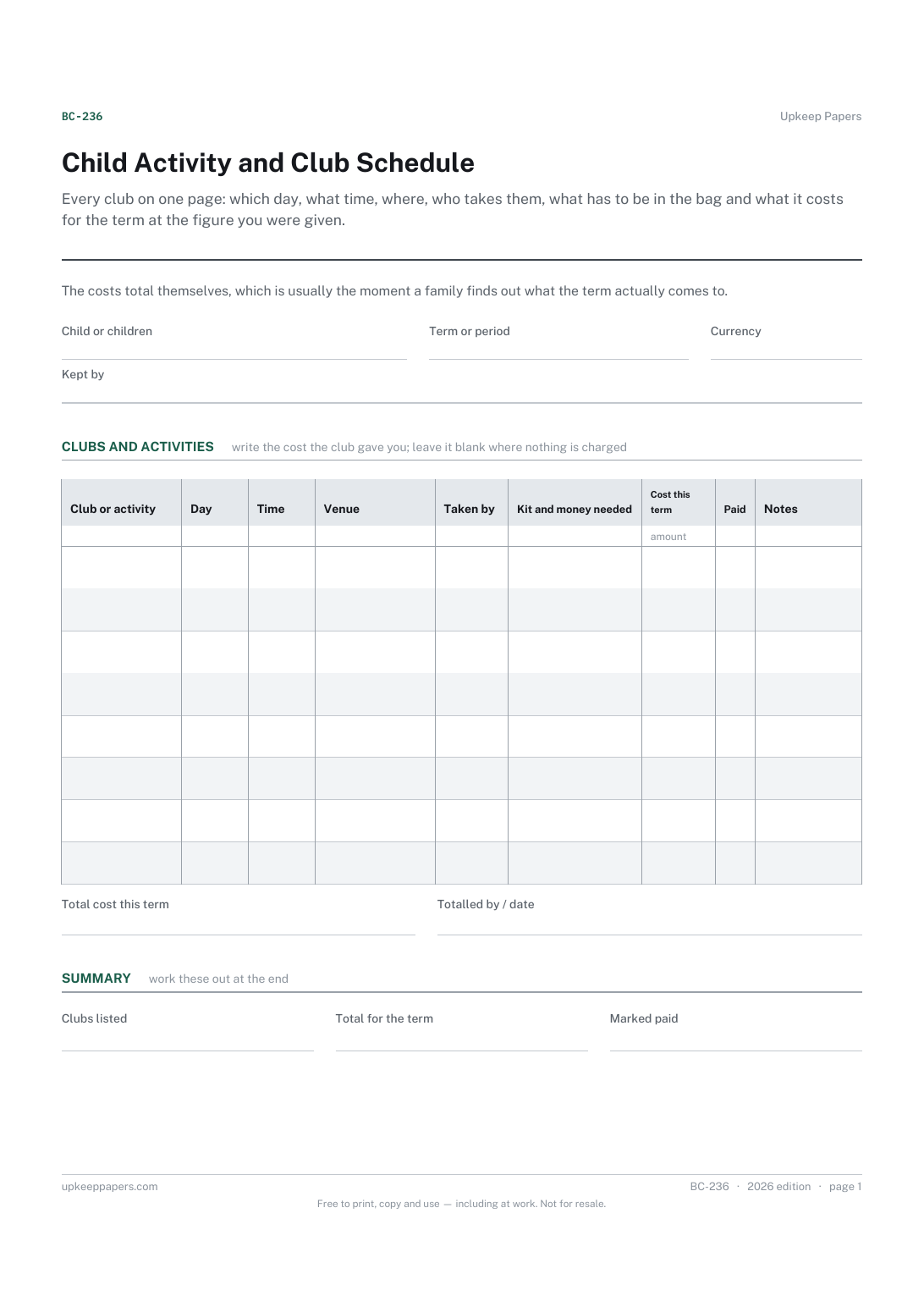
Child Activity and Club Schedule
Every club with its day, time and venue in one place.
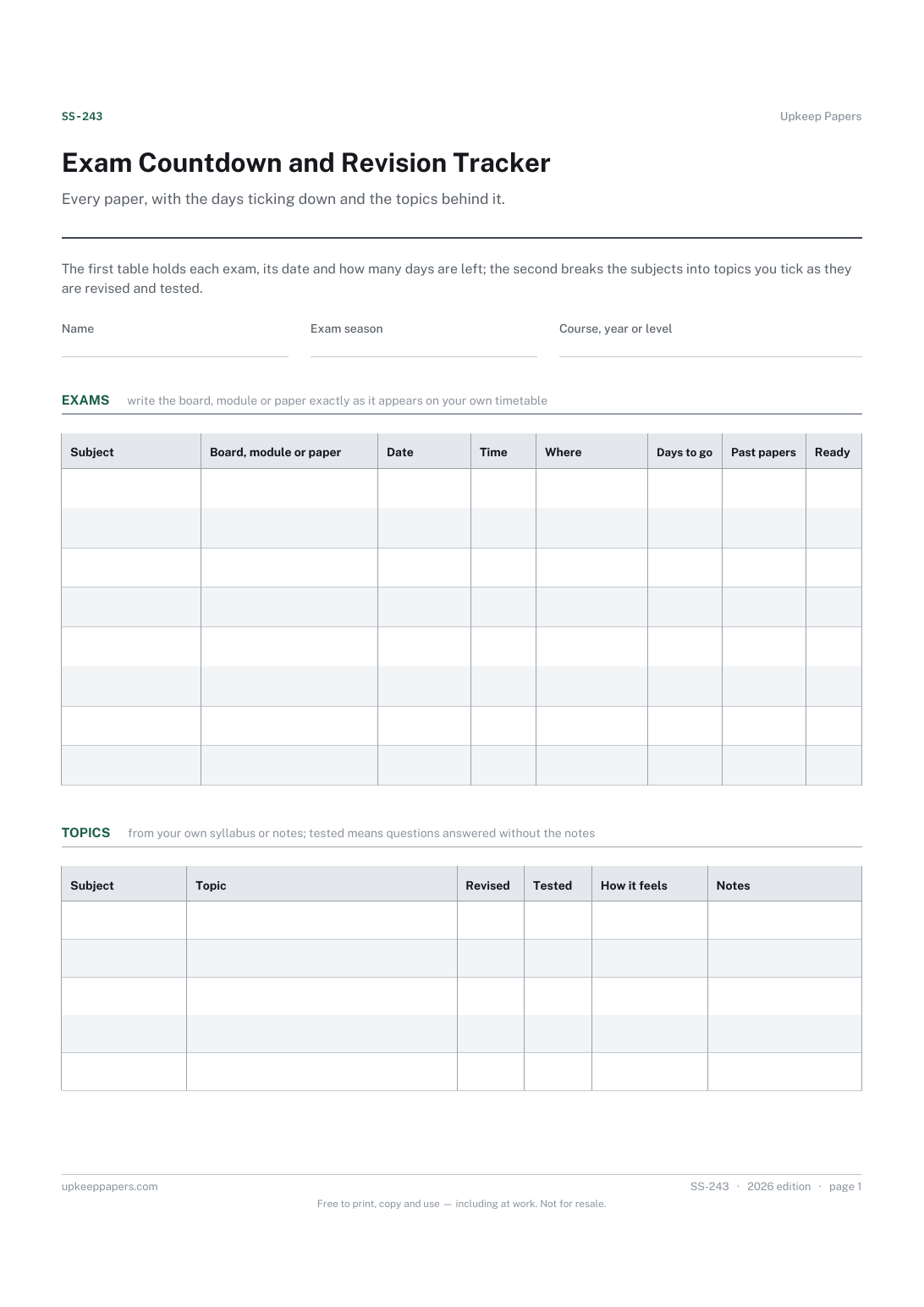
Exam Countdown and Revision Tracker
Each paper, module or unit with the date and time you were given.
