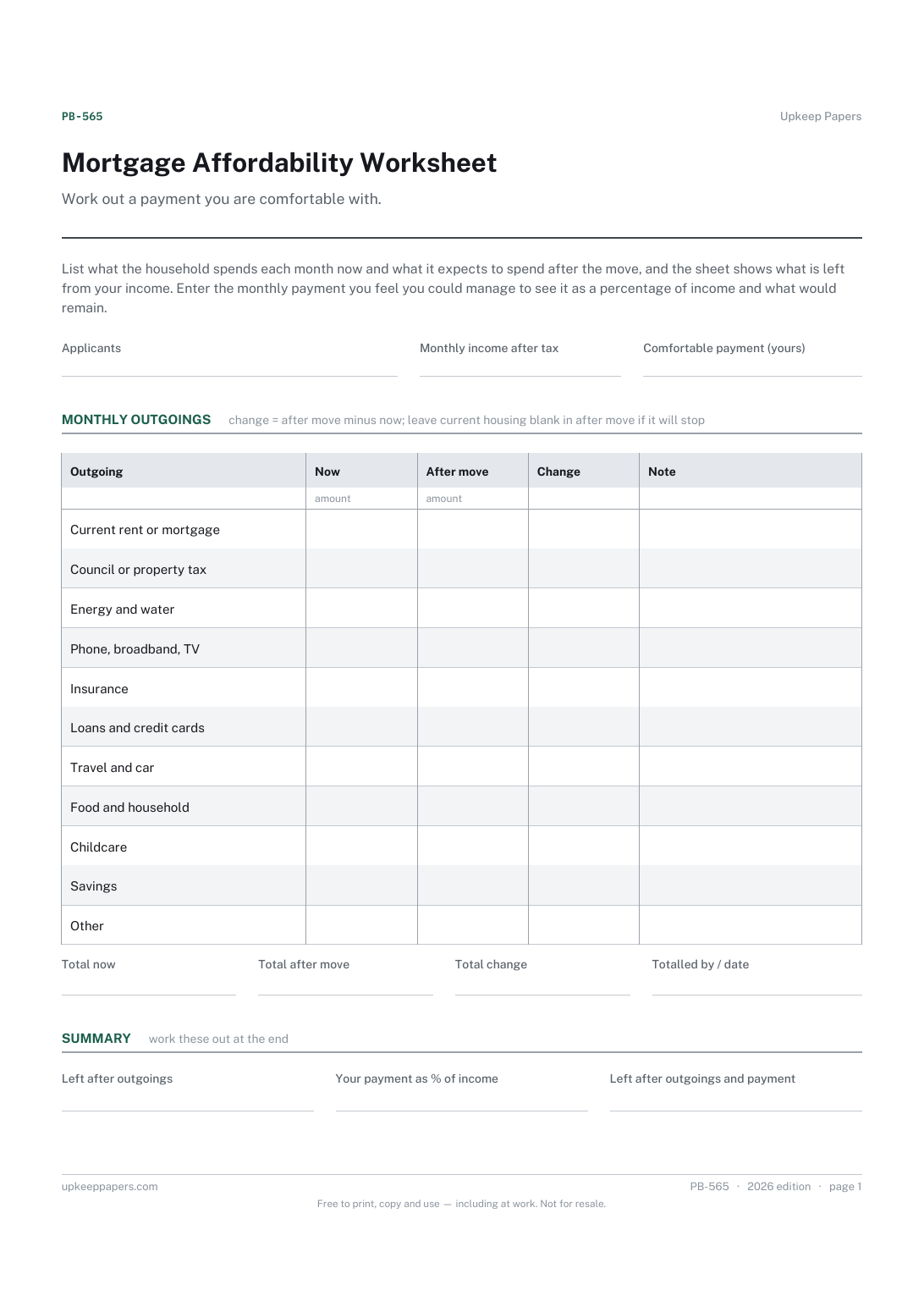
Mortgage Affordability Worksheet
The applicants and the household's monthly income after tax.
PB-565 Budget PDF Excel Online
Everything here is free. Making it takes time and money. Everything here is free.
 Buy us a coffee
 Property Buying and Selling · PB-553 · Form
Free mortgage comparison spreadsheet: each quoted offer's payment, fees and terms side by side, with the total over the initial period. Excel, PDF, browser.
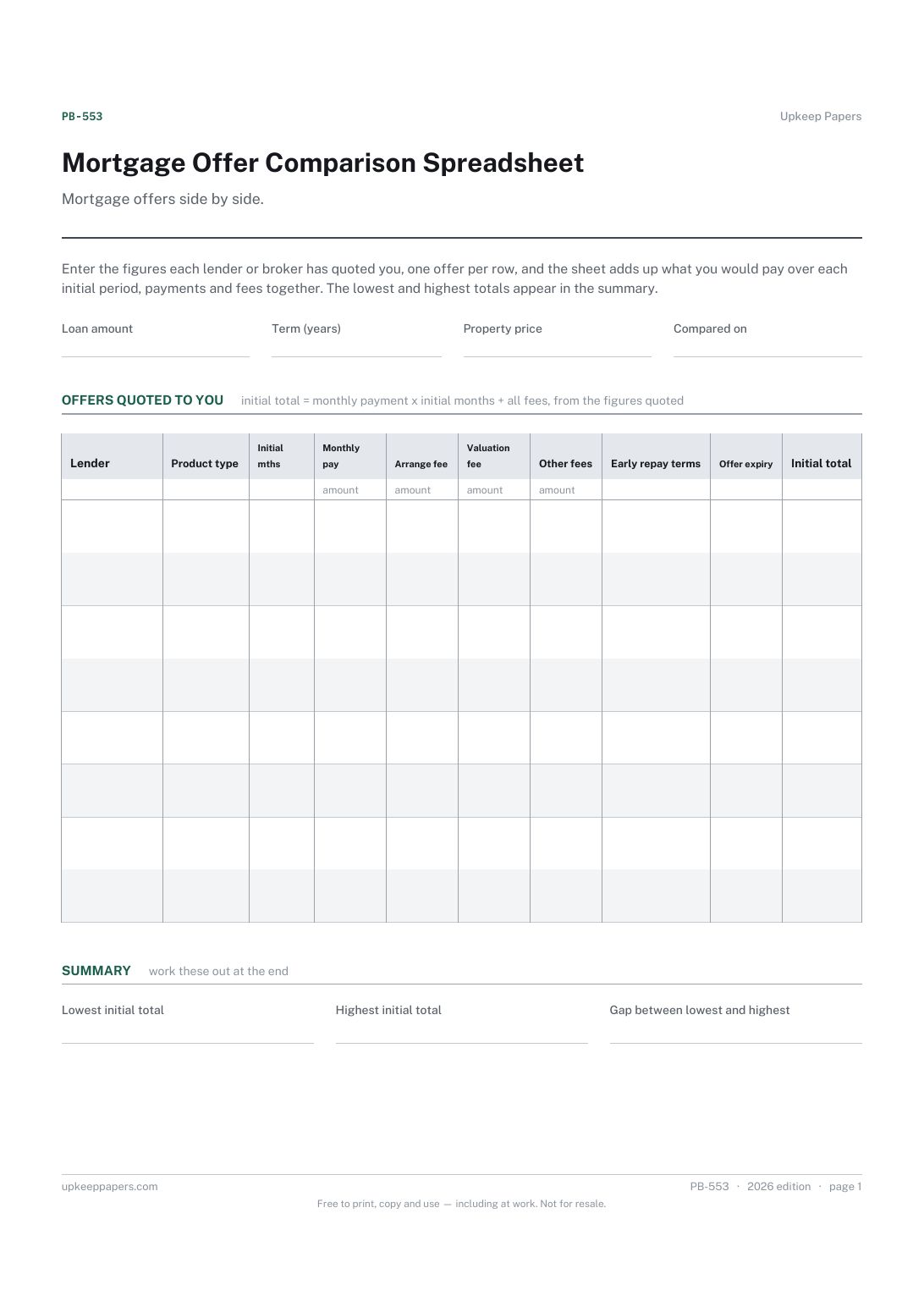
One page. The A4 and US Letter files are laid out identically, so neither is shrunk to fit.
Print it and write on it
Fillable PDF type and save
Spreadsheet formulas included
The fillable versions have real form fields — open them in any PDF reader, type into them and save. Printing help.
The same sheet, on screen. Totals and figures are worked out as you type, rows can be added or removed, and you can print it or download the completed version as a PDF. Everything stays in your browser — your entries are kept in this browser's own storage on this device, nothing is uploaded, and there is no account.
Mortgage offers side by side. Enter the figures each lender or broker has quoted you, one offer per row, and the sheet adds up what you would pay over each initial period, payments and fees together. The lowest and highest totals appear in the summary.
Buyers and remortgagers holding more than one quote, whether from a broker, a bank or a comparison site, who want the true cost of each laid out the same way.
The printable is laid out inside a box that fits both A4 and US Letter, so the two files are identical and neither one is scaled. The fillable PDF has real form fields. The workbook uses plain formulas only — SUM, IF, COUNTIF and the like — so it opens in Excel, LibreOffice and Google Sheets without anything breaking, and every calculated cell is grey so you can see which figures it worked out.
Download the A4 or US Letter file to match the paper in your printer, open it in a PDF reader and print at 100% — not "fit to page", which shrinks the writing space. Both files leave a 14 mm margin, which clears the unprintable edge on home printers. To print the online version with your entries in it, use the Print this sheet button, which prints only the sheet and none of the page around it. More on printing.
A lower rate can come with higher fees. Adding the payments for the initial period to the fees gives one figure per offer that takes both into account. It uses only the numbers you have been quoted.
No. It uses the monthly payment each lender or broker has quoted you, which already reflects their rate and terms. That avoids the sheet guessing at how a lender calculates interest.
That depends on the rate you move to, which is not usually known in advance. Note the follow-on terms in the early repayment column or the notes, and compare them separately.
No. It is a way of laying out figures you already have. Speak to a qualified adviser where you are if you need advice on which mortgage suits you.
The applicants and the household's monthly income after tax.
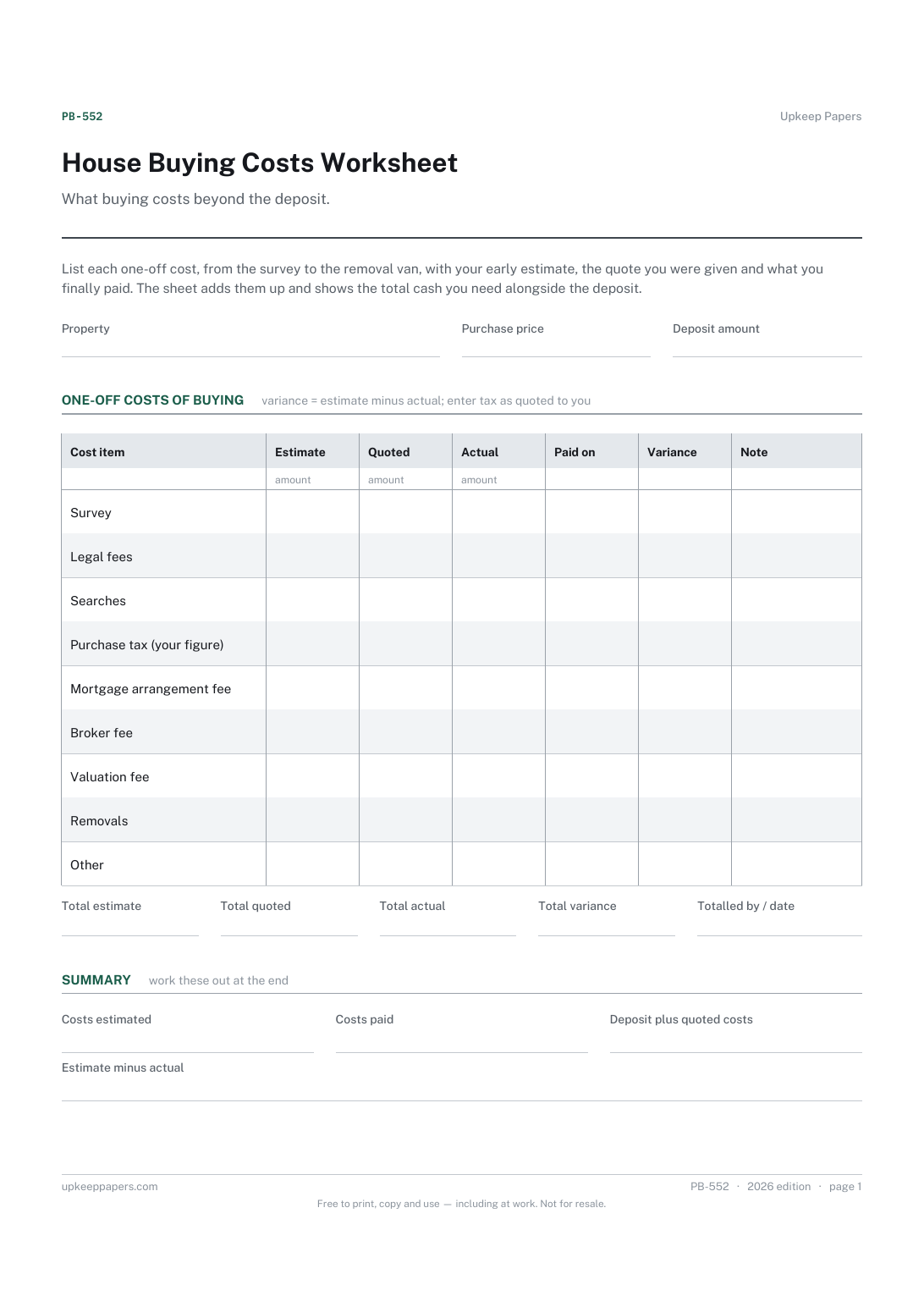
Every one-off cost of the purchase on its own line.
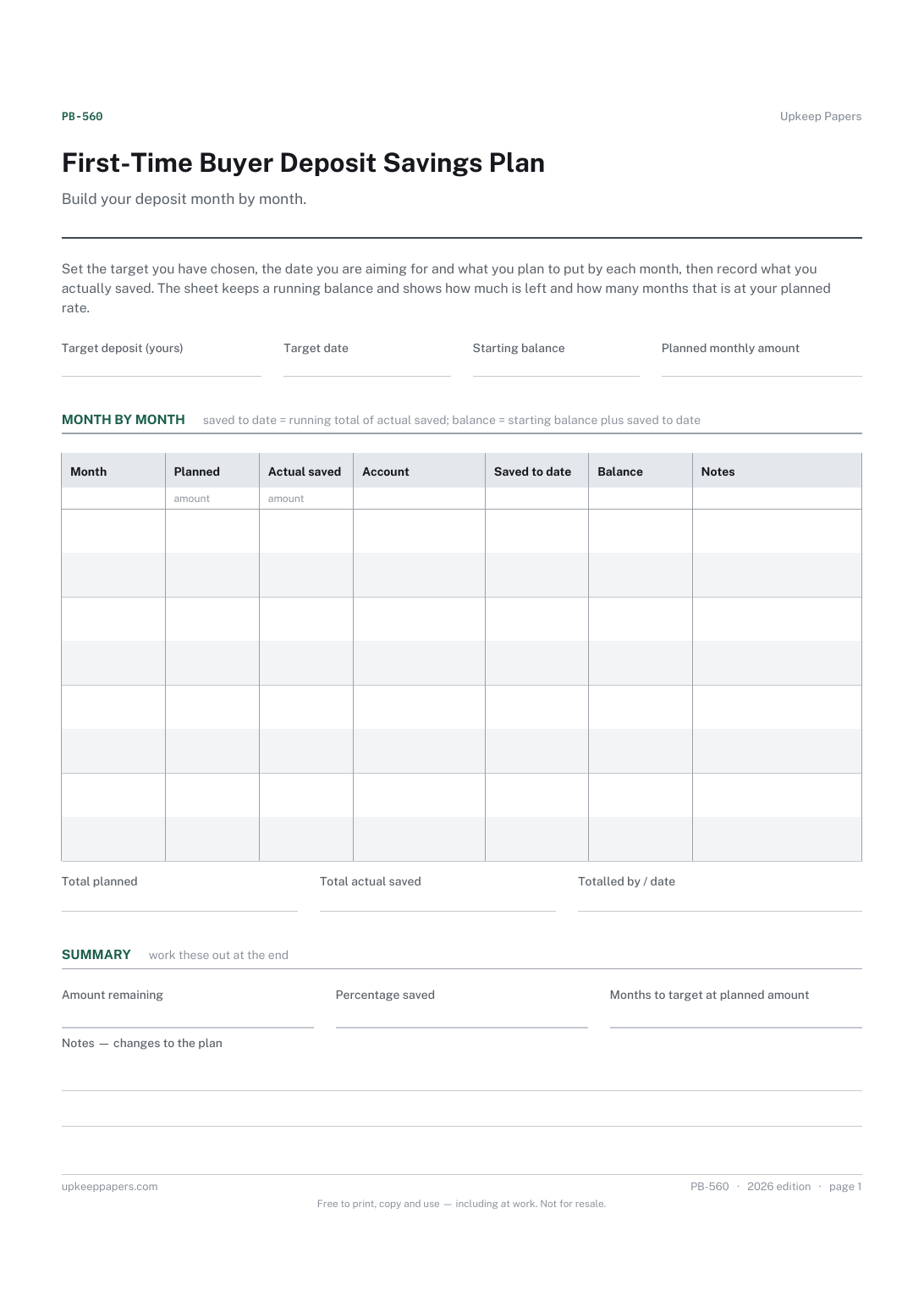
The deposit target, target date and starting balance you have set.
Printable sheets, workbooks and tools on the same subject.
A monthly budget that adds up planned against actual, keeps income, outgoings and saving apart, and rolls twelve months into a year view.
Every debt with its balance, rate and payment, working out how many months each takes to clear and roughly what that costs in interest — plus both payoff orders.

Every sheet, binder, game and puzzle on Upkeep Papers is free to download, with no email and no account. Making them is not free: each one takes days of research, design and checking, and the site costs money to run. If something here saved you time, you can buy us a coffee. It is entirely optional: nothing is locked, and nothing changes if you don’t.
Buy us a coffee Opens PayPal in a new tab. Any amount, and nothing changes if you would rather not.