Loan Repayment Comparison Calculator
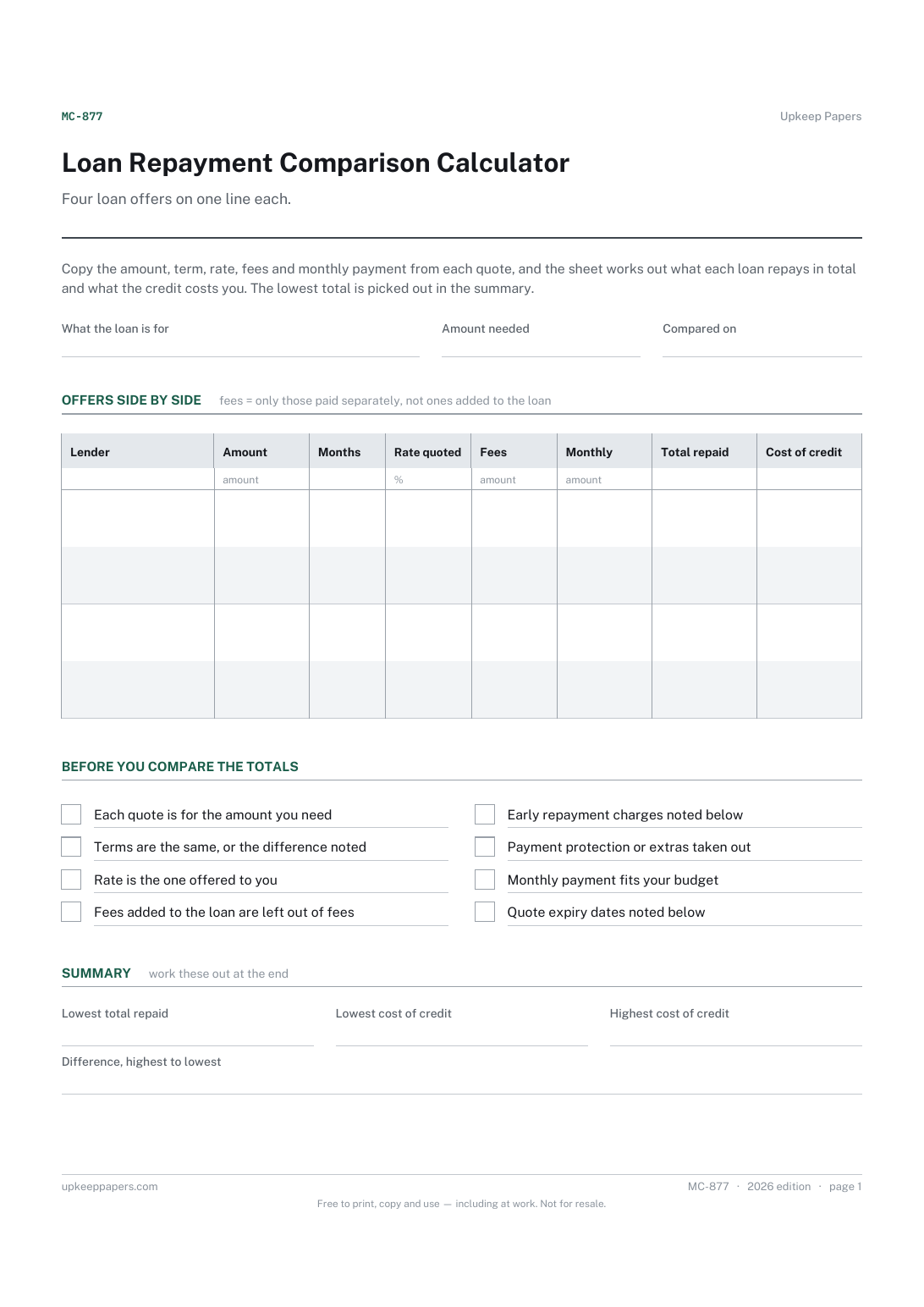
What each lender has actually quoted, in the same columns.
MC-877 Form PDF Excel Online
Everything here is free. Making it takes time and money. Everything here is free.
 Buy us a coffee
 Money Calculators and Worksheets · MC-876 · Form
Mortgage overpayment calculator: regular and lump-sum overpayments tested on your balance, rate and payment, with months and interest saved. PDF, Excel.
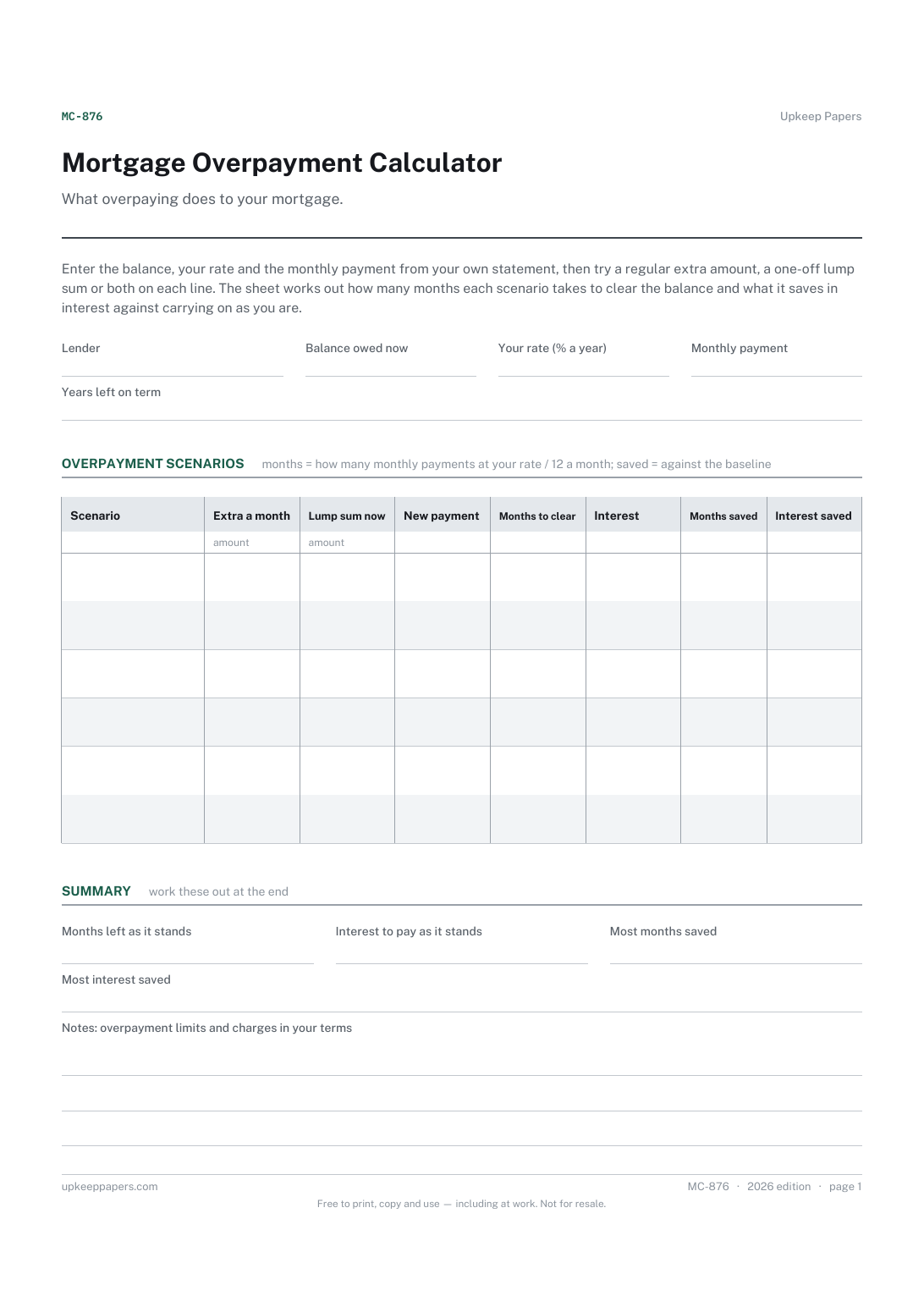
One page. The A4 and US Letter files are laid out identically, so neither is shrunk to fit.
Print it and write on it
Fillable PDF type and save
Spreadsheet formulas included
The fillable versions have real form fields — open them in any PDF reader, type into them and save. Printing help.
The same sheet, on screen. Totals and figures are worked out as you type, rows can be added or removed, and you can print it or download the completed version as a PDF. Everything stays in your browser — your entries are kept in this browser's own storage on this device, nothing is uploaded, and there is no account.
What overpaying does to your mortgage. Enter the balance, your rate and the monthly payment from your own statement, then try a regular extra amount, a one-off lump sum or both on each line. The sheet works out how many months each scenario takes to clear the balance and what it saves in interest against carrying on as you are.
Homeowners with some spare money each month or a lump sum to hand, deciding whether to put it against the mortgage, and anyone checking a lender's overpayment figures against their own.
The printable is laid out inside a box that fits both A4 and US Letter, so the two files are identical and neither one is scaled. The fillable PDF has real form fields. The workbook uses plain formulas only — SUM, IF, COUNTIF and the like — so it opens in Excel, LibreOffice and Google Sheets without anything breaking, and every calculated cell is grey so you can see which figures it worked out.
Download the A4 or US Letter file to match the paper in your printer, open it in a PDF reader and print at 100% — not "fit to page", which shrinks the writing space. Both files leave a 14 mm margin, which clears the unprintable edge on home printers. To print the online version with your entries in it, use the Print this sheet button, which prints only the sheet and none of the page around it. More on printing.
It assumes one rate for the rest of the term, interest worked monthly at your yearly rate divided by twelve, and a lump sum paid today. Lenders calculate in their own way, so treat the results as a close estimate and ask yours for exact figures.
The last payment is usually smaller than the others. A result of 212.4 means 212 full payments and a smaller one in month 213. The interest figures allow for that.
The sheet uses one rate throughout. Run it with the rate you expect after the deal, or fill a second sheet from the balance and rate at the point the deal ends.
That depends on your mortgage. Many deals limit overpayments or charge for going over a limit. Check your own offer or ask the lender; this sheet assumes no charge.
The payment does not cover a month's interest on the balance, so the mortgage never clears on those figures. Usually one of the figures at the top has been mistyped.
What each lender has actually quoted, in the same columns.
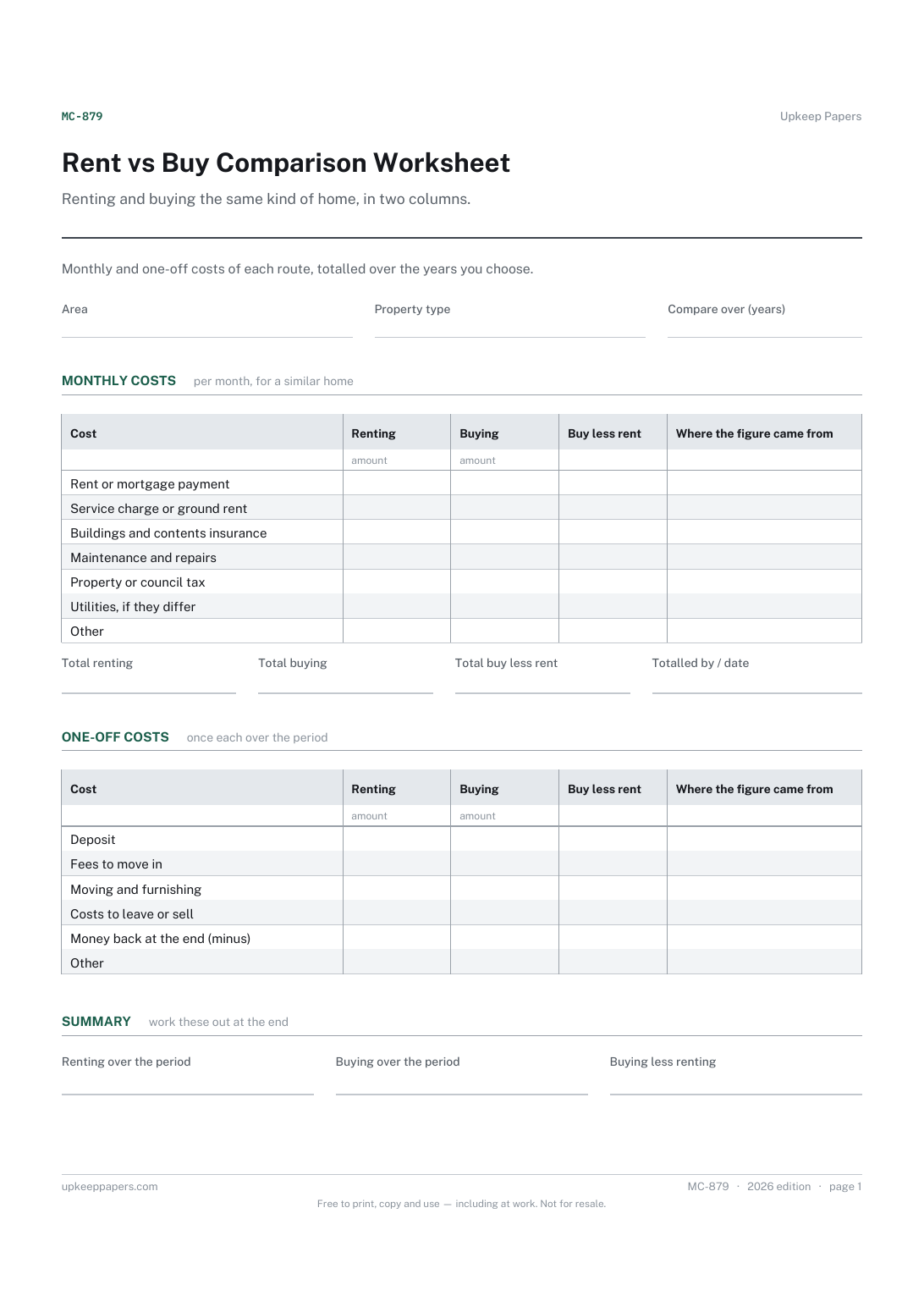
The monthly cost of each route, line by line.
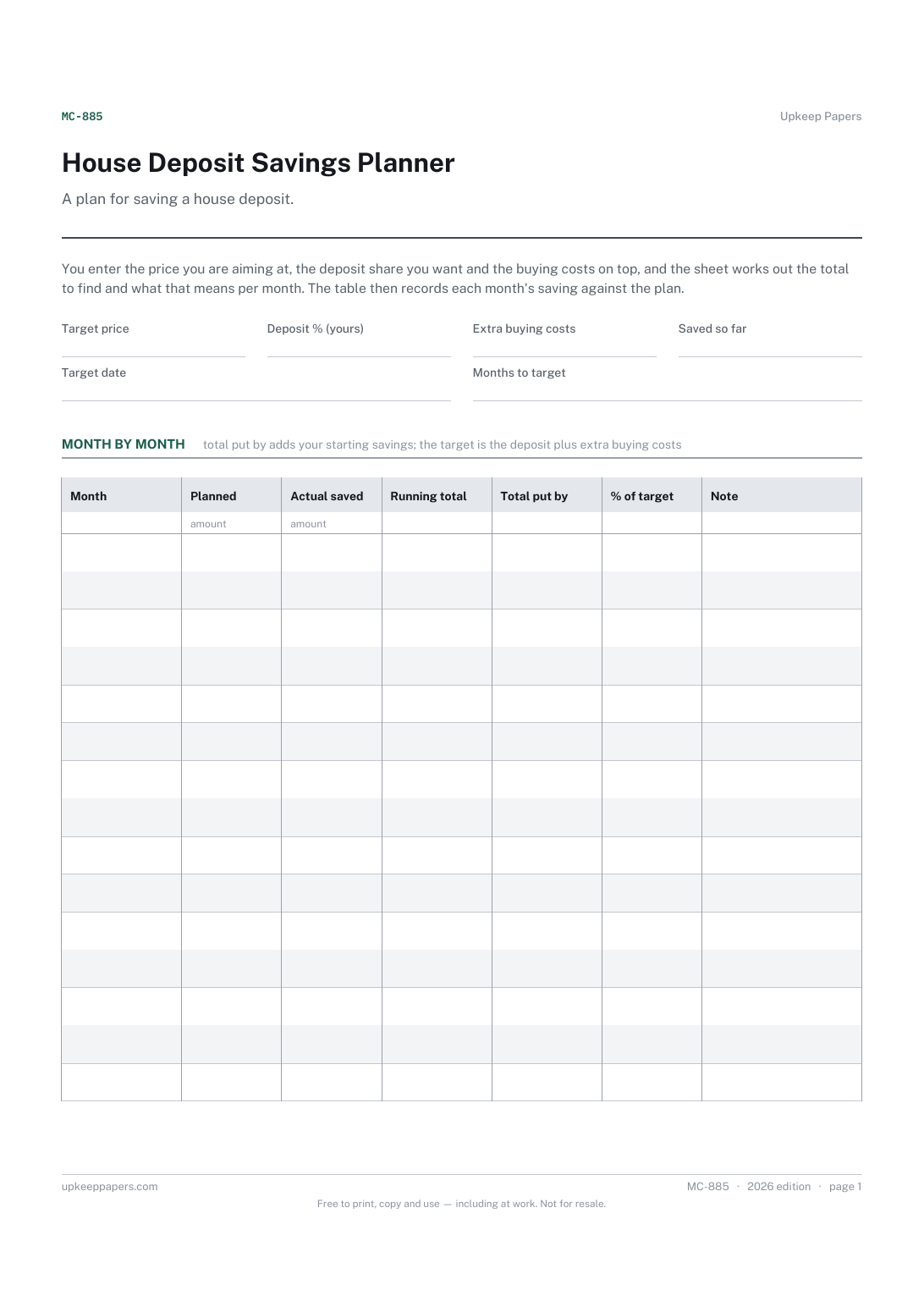
The deposit a target price needs at the share you have chosen.
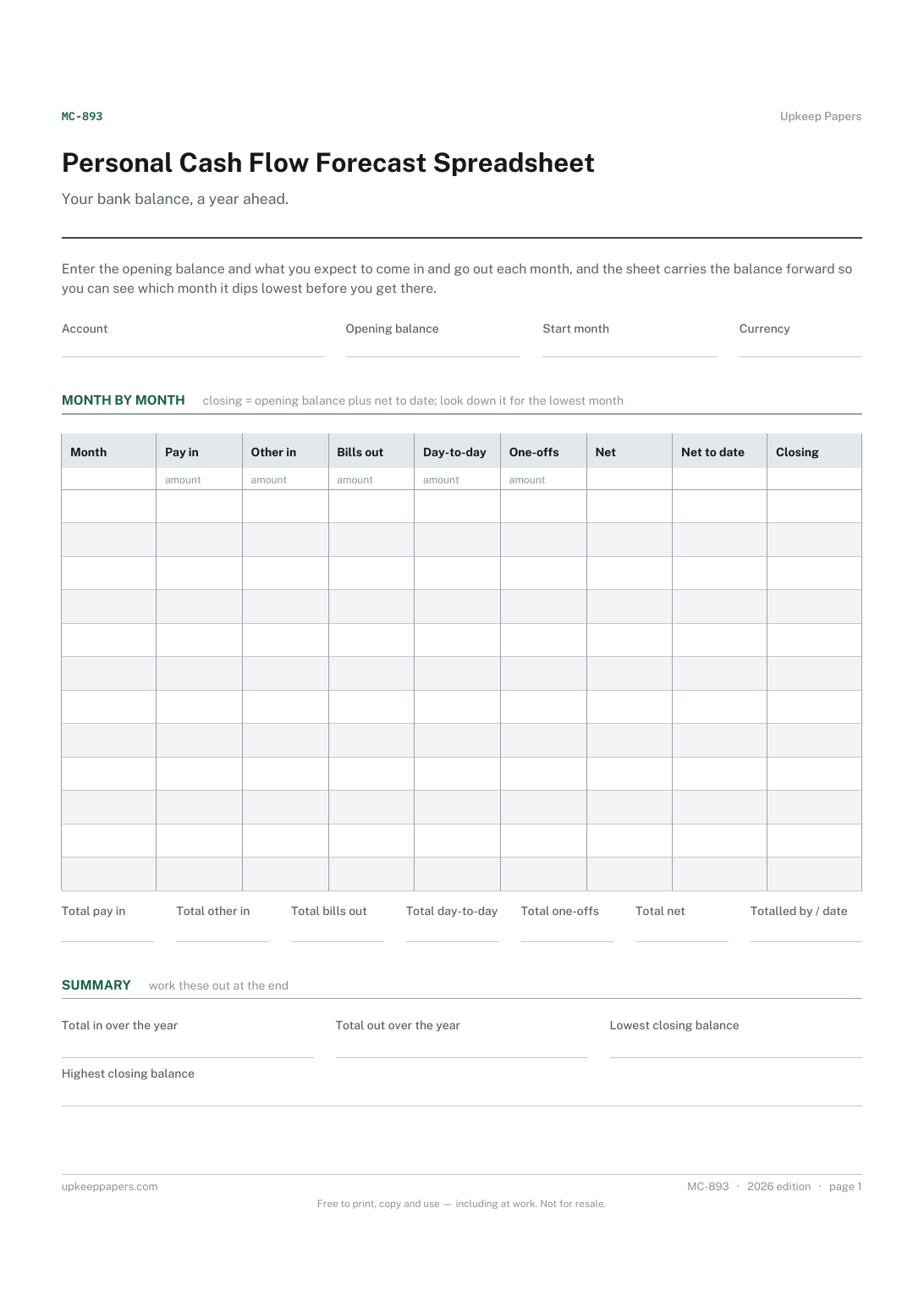
What you expect to come in each month, from pay and from anything else.
Printable sheets, workbooks and tools on the same subject.
Every debt with its balance, rate and payment, working out how many months each takes to clear and roughly what that costs in interest — plus both payoff orders.
Everything you own on one side, everything you owe on the other, and the difference tracked month by month so the direction of travel is visible.

Every sheet, binder, game and puzzle on Upkeep Papers is free to download, with no email and no account. Making them is not free: each one takes days of research, design and checking, and the site costs money to run. If something here saved you time, you can buy us a coffee. It is entirely optional: nothing is locked, and nothing changes if you don’t.
Buy us a coffee Opens PayPal in a new tab. Any amount, and nothing changes if you would rather not.