Personal Medical History Record
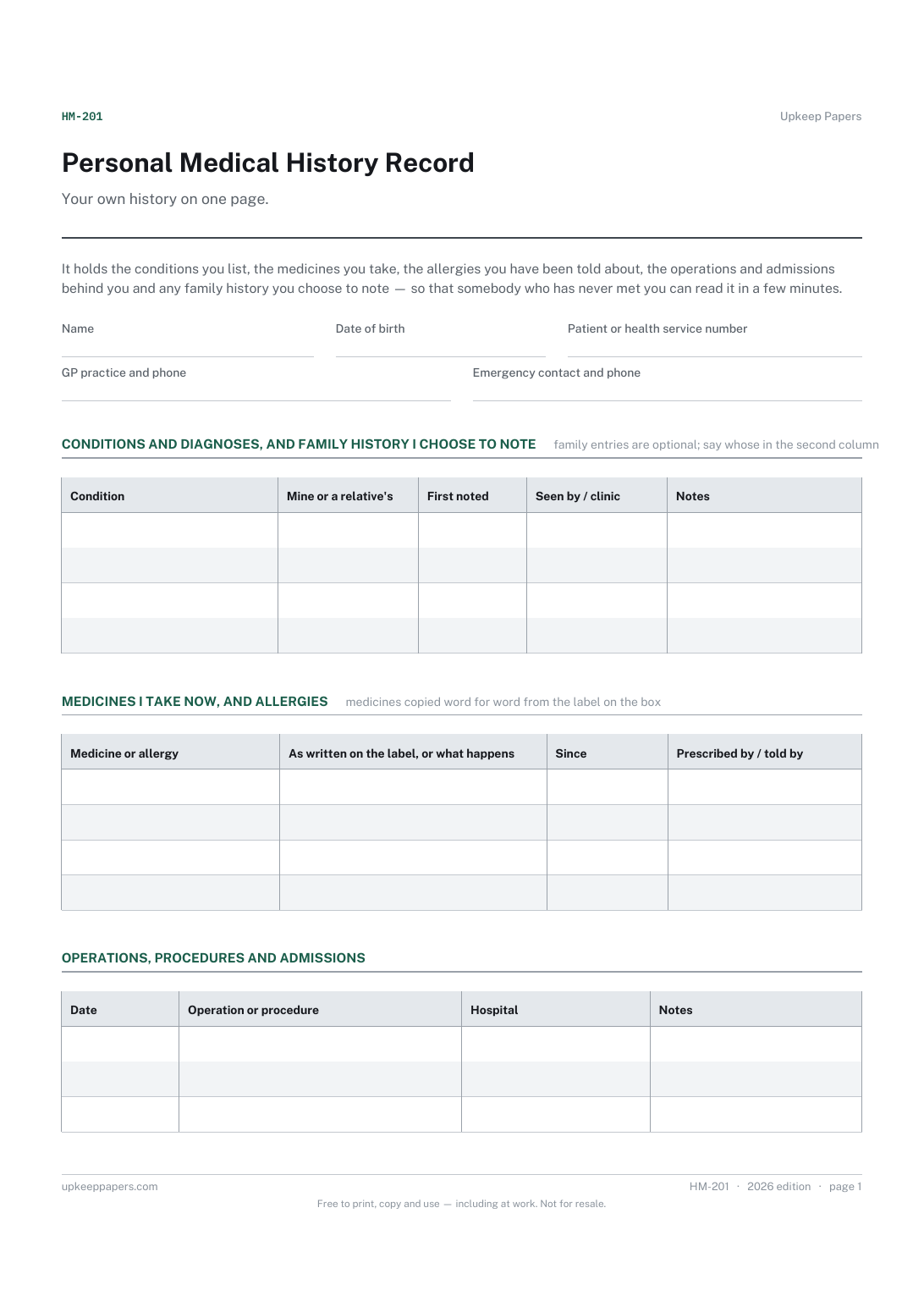
Conditions and diagnoses in your own words, with the date each was first noted.
HM-201 Record PDF Online
Everything here is free. Making it takes time and money. Everything here is free.
 Buy us a coffee
 Health and medical records · HM-216 · Record
Free printable hearing record — test dates and what you were told, aid make, model and serial numbers, batteries and servicing. PDF and browser versions.
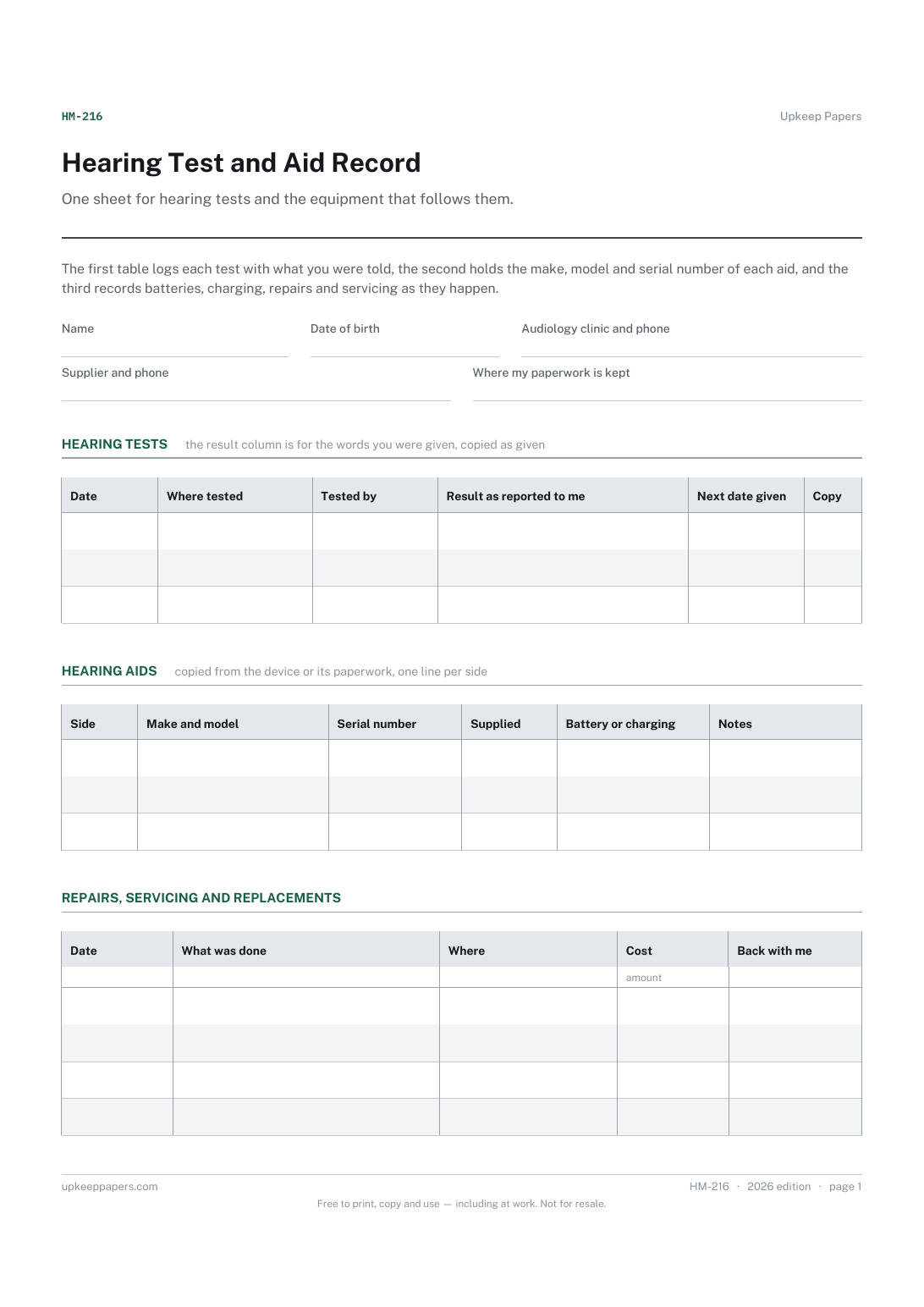
One page. The A4 and US Letter files are laid out identically, so neither is shrunk to fit.
Print it and write on it
Fillable PDF type and save
Or no download needed
Fill it in onlineThe fillable versions have real form fields — open them in any PDF reader, type into them and save. Printing help.
The same sheet, on screen. Tick, type, add or remove rows, then print it or download the completed version as a PDF. Everything stays in your browser — your entries are kept in this browser's own storage on this device, nothing is uploaded, and there is no account.
One sheet for hearing tests and the equipment that follows them. The first table logs each test with what you were told, the second holds the make, model and serial number of each aid, and the third records batteries, charging, repairs and servicing as they happen.
Anyone wearing hearing aids or waiting for them, people who have been tested in more than one place, relatives and carers managing somebody else's aids, and anybody asked for a serial number by a repair desk.
The printable is laid out inside a box that fits both A4 and US Letter, so the two files are identical and neither one is scaled. The fillable PDF has real form fields. The online version keeps what you enter in your own browser and builds the completed PDF on your device.
Download the A4 or US Letter file to match the paper in your printer, open it in a PDF reader and print at 100% — not "fit to page", which shrinks the writing space. Both files leave a 14 mm margin, which clears the unprintable edge on home printers. To print the online version with your entries in it, use the Print this sheet button, which prints only the sheet and none of the page around it. More on printing.
No. There is no chart, no range and no explanation on it. The results column is for what you were told by the person who tested you, written down as you were told it.
Because a repair, a warranty claim, an insurance claim or a replacement all start with the serial number, and it is printed somewhere small on a device that is easy to lose.
Whatever your aid takes or however it charges, copied from the packet or from what the supplier told you. The sheet names no battery type and suggests nothing about how long one lasts.
Yes. The aids table has a side column, so left and right sit on their own lines with their own serial numbers, and the servicing table can refer to either.
Conditions and diagnoses in your own words, with the date each was first noted.
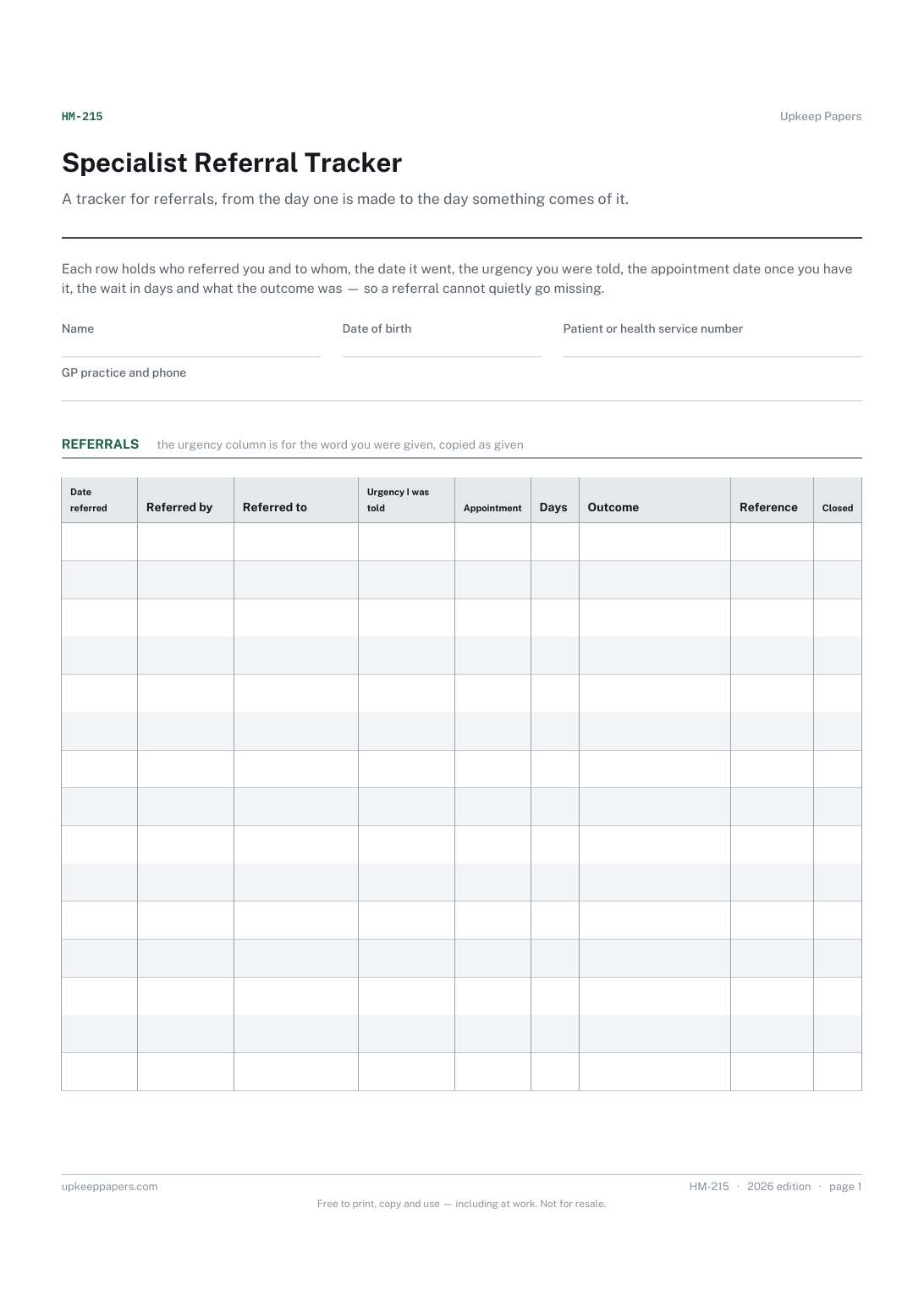
Every referral with the date it was made and who made it.
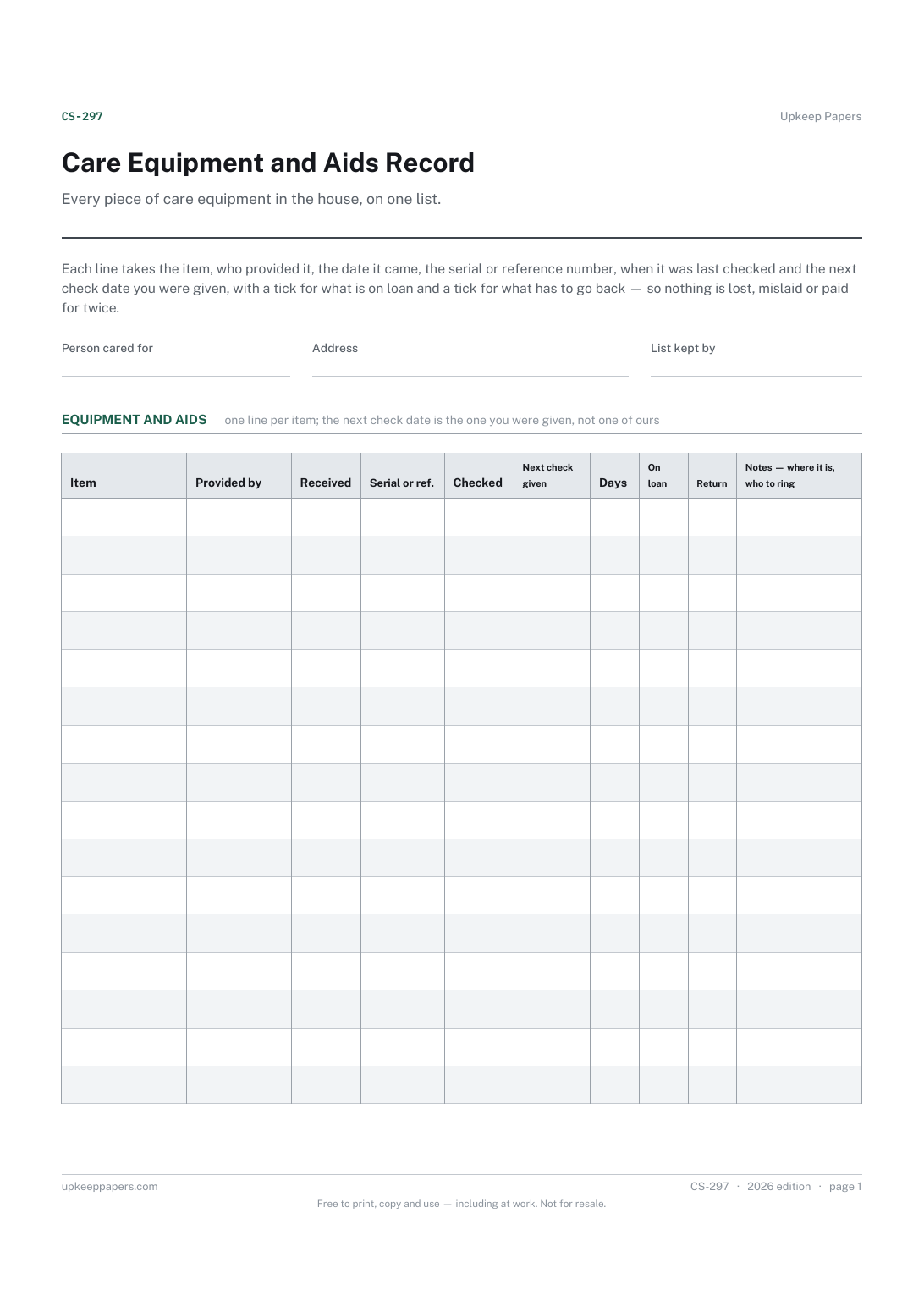
What equipment is in the house and where each item came from.
Printable sheets, workbooks and tools on the same subject.
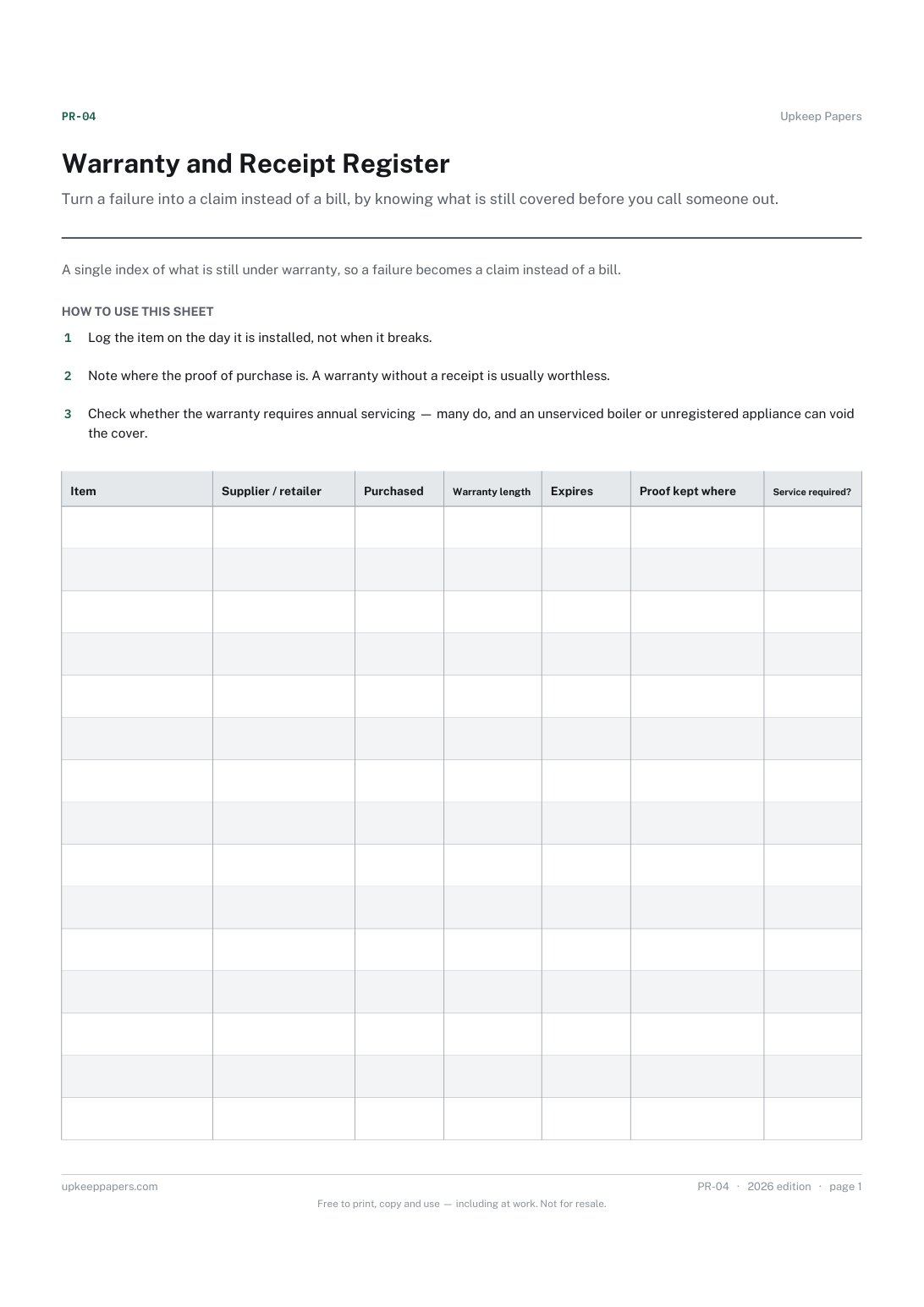
Turn a failure into a claim instead of a bill, by knowing what is still covered before you call someone out.

Every sheet, binder, game and puzzle on Upkeep Papers is free to download, with no email and no account. Making them is not free: each one takes days of research, design and checking, and the site costs money to run. If something here saved you time, you can buy us a coffee. It is entirely optional: nothing is locked, and nothing changes if you don’t.
Buy us a coffee Opens PayPal in a new tab. Any amount, and nothing changes if you would rather not.