Prescription and Repeat Tracker
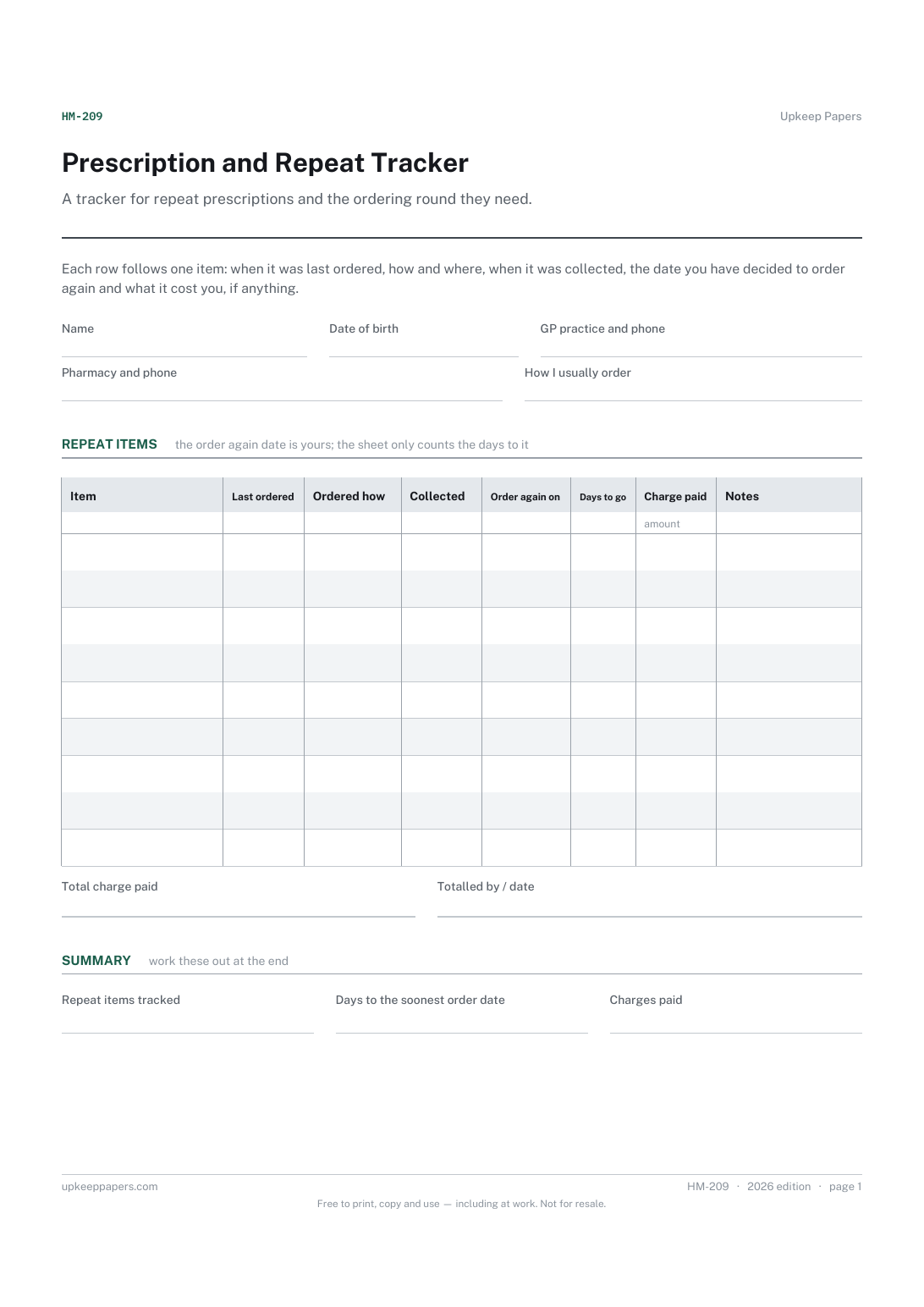
Each repeat item with the date it was last ordered and collected.
HM-209 Tracker PDF Excel Online
Everything here is free. Making it takes time and money. Everything here is free.
 Buy us a coffee
 Health and medical records · HM-202 · Record
Free printable medication record — current medicines copied from the label, medicines stopped, and a repeat ordering list. PDF and fill-in-online versions.
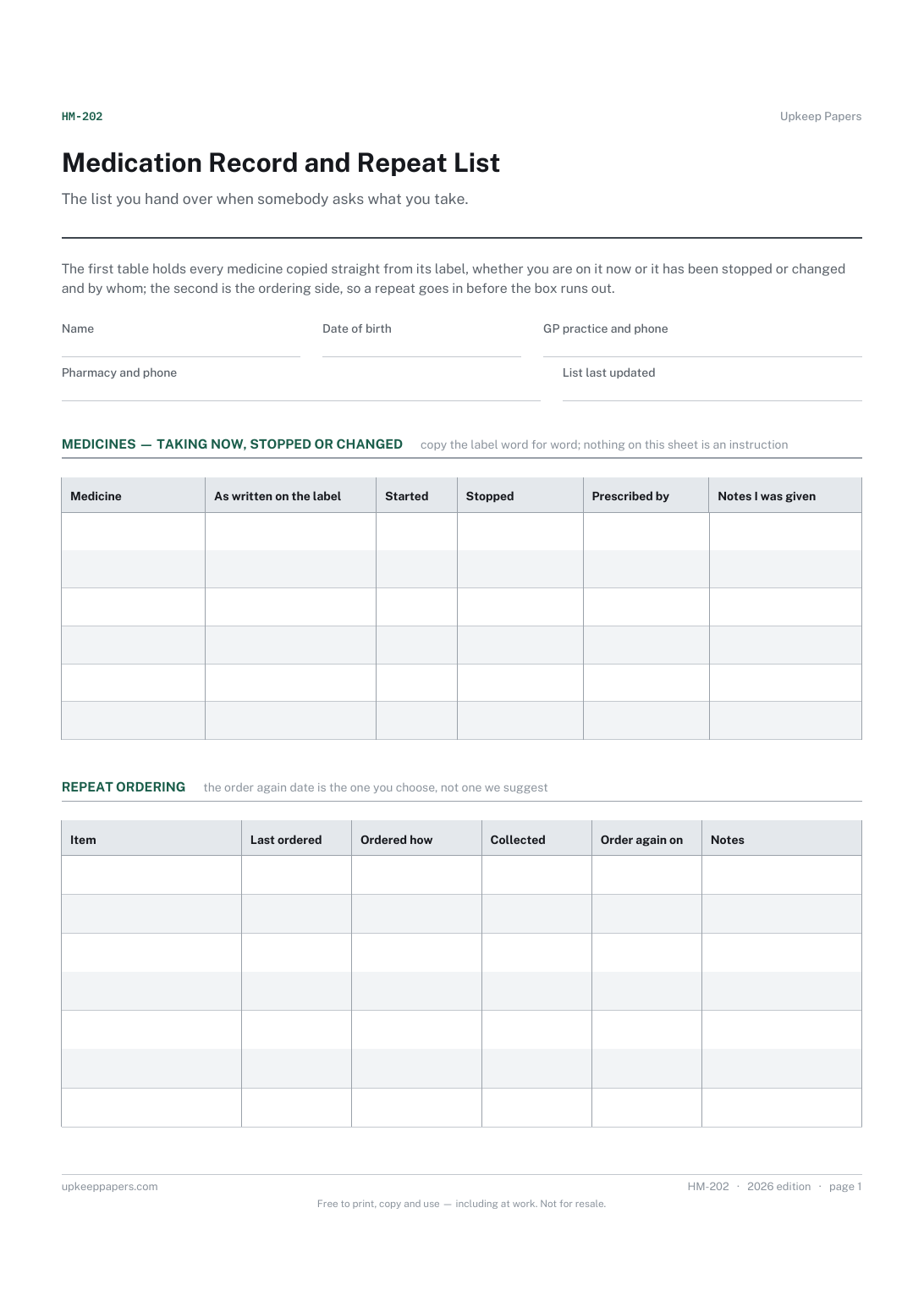
One page. The A4 and US Letter files are laid out identically, so neither is shrunk to fit.
Print it and write on it
Fillable PDF type and save
Or no download needed
Fill it in onlineThe fillable versions have real form fields — open them in any PDF reader, type into them and save. Printing help.
The same sheet, on screen. Tick, type, add or remove rows, then print it or download the completed version as a PDF. Everything stays in your browser — your entries are kept in this browser's own storage on this device, nothing is uploaded, and there is no account.
The list you hand over when somebody asks what you take. The first table holds every medicine copied straight from its label, whether you are on it now or it has been stopped or changed and by whom; the second is the ordering side, so a repeat goes in before the box runs out.
Anyone taking more than one or two medicines, people whose list changes after every clinic, relatives and carers ordering on somebody else's behalf, and anybody who has been asked to bring their medicines to an appointment and taken a carrier bag.
The printable is laid out inside a box that fits both A4 and US Letter, so the two files are identical and neither one is scaled. The fillable PDF has real form fields. The online version keeps what you enter in your own browser and builds the completed PDF on your device.
Download the A4 or US Letter file to match the paper in your printer, open it in a PDF reader and print at 100% — not "fit to page", which shrinks the writing space. Both files leave a 14 mm margin, which clears the unprintable edge on home printers. To print the online version with your entries in it, use the Print this sheet button, which prints only the sheet and none of the page around it. More on printing.
No. It has no dose, no timing and no interval printed anywhere. The label column is a blank for copying what is already written on your box or bottle, which is the only instruction you should be following.
Because clinicians ask. Knowing that something was tried and stopped, and when, saves going round the same loop again, and it is the first thing people forget between one appointment and the next.
Anything you order again rather than collect once: the item, when you last ordered it, how you ordered it, when you picked it up and the date you have chosen to order next. The sheet does not work that date out for you.
The tracker follows the ordering of many repeat items over months and adds up what you paid for them. This sheet is the list itself — what you take now, what you used to take — with a short ordering table attached.
Each repeat item with the date it was last ordered and collected.
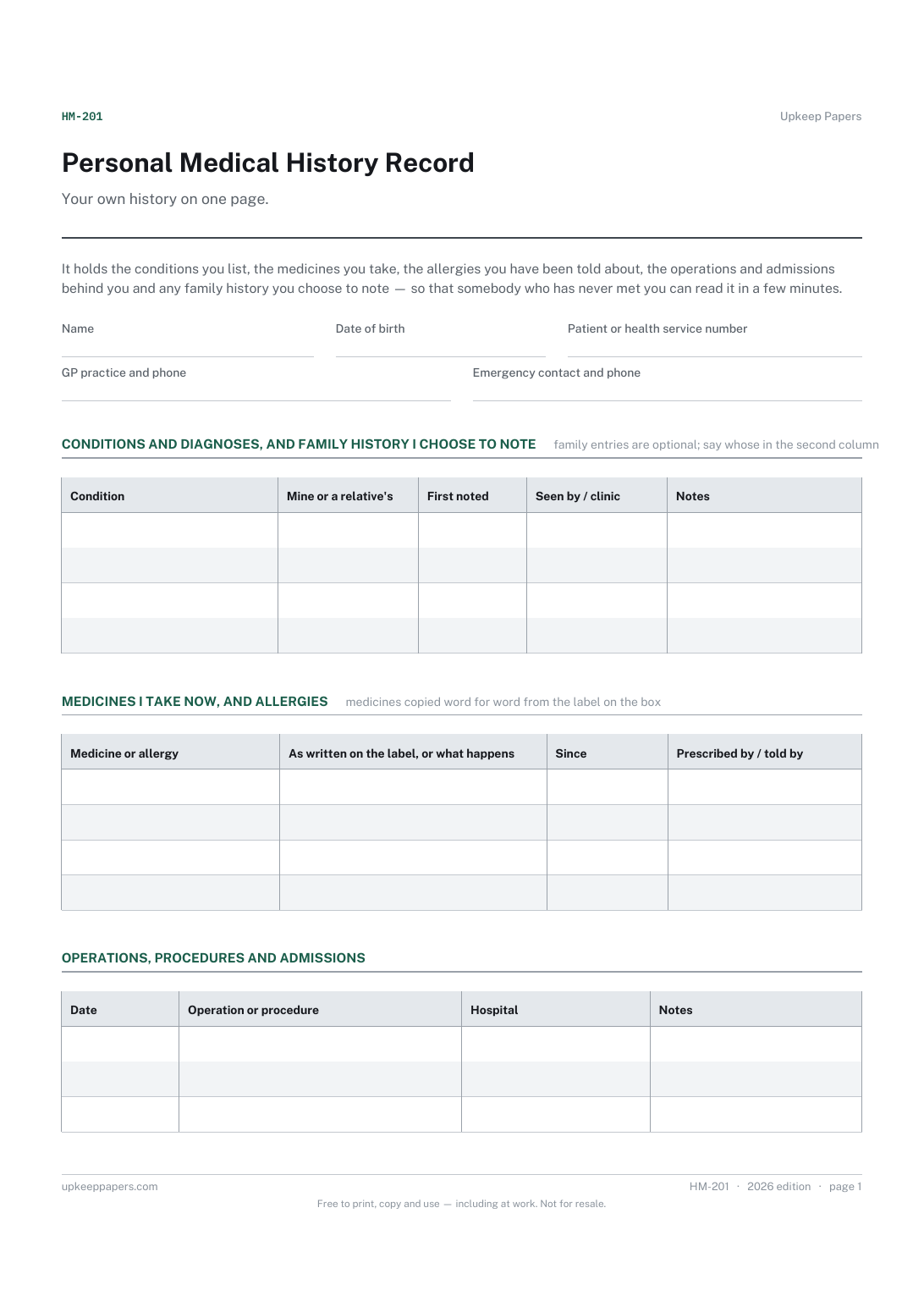
Conditions and diagnoses in your own words, with the date each was first noted.
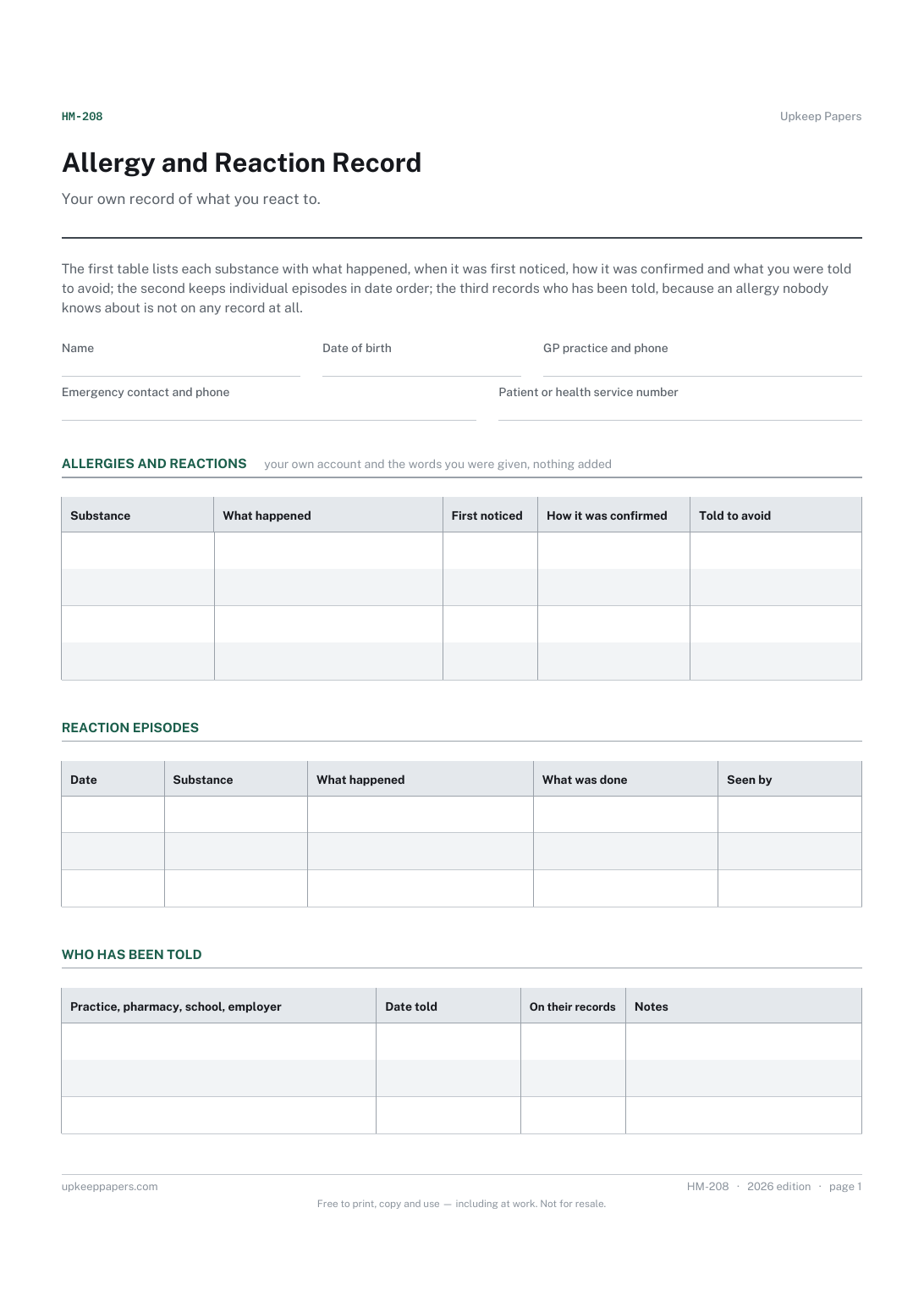
Each substance with what actually happened, in your own account.
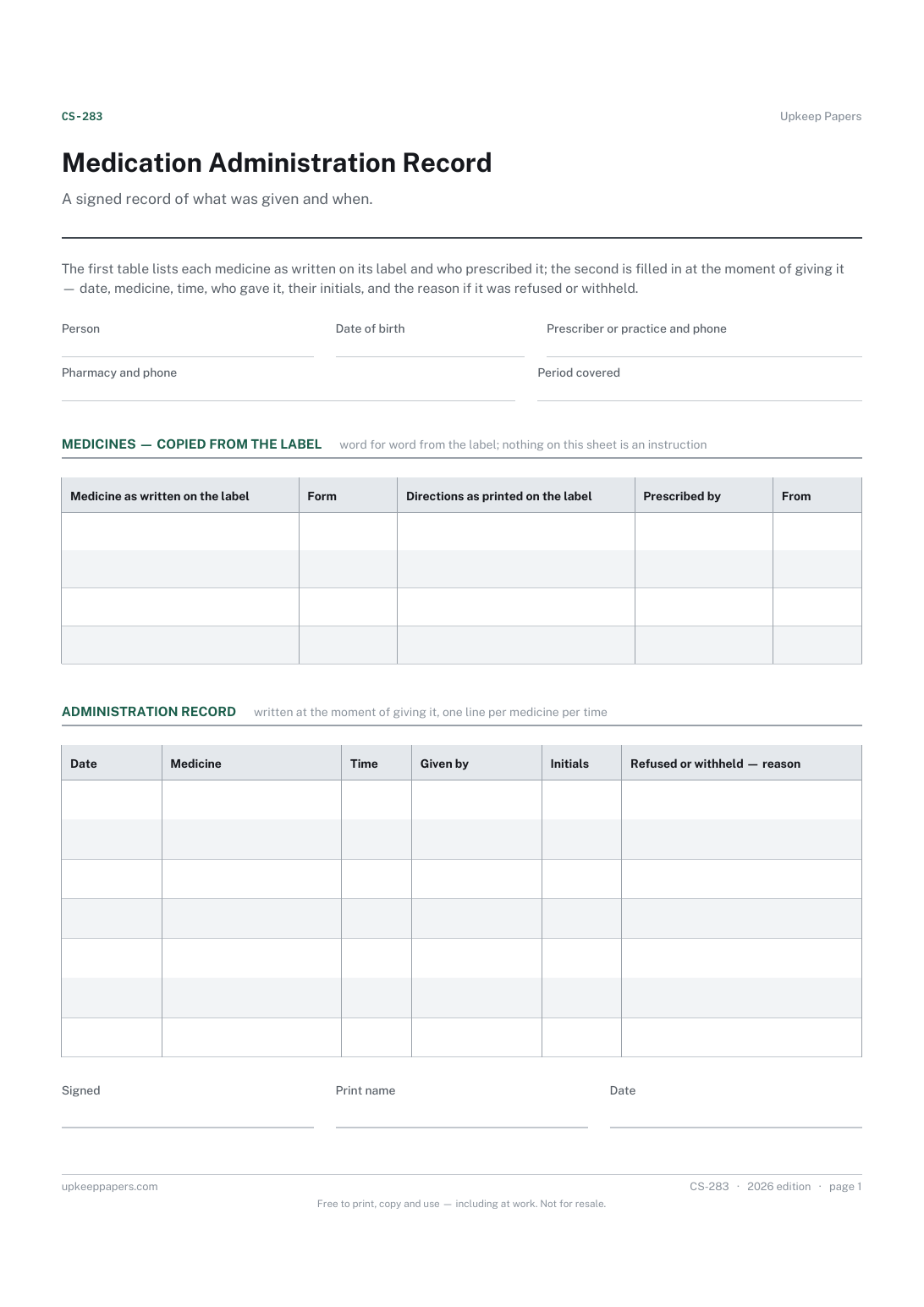
Each medicine listed exactly as its label reads, with who prescribed it.
Printable sheets, workbooks and tools on the same subject.
Insurance, licences, tests, memberships, passports and everything else that quietly expires — counted down from today and sorted by what lapses first.

Every sheet, binder, game and puzzle on Upkeep Papers is free to download, with no email and no account. Making them is not free: each one takes days of research, design and checking, and the site costs money to run. If something here saved you time, you can buy us a coffee. It is entirely optional: nothing is locked, and nothing changes if you don’t.
Buy us a coffee Opens PayPal in a new tab. Any amount, and nothing changes if you would rather not.