
Care and support records · CS-281 · Record
Home Care Visit Record
Free printable home care visit record — date, arrived, left, minutes, what was done and who came, with visits and minutes totalled. PDF, Excel and browser.
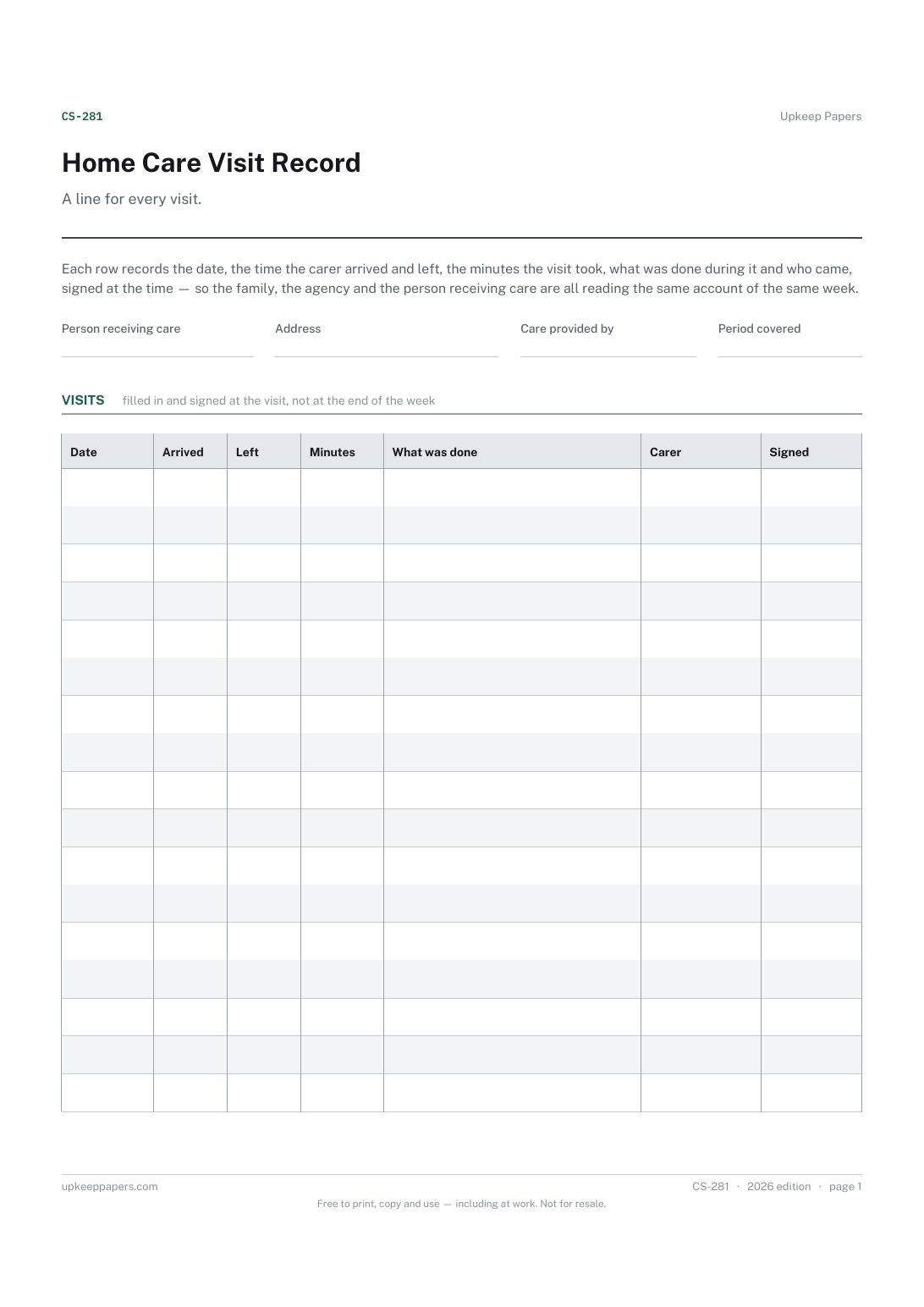
2 pages. The A4 and US Letter files are laid out identically, so neither is shrunk to fit.
Print it and write on it
Fillable PDF type and save
Spreadsheet formulas included
The fillable versions have real form fields — open them in any PDF reader, type into them and save. Printing help.
Fill it in online
The same sheet, on screen. Totals and figures are worked out as you type, rows can be added or removed, and you can print it or download the completed version as a PDF. Everything stays in your browser — your entries are kept in this browser's own storage on this device, nothing is uploaded, and there is no account.
Who this is for
A line for every visit. Each row records the date, the time the carer arrived and left, the minutes the visit took, what was done during it and who came, signed at the time — so the family, the agency and the person receiving care are all reading the same account of the same week.
Families with carers coming into the house, agencies leaving a record in the home, people employing a personal assistant directly, and anyone who has needed to say exactly when a visit happened and how long it lasted.
What this helps you track
- Every visit in date order with the arrival and leaving times
- How many minutes each visit took, written by the carer who made it
- What was done during the visit, in plain words
- Who came, and their signature against the line
- Visits and minutes added up over the sheet
How to use it
- Fill in the person's name, the address, who provides the care and the period the sheet covers.
- Start a row on arrival: the date and the time in. Fill in the time out and the minutes as you leave, not afterwards.
- Write what was done in the tasks column — the things the care plan lists, and anything extra that was asked for.
- Sign the line before leaving, so the person or their family can see who was there.
- The browser and spreadsheet versions count the visits and total the minutes; on paper, add them at the foot of the page.
- Keep the sheet in the house where the next carer will find it, and start a fresh one each period.
Formats
- Printable PDF (A4 and US Letter)
- Fillable PDF with form fields
- Fill in online, saved in your browser
- Excel / Google Sheets workbook
The printable is laid out inside a box that fits both A4 and US Letter, so the two files are identical and neither one is scaled. The fillable PDF has real form fields. The workbook uses plain formulas only — SUM, IF, COUNTIF and the like — so it opens in Excel, LibreOffice and Google Sheets without anything breaking, and every calculated cell is grey so you can see which figures it worked out.
How to print
Download the A4 or US Letter file to match the paper in your printer, open it in a PDF reader and print at 100% — not "fit to page", which shrinks the writing space. Both files leave a 14 mm margin, which clears the unprintable edge on home printers. To print the online version with your entries in it, use the Print this sheet button, which prints only the sheet and none of the page around it. More on printing.
Questions
Does this say how long a visit is supposed to be?
No. The length and content of a visit are set by the care plan and by whoever arranged the care. The sheet records the minutes each visit actually took and adds them up, which is what a family or an agency needs when the two do not match.
Who fills it in — the carer or the family?
The carer, at the time of the visit, with the signature against the line. A family member can keep it in order and read it, and there is a notes area for anything they want to add on their own account.
What goes in the tasks column?
What was done, briefly: the things on the plan and anything extra. If something on the plan was not done, say so and say why. A visit record that only lists what went well is not much use to anyone later.
Can I use it for several carers?
Yes. Each line carries the carer's name and signature, so one sheet covers a week of visits from whoever came. Keep one sheet per person receiving care.
Related resources
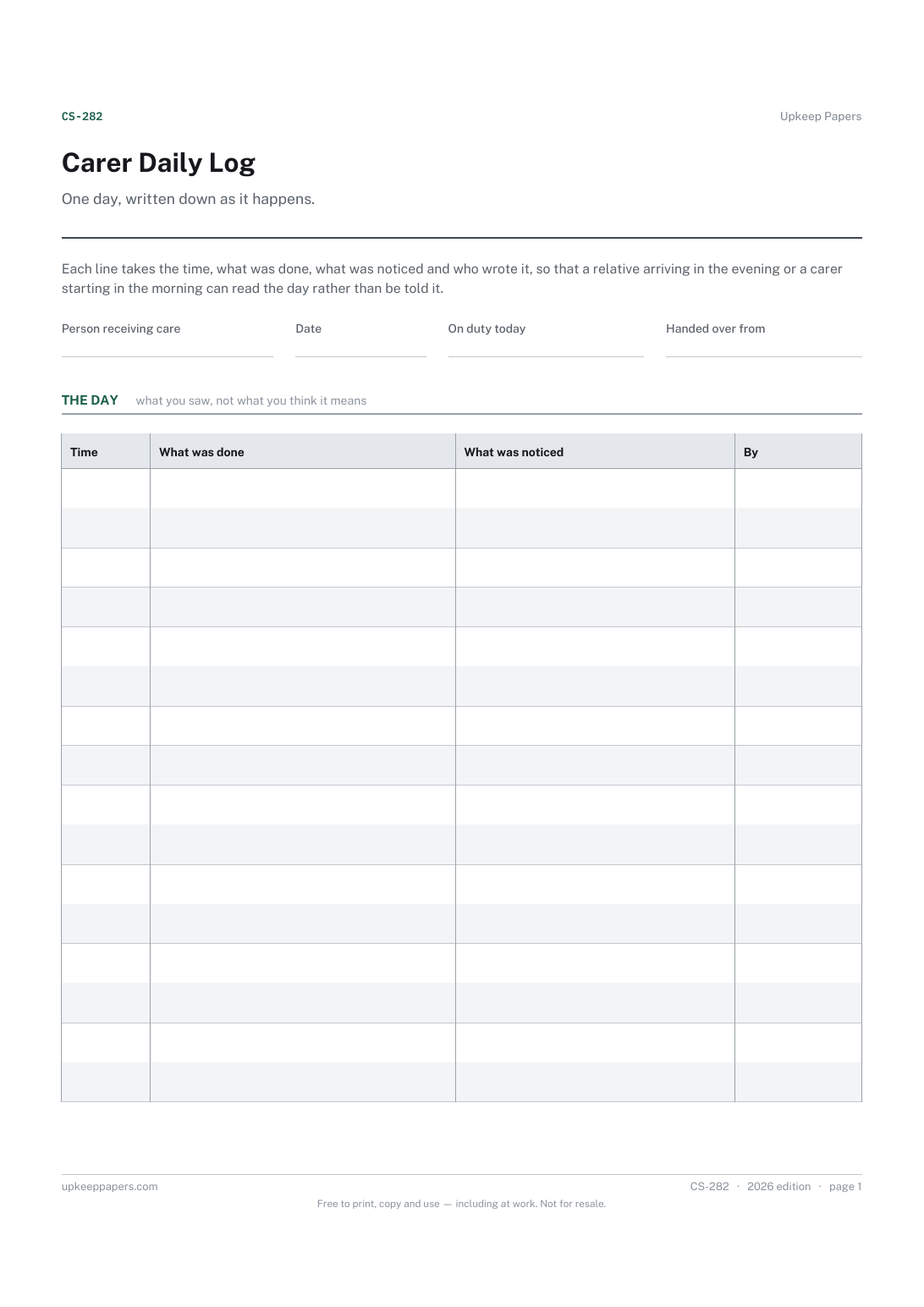
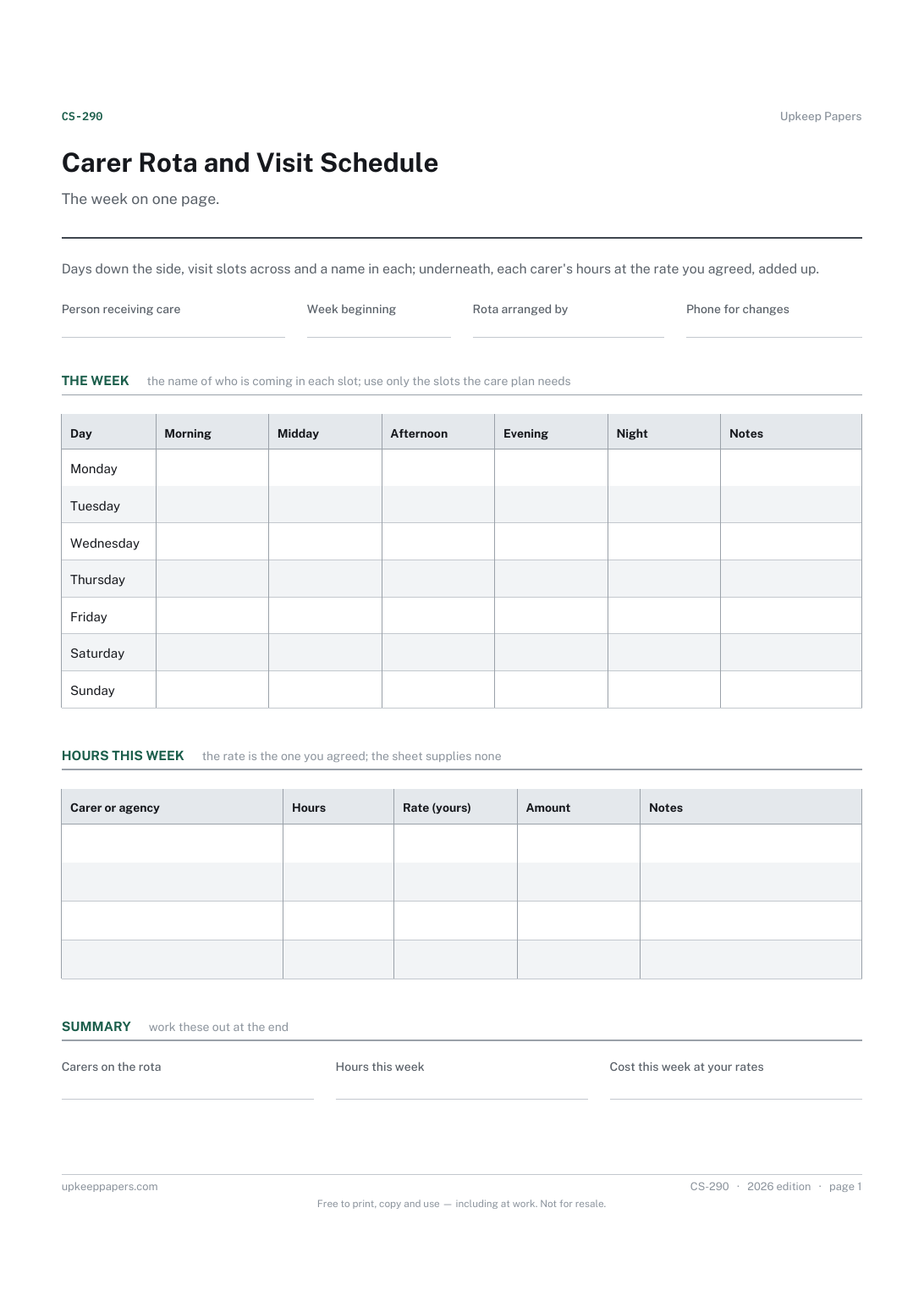
Carer Rota and Visit Schedule
Who is coming on each day and in each slot.
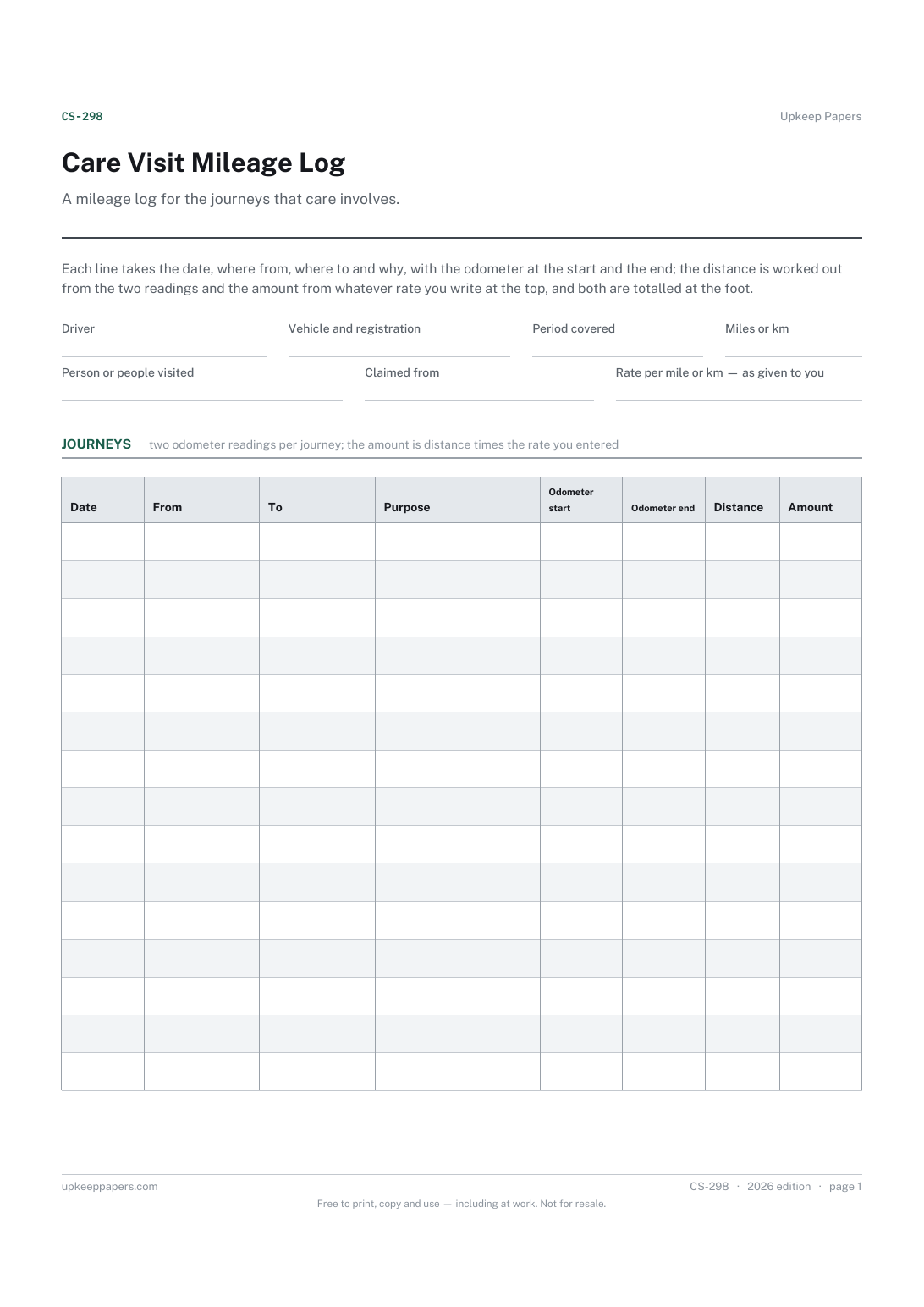
Care Visit Mileage Log
Every journey with the date, the two places and the reason.
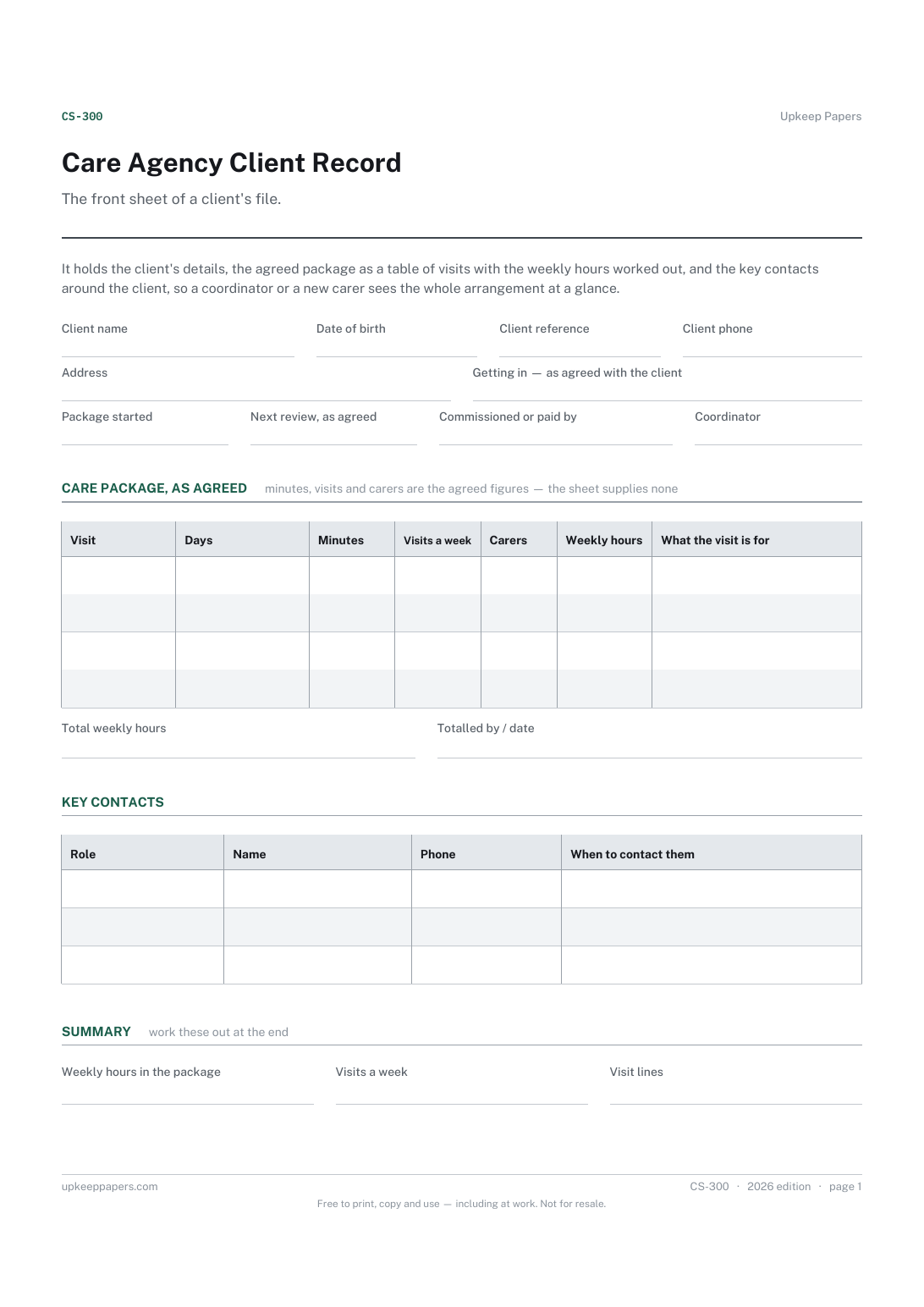
Care Agency Client Record
The client's details and the arrangements for getting in, in one place.
Also in the library
Printable sheets, workbooks and tools on the same subject.

Weekly Timesheet
Record a week's hours on one page, including what the time was spent on, so hours can be approved and costed from the same sheet.
