Caravan Touring Log
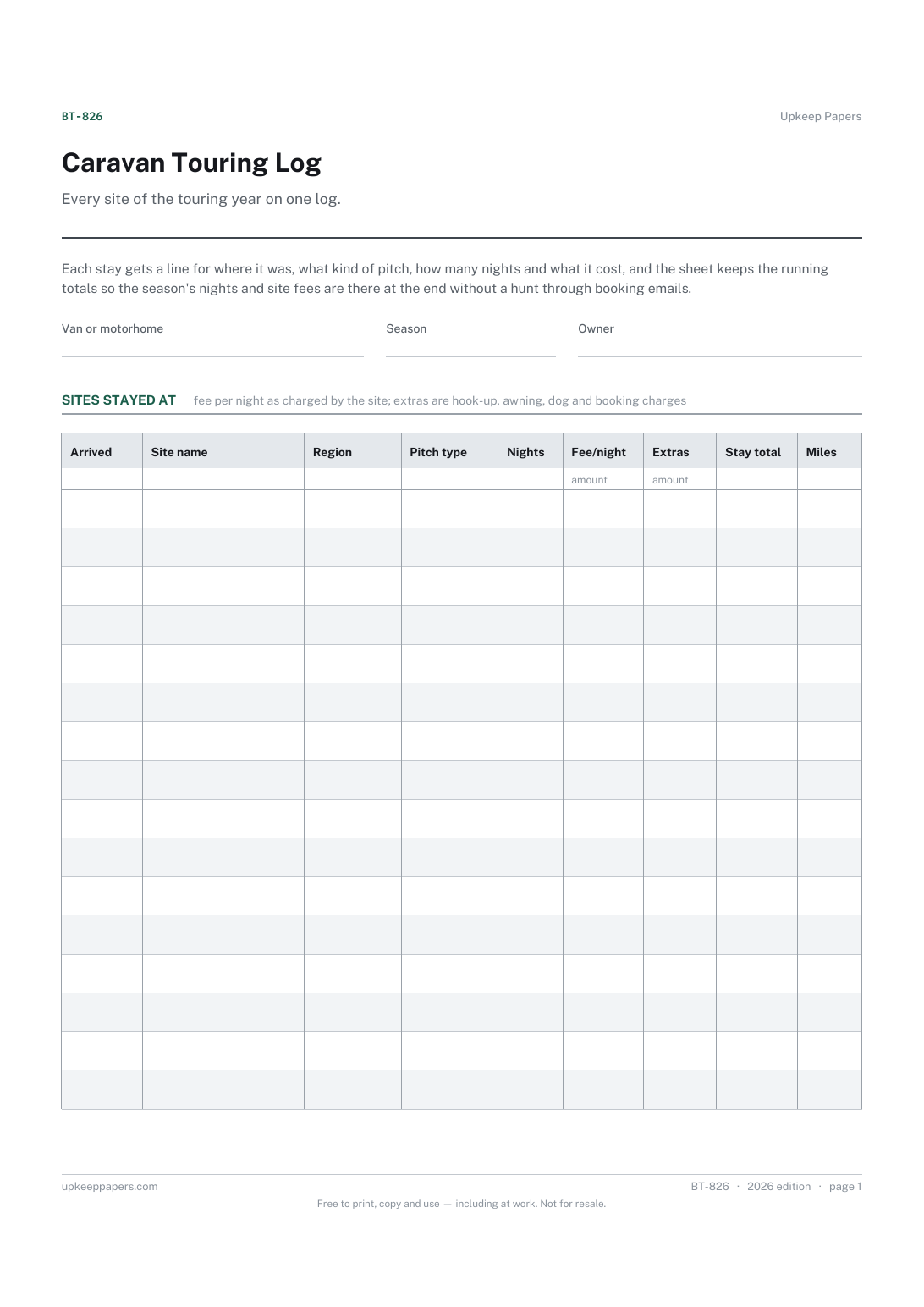
Every site stayed at, with the region and the date you arrived.
BT-826 Log PDF Excel Online
Everything here is free. Making it takes time and money. Everything here is free.
 Buy us a coffee
 Caravans, Boats and Touring · BT-830 · Planner
Campsite comparison sheet — score several sites or marinas side by side and see the cost of the stay and a weighted score. PDF, Excel and browser.
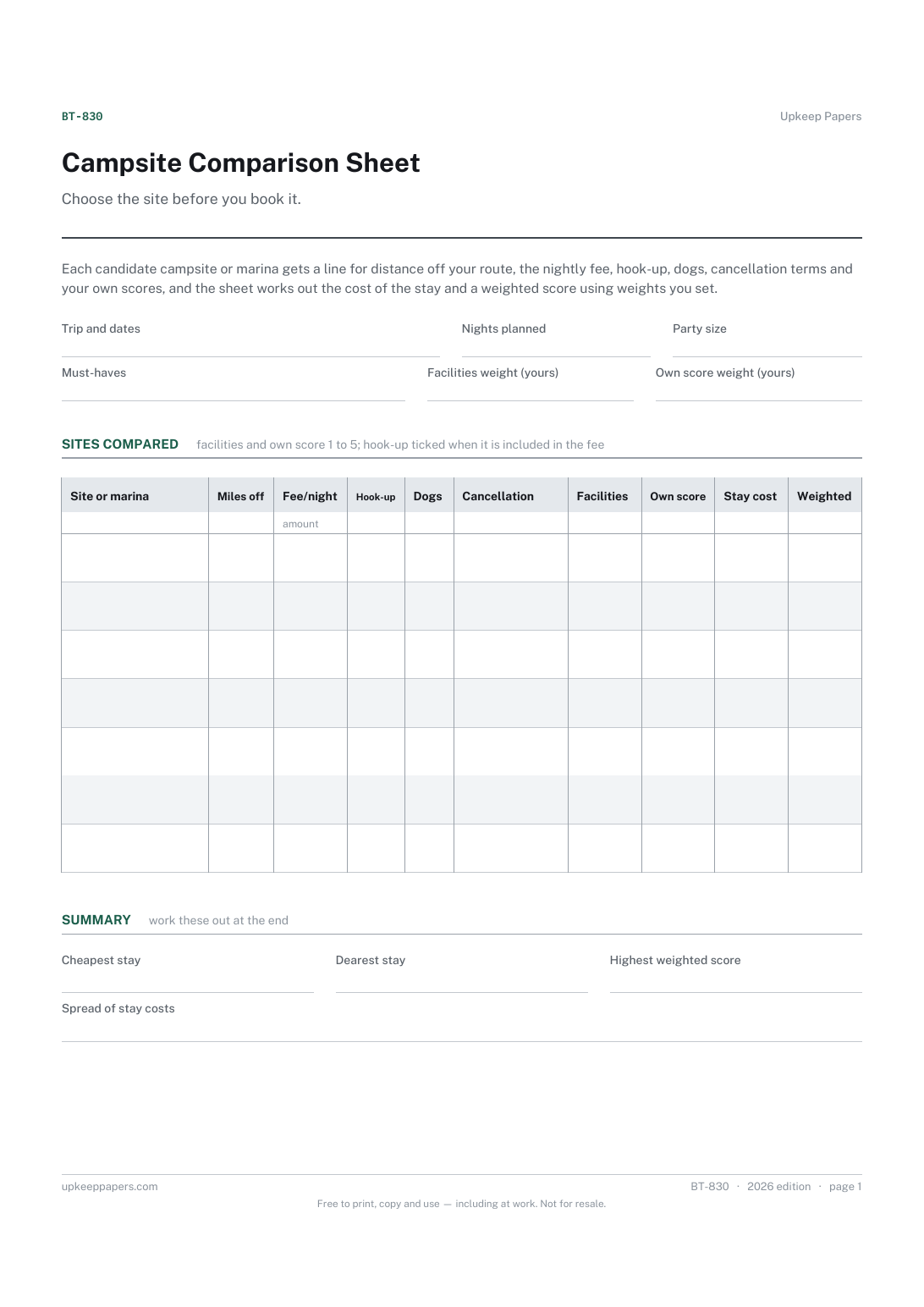
One page. The A4 and US Letter files are laid out identically, so neither is shrunk to fit.
Print it and write on it
Fillable PDF type and save
Spreadsheet formulas included
The fillable versions have real form fields — open them in any PDF reader, type into them and save. Printing help.
The same sheet, on screen. Totals and figures are worked out as you type, rows can be added or removed, and you can print it or download the completed version as a PDF. Everything stays in your browser — your entries are kept in this browser's own storage on this device, nothing is uploaded, and there is no account.
Choose the site before you book it. Each candidate campsite or marina gets a line for distance off your route, the nightly fee, hook-up, dogs, cancellation terms and your own scores, and the sheet works out the cost of the stay and a weighted score using weights you set.
Caravan, motorhome and tent campers weighing up several sites for the same trip, and boat owners comparing marinas or visitor berths for a stopover.
The printable is laid out inside a box that fits both A4 and US Letter, so the two files are identical and neither one is scaled. The fillable PDF has real form fields. The workbook uses plain formulas only — SUM, IF, COUNTIF and the like — so it opens in Excel, LibreOffice and Google Sheets without anything breaking, and every calculated cell is grey so you can see which figures it worked out.
Download the A4 or US Letter file to match the paper in your printer, open it in a PDF reader and print at 100% — not "fit to page", which shrinks the writing space. Both files leave a 14 mm margin, which clears the unprintable edge on home printers. To print the online version with your entries in it, use the Print this sheet button, which prints only the sheet and none of the page around it. More on printing.
It multiplies the facilities score by your facilities weight and your own score by your own weight, then adds them. Set a bigger weight on the one you care about more. There are no built-in weights; the numbers are yours.
It is the nightly fee times the nights you plan to stay. If hook-up or other charges are extra at a site, add them into its nightly fee or note them, so the comparison stays like for like.
Yes. Use the fee column for the visitor berth charge per night, the hook-up tick for shore power and the facilities score for showers, fuel and chandlery.
Leave it off, or score it low and write the reason in the cancellation column. The must-haves field is there so you check each site against it before scoring.
Every site stayed at, with the region and the date you arrived.
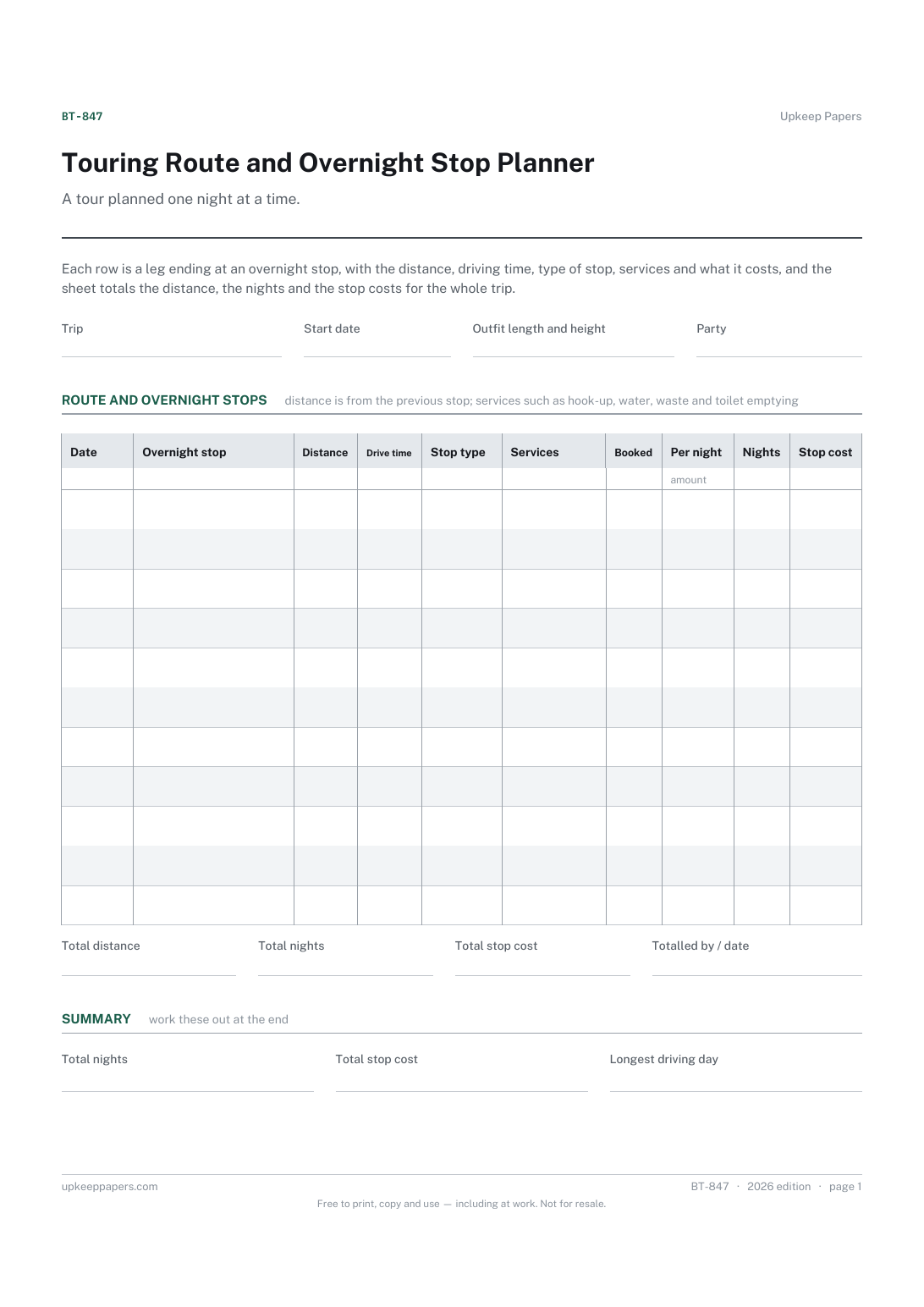
Where you will be each night and how far it is from the last stop.
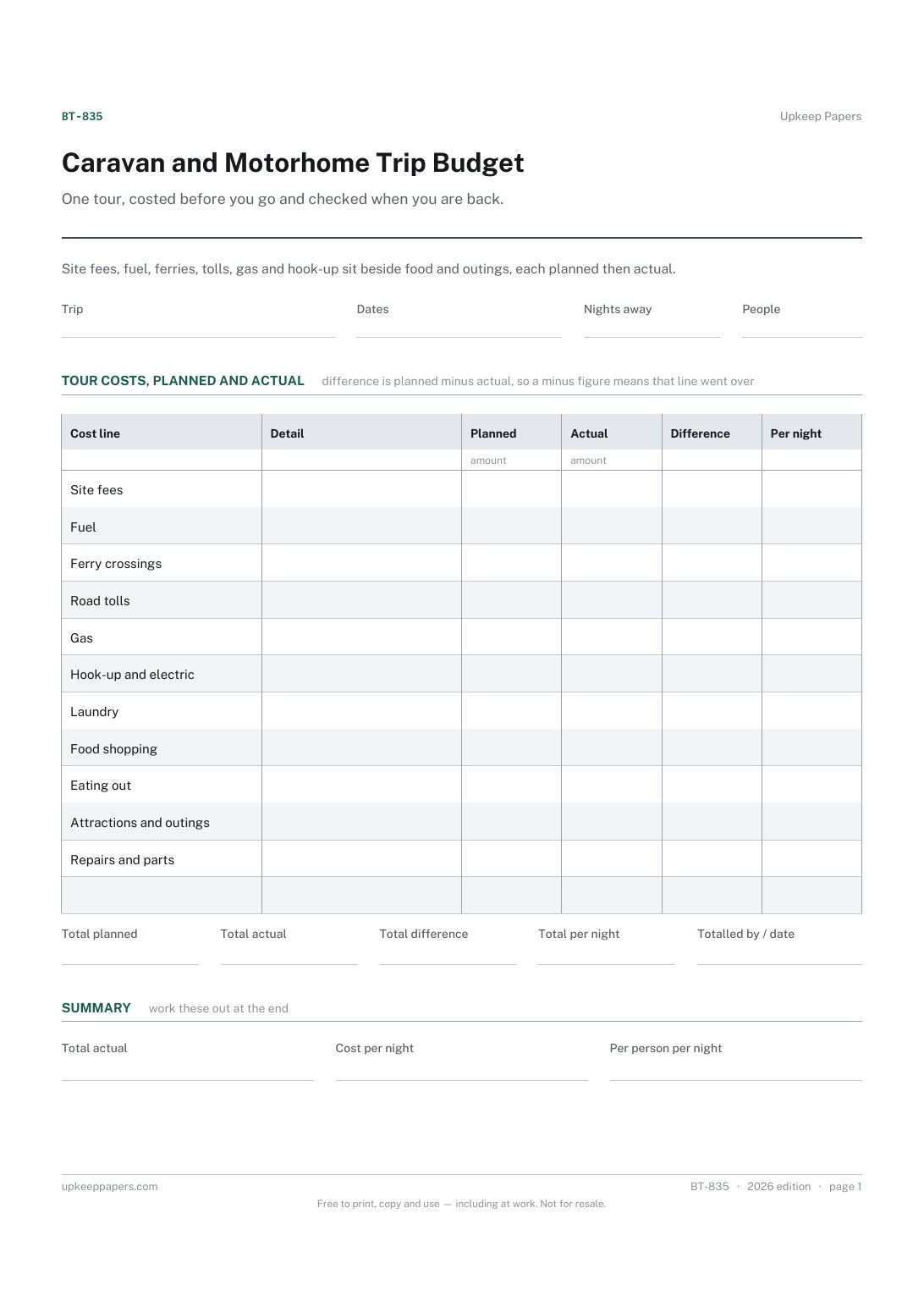
What you expected each part of the tour to cost before you set off.
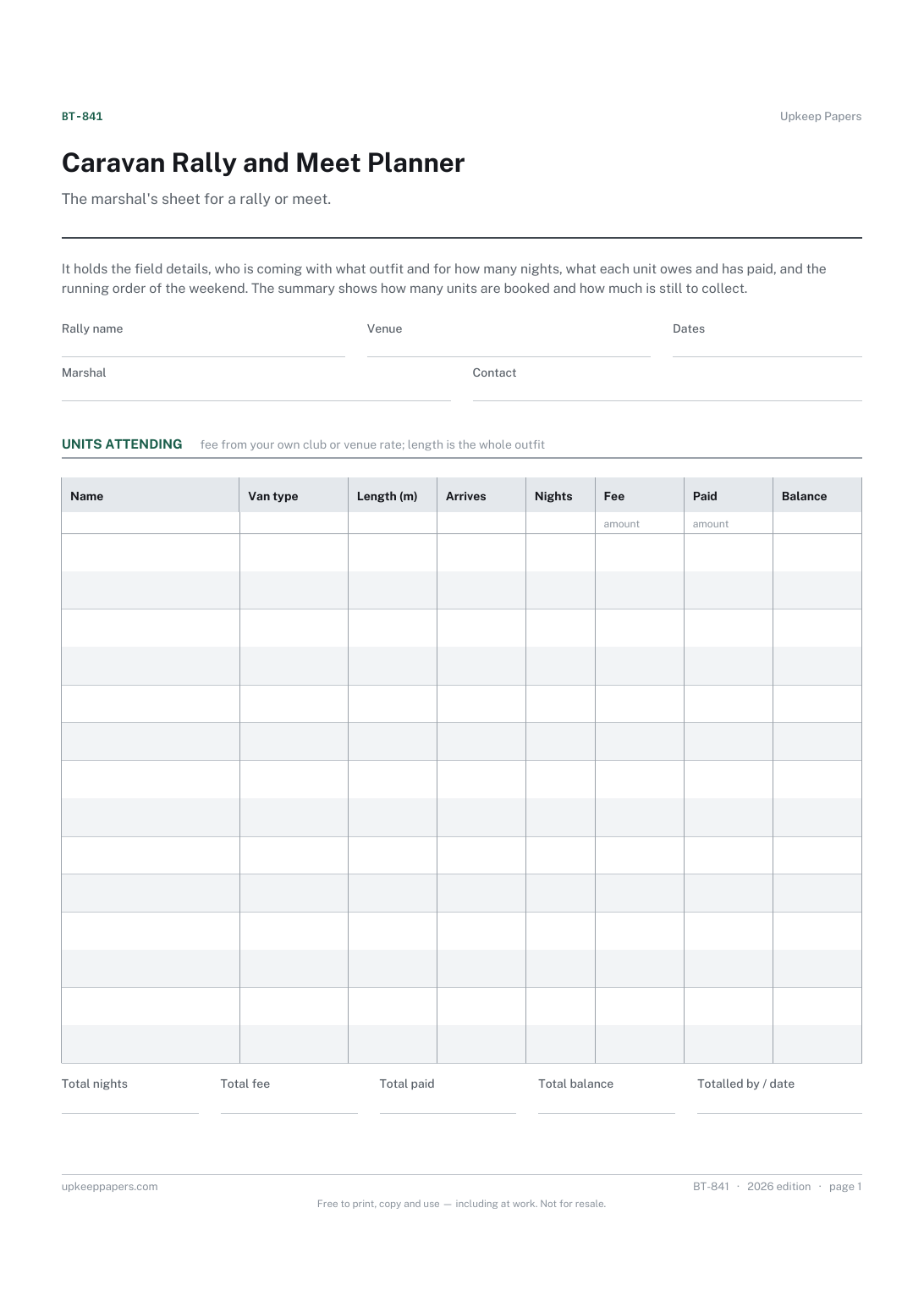
The venue, dates and who to contact on the field.
Printable sheets, workbooks and tools on the same subject.
Plan a driving trip by day, with the two things that decide how it feels: how long you are actually driving, and where you are sleeping.

Every sheet, binder, game and puzzle on Upkeep Papers is free to download, with no email and no account. Making them is not free: each one takes days of research, design and checking, and the site costs money to run. If something here saved you time, you can buy us a coffee. It is entirely optional: nothing is locked, and nothing changes if you don’t.
Buy us a coffee Opens PayPal in a new tab. Any amount, and nothing changes if you would rather not.