
Baby and childcare · BC-222 · Log
Nappy Change Log
Free printable nappy change log — date, time, wet or dirty, what you saw and who changed it, with the ticks counted. PDF, Excel and fill-in-online versions.
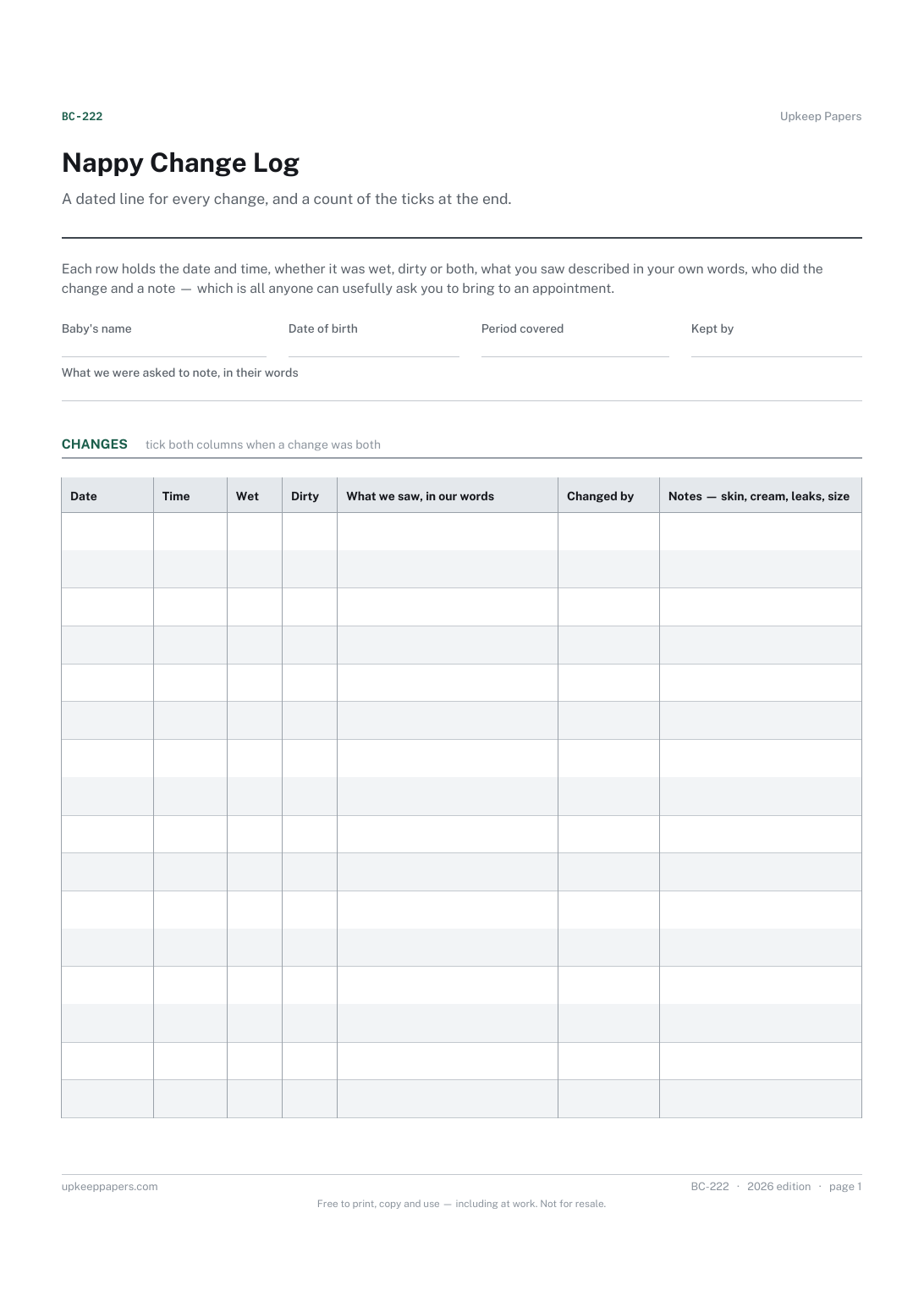
2 pages. The A4 and US Letter files are laid out identically, so neither is shrunk to fit.
Print it and write on it
Fillable PDF type and save
Spreadsheet formulas included
The fillable versions have real form fields — open them in any PDF reader, type into them and save. Printing help.
Fill it in online
The same sheet, on screen. Totals and figures are worked out as you type, rows can be added or removed, and you can print it or download the completed version as a PDF. Everything stays in your browser — your entries are kept in this browser's own storage on this device, nothing is uploaded, and there is no account.
Who this is for
A dated line for every change, and a count of the ticks at the end. Each row holds the date and time, whether it was wet, dirty or both, what you saw described in your own words, who did the change and a note — which is all anyone can usefully ask you to bring to an appointment.
Parents asked to keep a few days of changes before a review, anyone handing a night over to whoever is up next, and childminders and relatives who want the day written down rather than remembered.
What this helps you track
- Every change with its date and time
- Wet, dirty or both, ticked rather than written out
- What you saw, described in your own words rather than ours
- Who changed it, and anything worth mentioning about the skin or the nappy
- A count of the wet and dirty ticks over whatever period the sheet covers
How to use it
- Put the baby's name at the top and, in the box, whatever you were asked to watch for, copied in the words it was said to you.
- Set the period covered — a single date if you are keeping one sheet a day, a range if you are running one sheet across several.
- Tick wet, dirty or both as you go, and add the time; the time is the part nobody remembers an hour later.
- Use the description column for anything you would want to say out loud at an appointment, in your own words.
- Note the changes of cream, barrier or nappy size in the notes column, so a change in the skin has a date beside it.
- The browser and spreadsheet versions count the ticks; on paper, count them yourself at the foot of the page.
Formats
- Printable PDF (A4 and US Letter)
- Fillable PDF with form fields
- Fill in online, saved in your browser
- Excel / Google Sheets workbook
The printable is laid out inside a box that fits both A4 and US Letter, so the two files are identical and neither one is scaled. The fillable PDF has real form fields. The workbook uses plain formulas only — SUM, IF, COUNTIF and the like — so it opens in Excel, LibreOffice and Google Sheets without anything breaking, and every calculated cell is grey so you can see which figures it worked out.
How to print
Download the A4 or US Letter file to match the paper in your printer, open it in a PDF reader and print at 100% — not "fit to page", which shrinks the writing space. Both files leave a 14 mm margin, which clears the unprintable edge on home printers. To print the online version with your entries in it, use the Print this sheet button, which prints only the sheet and none of the page around it. More on printing.
Questions
How many nappies should there be in a day?
This sheet does not say and never will. There is no expected count anywhere on it. Your midwife, health visitor or doctor is the person to ask, and the box at the top is where you write down what they told you.
What do the counts at the bottom mean?
They are the number of ticks you have put in each column over the period the sheet covers — arithmetic and nothing else. The sheet has no opinion about any figure it adds up.
Why is there a description column as well as ticks?
Because ticks compress and words do not. Colour, texture, a nappy that leaked, anything that surprised you — write it plainly, and you will be able to answer a question about that change a fortnight later.
Can more than one person fill this in?
Yes, and that is much of the point. Put initials in the changed-by column so a line can be asked about, and so a handover reads as a handover rather than a mystery.
Related resources
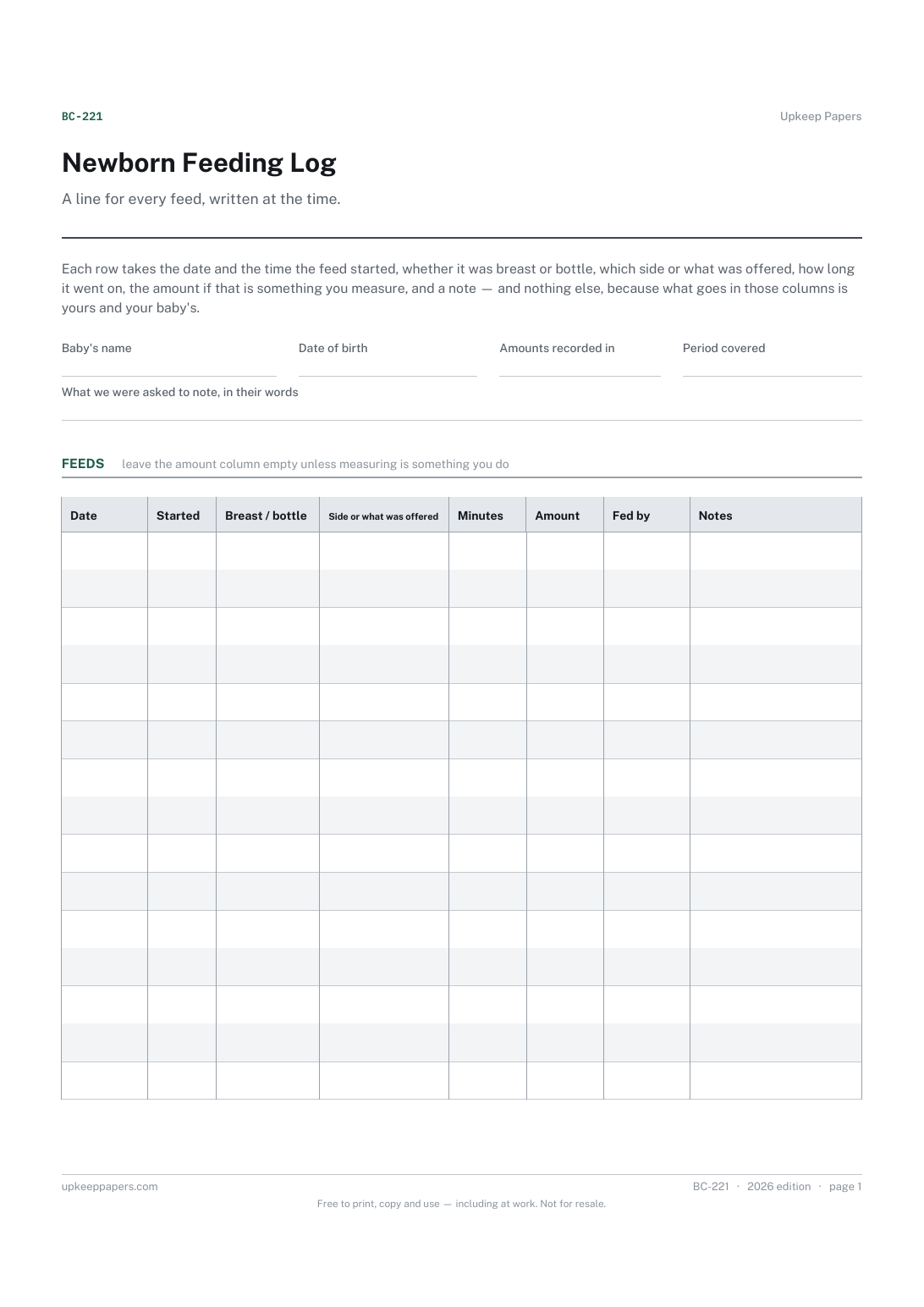
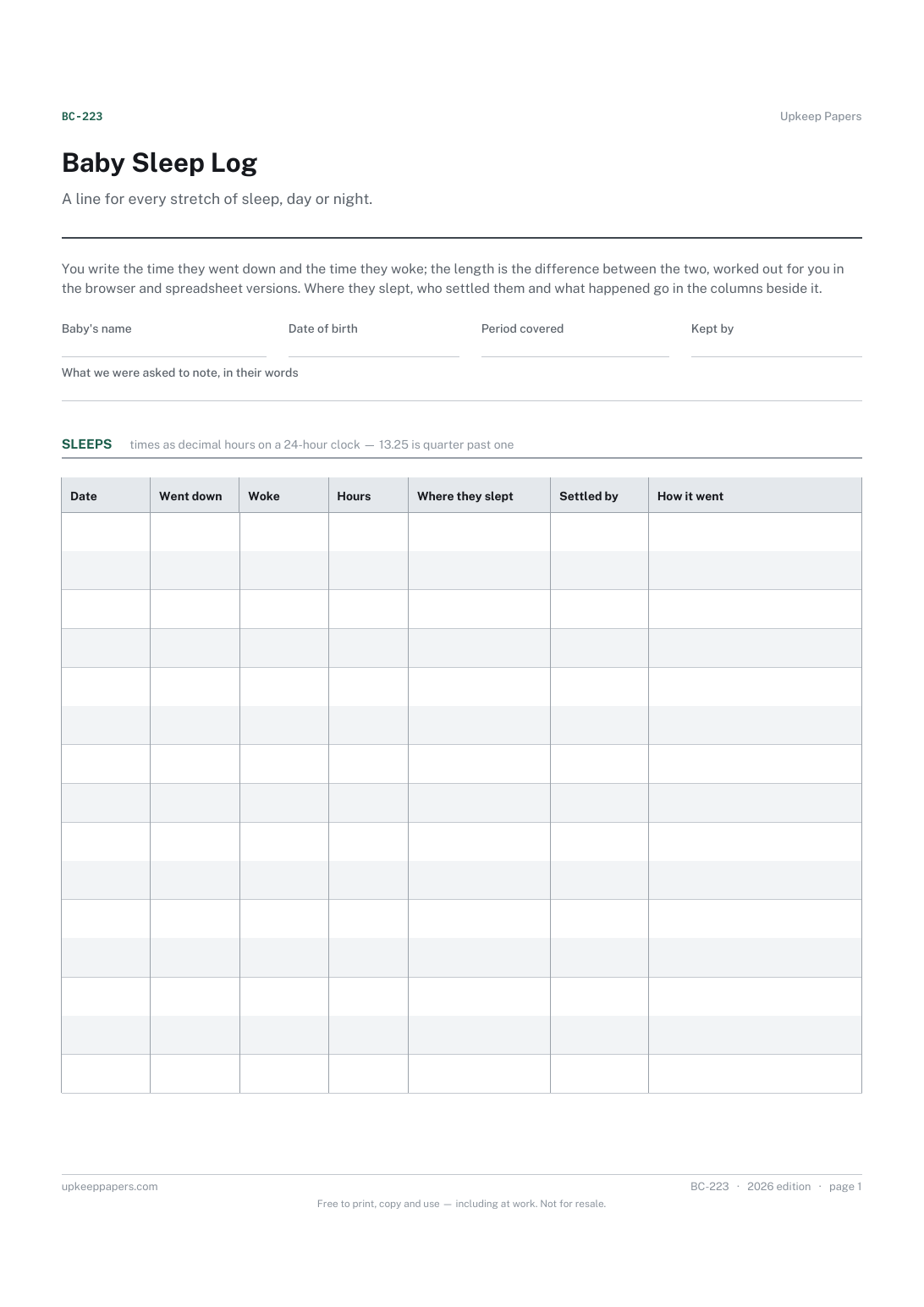
Baby Sleep Log
Every stretch of sleep with the time down and the time awake.
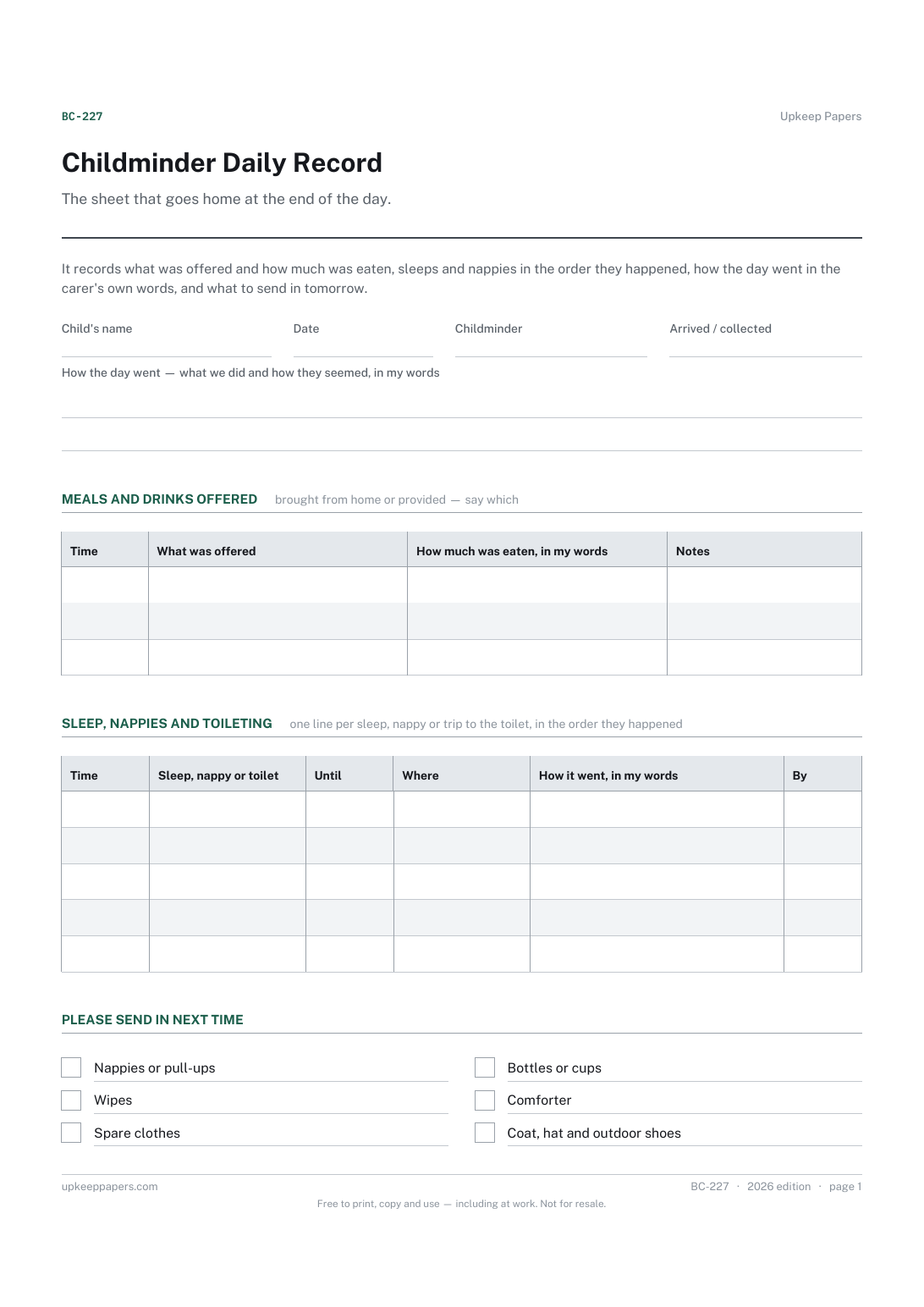
Childminder Daily Record
Meals and drinks as provided, and how much was eaten in the carer's words.
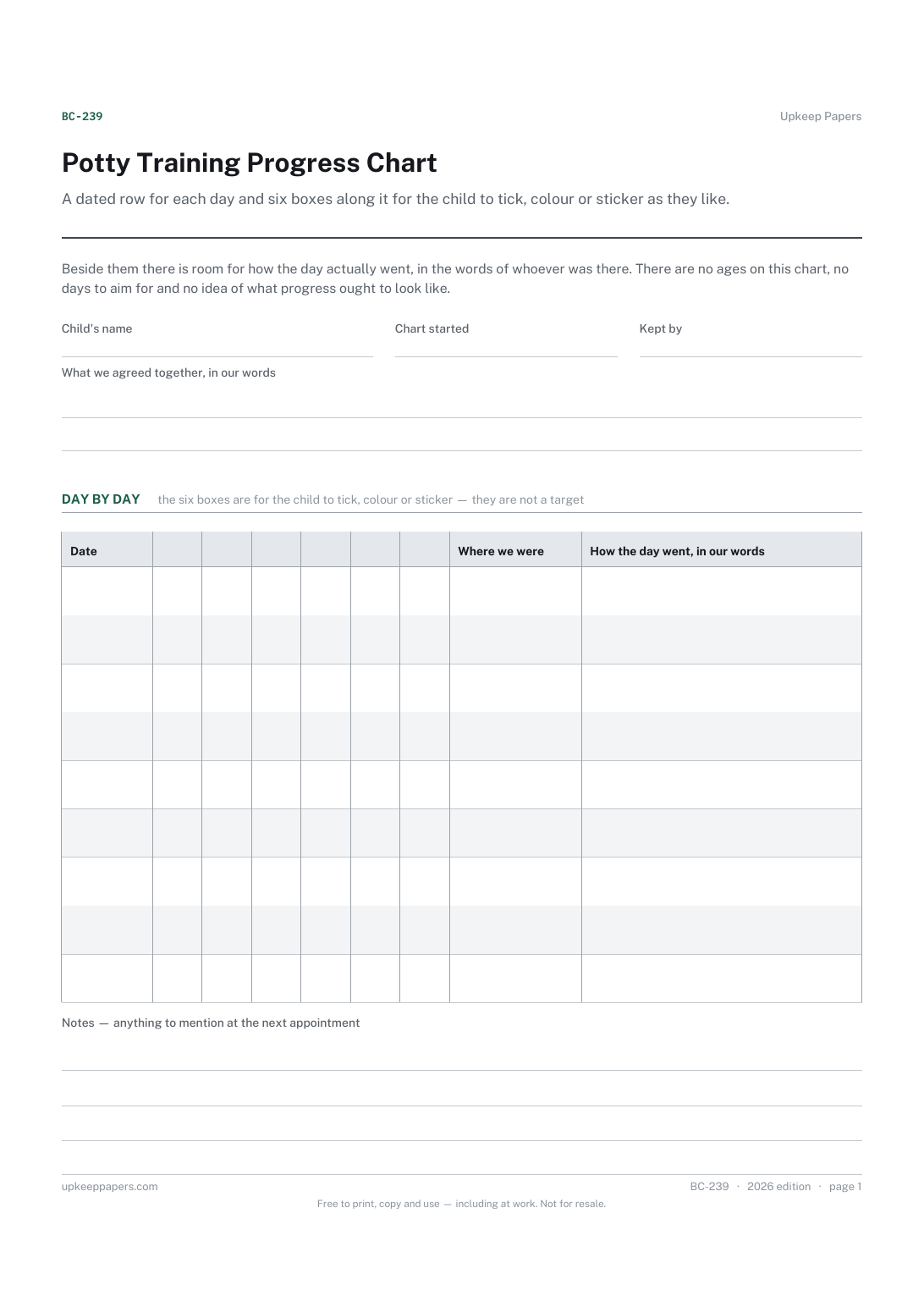
Potty Training Progress Chart
A row a day, dated, for as long as you want to keep it.
Also in the library
Printable sheets, workbooks and tools on the same subject.

Daycare Sign In and Out Sheet
Record who actually took each child home, which is the question a time column on its own never answers.
