
Baby and childcare · BC-239 · Tracker
Potty Training Progress Chart
Free printable potty training chart — a dated row a day, six boxes for the child to tick and a line for how it went. PDF and fill-in-online versions.
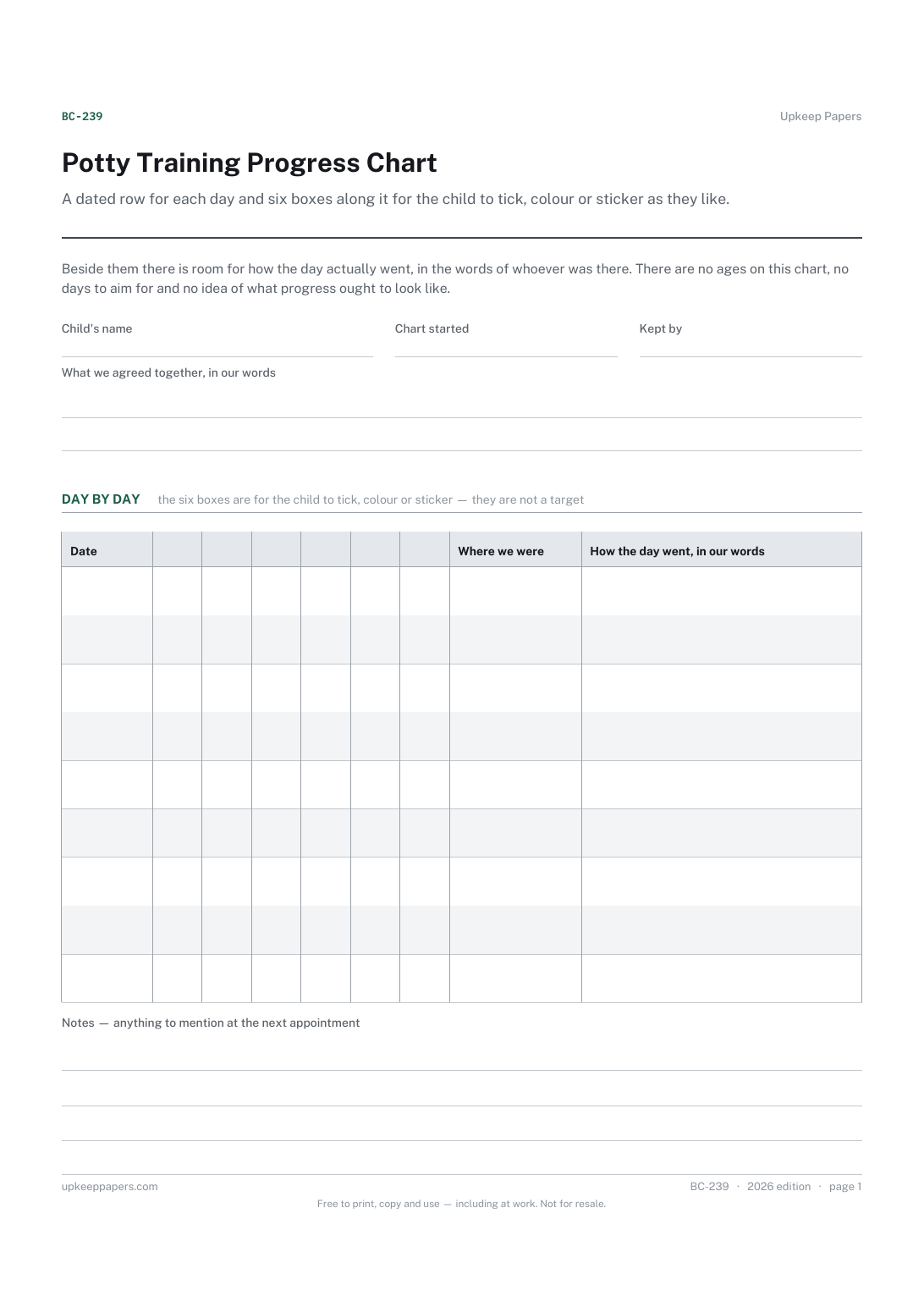
One page. The A4 and US Letter files are laid out identically, so neither is shrunk to fit.
Print it and write on it
Fillable PDF type and save
Or no download needed
Fill it in onlineThe fillable versions have real form fields — open them in any PDF reader, type into them and save. Printing help.
Fill it in online
The same sheet, on screen. Tick, type, add or remove rows, then print it or download the completed version as a PDF. Everything stays in your browser — your entries are kept in this browser's own storage on this device, nothing is uploaded, and there is no account.
Who this is for
A dated row for each day and six boxes along it for the child to tick, colour or sticker as they like. Beside them there is room for how the day actually went, in the words of whoever was there. There are no ages on this chart, no days to aim for and no idea of what progress ought to look like.
Families in the middle of it, childminders and grandparents keeping the same chart going in a second house, and anyone who wants the child to have something to fill in themselves rather than being talked about.
What this helps you track
- A row a day, dated, for as long as you want to keep it
- Six boxes a day for the child to tick themselves
- What happened, written plainly rather than scored
- Whether you were at home, out or somewhere else that day
- The reward or arrangement your family agreed, written at the top in your words
How to use it
- Write the child's name at the top, and put whatever you have agreed together in the reward box — in your words, because it is your arrangement.
- Date the first row on the day you start and work down; skip the days you skip rather than back-filling them.
- Let the child do the ticking. Six boxes is a number of boxes, not a target, and a row with two ticks is a row.
- Use the how-it-went column for anything worth remembering: a change of pants, a new place, being tired, being out for the day.
- Note where you were, because the chart usually explains itself when you read the where column afterwards.
- Put anything you want to mention at a health visitor or doctor appointment in the notes box at the foot.
Formats
- Printable PDF (A4 and US Letter)
- Fillable PDF with form fields
- Fill in online, saved in your browser
The printable is laid out inside a box that fits both A4 and US Letter, so the two files are identical and neither one is scaled. The fillable PDF has real form fields. The online version keeps what you enter in your own browser and builds the completed PDF on your device.
How to print
Download the A4 or US Letter file to match the paper in your printer, open it in a PDF reader and print at 100% — not "fit to page", which shrinks the writing space. Both files leave a 14 mm margin, which clears the unprintable edge on home printers. To print the online version with your entries in it, use the Print this sheet button, which prints only the sheet and none of the page around it. More on printing.
Questions
What age should a child be for this?
This chart does not say and carries no age anywhere on it. Children differ and your health visitor or doctor knows yours. The chart records days, not readiness.
How long should it take?
There is no number of days, weeks or rows on this sheet that means anything of the sort. Keep it for as long as it is useful and stop when it stops being useful.
Why six boxes?
Because a row needs a few boxes for a child to fill in and six fits the width of the page. It is not a daily target, and nothing on the sheet compares one row with another.
What goes in the reward box?
Whatever you have agreed at home — a sticker, a story, nothing at all. We do not suggest one, because reward arrangements are a family matter and a printable is a poor place to take a view on them.
Can a childminder keep the same chart?
Yes, and it works better when both houses use one. Print two, keep the same dates and use the where column so the two read as one week rather than two.
Related resources
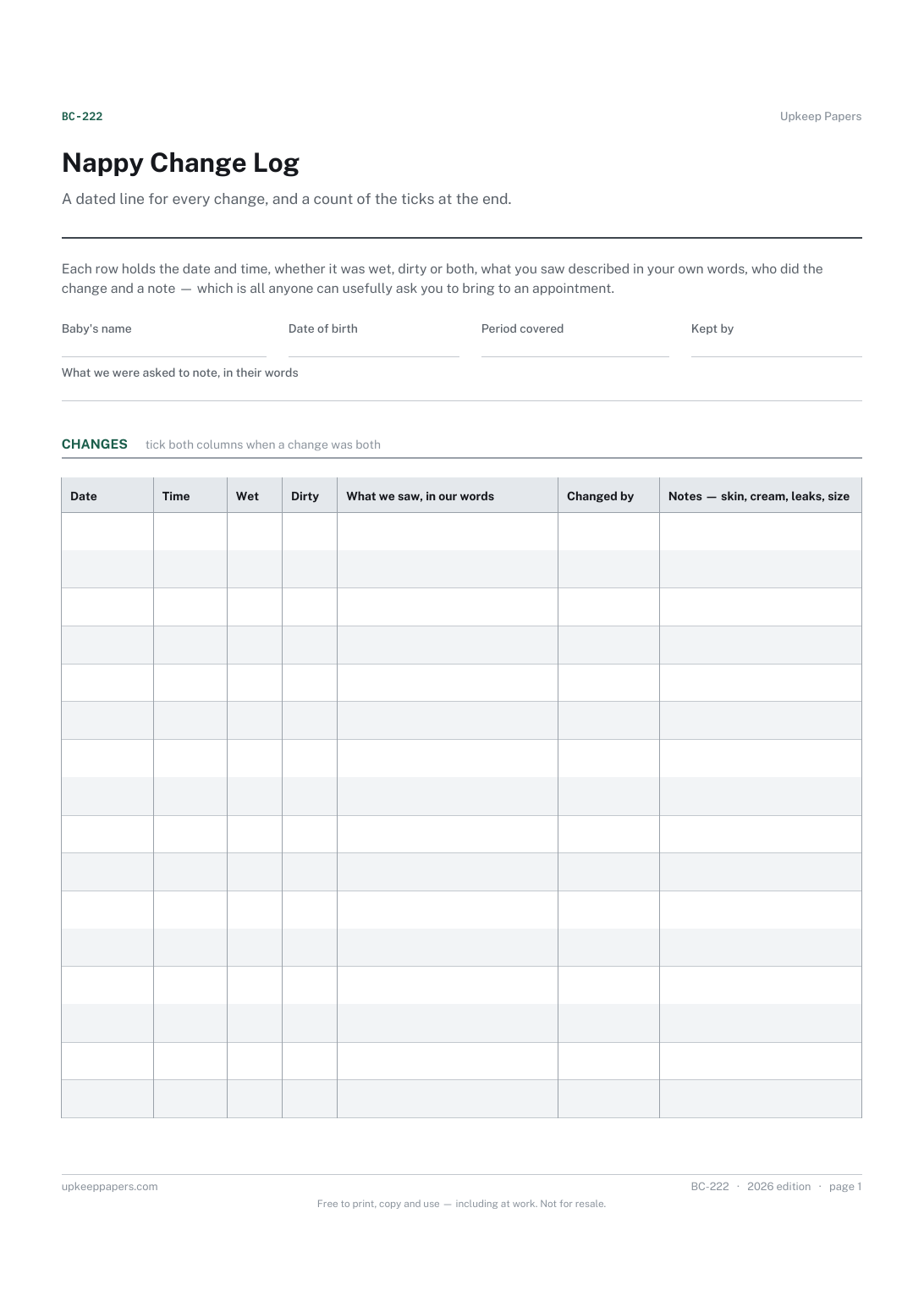
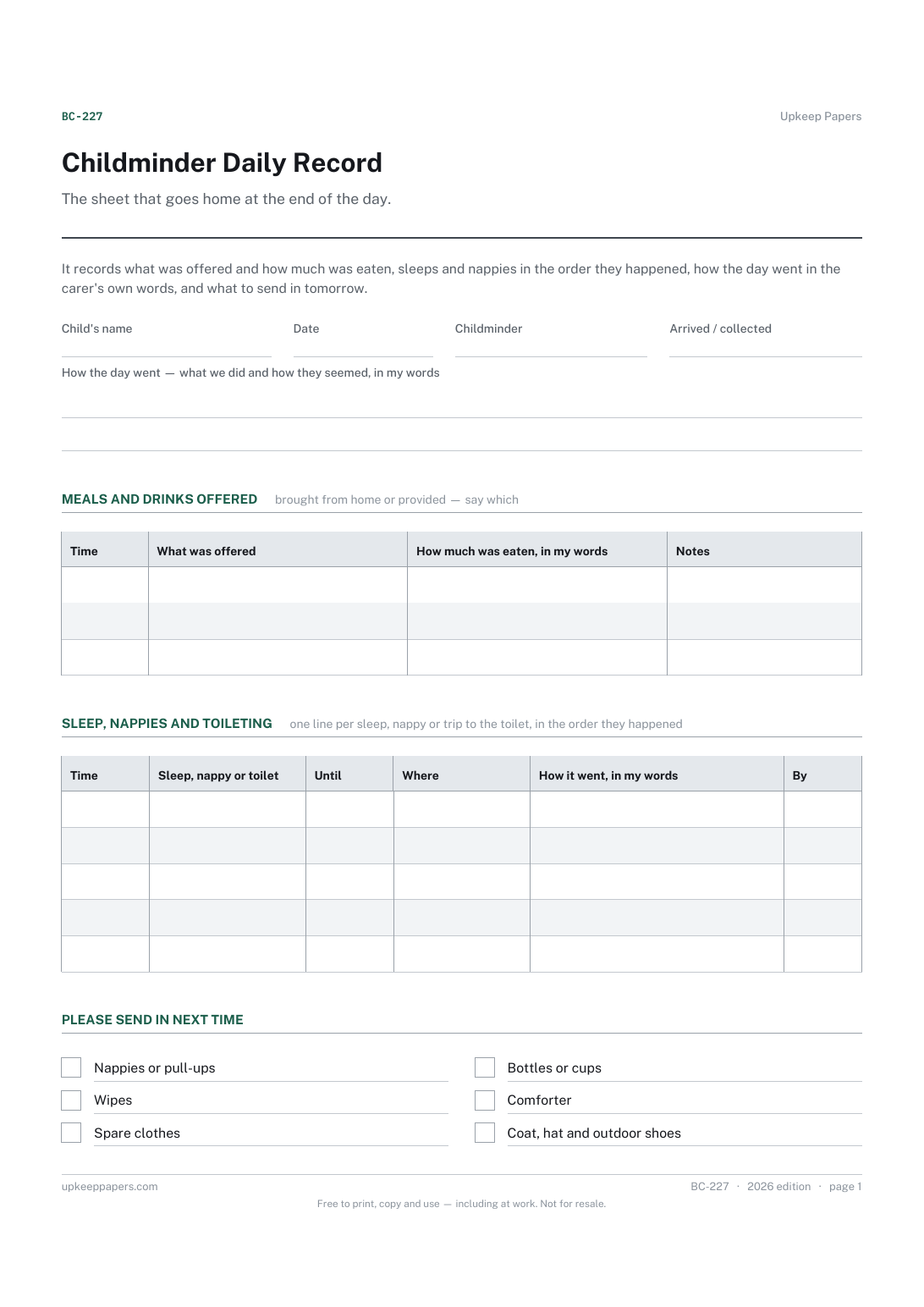
Childminder Daily Record
Meals and drinks as provided, and how much was eaten in the carer's words.
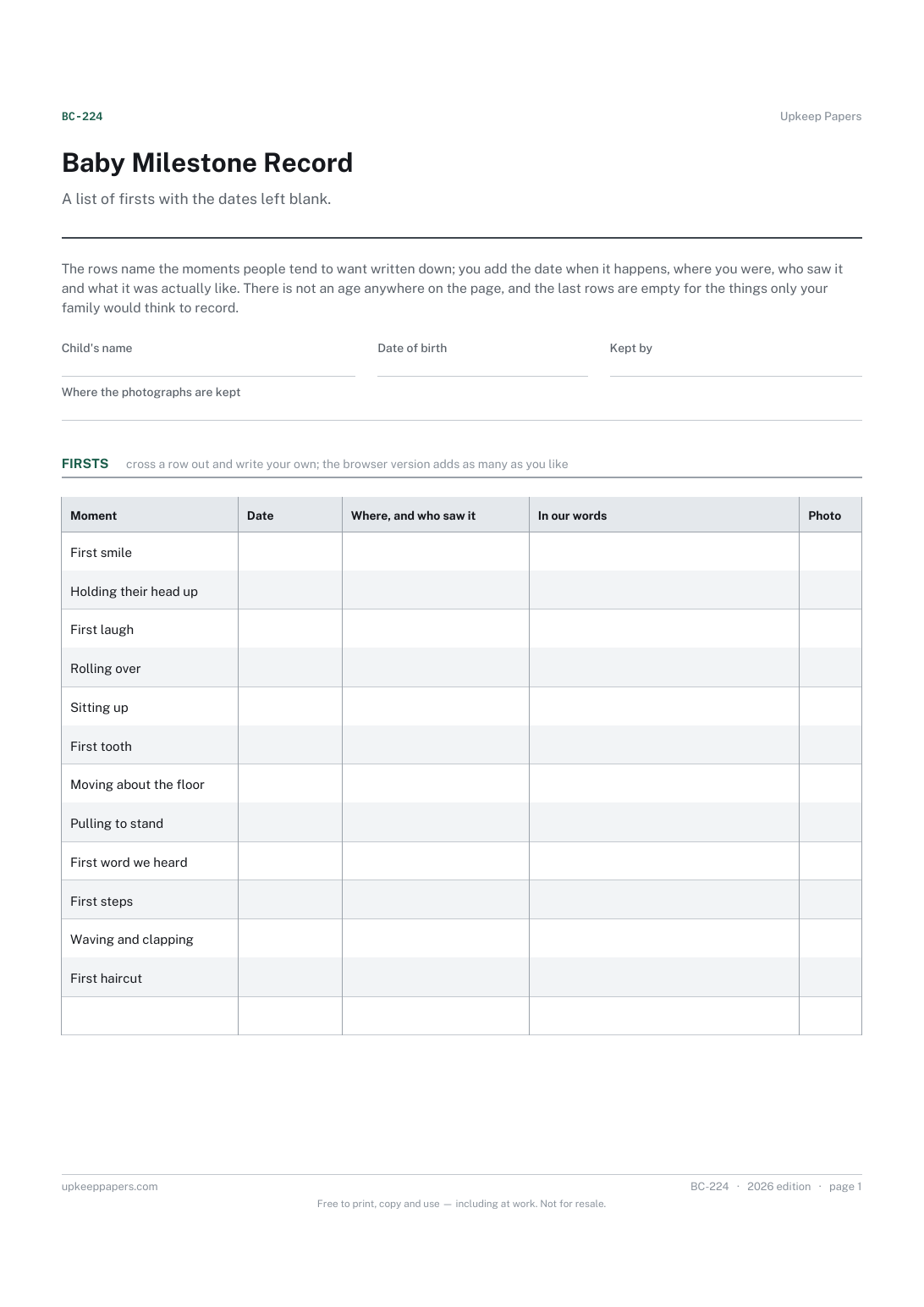
Baby Milestone Record
The date each first happened, written down while you still know it.
Also in the library
Printable sheets, workbooks and tools on the same subject.

Nursery Daily Report Sheet
Hand the parent a written account of the day, so bedtime is not a guess about when the child last ate or slept.
