
Money Calculators and Worksheets · MC-888 · Calendar
Annual Bills Monthly Set-Aside Calculator
Free annual bills set-aside calculator: list yearly bills by month due and work out one monthly amount that covers them all. PDF, Excel and browser versions.
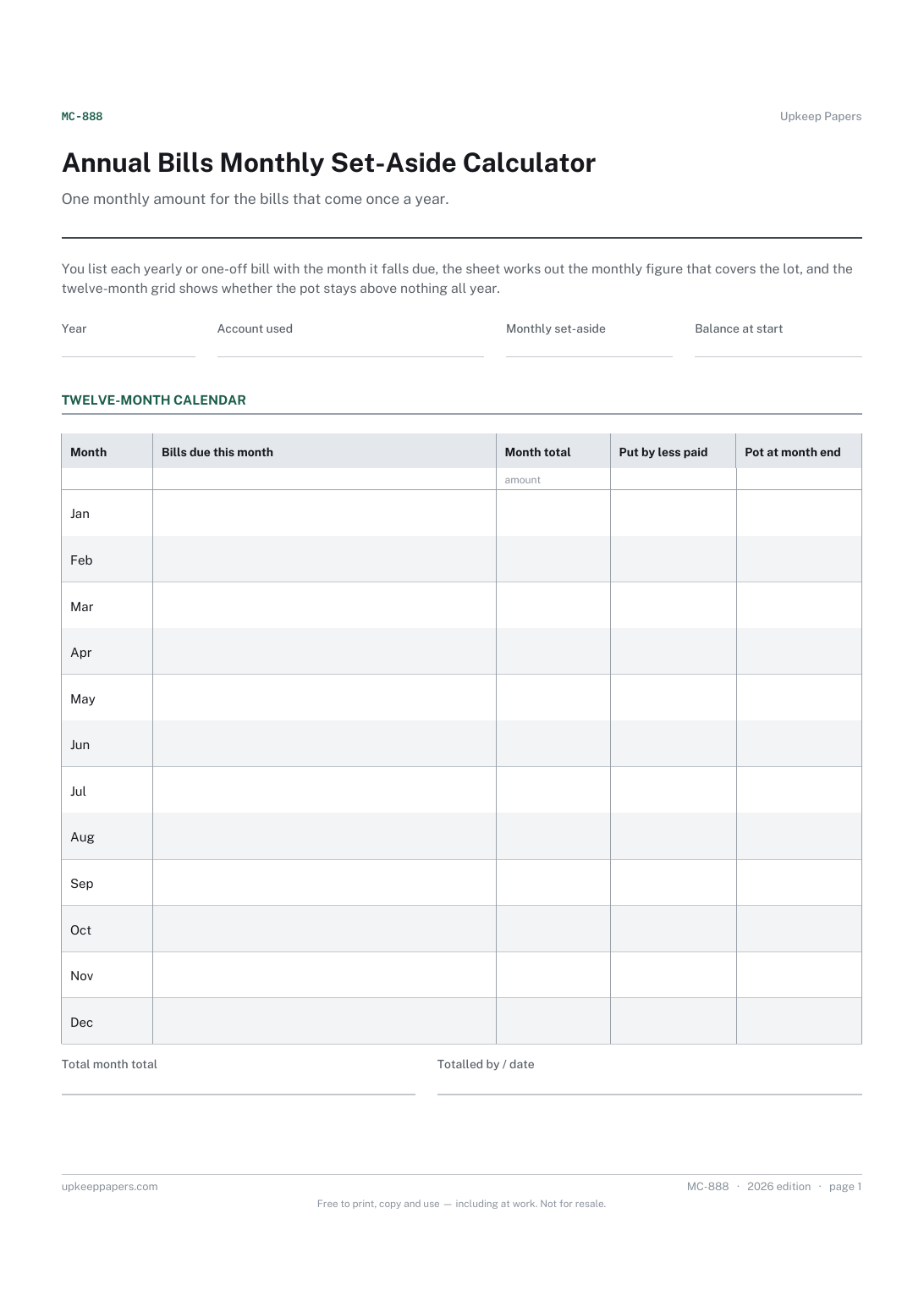
2 pages. The A4 and US Letter files are laid out identically, so neither is shrunk to fit.
Print it and write on it
Fillable PDF type and save
Spreadsheet formulas included
The fillable versions have real form fields — open them in any PDF reader, type into them and save. Printing help.
Fill it in online
The same sheet, on screen. Totals and figures are worked out as you type, rows can be added or removed, and you can print it or download the completed version as a PDF. Everything stays in your browser — your entries are kept in this browser's own storage on this device, nothing is uploaded, and there is no account.
Who this is for
One monthly amount for the bills that come once a year. You list each yearly or one-off bill with the month it falls due, the sheet works out the monthly figure that covers the lot, and the twelve-month grid shows whether the pot stays above nothing all year.
Households caught out by insurance renewals, annual subscriptions, car tax and similar bills, and anyone who wants those costs smoothed into a single standing transfer.
What this helps you track
- Every yearly or one-off bill with its amount and month due
- The monthly equivalent of each bill and of all of them together
- Which months are heavy and which are light
- Whether the pot dips below zero, and what it needs at the start of the year
How to use it
- Write the year and the account the money is kept in at the top.
- List every bill that is not paid monthly in the lower table, with its amount and the month it falls due.
- Read the monthly set-aside from the summary and enter it in the set-aside field; that is the transfer to set up.
- Copy each month's bills and their total into the calendar grid; the running columns are worked out in the browser and workbook.
- If the pot goes negative in the early months, put in the opening balance the summary shows, or start saving earlier.
Formats
- Printable PDF (A4 and US Letter)
- Fillable PDF with form fields
- Fill in online, saved in your browser
- Excel / Google Sheets workbook
The printable is laid out inside a box that fits both A4 and US Letter, so the two files are identical and neither one is scaled. The fillable PDF has real form fields. The workbook uses plain formulas only — SUM, IF, COUNTIF and the like — so it opens in Excel, LibreOffice and Google Sheets without anything breaking, and every calculated cell is grey so you can see which figures it worked out.
How to print
Download the A4 or US Letter file to match the paper in your printer, open it in a PDF reader and print at 100% — not "fit to page", which shrinks the writing space. Both files leave a 14 mm margin, which clears the unprintable edge on home printers. To print the online version with your entries in it, use the Print this sheet button, which prints only the sheet and none of the page around it. More on printing.
Questions
Why might the pot go negative?
Because an even monthly amount builds up slowly. If a big bill falls early in the year, there has not been time to save for it. The summary shows the opening balance that keeps every month at or above zero.
Which bills belong on this sheet?
Anything that is not paid every month: annual insurance, vehicle tax and servicing, subscriptions, licences, memberships, and one-offs you already know about such as a wedding gift or a school trip.
What if a bill amount changes at renewal?
Change the amount when the renewal notice arrives. The monthly equivalent and the set-aside needed update, and you can adjust your standing transfer to match.
Can I start part-way through the year?
Yes. Start the grid at the current month and enter what is already in the account as the opening balance. The totals still cover the twelve months ahead.
Related resources
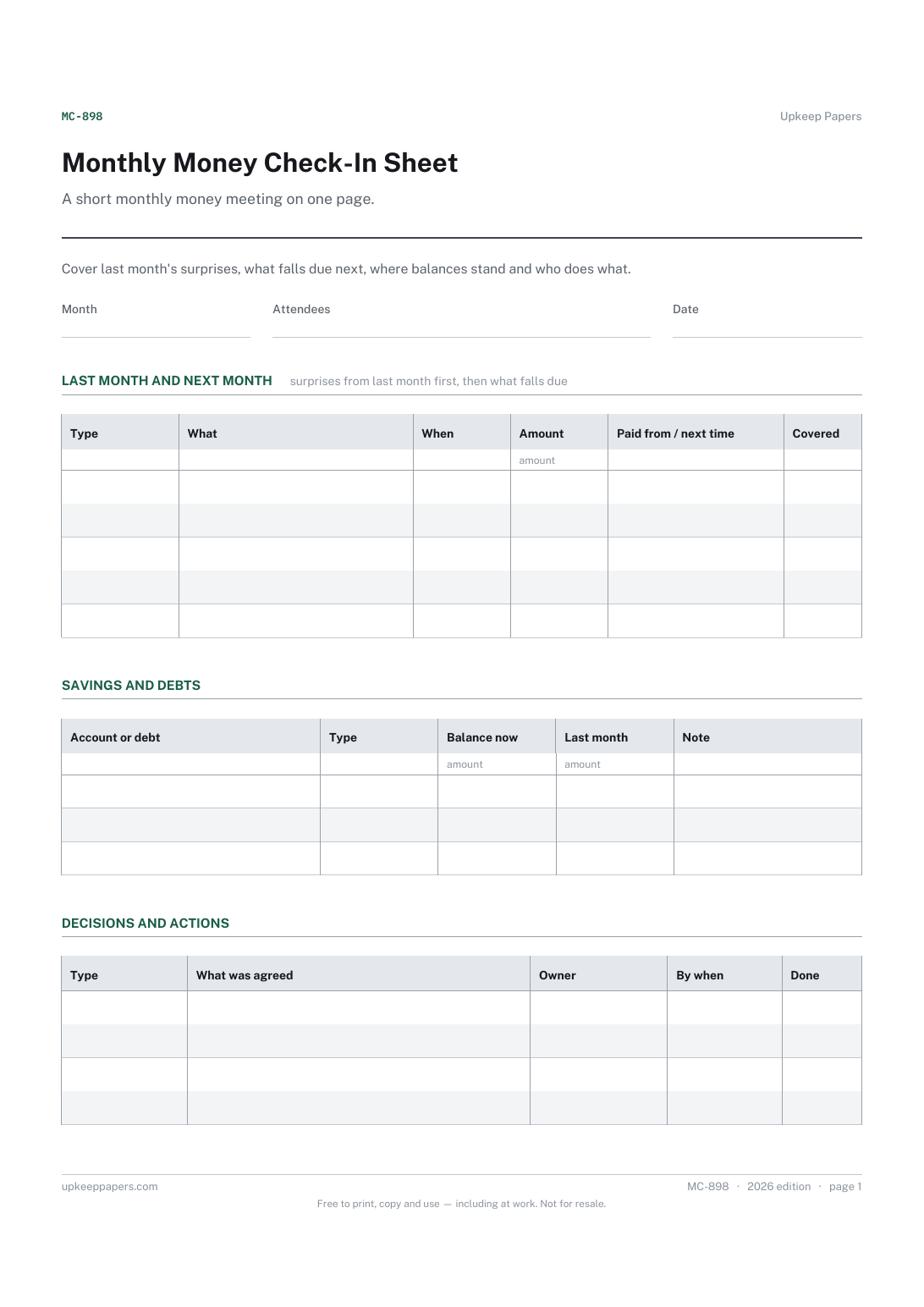
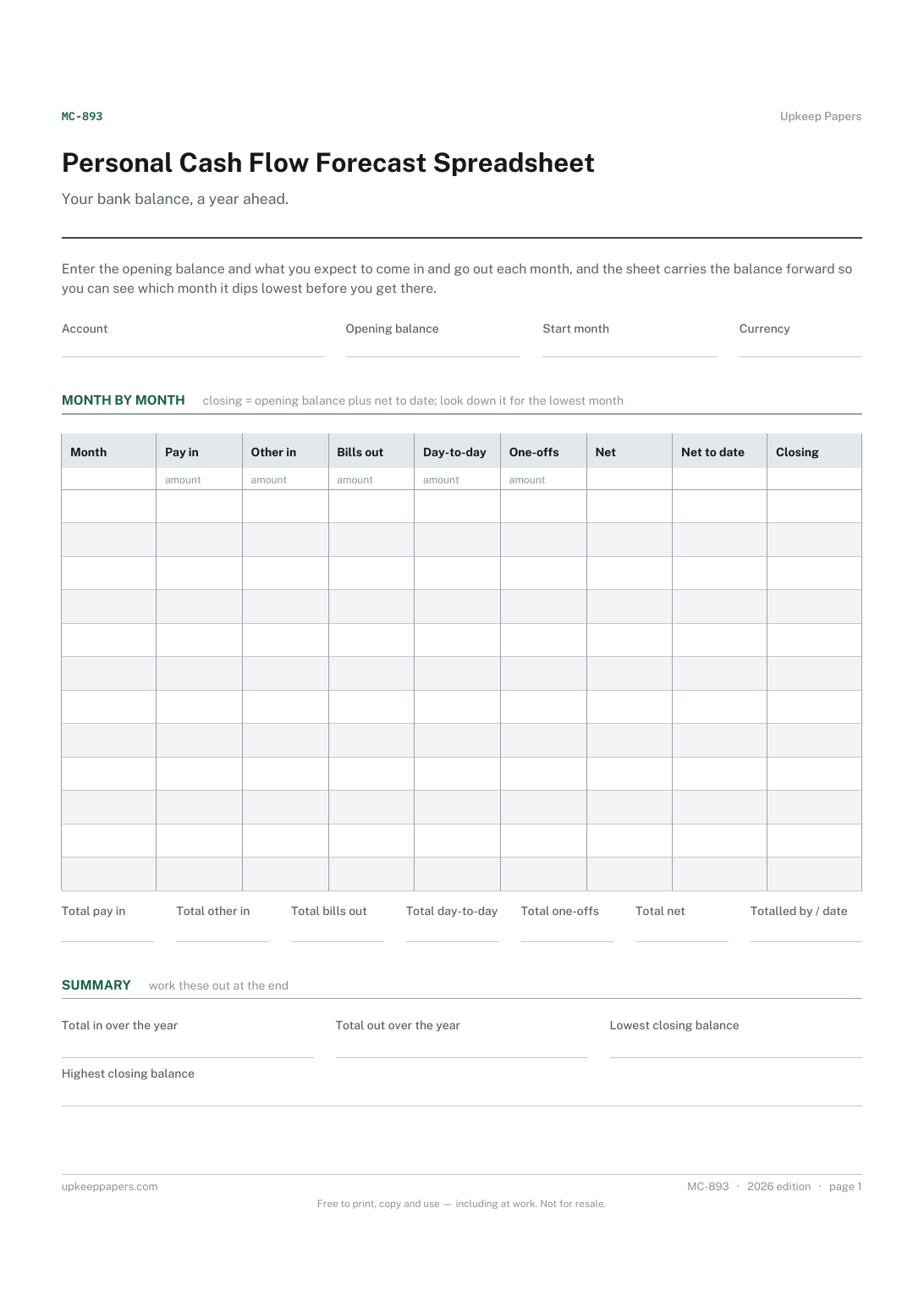
Personal Cash Flow Forecast Spreadsheet
What you expect to come in each month, from pay and from anything else.
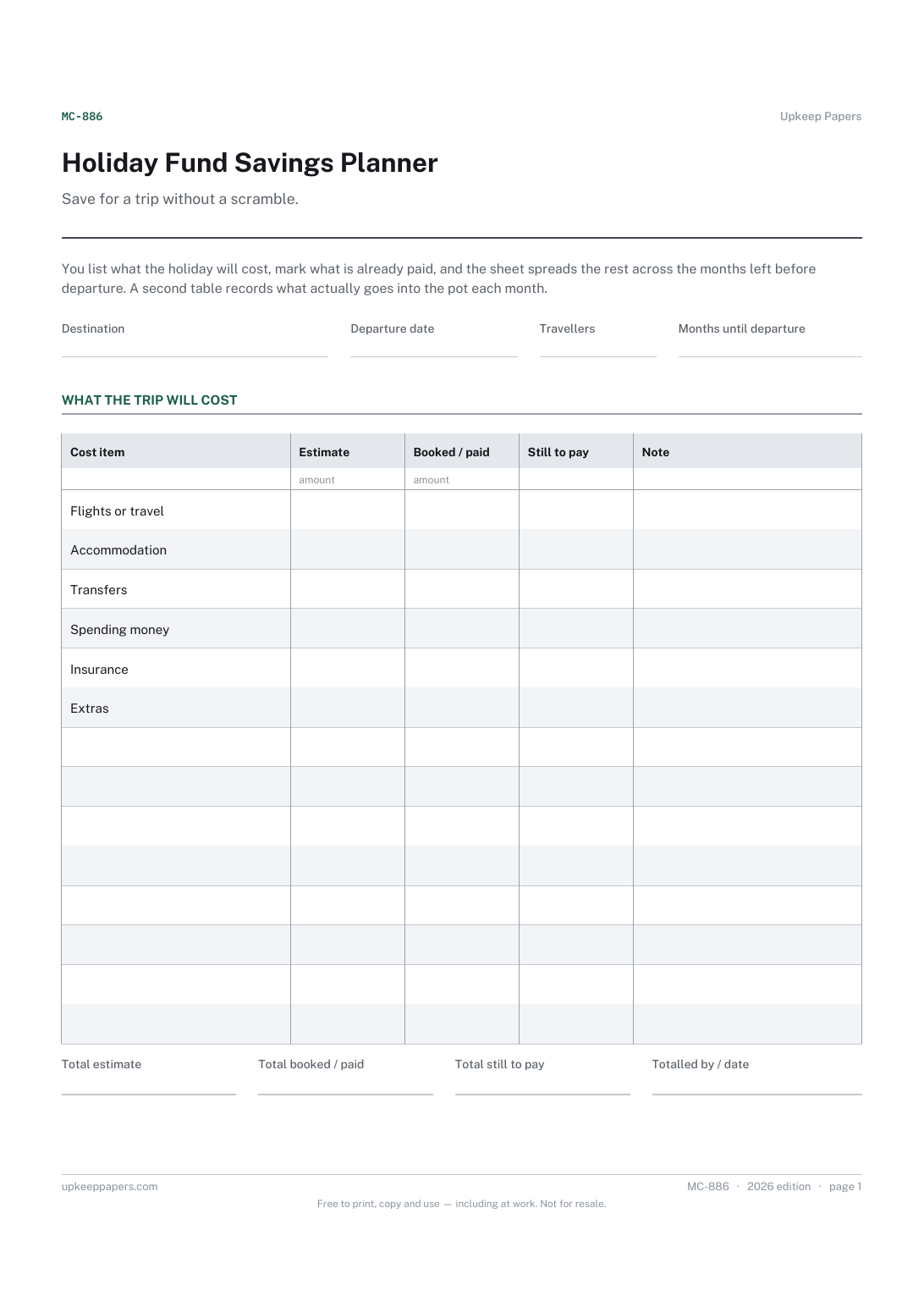
Holiday Fund Savings Planner
Every cost of the trip, from flights to spending money.
Also in the library
Printable sheets, workbooks and tools on the same subject.

Bill Payment Tracker Spreadsheet
Every bill in one list, showing what each really costs over a year once its billing cycle is taken into account, plus a twelve-month grid to tick off.

Sinking Funds and Savings Goals Spreadsheet
The big irregular costs — the car service, the insurance renewal, Christmas — broken down into what you need to set aside each month to be ready for them.
