Product SKU and Variant Register
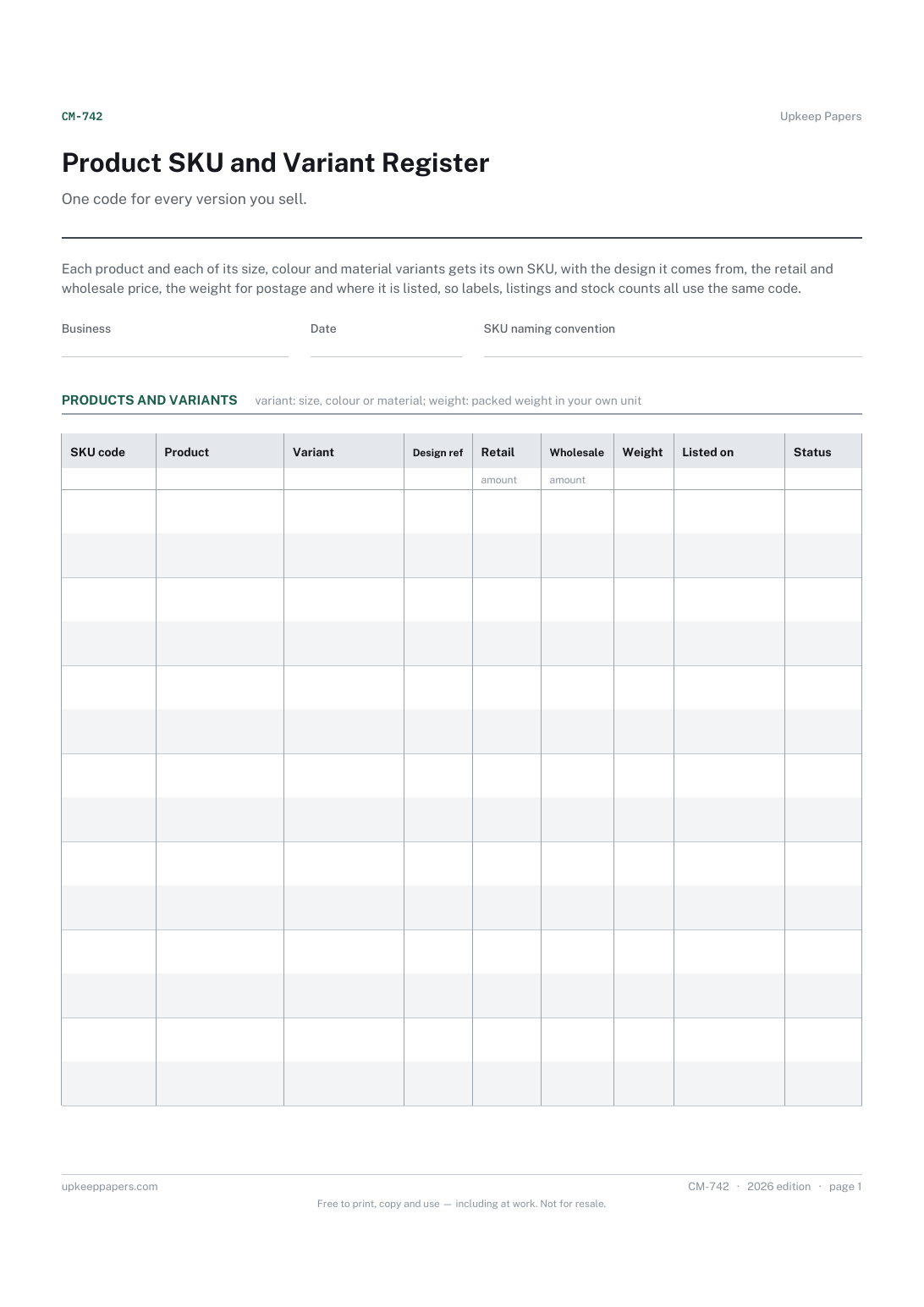
A unique code for each product and variant.
CM-742 Register PDF Online
Everything here is free. Making it takes time and money. Everything here is free.
 Buy us a coffee
 Makers and Craft Business · CM-737 · Checklist
Free product photo checklist for online shops — every shot and listing detail to tick off before a handmade item goes live. PDF and browser.
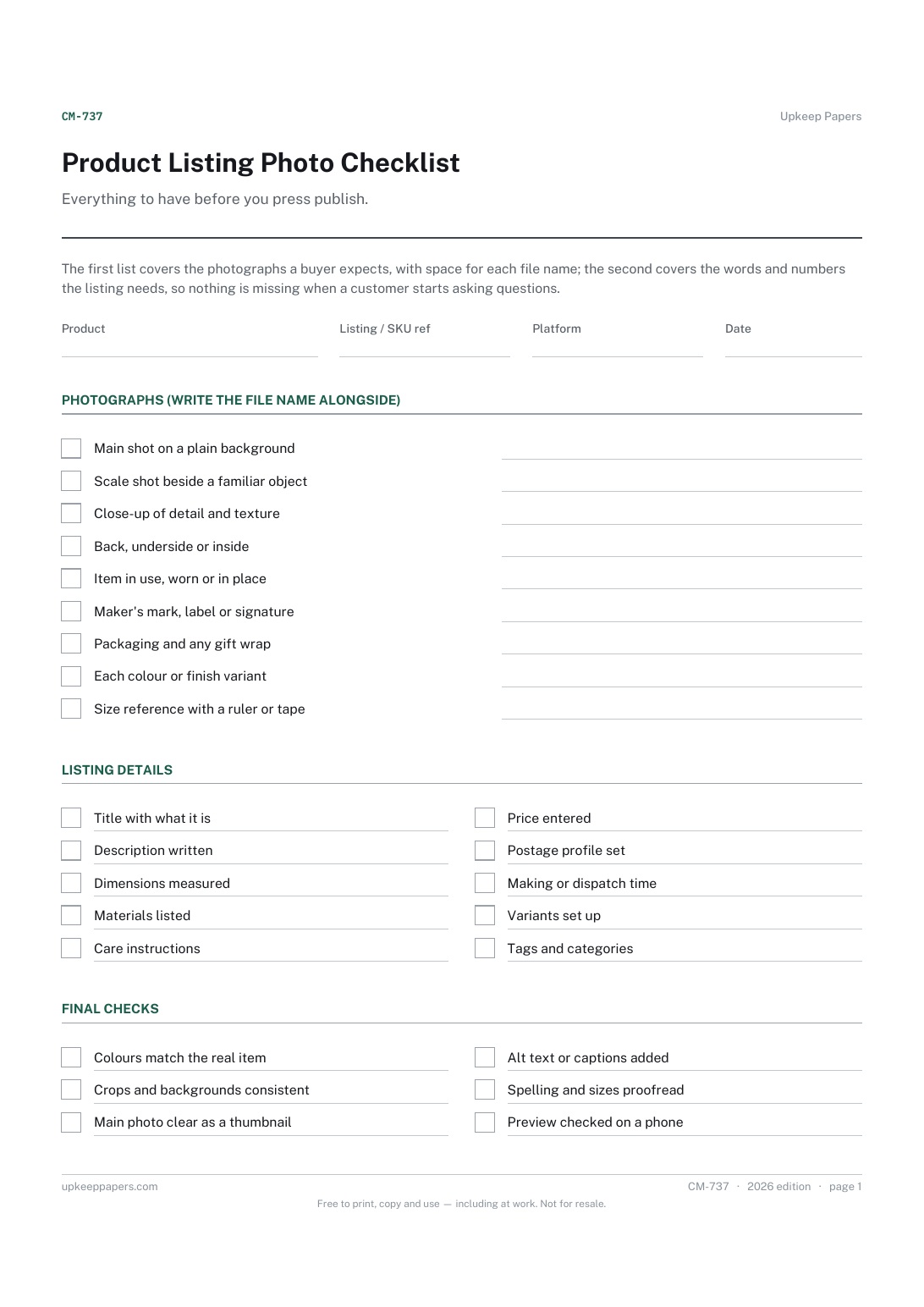
One page. The A4 and US Letter files are laid out identically, so neither is shrunk to fit.
Print it and write on it
Fillable PDF type and save
Or no download needed
Fill it in onlineThe fillable versions have real form fields — open them in any PDF reader, type into them and save. Printing help.
The same sheet, on screen. Tick, type, add or remove rows, then print it or download the completed version as a PDF. Everything stays in your browser — your entries are kept in this browser's own storage on this device, nothing is uploaded, and there is no account.
Everything to have before you press publish. The first list covers the photographs a buyer expects, with space for each file name; the second covers the words and numbers the listing needs, so nothing is missing when a customer starts asking questions.
Makers selling handmade items through their own website or an online marketplace who photograph and list their own work.
The printable is laid out inside a box that fits both A4 and US Letter, so the two files are identical and neither one is scaled. The fillable PDF has real form fields. The online version keeps what you enter in your own browser and builds the completed PDF on your device.
Download the A4 or US Letter file to match the paper in your printer, open it in a PDF reader and print at 100% — not "fit to page", which shrinks the writing space. Both files leave a 14 mm margin, which clears the unprintable edge on home printers. To print the online version with your entries in it, use the Print this sheet button, which prints only the sheet and none of the page around it. More on printing.
No. Some will not apply, such as an in-use shot for a print, or colour variants for a one-off. Leave those blank. The list is there so that nothing gets missed by accident.
That depends on the platform you sell on, and limits change. Check your platform's own guidance and choose the shots from this list that matter most for the item.
When you shoot several products in one session, file names are the quickest way to find the right pictures again, and to reuse them when you relist or add a colour.
From the item itself and your own records: measure it, check the materials against your costing sheet and use the price and postage you have already worked out.
A unique code for each product and variant.
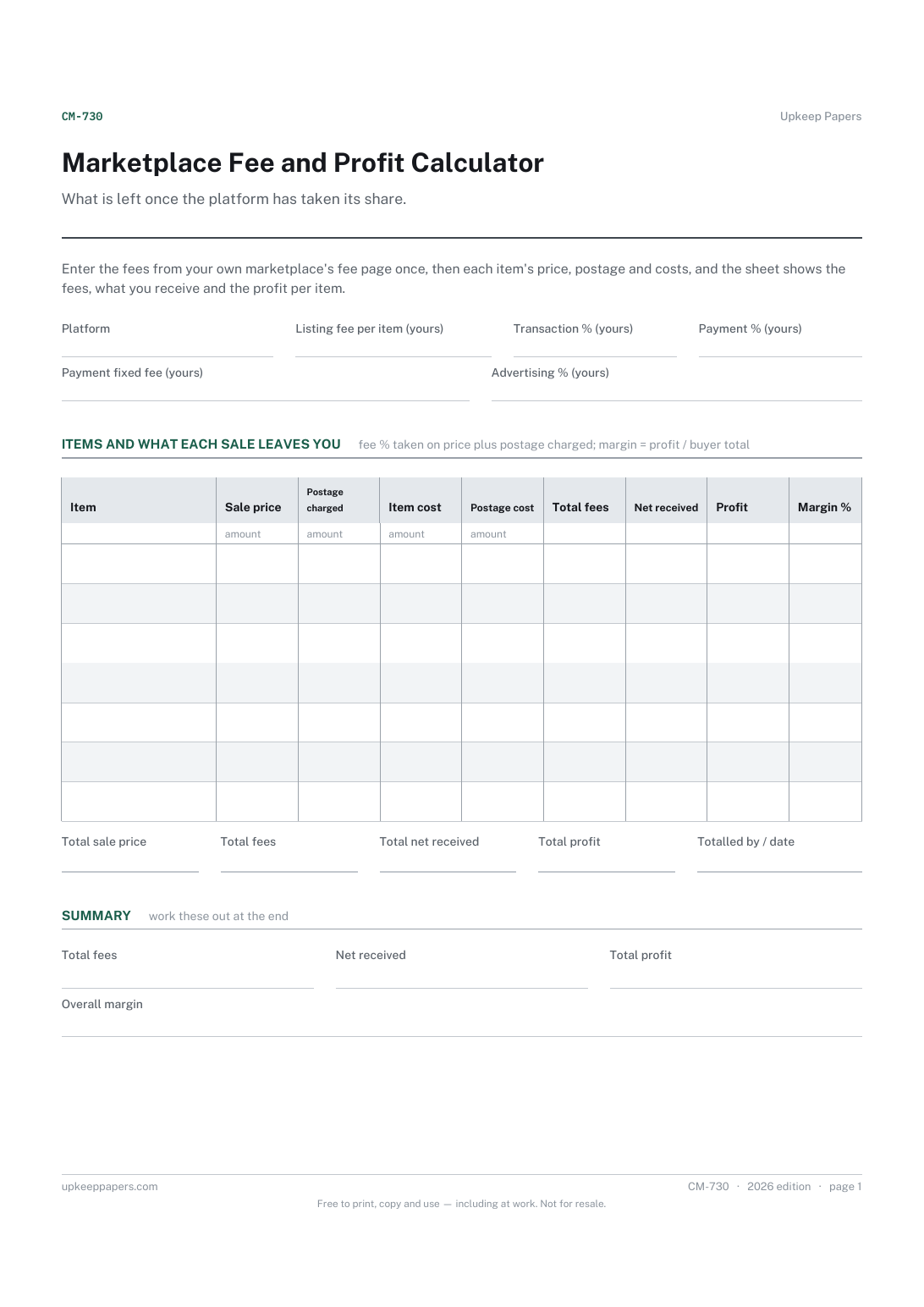
Your platform's fees, entered once from its own fee page.
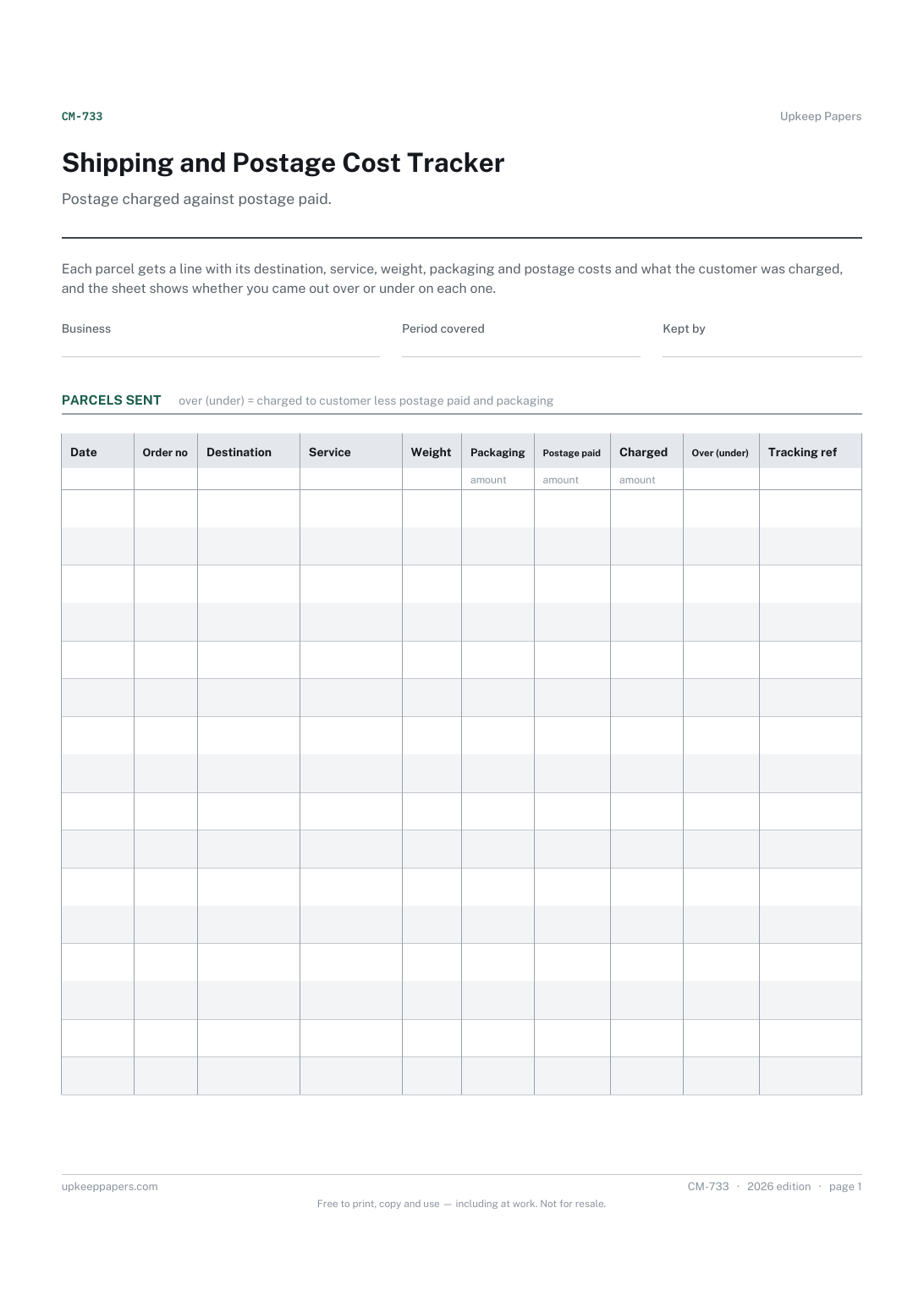
Every parcel sent, with the order it belongs to.
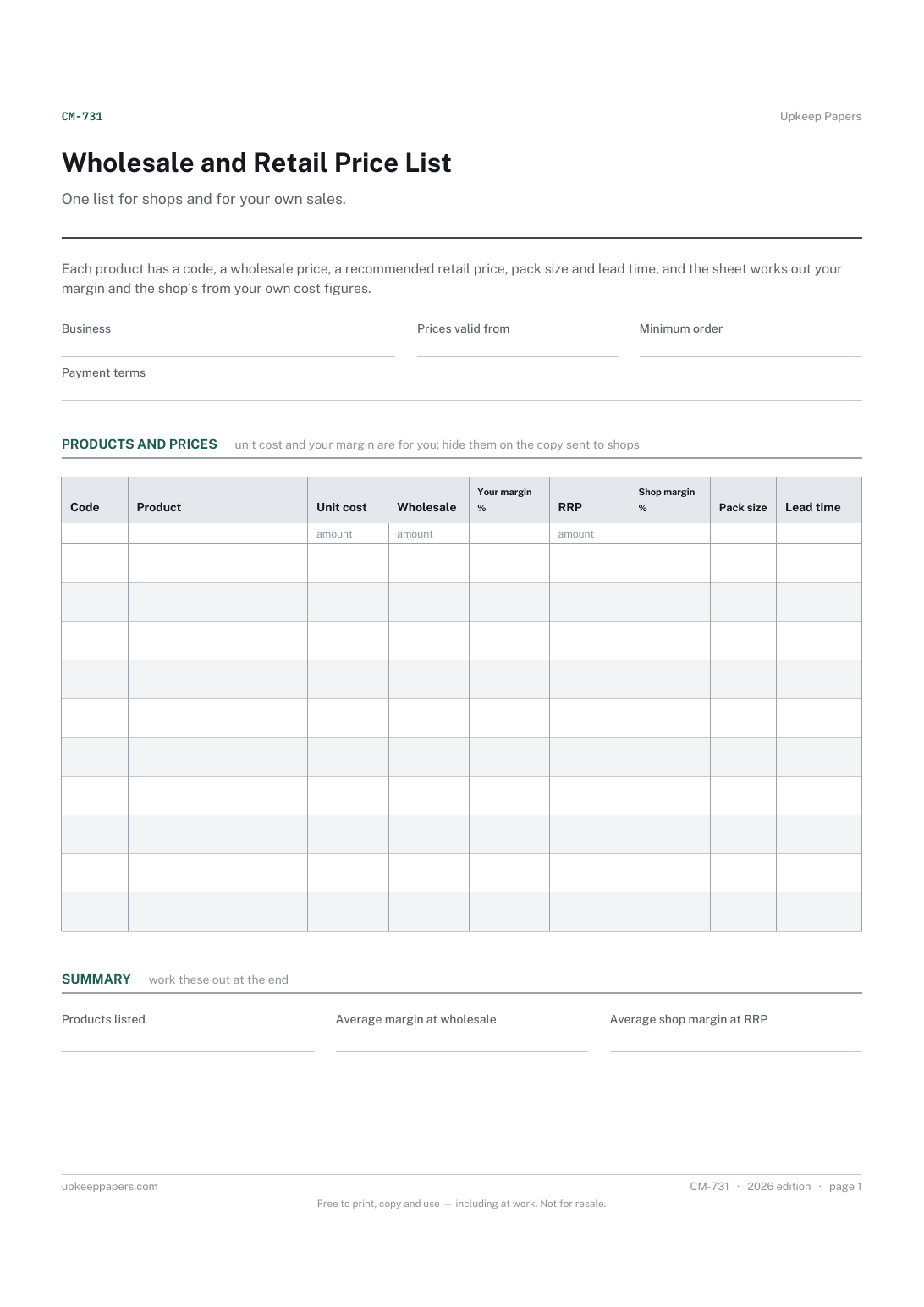
Your terms: minimum order, payment terms and the date prices apply from.

Every sheet, binder, game and puzzle on Upkeep Papers is free to download, with no email and no account. Making them is not free: each one takes days of research, design and checking, and the site costs money to run. If something here saved you time, you can buy us a coffee. It is entirely optional: nothing is locked, and nothing changes if you don’t.
Buy us a coffee Opens PayPal in a new tab. Any amount, and nothing changes if you would rather not.